
Introduction
This manual provides detailed instructions for the Snlrntin X87 Wireless Earbuds. Please read this manual carefully before using the product to ensure proper operation and to maximize your listening experience. Keep this manual for future reference.
Product Overview
The Snlrntin X87 Wireless Earbuds feature Bluetooth 5.3 technology, offering stable connectivity and low power consumption. Designed for comfort and durability, these earbuds are waterproof and include a built-in microphone for clear calls. The charging case features an LED power display to monitor battery status, and the earbuds deliver superior Hi-Fi stereo sound.

Image: Snlrntin X87 Wireless Earbuds in their charging case, displaying the LED power indicator. The earbuds are white with gold accents on the case.
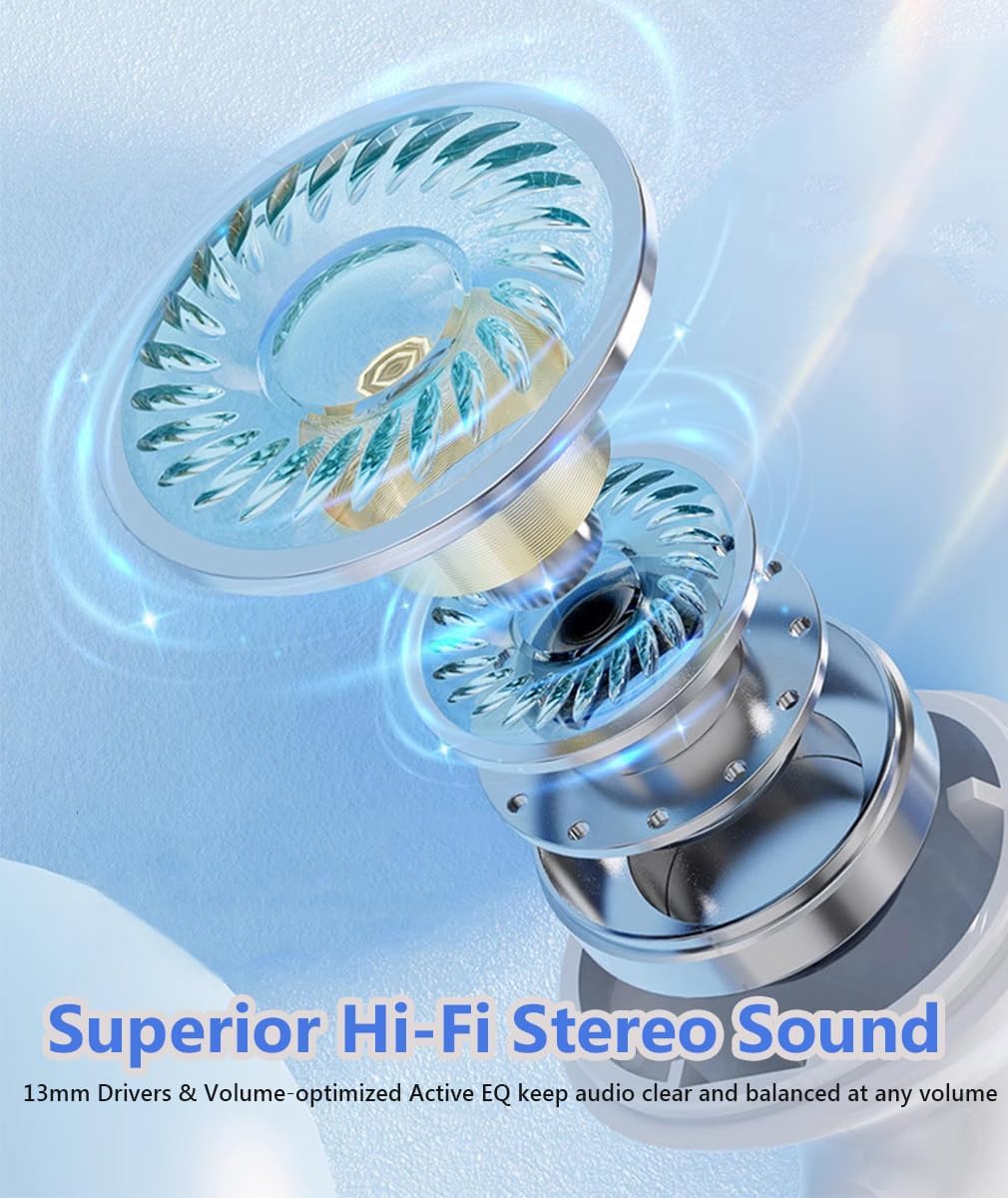
Image: An exploded view of an earbud driver, highlighting the components responsible for delivering superior Hi-Fi stereo sound.
Key Features:
- Bluetooth 5.3: Ensures stable transmission, lower power consumption, and extended range.
- Superior Hi-Fi Stereo Sound: Delivers powerful bass, clear mids, and bright treble.
- Long Battery Life: Up to 8 hours of playtime on a single charge, with the charging case providing up to 40 hours total.
- LED Power Display: Dual LED display on the charging case shows remaining power and earbud charging status.
- Clear Calls: Built-in microphone with call noise cancellation for high-quality conversations.
- Touch Control: Sensitive touch panels for music playback, call management, volume adjustment, and voice assistant activation.
- Ergonomic Design: Semi-in-ear design for comfort and stability.
- Waterproof: Designed to withstand water exposure, suitable for sports and workouts.
Setup Guide
1. Unboxing and Initial Charge
Upon opening the package, ensure all components are present:
- Snlrntin X87 Wireless Earbuds (Left and Right)
- Wireless Charging Case
- USB Type-C Charging Cable
- User Manual (this document)
Before first use, fully charge the charging case and earbuds.

Image: The charging case with a USB-C cable connected, illustrating the fast charging capability and the LED power display showing "100" for full charge.
Charging the Case: Connect the provided USB Type-C cable to the charging port on the case and to a USB power source. The LED display will show the charging progress. A full charge typically takes approximately 1.5 hours.
Charging the Earbuds: Place the earbuds into the charging case. They will automatically begin charging. The LED display on the case will indicate the charging status of each earbud (L for left, R for right).

Image: An infographic showing the battery life: 1.5 hours for full charge, 8 hours music time, and 40 hours with the charging case.
2. Bluetooth Pairing
The earbuds are designed for automatic pairing once removed from the charging case after the initial setup.
- First-Time Pairing:
- Ensure the earbuds are charged.
- Open the charging case and remove both earbuds. They will automatically power on and enter pairing mode.
- On your device (smartphone, tablet, computer), go to the Bluetooth settings.
- Search for available devices and select "X87" from the list.
- Once connected, you will hear a confirmation prompt, and the earbuds will be ready for use.
- Automatic Reconnection: After the initial pairing, the earbuds will automatically connect to the last paired device when removed from the charging case, provided Bluetooth is enabled on your device.
Note: If the earbuds do not connect automatically, ensure they are charged and that Bluetooth is active on your device. You may need to manually select "X87" from your device's Bluetooth list.
Operating Instructions
1. Wearing the Earbuds
The X87 earbuds feature an ergonomic semi-in-ear design for a comfortable and secure fit.
- Identify the Left (L) and Right (R) earbuds.
- Gently insert each earbud into the corresponding ear canal.
- Adjust the earbud until it feels snug and comfortable. A proper fit enhances sound quality and noise isolation.
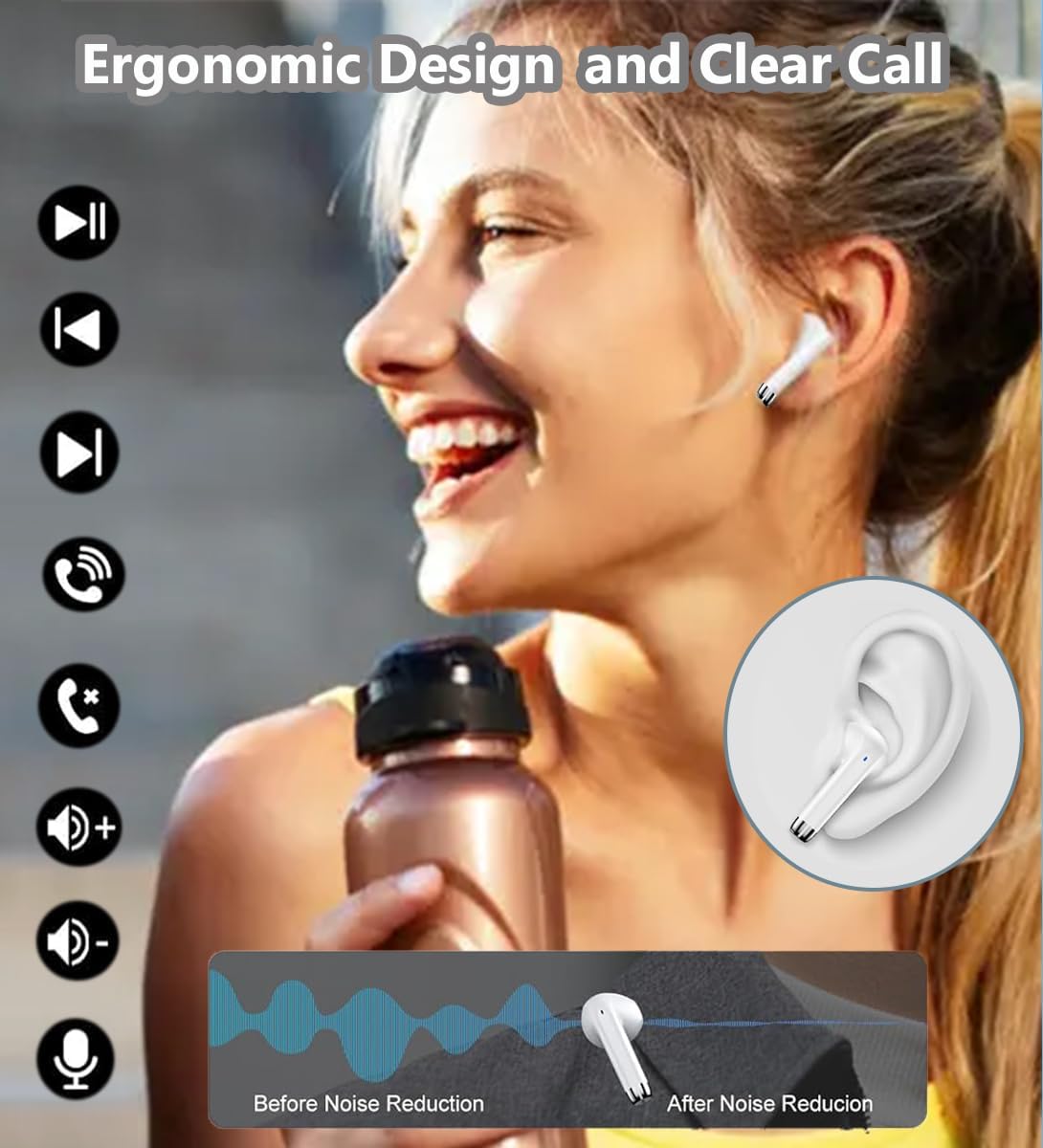
Image: A person wearing the earbuds, demonstrating the ergonomic fit. Icons for touch controls are displayed alongside.
2. Touch Controls
The X87 earbuds are equipped with sensitive touch control panels on both the left and right earbuds. The functions are as follows:
| Action | Function |
|---|---|
| Single Tap (L/R) | Play/Pause music, Answer/End call |
| Double Tap (Left Earbud) | Previous Track |
| Double Tap (Right Earbud) | Next Track |
| Triple Tap (Left Earbud) | Volume Down |
| Triple Tap (Right Earbud) | Volume Up |
| Long Press (2 seconds) (L/R) | Reject Incoming Call, Activate Voice Assistant |
3. Single and Binaural Mode
The X87 earbuds support both single earbud (mono) and dual earbud (stereo) usage.
- Binaural Mode (Stereo): Use both earbuds for a full stereo audio experience. This is the default mode when both earbuds are removed from the case.
- Single Mode (Mono): You can use either the left or right earbud independently. Simply remove one earbud from the case, and it will connect to your device. The other earbud can remain in the case or be used later.
Video: An official product video demonstrating the features of the Snlrntin X87 Wireless Earbuds, including HD mic and HiFi stereo sound capabilities.
Maintenance
Proper maintenance ensures the longevity and optimal performance of your earbuds.
- Cleaning:
- Regularly clean the earbuds and charging case with a soft, dry, lint-free cloth.
- Use a cotton swab or a small, soft brush to gently remove any earwax or debris from the earbud mesh and charging contacts.
- Do not use abrasive cleaners, alcohol, or chemical solvents.
- Storage:
- When not in use, always store the earbuds in their charging case to protect them and keep them charged.
- Store in a cool, dry place, away from extreme temperatures and direct sunlight.
- Water Resistance: The earbuds are waterproof, but the charging case is not. Avoid exposing the charging case to water. Ensure earbuds are dry before placing them back into the charging case.
Troubleshooting
If you encounter issues with your Snlrntin X87 Wireless Earbuds, refer to the following common solutions:
| Problem | Possible Solution |
|---|---|
| Earbuds not pairing/connecting |
|
| Only one earbud working |
|
| Low volume or poor sound quality |
|
| Earbuds not charging |
|
Specifications
Detailed technical specifications for the Snlrntin X87 Wireless Earbuds:
| Feature | Detail |
|---|---|
| Model Name | X87-Headset |
| Connectivity Technology | Wireless |
| Wireless Communication Technology | Bluetooth |
| Bluetooth Version | 5.3 |
| Included Components | Wireless Charging Case |
| Material | Plastic, Silicone |
| Specific Uses For Product | Sport |
| Earbud Battery Life | Up to 8 Hours (at 60% volume) |
| Total Playtime with Charging Case | Up to 40 Hours |
| Charging Time (Case) | Approx. 1.5 Hours |
| Compatible Devices | Smartphones, Computers, TVs |
| Control Method | Touch |
| Water Resistance Level | Waterproof (Earbuds only) |
| Item Weight | 0.06 Kilograms (approx. 2.08 ounces) |
| Noise Control | Active Noise Cancellation (for calls) |
| Ear Placement | In Ear |
Warranty and Support
Snlrntin products are manufactured to high-quality standards. For information regarding warranty coverage, please refer to the warranty card included with your purchase or contact Snlrntin customer support.
If you experience any issues or have questions not covered in this manual, please contact our customer support team for assistance. Details for contacting support can typically be found on the product packaging or the official Snlrntin website.