
KUNOQXHA E99MAX
E99MAX Drone User Manual
Model: E99MAX | Brand: KUNOQXHA
Introduction
This manual provides essential information for the safe operation and maintenance of your E99MAX drone. Please read it thoroughly before operating the drone to ensure proper use and to maximize your flying experience. This drone is designed for both indoor and outdoor use, featuring a foldable design for portability and advanced functions for ease of use.
Safety Precautions
- Always operate the drone in open areas, away from people, animals, and obstacles.
- Do not fly near airports, power lines, or restricted airspace.
- Ensure the battery is fully charged before each flight.
- Do not touch the propellers when they are spinning.
- Supervise children during operation.
- Avoid flying in strong winds or adverse weather conditions.
- Turn off the drone and remote control when not in use.
Package Contents
Verify that all items are present in your package:
- 1 x E99MAX Camera Drone
- 1 x Remote Control (Transmitter)
- 2 x Drone Batteries
- 4 x Spare Propellers
- 1 x USB Charging Cable
- 1 x Screwdriver
- 1 x Drone Manual
- 1 x APP Manual
- 1 x Storage Bag

Image: E99MAX Drone, remote control, batteries, spare propellers, charging cable, screwdriver, manuals, and storage bag.
Product Overview
Drone Components
The E99MAX drone features a foldable design for easy transport. It is equipped with a high-definition dual camera system, allowing for versatile aerial photography and video recording. The brushless motors provide powerful and stable flight performance, resisting wind effectively.

Image: The E99MAX drone highlighting its HD dual camera system, showing views from both the front and bottom cameras.

Image: An exploded view illustrating the high-performance brushless motor, emphasizing its power and stability compared to traditional motors.
Remote Control
The remote control provides intuitive operation for the drone. It features joysticks for flight control, buttons for one-key functions, speed switching, and fine-tuning. A phone grip allows for FPV viewing via the mobile app.

Image: A detailed guide to the remote control, labeling the left and right joysticks, fine-tuning buttons, one-key takeoff/landing, speed switch, headless mode, and roll functions.
Setup
1. Charging the Drone Battery
Connect the drone battery to the USB charging cable. Plug the USB cable into a suitable USB power adapter (not included). The charging time is approximately 60 minutes. Ensure the battery is fully charged before each flight.
2. Installing Drone Batteries
Insert the charged drone battery into the battery compartment on the drone. Ensure it clicks securely into place.
3. Attaching Propellers
If not already attached, carefully install the propellers onto the motor shafts. Ensure they are correctly oriented (A and B propellers) as indicated in the APP manual or on the drone itself.
4. Installing Remote Control Batteries
Open the battery compartment on the back of the remote control. Insert 3 AAA alkaline batteries (not included), ensuring correct polarity. Close the compartment.
5. App Installation
Scan the QR code provided in the APP manual or search for the designated app in your mobile device's app store. Install the app to enable advanced features and FPV viewing.
Operating Instructions
1. Pairing the Drone and Remote Control
- Place the drone on a flat, level surface.
- Turn on the drone. The indicator lights will flash.
- Turn on the remote control.
- Push the left joystick up and then pull it down. The drone lights will become solid, indicating successful pairing.
2. One-Key Takeoff/Landing
After pairing, press the one-key takeoff/landing button on the remote control. The drone will automatically take off and hover at a stable altitude, or land gently.
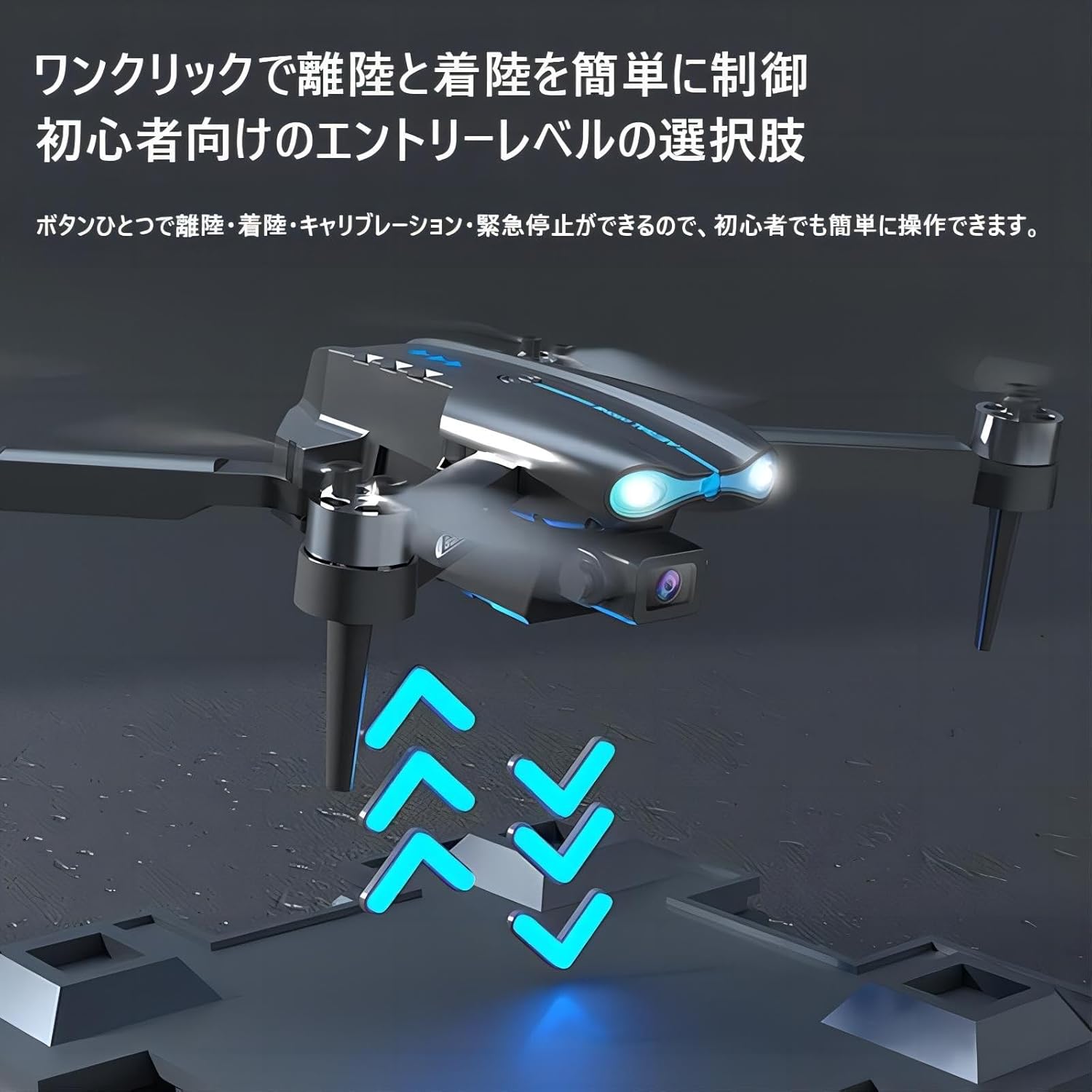
Image: The E99MAX drone demonstrating its one-click takeoff and landing capability, simplifying operation for beginners.
3. Flight Controls
- Left Joystick: Up/Down for altitude, Left/Right for rotation.
- Right Joystick: Up/Down for forward/backward movement, Left/Right for sideways flight.
- Speed Switch: Press the speed button to cycle through different flight speeds (low, medium, high).
- Headless Mode: Press the headless mode button. In this mode, the drone's orientation is relative to the pilot, regardless of the drone's front direction.
- 360° Flip: While flying, press the 360° flip button and move the right joystick in the desired direction to perform a stunt roll.
4. Optical Flow Positioning
The drone utilizes optical flow positioning for stable hovering, both indoors and outdoors. This technology helps the drone maintain its position accurately, making it easier to control.

Image: The E99MAX drone demonstrating stable hovering due to its optical flow positioning system, suitable for both indoor and outdoor environments.
5. Camera Operation (via App)
Connect your mobile device to the drone's Wi-Fi network (refer to APP manual for details). Open the app to view the real-time FPV feed.

Image: A smartphone displaying the real-time 2.4G image transmission from the drone, mounted on the remote control for FPV experience.
- Photo Shooting: Tap the camera icon in the app to take photos.
- Video Recording: Tap the video icon to start/stop recording.
- Gesture Recognition: Perform specific hand gestures (as shown in the APP manual) to trigger automatic photo or video recording.
- Trajectory Flight Mode: Draw a flight path on your mobile screen within the app, and the drone will automatically follow the designated route.
- Smart Follow: Use the app to lock onto a target, and the drone will follow it.

Image: Illustrations of advanced flight features: Smart Follow, where the drone tracks a target; Gesture Recognition for hands-free photo/video; 360° Stunt Roll for aerial acrobatics; and 50x Zoom for detailed capture.
Maintenance
- Cleaning: Use a soft, dry cloth to clean the drone and remote control. Do not use harsh chemicals or solvents.
- Propeller Replacement: If propellers are damaged, use the included screwdriver to replace them with spare propellers. Ensure correct orientation.
- Battery Care: Store batteries in a cool, dry place. Do not overcharge or over-discharge.
Troubleshooting
- Drone not responding: Ensure both drone and remote control are powered on and successfully paired. Recharge batteries if low.
- Drone drifting during flight: Perform calibration on a flat surface. Use the fine-tuning buttons on the remote control to adjust for drift (e.g., if drifting left, press the right fine-tune button repeatedly until stable).
- Poor image transmission: Ensure your mobile device is connected to the drone's Wi-Fi network. Reduce distance between drone and mobile device.
- Short flight time: Ensure batteries are fully charged. Flight time may vary based on flight conditions and maneuvers.
Specifications
| Feature | Detail |
|---|---|
| Product Name | E99MAX Foldable Mini RC Drone |
| Flight Environment | Indoor/Outdoor |
| Quadcopter Weight | 122g |
| Lens | HD Camera |
| Operation Mode | Remote Control/APP Control |
| Motor Model | 1503 Brushless Motor |
| Remote Control Frequency/Channels | 2.4GHz / 4CH |
| Camera Adjustment | Manual 90° adjustment |
| Flight Time (per battery) | Approx. 10 minutes |
| Drone Battery | 3.7V 1800mAh Lithium Battery |
| Remote Control Phone Grip Size | 5.5 inches |
| Remote Control Battery | 3 x AAA Alkaline Batteries (not included) |
| Remote Control Distance | 30 meters |
| Image Transmission Distance | 20 meters |
| Camera Mode | FPV |
| Image Transmission Signal | WIFI Image Transmission |
| Charging Method | USB Charging Cable |
| Charging Time | Approx. 60 minutes |
| Unfolded Size | 20 x 16 x 5.5 cm |
| Folded Size | 13 x 8 x 5.5 cm |
Warranty and Support
For any functional questions or issues with your E99MAX drone, please contact the seller directly through your order details. They will be able to provide assistance and support for your product.