
1. Product Overview
This manual provides instructions for the CAN-MEAGEREN AP-2202-UL Replacement Filter set, designed for compatibility with the Sejoy AP-2202 Air Purifier. This set includes H13 True HEPA filters and high-efficiency activated carbon filters, engineered to maintain the performance of your air purifier.
The H13 True HEPA filter is designed to capture 99.7% of airborne particles as small as 0.3 microns, including dust, pollen, pet dander, and other allergens. The activated carbon filter layer works to absorb various odors, smoke, and volatile organic compounds (VOCs) from the air.
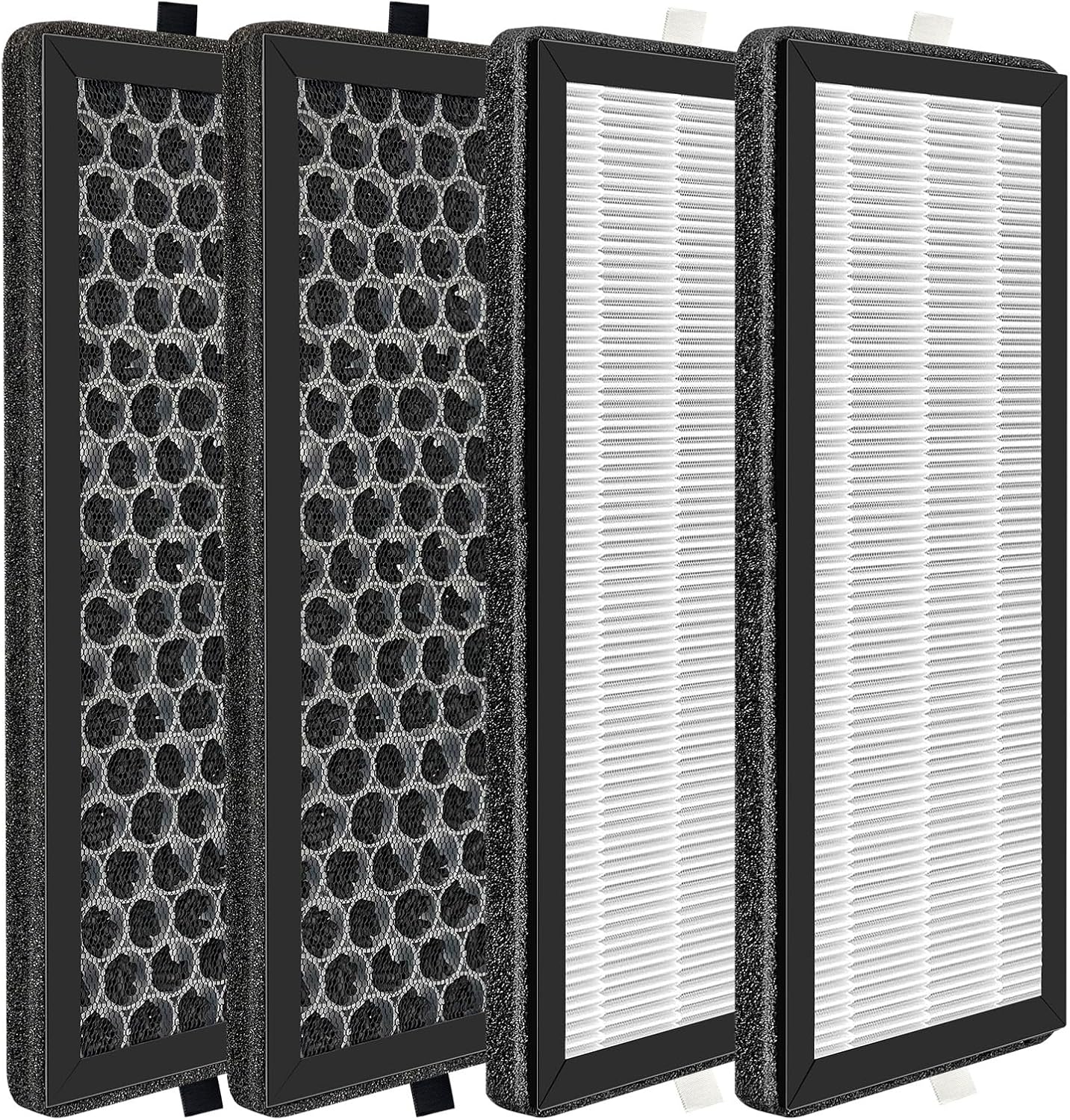
Image 1.1: Overview of the CAN-MEAGEREN AP-2202-UL Replacement Filter set, showing both activated carbon and HEPA filter components.
2. Product Components
The CAN-MEAGEREN AP-2202-UL Replacement Filter package typically includes the following components:
- Air filters (quantity as specified in your purchase, typically 2 HEPA filters and 2 activated carbon filters).

Image 2.1: A single replacement filter, illustrating the activated carbon layer and the pleated HEPA filter layer.
3. Installation and Setup
Follow these general steps to replace the filters in your Sejoy AP-2202 Air Purifier. Always refer to your air purifier's specific instruction manual for detailed steps if available.
- Power Off and Unplug: Before beginning, ensure the air purifier is turned off and unplugged from the power outlet to prevent electrical hazards.
- Access Filter Compartment: Locate and open the filter compartment cover on your Sejoy AP-2202 Air Purifier. This usually involves twisting or unlatching a panel.
- Remove Old Filters: Carefully remove the used filters. It is recommended to place them directly into a trash bag to contain any dust or debris.
- Install New Filters: Unwrap the new CAN-MEAGEREN replacement filters. Insert the new filters into the compartment, ensuring they are oriented correctly according to the markings on the filters or the air purifier. The filters are designed for easy installation without tools.
- Close Compartment: Securely close the filter compartment cover.
- Reset Filter Indicator: Plug the air purifier back in and turn it on. If your air purifier has a filter replacement indicator, follow its instructions to reset it. This typically involves pressing and holding a specific button for a few seconds.

Image 3.1: Detail of the H13 HEPA filter, highlighting the activated carbon layer and its function in purifying air.
4. Maintenance and Filter Replacement Schedule
Regular filter replacement is crucial for maintaining the efficiency and performance of your air purifier. The lifespan of the filters can vary based on usage and environmental conditions.
- Replacement Frequency: It is recommended to replace the filters every 4 to 6 months. This timeframe may be shorter in environments with higher levels of pollutants, pet dander, or frequent use.
- Visual Inspection: Periodically inspect the filters for visible signs of dirt, dust buildup, or discoloration. If the filters appear heavily soiled before the recommended replacement interval, consider replacing them sooner.
- Air Quality: A noticeable decrease in air quality or an increase in odors may indicate that the filters need to be replaced.
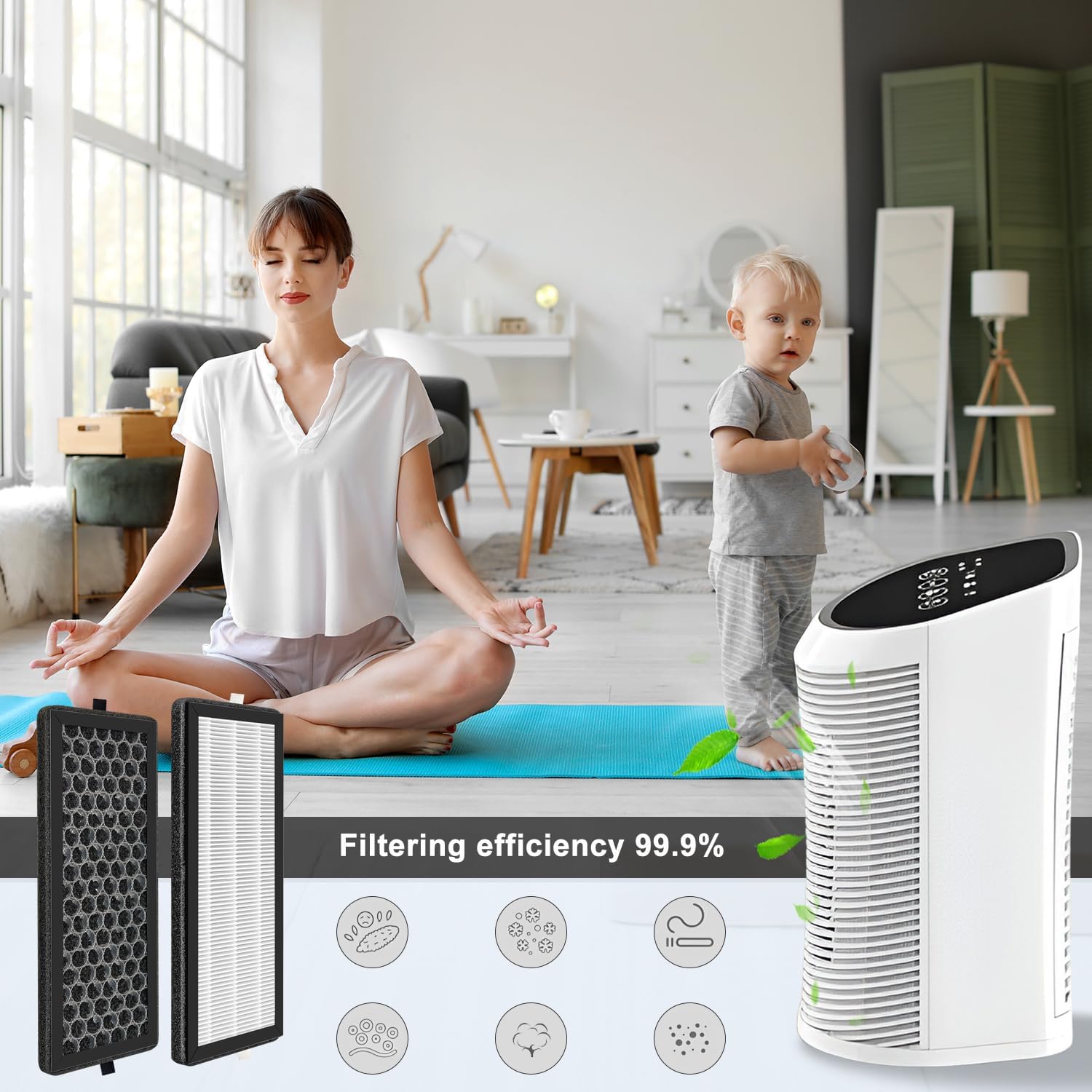
Image 4.1: The air purifier in a home setting, emphasizing the benefit of clean air provided by effective filtration.
5. Troubleshooting
If you encounter issues after replacing your filters, consider the following:
- Air Quality Not Improving:
- Ensure the new filters are installed correctly and the compartment cover is fully closed.
- Verify that the filter replacement indicator (if present) has been reset.
- Check if the air purifier itself is functioning properly.
- Unusual Odors:
- New filters may have a slight initial odor that dissipates quickly. If a strong or persistent odor occurs, ensure the filters are genuine CAN-MEAGEREN products and not damaged.
- Confirm the activated carbon filter is correctly installed.
- Filter Indicator Light Remains On:
- Refer to your Sejoy AP-2202 Air Purifier's manual for specific instructions on how to reset the filter life indicator. This is a common step after filter replacement.
If problems persist, contact customer support for your air purifier or CAN-MEAGEREN for assistance.
6. Specifications
| Feature | Detail |
|---|---|
| Brand | CAN-MEAGEREN |
| Model Number | AP-2202-UL |
| Compatible Device | Sejoy AP-2202 Air Purifier |
| Filter Type | H13 True HEPA, Activated Carbon |
| Filtration Efficiency | 99.7% of particles down to 0.3 microns |
| Material Type | HEPA |
| Item Weight | 9.5 ounces |
| Product Dimensions | 8.7 x 2 x 3.8 inches (per filter) |
| UPC | 690164355209 |
7. Warranty and Support
Specific warranty information for CAN-MEAGEREN replacement filters is not provided in this document. Please refer to the product packaging or the manufacturer's official website for details regarding warranty coverage.
For technical support or inquiries regarding your CAN-MEAGEREN AP-2202-UL Replacement Filters, please contact the manufacturer directly through their official channels. If you have issues with the Sejoy AP-2202 Air Purifier itself, please contact Sejoy customer support.