
1. Introduction
This manual provides essential information for the safe and effective use of your FXNFXLA Violent Mini Turbo Jet Fan. This powerful, cordless blower is designed for various cleaning and drying tasks, featuring a 130,000 RPM brushless motor that delivers an airflow of up to 52m/s. It is suitable for applications such as electronics cleaning, automotive detailing, and general home appliance maintenance.
2. Safety Instructions
To ensure safe operation and prevent damage, please read and follow these safety guidelines:
- Keep the device away from water and moisture. Do not operate with wet hands.
- Ensure air intake and outlet vents are not blocked during operation to prevent overheating.
- This device is not a toy. Keep out of reach of children and pets.
- Use only the provided USB Type-C charging cable. Do not use damaged cables or chargers.
- Do not attempt to disassemble or modify the device. Refer all servicing to qualified personnel.
- Avoid directing the airflow directly at eyes, skin, or delicate objects from close range.
- The device features over-temperature protection. If the internal temperature exceeds 150°C, the fan will automatically stop to prevent damage. Allow the device to cool down before resuming use.
3. Package Contents
Verify that all items are present in the package:
- 1 x FXNFXLA Violent Mini Turbo Jet Fan
- 1 x USB Type-C Charging Cable
- 1 x Instruction Manual (this document)
4. Product Features
- Ultra-Fast Cleaning Power: Equipped with a 130,000 RPM brushless motor, delivering powerful airflow up to 52m/s for efficient cleaning and drying.
- Adjustable Airflow: Features 3 adjustable speed settings to suit various cleaning requirements.
- Magnetic Nozzles: Allows for precise control of airflow, effectively targeting dust and dirt.
- Overheat Protection: Built-in safety mechanism to prevent damage from excessive temperatures.
- Long Battery Life: Integrated 2000mAh-4000mAh battery provides 3-6 hours of continuous use on a full charge.
- USB Fast Charging: Conveniently rechargeable via USB Type-C.
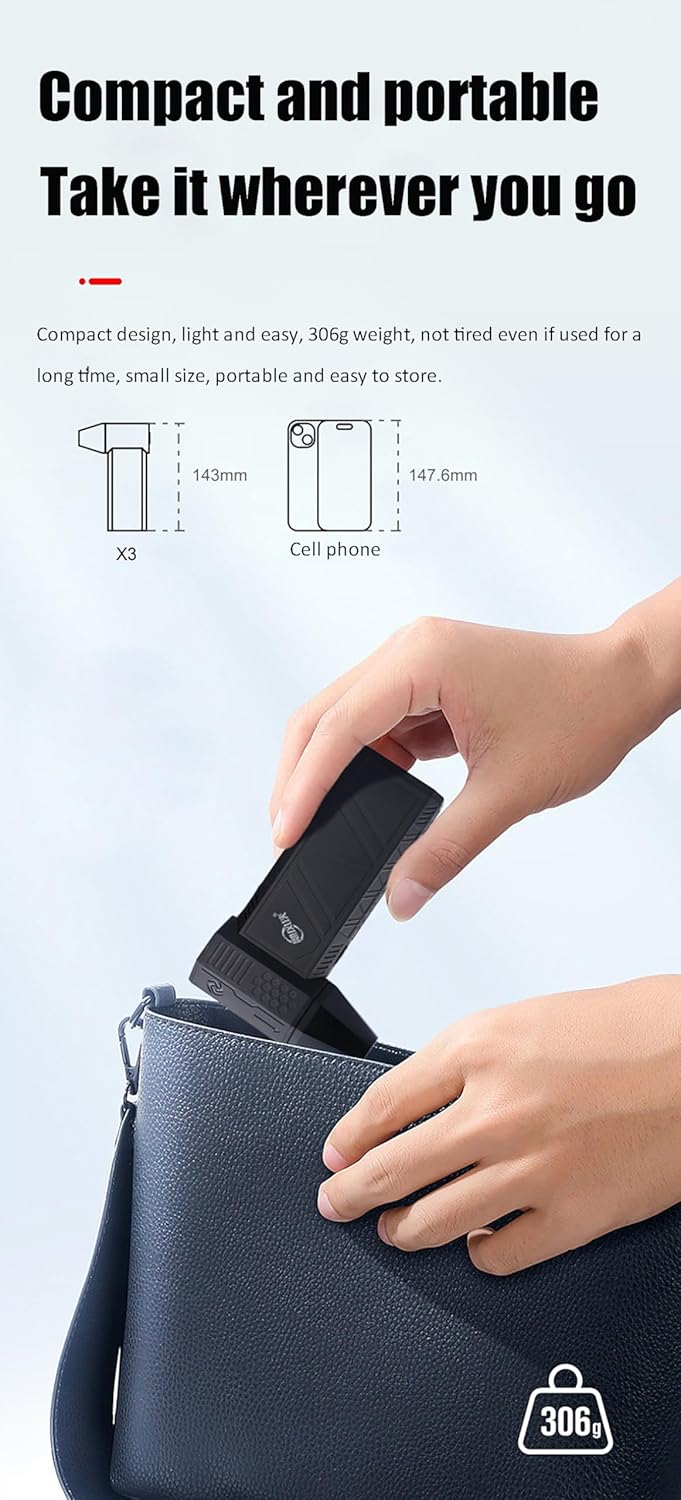
- Compact and Portable: Lightweight design (306.5g) and small size (14.3 x 9.3 x 3.9 cm) for easy transport and storage.
- Durable Construction: Made with metal fan blades for enhanced longevity.
5. Setup
- Unboxing: Carefully remove the Violent Mini Turbo Jet Fan and all accessories from the packaging. Inspect for any signs of damage.
- Initial Charge: Before first use, fully charge the device using the provided USB Type-C cable and a compatible USB power adapter (not included). The charging indicator lights will provide status.
- Attach Nozzle: If a magnetic nozzle is included and detached, align it with the fan's outlet and it will snap into place.
6. Operating Instructions
6.1 Power On/Off
- To power on the device, press and hold the power button located on the handle.
- To power off, press and hold the power button again.
6.2 Adjusting Speed
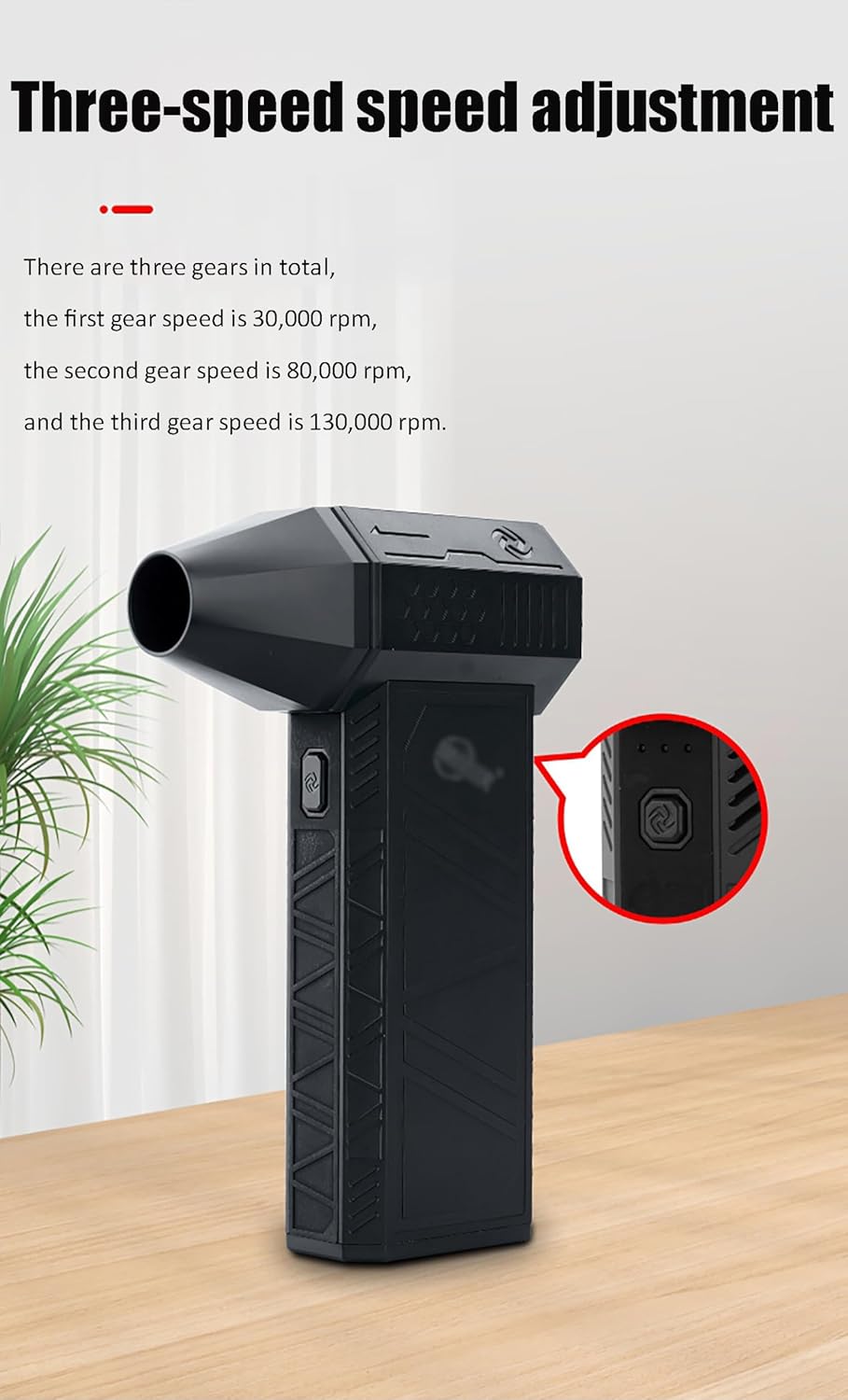
The fan features three speed settings. Press the speed adjustment button (often integrated with the power button or a separate button) to cycle through the speeds:
- First Gear: Approximately 30,000 RPM (for delicate tasks)
- Second Gear: Approximately 80,000 RPM (for general cleaning)
- Third Gear: Approximately 130,000 RPM (for maximum power and drying)
6.3 Charging
- Connect the USB Type-C cable to the charging port on the fan and the other end to a USB power source.
- Charging indicators will illuminate to show the charging status.
- A full charge typically takes 3-6 hours, providing 3-6 hours of operation depending on the speed setting used.
6.4 Usage Applications
The Violent Mini Turbo Jet Fan is versatile for various tasks:
- Electronics Cleaning: Safely remove dust from computer keyboards, laptops, cameras, and other sensitive electronic devices. Use lower speeds for delicate components.
- Automotive Detailing: Blow dust and debris from car interiors, vents, and hard-to-reach areas.
- Home Appliances: Clean dust from blinds, air conditioner filters, and other household items.
- Drying: Quickly dry wet surfaces or small objects.
- Outdoor Use: Can be used as a combustion aid for BBQs or for clearing leaves/debris in small areas.

7. Maintenance
7.1 Cleaning the Device
- Ensure the device is powered off and unplugged before cleaning.
- Wipe the exterior with a soft, dry cloth. Do not use abrasive cleaners or solvents.
- Periodically check the air intake and outlet for any obstructions and gently remove them if present.
7.2 Battery Care and Storage
- For optimal battery life, avoid fully discharging the battery frequently.
- If storing the device for an extended period, charge it to approximately 50% and store in a cool, dry place. Recharge every 3-6 months to prevent deep discharge.
- Do not expose the device to extreme temperatures.

8. Troubleshooting
| Problem | Possible Cause | Solution |
|---|---|---|
| Device does not turn on. | Battery is depleted. | Charge the device fully using the provided USB Type-C cable. |
| Low airflow or weak performance. | Battery is low; Air intake/outlet blocked. | Recharge the battery; Check and clear any obstructions from the vents. |
| Device stops unexpectedly during use. | Over-temperature protection activated. | Allow the device to cool down for several minutes. Ensure vents are clear. |
| Charging is slow or not working. | Faulty cable or power adapter; Loose connection. | Ensure the cable is securely connected. Try a different USB power adapter or cable. |

9. Specifications
| Feature | Detail |
|---|---|
| Brand | FXNFXLA |
| Model Name | Violent Mini Turbo Jet Fan |
| Motor Type | Brushless Motor |
| Max Speed | 130,000 RPM |
| Max Airflow Speed | 52 m/s |
| Noise Level | 36-45 dB |
| Power Source | USB Powered (Cordless operation) |
| Battery Type | Built-in Lithium Battery (21700 type) |
| Battery Capacity | 2000mAh-4000mAh |
| Battery Life | 3-6 hours (continuous use) |
| Charging Port | USB Type-C |
| Dimensions (L x W x H) | 14.3 x 9.3 x 3.9 cm |
| Net Weight | 306.5 g |
| Material | Metal (fan blades) |
| Control Method | Touch |
| Number of Power Levels | 3 |
| Special Features | Adjustable, USB Charging Port, Over-temperature Protection, Magnetic Nozzles |
10. Warranty and Support
FXNFXLA products come with an after-sales guarantee. If you encounter any quality problems with your product after receiving it, please contact our customer support for assistance.
We are committed to resolving any issues as quickly as possible, typically within 12 hours of receiving your message.
For support, please refer to the contact information provided on the product packaging or the retailer's website where you purchased the item.