
1. Product Overview
The travSIM South Africa SIM Card provides convenient mobile data and communication services for your travels within South Africa. This prepaid SIM card operates on the reliable MTN network, offering 4G/5G speeds and a dedicated South African phone number.

An image depicting the travSIM South Africa SIM card with a backdrop of a South African landscape, highlighting its use of the MTN network.
2. Activation Guide
To ensure your SIM card is ready for use upon arrival in South Africa, follow these activation steps carefully:
- Purchase: Acquire your travSIM prepaid SIM card.
- Activation Request: Send your activation request to travSIM at least one day before your desired start date. Activation can take up to 24 hours. It is recommended to activate before you travel.
- Insert & Enjoy: Once activated, insert the SIM card into your mobile device upon arrival in South Africa.
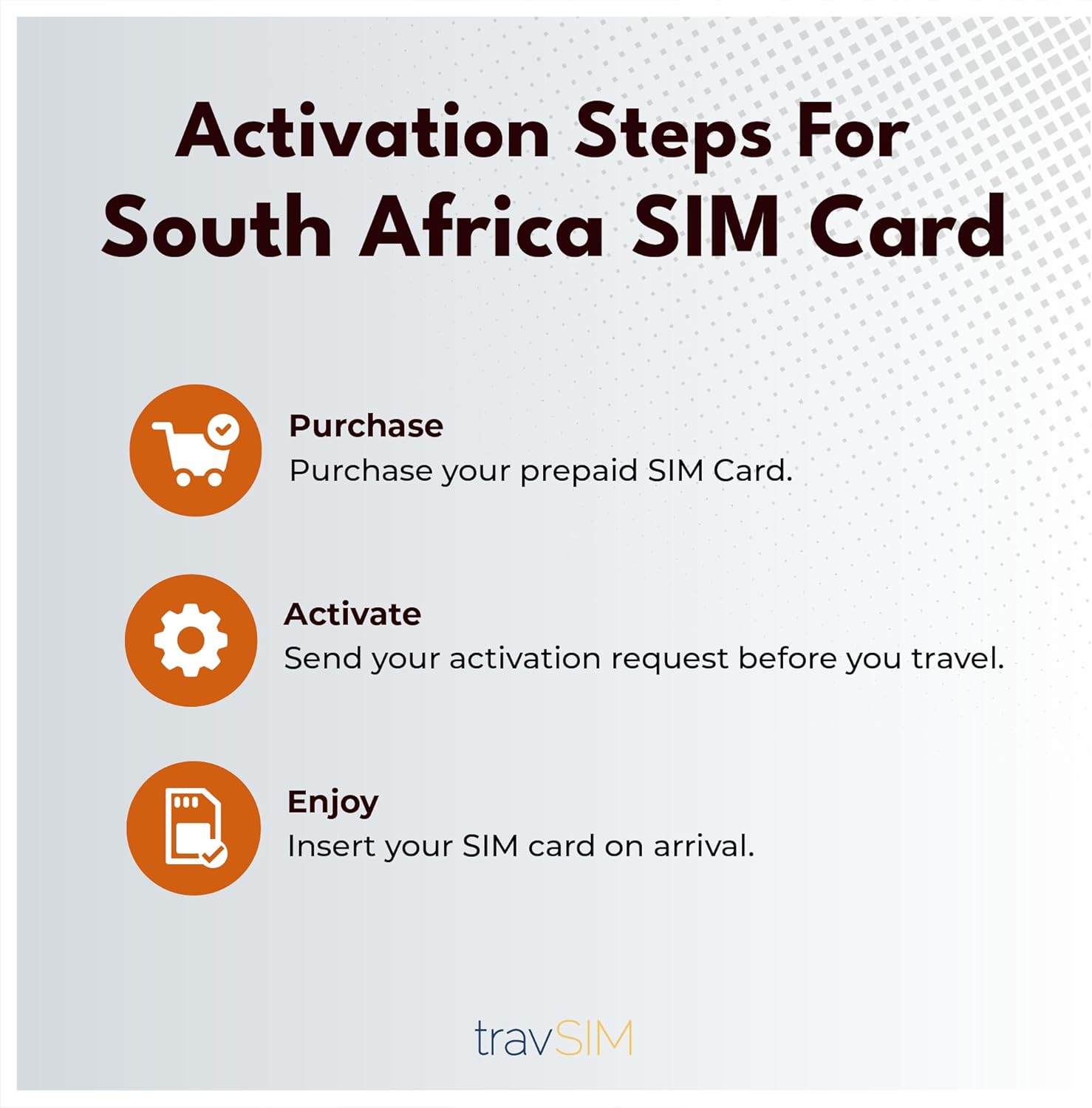
A visual guide illustrating the three steps for activating the travSIM SIM card: Purchase, Activate, and Enjoy.

An illustration of a hand tapping a smartphone screen displaying a shopping cart icon, representing the purchase step.

An illustration of a hand holding a smartphone displaying a message icon, representing sending the activation request.

An illustration of a smartphone displaying a SIM card icon with a checkmark, representing successful SIM card insertion and readiness for use.
3. Using Your SIM Card
Mobile Data
Your SIM card includes 10 GB of mobile data, usable across all 9 provinces of South Africa at 4G/5G speeds on the MTN network.

A person using a smartphone with icons for popular streaming and ride-sharing apps, illustrating the use of mobile data for various applications.
Calls & Texts
The SIM card comes with a South African phone number. While traditional calls and texts are not included, you can use VoIP applications (e.g., WhatsApp, Skype) for local and international calls. Incoming calls to your South African number are free.

A smiling person talking on a smartphone, with icons for popular messaging and communication apps, emphasizing staying connected.
Hotspot Functionality
You can use your travSIM card to create a mobile hotspot, sharing your data connection with up to 3 other devices.
4. Care and Handling
The travSIM SIM card is a delicate electronic component. Proper care ensures its longevity and functionality:
- Keep the SIM card clean and dry.
- Avoid bending or scratching the gold contact area.
- Store the SIM card in a protective case when not in use.
- Ensure your device's SIM tray is clean before inserting the card.

An image showing a multi-cut SIM card, illustrating standard, micro, and nano SIM sizes.
5. Troubleshooting Common Issues
| Issue | Solution |
|---|---|
| No Network Signal: | Ensure your device is unlocked and compatible. Check network settings (APN). Restart your phone. Verify activation status. |
| Slow Data Speeds: | Coverage may not be optimal in rural areas, national parks, or peripheral zones. Try moving to an open area. Check for background app usage. |
| Cannot Make Calls: | Remember that traditional calls are not included. Use VoIP applications for calling. Ensure you have an internet connection for VoIP. |
| SIM Not Recognized: | Reinsert the SIM card. Ensure it's correctly seated in the tray. Check if the SIM card is damaged. |
If issues persist after trying these solutions, please contact travSIM customer support for further assistance.
6. Product Specifications
- Brand: travSIM
- Model: 21d - 10GB
- Data Allowance: 10 GB
- Validity Period: 21 Days
- Network Provider: MTN (South Africa)
- Cellular Technology: 4G/5G (LTE compatible)
- SIM Card Sizes: Standard, Micro, Nano
- Device Compatibility: iOS and Android mobile devices
- Hotspot Support: Yes, up to 3 devices
- Included: South African phone number (for incoming calls and VoIP app registration)
7. Warranty and Customer Support
Warranty Information
This travSIM SIM card comes with No Warranty from the manufacturer. Please refer to the seller's return policy for any issues upon receipt.
Customer Support
For activation requests, recharges, or any technical assistance, please contact travSIM customer support. Support is available in English, French, and German.
For recharges, please send a request at least 2 days before your current plan expires.
Contact Information: For specific contact details, please visit the official travSIM store or contact the seller directly through the platform where you purchased the SIM card.
You can also visit the travSIM Store on Amazon for more information.