
1. Product Overview
The Gantch Universal 4-Button Cloning Remote Key Fob is designed for copying fixed and learning code remote controls operating at 433.92MHz. It features a 4-button design for precise control of various devices.

Image 1: Gantch Universal 4-Button Cloning Remote Key Fob (Blue-Black ABCD model).
This remote is suitable for a wide range of applications, including automobiles, garage doors, entry gates, skylights, car/motorcycle alarms, home safety products, short-distance wireless remote control products, electrical appliances, home automation lamps, and industrial control products.
2. Compatibility and Supported IC Codes
For successful cloning, your original remote control must meet the following conditions:
- The original remote control must be in normal working condition.
- The original remote control transmitter frequency must be 433.92MHz.
- The coding chip of the original remote control must be a fixed or learning code type, and identifiable.
Supported IC Codes:
- 2260 series (e.g., PT2260, SC2260, HS2260 LX2260, HX2260)
- 2262 series (e.g., PT2262, SC2262, LX2262, HS2262, HX2262)
- PT2264, PT2240 (LX2240 LX2241 SCL2240)
- HT680, HT6207, HT6010, HT6012, HT6013, HT6014, HT12D, HT46F49E, PIC16F630
- SMC5326 series, SC5262, SMC918, SM5028S series, 527 series, 1527 series, 2240 series.
Codes with the same suffix (e.g., SC2262 and PT2262) are also supported. Rolling code remotes may require a specialized rolling code remote for copying and may not be fully compatible with this universal remote.

Image 2: Visual representation of various applications for the remote key fob, including garage doors, electronic rolling gates, and retractable doors.
3. Programming Instructions
This section details the steps to program your Gantch Universal Remote Key Fob. Ensure your original remote is functional before proceeding.
3.1. Clear Existing Code
- Simultaneously press and hold buttons A and B on the universal remote.
- The indicator light will blink for a moment and then turn off.
- While still holding button A, release button B and then press button B three times in quick succession.
- The indicator light should now flash continuously, indicating that the existing code has been cleared. If the light remains on, repeat the process until it flashes continuously after the three presses.
Video: Remote Control Instructions (Clearing Code)
Video 1: Demonstrates the process of clearing existing codes from the universal remote key fob. This is a crucial first step before copying new codes.
3.2. Copying Code from Original Remote (Fixed/Learning Code)
- Place your original remote and the universal remote side-by-side, approximately 2-3 cm apart.
- Press and hold the desired button on the universal remote where you want to store the code. The LED on the universal remote will emit a quick flash every 2 seconds.
- While still holding the button on the universal remote, press and hold the corresponding button on your original remote.
- Continue holding both buttons until the LED on the universal remote starts to flash quickly (multiple flashes per second). This indicates successful code copying.
- Release both buttons. The code is now stored.
Video: Remote Control Instructions (Copying Code)
Video 3: Demonstrates the process of copying a code from an original remote to the universal remote key fob. This is part of the same video as clearing the code.
3.3. Programming to Garage Door Opener (Learn Button Method)
After copying the code to the universal remote, an additional step is required for garage door openers that use a "LEARN" button on the opener unit itself.
- Locate the "LEARN" button on your garage door opener's mechanical unit. The LED on the opener should be ON.
- Press the "LEARN" button on your garage door opener.
- Immediately press the same button you programmed on the universal remote.
- The lights on your garage door opener should either flash or go on/off, depending on the brand of the opener, indicating successful programming.

Image 3: A person using the universal remote key fob to operate a garage door, demonstrating its practical application.
3.4. Specific Programming for BFT Brand Remotes
For BFT brand remotes, a slightly different copying method is used to transmit the seed code.
- First, clear the existing code on the universal remote as described in Section 3.1.
- Place the original BFT remote in front of the universal remote.
- Press the button on the original BFT remote that you want to copy. The universal remote's LED will turn on with a fixed light and then emit a double flash every 2 seconds.
- To transmit the seed code, press buttons 1 and 2 simultaneously on the original BFT remote.
- The universal remote's LED will flash quickly.
- Press the button on the universal remote where you want to store the code. The LED will turn off, indicating successful copying.
- Finally, take the universal remote to your garage door opener receiver and activate the LEARN button to insert the new remote on the receiver.
Video: MZ Universal Remote Control Operation Video (BFT Remote Programming)
Video 4: Demonstrates specific programming steps for BFT brand remotes, including clearing and copying the seed code.
4. Operating Your Remote Key Fob
Once programmed, simply press the corresponding button on your Gantch Universal Remote Key Fob to operate the linked device (e.g., open/close garage door, activate gate).
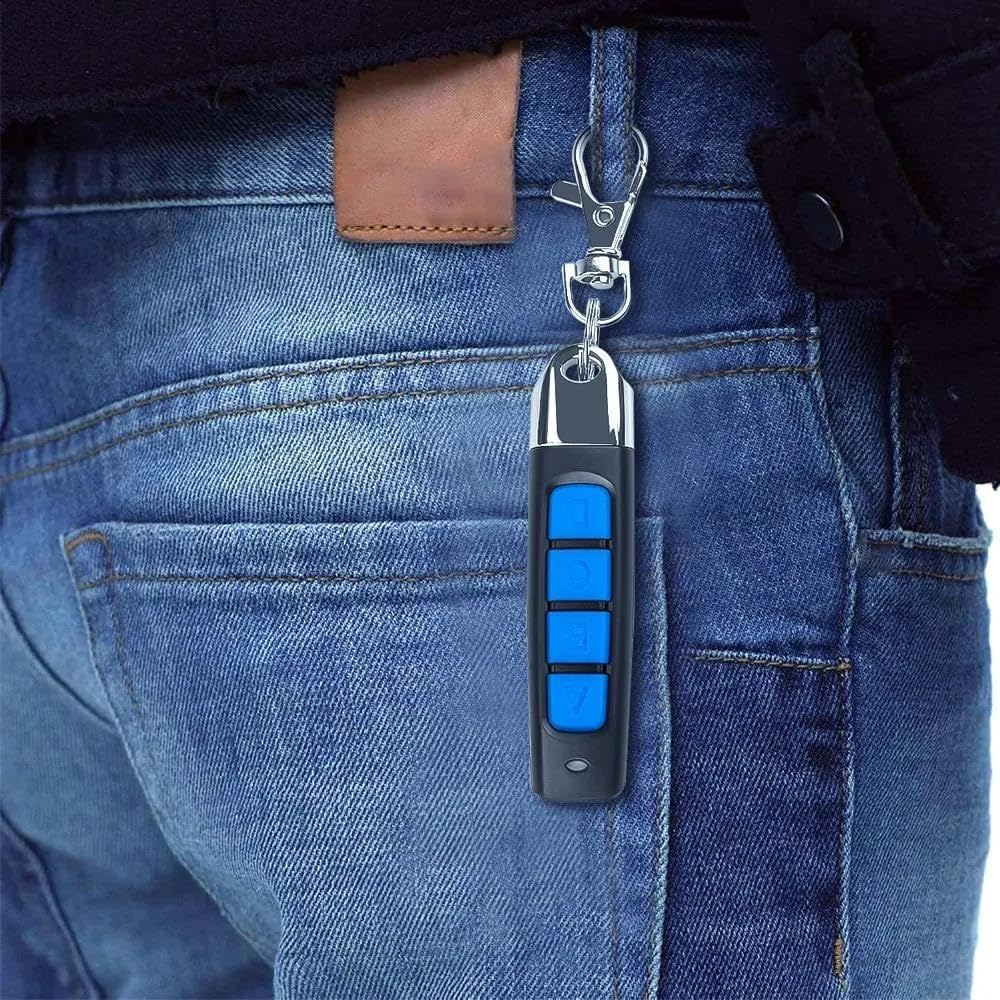
Image 4: The remote key fob conveniently attached to a belt loop, highlighting its portability and ease of access.
5. Troubleshooting
- Copying Issues: If the copy process is not successful, ensure the original remote's frequency is 433.92MHz and its working chip is a fixed or learning code. Rolling code remotes may not be fully compatible.
- Indicator Light Behavior: If the indicator light on the universal remote does not flash as expected during clearing or copying, ensure you are holding the buttons correctly and for the appropriate duration. Repeat the clearing process if necessary.
- Garage Door Opener Not Responding: Verify that the "LEARN" button on your garage door opener is correctly activated and that its indicator light is on before attempting to program the universal remote.
- Technical Support: If you encounter persistent technical problems, please contact Gantch customer support for assistance.
6. Product Specifications
| Feature | Detail |
|---|---|
| Product Dimensions | 2.6 x 0.6 x 0.6 inches |
| Item Weight | 0.704 ounces |
| Item Model Number | GC-MZABCD-433 |
| Batteries | 1 x 12V battery required (included) |
| Brand | Gantch |
| Special Feature | Universal, Cloning, 4-Button Design |
| Max Number of Supported Devices | 4 |
| Compatible Devices | Automobiles, Garage Doors, Entry Gates, Skylights, Car/Motorcycle Alarms, Home Safety Products, Electrical Appliances, Home Automation Lamps, Industrial Control Products |
7. Customer Support
For any technical issues or further assistance, please contact Gantch customer support. We are available to help you with any questions regarding the operation or programming of your universal remote key fob.