
1. Introduction
This user manual provides comprehensive instructions for the operation, maintenance, and troubleshooting of your AUSEK 4K Action Camera. Please read this manual thoroughly before using the camera to ensure proper functionality and to maximize your experience.
2. Package Contents
Verify that all items listed below are included in your package:
- AUSEK 4K Action Camera
- Accessories Kit (various mounts and straps)
- Waterproof Case
- Quick Reference Guide
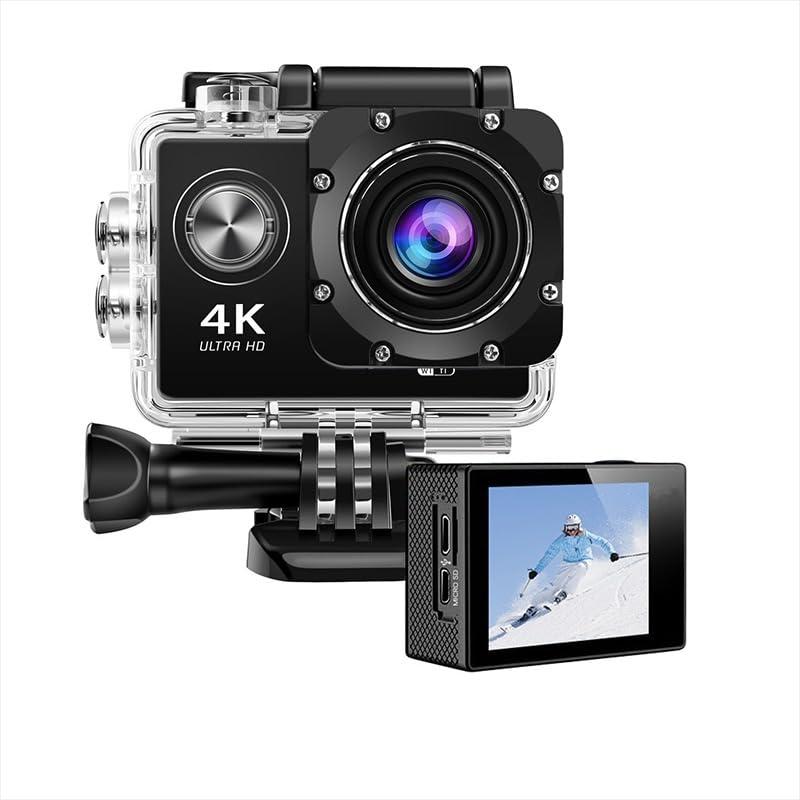
Image: The AUSEK 4K Action Camera shown with its waterproof housing and a separate display unit.

Image: A comprehensive view of the accessories kit, including mounts, straps, and cables.
3. Product Overview
3.1 Camera Components
- Lens: 170° wide-angle lens for expansive shots.
- Display Screen: 2-inch LCD for live view and playback.
- Power/Mode Button: Used to power on/off and switch between modes.
- Shutter/OK Button: Used to start/stop recording or take photos, and confirm selections.
- Navigation Buttons: For menu navigation.
- MicroSD Card Slot: For memory card insertion.
- USB Port: For charging and data transfer.
- Microphone: For audio recording.

Image: Front view of the camera highlighting features like 4K Ultra HD, 12MP, 170° adjustable view angle, 40M waterproof, WiFi, and HDMI.
4. Setup
4.1 Charging the Battery
Before first use, fully charge the camera battery. Connect the camera to a USB power source using the provided USB cable. The charging indicator will illuminate during charging and turn off when complete.
4.2 Inserting a MicroSD Card
This camera requires a MicroSD card (not included) for storing photos and videos. Ensure the card is Class 10 or higher for optimal performance. Insert the MicroSD card into the designated slot until it clicks into place. To remove, gently push the card until it springs out.
4.3 Using the Waterproof Case
The included waterproof case allows the camera to be submerged up to 30 meters (98 feet). Follow these steps to properly secure the camera within the case:
- Open the waterproof case latch.
- Carefully place the camera inside the case, ensuring it fits snugly.
- Close the latch firmly until it clicks, creating a watertight seal.
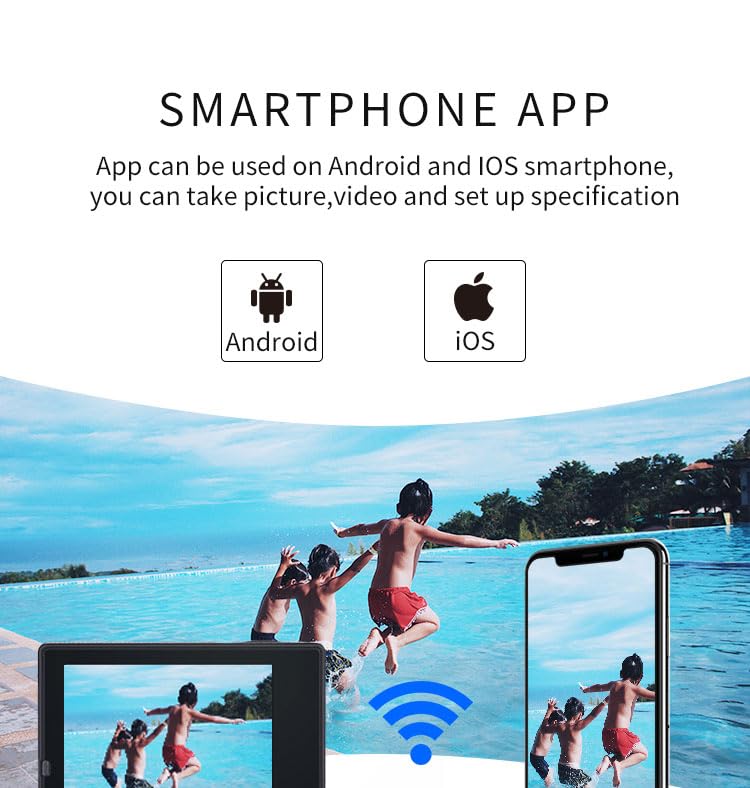
Image: A step-by-step visual guide demonstrating how to open, insert the camera, and securely close the waterproof housing.

Image: The action camera inside its waterproof case, submerged in water, illustrating its 30-meter waterproof rating.
5. Operating Instructions
5.1 Power On/Off
Press and hold the Power/Mode button to turn the camera on or off.
5.2 Switching Modes
Press the Power/Mode button repeatedly to cycle through different modes: Video, Photo, Playback, and Settings.
5.3 Recording Video
- Switch to Video mode.
- Press the Shutter/OK button to start recording. A red indicator light will flash.
- Press the Shutter/OK button again to stop recording.

Image: Visual comparison demonstrating the clarity and detail difference between 720P, 1080P, and 4K video resolutions captured by the camera.
5.4 Taking Photos
- Switch to Photo mode.
- Frame your shot using the LCD screen.
- Press the Shutter/OK button to take a photo.
5.5 Wi-Fi Connectivity and App Control
The camera features Wi-Fi connectivity for remote control via a smartphone app. Download the "GoPlus Cam Pro" app from your device's app store.
- On the camera, navigate to the Wi-Fi settings and enable Wi-Fi. The camera's Wi-Fi name and password will be displayed.
- On your smartphone, connect to the camera's Wi-Fi network using the provided credentials.
- Open the "GoPlus Cam Pro" app. You can now control the camera, preview footage, and transfer files directly from your phone.

Image: A smartphone screen displaying the camera's live view through the companion app, indicating Wi-Fi connectivity.
5.6 Versatile Recording Modes
The camera supports various shooting modes:
- Loop Recording: Records continuously, overwriting the oldest files when the memory card is full.
- Time Lapse: Captures photos at set intervals to create a time-lapse video.
- Slow Motion: Records video at a higher frame rate for slow-motion playback.
- Burst Photo: Takes multiple photos in quick succession.
- Exposure Settings: Adjusts brightness for different lighting conditions.
6. Maintenance
6.1 Cleaning the Camera and Case
- Use a soft, lint-free cloth to clean the camera lens and screen.
- After using the waterproof case in saltwater, rinse it with fresh water and allow it to air dry.
- Do not use harsh chemicals or abrasive cleaners.
6.2 Storage
Store the camera in a cool, dry place away from direct sunlight and extreme temperatures. Remove the battery if the camera will not be used for an extended period.
7. Troubleshooting
| Problem | Possible Cause | Solution |
|---|---|---|
| Camera does not power on. | Low battery; battery not inserted correctly. | Charge the battery; ensure battery is inserted correctly. |
| Cannot record video/take photos. | No MicroSD card; MicroSD card full or corrupted. | Insert a MicroSD card; delete files or format the card; try a different card. |
| Wi-Fi connection issues. | Incorrect password; camera Wi-Fi not enabled; app issues. | Verify password; enable Wi-Fi on camera; restart app/phone. |
| Poor video/photo quality. | Lens is dirty; low light conditions; incorrect resolution settings. | Clean the lens; use appropriate lighting; adjust resolution settings. |
8. Specifications
| Feature | Detail |
|---|---|
| Brand | AUSEK |
| Model Name | Moto Vlog Camera |
| Item Model Number | Waterproof Camera |
| Video Capture Resolution | 4K, 1080p |
| Optical Sensor Resolution | 16 MP |
| Wide Angle Lens | 170 Degrees |
| Waterproof Depth | Up to 30m (98ft) with case |
| Display Type | LCD |
| Screen Size | 2 Inches |
| Connectivity | USB, Wi-Fi |
| Flash Memory Type | Memory Stick Micro, Micro SD TF, SD |
| Supported Audio Formats | AAC, MP3 |
| Image Aspect Ratio | 16:9 |
| Special Features | Time Lapse, Waterproof |
| Country of Origin | India |
9. Warranty and Support
This product comes with a 1 Year Warranty. For any support inquiries, please contact the manufacturer directly.
Manufacturer: AUSHA EXPORTS P LTD
Customer Support: 08048977694
Please retain your purchase receipt as proof of purchase for warranty claims.


