
Introduction
Thank you for choosing the BLUTENET A2 Replacement Filter. This manual provides essential information for the proper installation, operation, and maintenance of your new air purifier filters. These filters are designed to work with AMEIFU GDAP1W and VEWIOR A2 (ClearAir-A2) Air Purifiers, ensuring optimal air quality in your environment.

Image: BLUTENET A2 Replacement Filters shown next to an air purifier, highlighting compatibility.
4-in-1 Filtration System Overview
The BLUTENET A2 Replacement Filter features a comprehensive 360° 4-in-1 filtration system designed to capture various airborne particles and odors, providing cleaner air.
- Pre-Filter: Captures large particles such as dust, lint, fibers, and pet fur, extending the life of subsequent filters.
- H13 True HEPA Filter: Traps at least 99.97% of airborne particles 0.3 micrometers in size, including pollen, dust mites, pet dander, and smoke particles.
- High-Efficiency Activated Carbon Filter: Absorbs household odors from pets, cooking, smoke, and harmful VOCs (Volatile Organic Compounds).
- Net Filter: Provides an additional layer of filtration and structural support.

Image: Exploded view diagram showing the layers of the 4-in-1 filtration system.

Image: Visual representation of the H13 True HEPA filter's effectiveness against small particles.
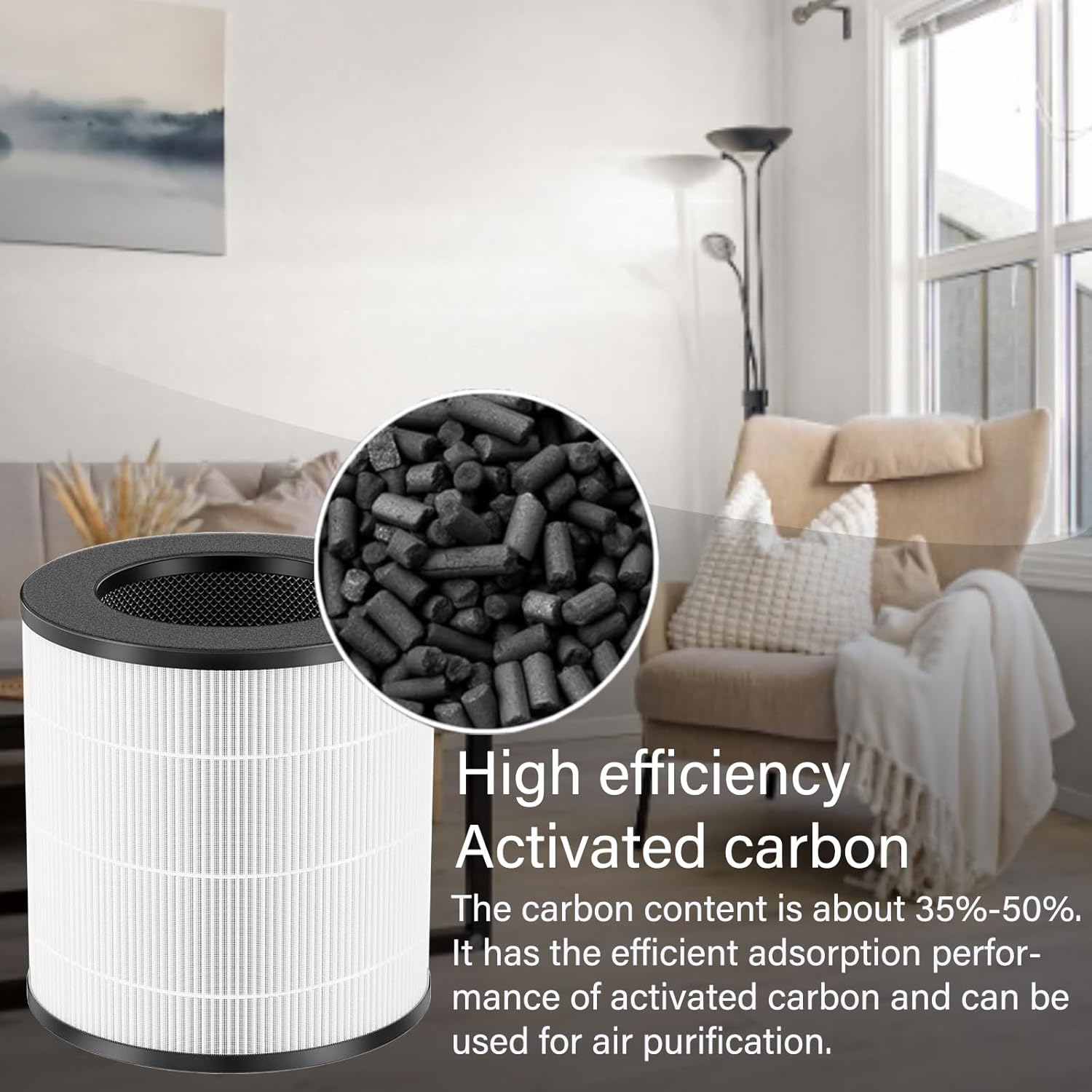
Image: Detailed view of the activated carbon component, emphasizing its odor-absorbing properties.
Installation Instructions
Follow these steps to easily replace the filter in your AMEIFU GDAP1W or VEWIOR A2 air purifier. No additional tools are required.
- Unlock the Bottom Cover: Turn the twist handle on the bottom cover of your air purifier clockwise to unlock it.
- Remove Old Filter: Turn the air purifier over and carefully remove the old filter.
- Remove Plastic Packaging: Before installing the new filter, ensure you remove all plastic protective packaging from the filter.
- Install New Filter: Place the new filter into the air purifier. Install the bottom cover and tighten the filter buckle properly until it clicks into place.

Image: Step-by-step visual instructions for filter installation, showing unlocking, removal, unwrapping, and reinstallation.
Operating Your Air Purifier with New Filter
Once the new filter is installed, ensure the air purifier is properly assembled and plugged in. Turn on your air purifier as per its original instruction manual. The new filter will immediately begin to purify the air, removing particles and odors effectively.
Maintenance and Filter Replacement
To maintain optimal performance of your air purifier and ensure continuous clean air, regular filter replacement is crucial.
- Replacement Frequency: For best performance, it is recommended to replace the filter once every 3-6 months. This duration may vary depending on air quality and usage frequency.
- Storage: Store unused filters in a dry place to preserve their effectiveness.
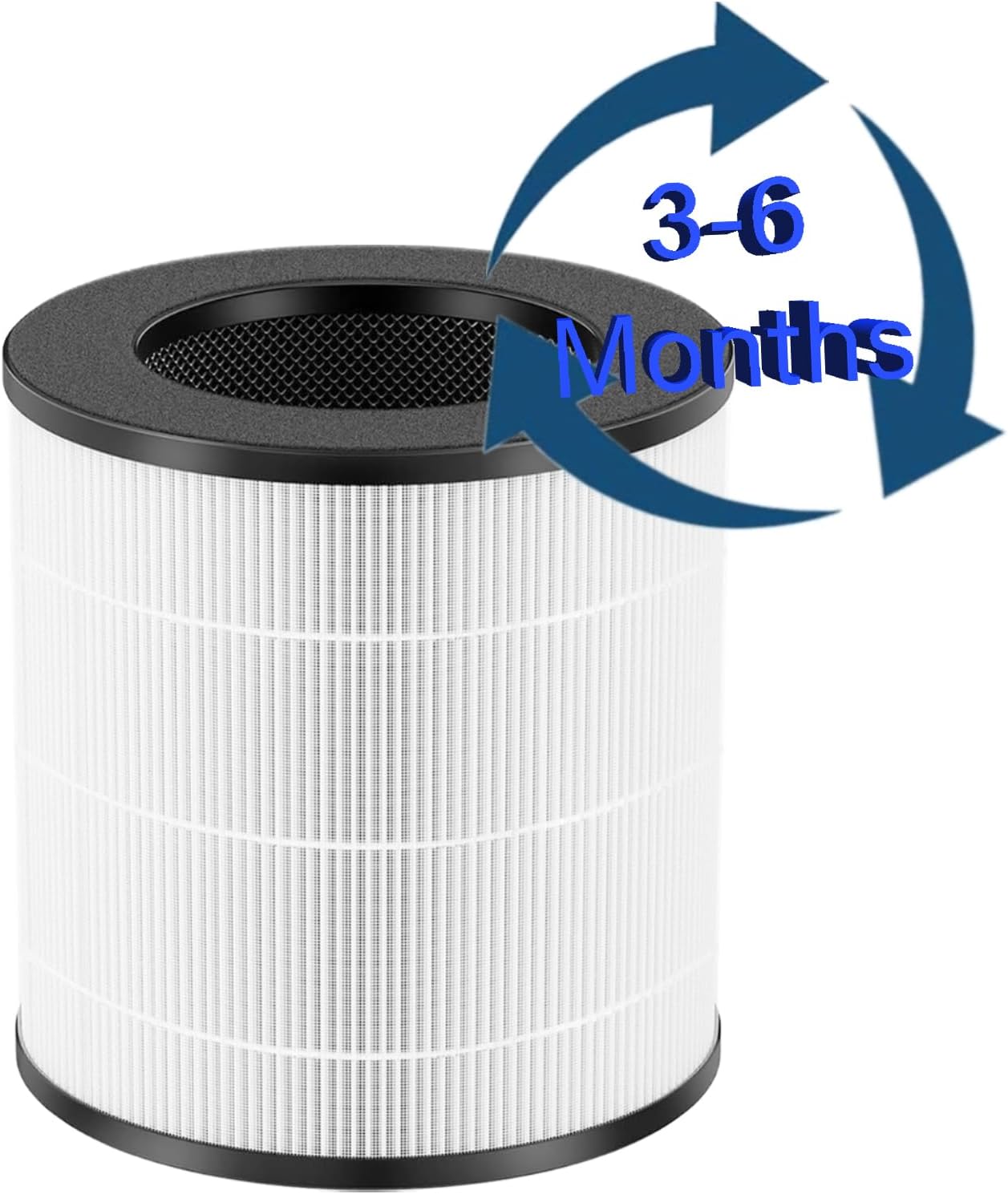
Image: Visual reminder for replacing the filter every 3-6 months.
Troubleshooting
If you encounter issues after replacing your filter, consider the following:
- Air Purifier Not Turning On: Ensure the filter is correctly installed and the bottom cover is securely closed. Some air purifiers have a safety switch that prevents operation if the cover is not properly latched.
- Filter Light Remains On: Some air purifiers have a filter reset button. Refer to your air purifier's original manual for instructions on how to reset the filter indicator light after replacement.
- Reduced Airflow or Odors Persist: Double-check that the plastic packaging was completely removed from the new filter. If the issue persists, the filter may be saturated prematurely due to extremely poor air quality, or it might be time for another replacement.
Specifications
| Feature | Detail |
|---|---|
| Brand | BLUTENET |
| Model Number | A2-4IN1-2P |
| Compatible Devices | AMEIFU GDAP1W, VEWIOR A2 (ClearAir-A2) Air Purifiers |
| Filtration Type | 4-in-1 (Pre-Filter, H13 True HEPA, High-Efficiency Activated Carbon, Net Filter) |
| Material Type | Polyester |
| Item Weight | 2.14 pounds (0.97 Kilograms) |
| Product Dimensions | 1 x 1 x 1 inches |
| Included Components | 2 Pack A2 Replacement Filter |
Customer Support
If you have any questions regarding your BLUTENET A2 replacement filter or require assistance, please do not hesitate to contact our customer service team. We are committed to providing satisfactory service to every customer.
Contact information is typically found on the product packaging or the seller's official website.