
Introduction
Thank you for choosing the Dislocati Unicorn Karaoke Machine. This device is designed to provide an enjoyable and interactive singing experience for children. This manual will guide you through the setup, operation, and maintenance of your new karaoke machine to ensure optimal performance and lasting enjoyment. Please read these instructions carefully before use.
Safety Information
- Keep the device away from water and moisture to prevent electric shock.
- Do not expose the device to extreme temperatures or direct sunlight.
- Use only the provided charging cable.
- Adult supervision is recommended for children using the device.
- Do not attempt to disassemble or repair the device yourself. Contact support if issues arise.
- Ensure proper ventilation when charging.
Package Contents
Please check the box for the following items:
- 1 x Dislocati Unicorn Karaoke Machine (Speaker)
- 2 x Wireless Microphones
- 1 x USB Charging Cable
- 1 x User Manual (this document)

Figure 1: Package Contents. The image displays the main speaker unit, two wireless microphones, a USB charging cable, and a user manual, illustrating all items included in the product package.
Product Overview
The Dislocati Unicorn Karaoke Machine is a portable entertainment system featuring a main speaker unit and two wireless microphones. It offers multiple connectivity options and fun voice effects.
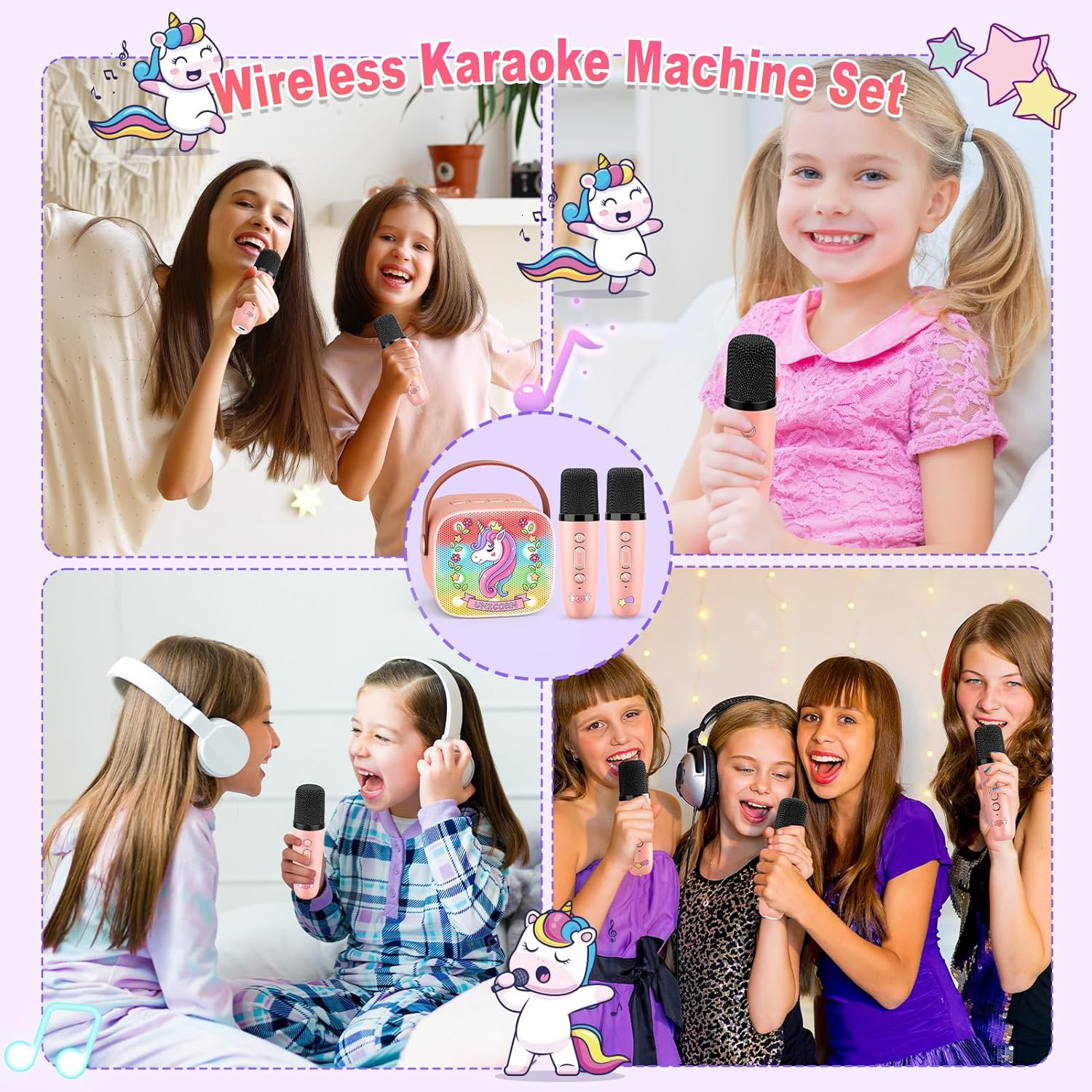
Figure 2: Lightweight & Portable Design. This image highlights the compact size of the karaoke speaker and microphones, with dimensions indicated, emphasizing its portability.
Setup
1. Charging the Device
Before first use, fully charge the karaoke machine speaker and both wireless microphones.
- Connect the USB charging cable to the charging port on the speaker and a suitable USB power adapter (not included).
- Connect the USB charging cable to the charging port on each microphone.
- The charging indicator light will show the charging status (refer to the device for specific light behavior).
- Once fully charged, disconnect the charging cables.
2. Powering On
Press and hold the power button on the speaker and each microphone until the indicator light turns on.
Operating Instructions
1. Bluetooth Connection
The karaoke machine functions as a Bluetooth speaker. The wireless microphones will automatically connect to the speaker when both are powered on.
- Power on the karaoke speaker. It will enter Bluetooth pairing mode automatically.
- On your smartphone, tablet, or PC, enable Bluetooth and search for available devices.
- Select "Dislocati Karaoke" (or similar name) from the list to pair.
- Once connected, you will hear a confirmation sound. You can now play music from your device through the karaoke speaker.
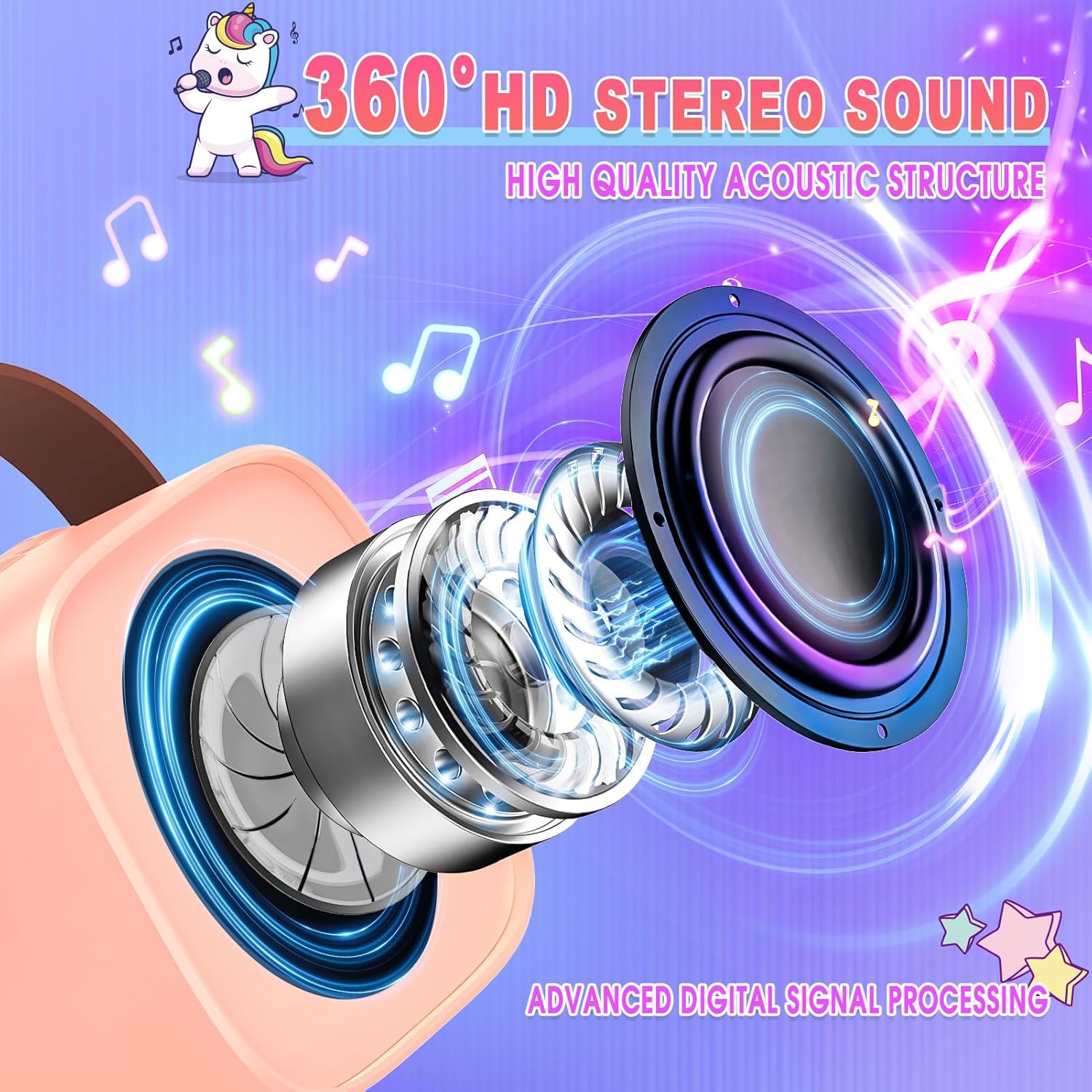
Figure 3: Multiple Connection Options. This image illustrates the various ways to connect to the karaoke machine, including Bluetooth, TF card, USB, and AUX input, compatible with smartphones, tablets, and computers.
2. Using TF Card / USB / AUX
In addition to Bluetooth, the speaker supports music playback via TF card, USB drive, and AUX input.
- TF Card: Insert a TF (microSD) card with MP3 music files into the TF card slot. The speaker will automatically detect and play the music.
- USB: Insert a USB flash drive with MP3 music files into the USB port. The speaker will automatically detect and play the music.
- AUX: Connect an external audio device using a 3.5mm AUX cable (not included) to the AUX input port.
3. Microphone Functions
- Volume Control: Use the volume buttons on the microphone to adjust your singing volume.
- Voice Changer: The microphone features 5 magical voice settings. Press the dedicated button to cycle through: Baby Voice, Monster Voice, Female Voice, Male Voice, and Original Voice.
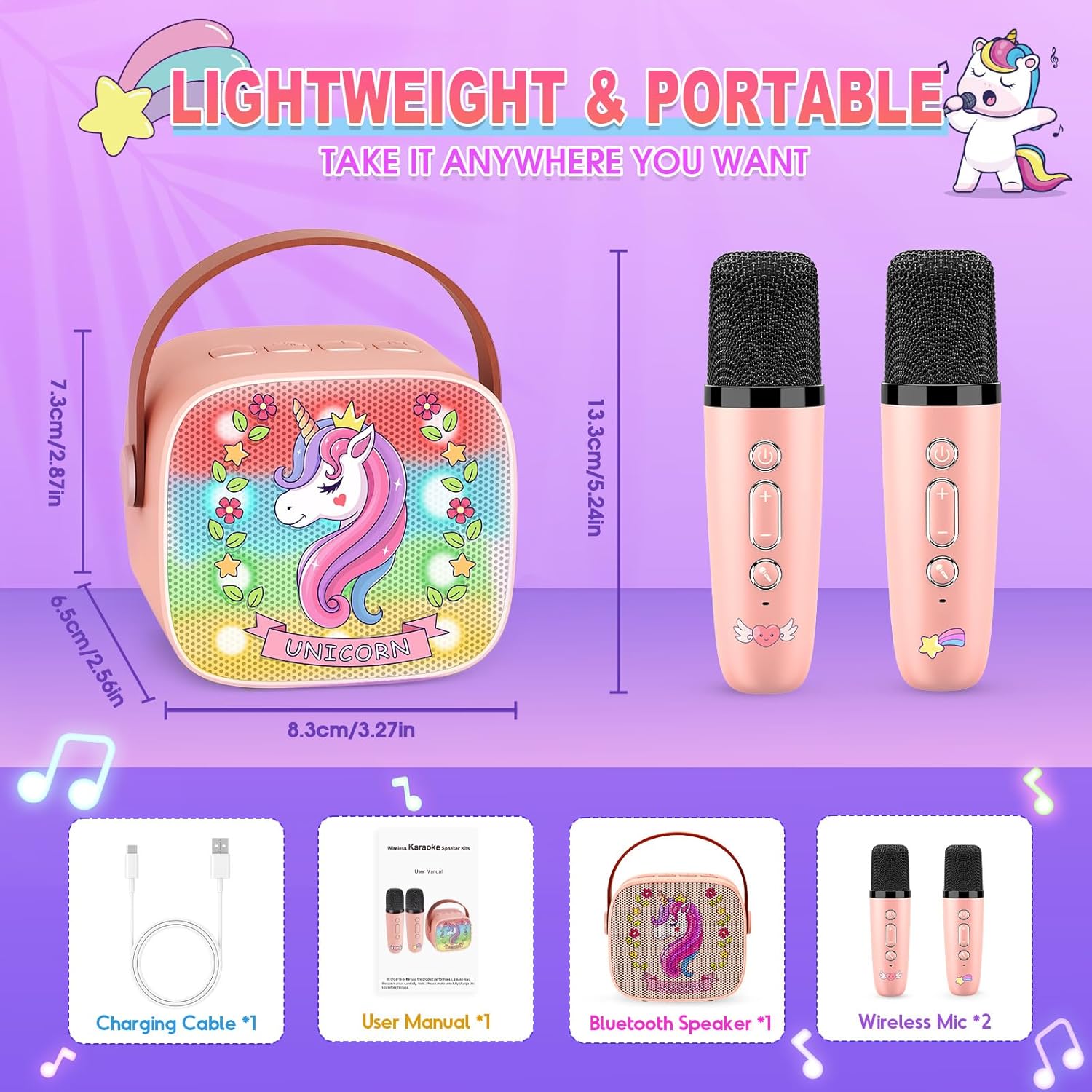
Figure 4: 5 Sound Effects for More Fun. This image demonstrates the voice-changing capabilities of the microphone, showing icons for 'Baby Voice', 'Male Voice', 'Female Voice', 'Monster Voice', and 'Normal' voice settings.
4. LED Lights
The speaker features LED lights that dance to the rhythm of the music, creating an engaging atmosphere. These lights activate automatically when the speaker is on and playing music.

Figure 5: 360° HD Stereo Sound. This image provides a visual representation of the speaker's high-quality acoustic structure and advanced digital signal processing, contributing to its immersive sound experience.
Maintenance
- Cleaning: Use a soft, dry cloth to clean the surface of the speaker and microphones. Do not use abrasive cleaners or solvents.
- Storage: Store the device in a cool, dry place away from direct sunlight and extreme temperatures when not in use.
- Battery Care: To prolong battery life, avoid fully discharging the device frequently. Charge it regularly, even if not in use for extended periods.
Troubleshooting
| Problem | Possible Cause | Solution |
|---|---|---|
| No power | Battery is low or dead. | Charge the speaker and microphones fully. |
| No sound from speaker | Volume is too low; device not connected. | Increase volume; ensure Bluetooth is paired or media source is correctly inserted. |
| Microphone not working | Microphone is off; battery low; not paired. | Turn on microphone; charge microphone; ensure speaker is on for automatic pairing. |
| Bluetooth connection unstable | Too far from speaker; interference. | Move closer to the speaker; avoid obstacles; disconnect and reconnect Bluetooth. |
Specifications
| Feature | Detail |
|---|---|
| Brand | Dislocati |
| Model Number | 11 |
| Connectivity Technology | Bluetooth 5.0, USB, TF Card, AUX |
| Compatible Devices | Smartphone, Tablet, Personal Computer |
| Battery Type | Lithium-ion (Rechargeable) |
| Number of Speakers | 2 |
| Power Source | Corded Electric (for charging) |
| Special Features | 2 Wireless Microphones, Voice Changer, LED Lights, Portable Design |
| Country of Origin | China |
Warranty and Support
For any questions or concerns regarding your Dislocati Unicorn Karaoke Machine, please contact the seller directly. We are committed to providing excellent customer service and will respond to your inquiries within 24 hours.
Please retain your proof of purchase for any warranty claims or support requests.