
Stealth Cam Fusion MAX
Stealth Cam Fusion MAX Dual Sim Cellular Trail Camera User Manual
Model: Fusion MAX
Introduction
This manual provides comprehensive instructions for the setup, operation, maintenance, and troubleshooting of your Stealth Cam Fusion MAX Dual Sim Cellular Trail Camera. Designed for outdoor enthusiasts and hunters, this camera captures high-resolution photos and videos, offering advanced features like app control and dual SIM compatibility for reliable cellular transmission.
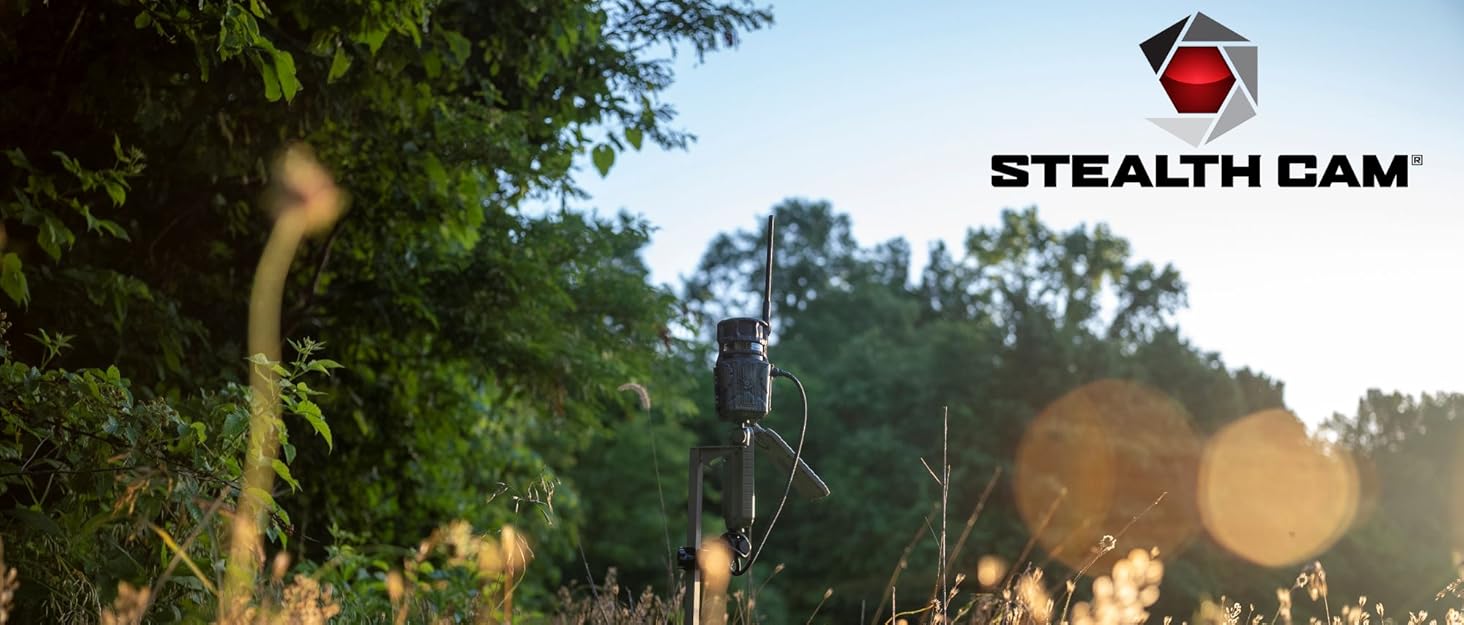
Image: The Stealth Cam Fusion MAX trail camera positioned in a natural outdoor setting, ready for deployment.
Setup
1. Battery Installation
The Fusion MAX requires 16 AA batteries for operation. Ensure batteries are inserted with correct polarity as indicated inside the battery compartment. For optimal performance, use high-quality alkaline or lithium batteries.
2. SIM Card Installation
This camera supports dual SIM cards (AT&T and Verizon). Open the camera housing and locate the SIM card slots. Insert the activated SIM cards firmly until they click into place. Ensure the metal contacts face downwards.
3. SD Card Installation
Insert a compatible SD card (up to 32GB, Class 10 or higher recommended) into the designated SD card slot. The camera has 16GB internal memory, but an SD card is recommended for extended storage.
4. App Download & Account Creation
Download the Stealth Cam Command Pro App from your device's app store. Follow the on-screen instructions to create an account and register your camera. This app is essential for remote control and image/video viewing.
5. Camera Placement
Mount the camera securely to a tree or post using the provided strap or a compatible mounting accessory. Position the camera at a height of approximately 3-6 feet, ensuring a clear line of sight to the desired monitoring area. Avoid pointing directly at the sun or reflective surfaces.

Image: A person demonstrating the proper installation of the trail camera onto a fence post.
Operating Instructions
Powering On/Off
To power on the camera, slide the power switch to the ON position. The status LED will illuminate briefly. To power off, slide the switch to OFF.
Mode Selection
The Fusion MAX operates primarily in Photo or Video mode. These settings, along with trigger speed (0.35 seconds) and burst mode (1-6 photos per trigger), are configurable via the Command Pro App.
Cellular Transmission
Once activated and connected to the app, the camera will automatically transmit captured images and videos to your Command Pro account via the selected cellular network (AT&T or Verizon). Ensure adequate cellular signal strength at the camera's location for reliable transmission.
App Control Features
- On-Demand: Request photos or videos from the camera in real-time.
- Camera Sharing: Share access to your camera's feed with other users.
- Settings Adjustment: Remotely modify camera settings such as resolution, recovery time, and burst settings.
Maintenance
Battery Replacement
Monitor battery levels via the Command Pro App. Replace all 16 AA batteries simultaneously when low to ensure consistent performance.
SD Card Management
Regularly check the SD card capacity. Format the SD card periodically using the camera's format function (via app or direct access) to maintain optimal recording performance and prevent data corruption.
Cleaning
Gently wipe the camera lens and PIR sensor window with a soft, lint-free cloth to remove dirt, dust, or moisture. Do not use abrasive cleaners.
Firmware Updates
Periodically check the Command Pro App for available firmware updates. Keeping your camera's firmware up-to-date ensures optimal performance and access to new features.
Troubleshooting
| Problem | Possible Cause | Solution |
|---|---|---|
| Camera not powering on | Incorrect battery installation; Dead batteries | Check battery polarity; Replace all batteries with new ones. |
| No images/videos captured | SD card full/corrupt; PIR sensor blocked; Incorrect settings | Format or replace SD card; Clear sensor area; Verify settings via app. |
| No cellular transmission | Poor signal; Inactive SIM; Data plan issues | Relocate camera for better signal; Verify SIM activation with carrier; Check data plan status. |
| App connectivity issues | Outdated app version; Network issues; Camera offline | Update Command Pro App; Check internet connection; Ensure camera is powered on and has cellular signal. |
Specifications
| Feature | Detail |
|---|---|
| Detection & IR Range | 100 ft |
| Network Coverage | Verizon and AT&T (Dual SIM) |
| On Demand | Photo and Video |
| Camera Sharing | Command Pro App |
| Photo Resolutions | 36MP/16MP/8MP/4MP |
| Video Resolutions | 1440 QHD Video |
| Video Audio | Yes |
| Internal Memory | 16GB |
| Night Image Color AI | Yes |
| Trigger Speed | 0.4s |
| Burst Mode | 1-6 Photos Per Trigger |
| Image Stamp | Time/Date/Moon/Phase Temp/Camera |
| Recovery Time | 2-59 sec / 1-59 min |
| Lock Latch | Integrated Python Provision |
| Power Options | 12V DC Jack |
| Batteries Required | 16 AA |
Image: Detailed specifications for the Stealth Cam Fusion MAX 2.0 Cellular Trail Camera.

Warranty and Support
For warranty information and technical support, please refer to the official Stealth Cam website or contact their customer service. Keep your purchase receipt as proof of purchase for warranty claims.
Online Support: Visit Stealth Cam Support
Ask a question about this manual
Ask about setup, troubleshooting, compatibility, parts, safety, or missing instructions. Manuals+ will review the question and use this page’s manual context to help answer it.