
Introduction
The NEBO SLYDE King 2K Flashlight is a versatile and durable lighting tool designed for various applications, from professional work environments to outdoor adventures. It combines a powerful LED flashlight with a retractable COB work light, offering multiple illumination modes and convenient features like a magnetic base and USB-C recharging. This manual provides essential information for setting up, operating, and maintaining your SLYDE King 2K flashlight.
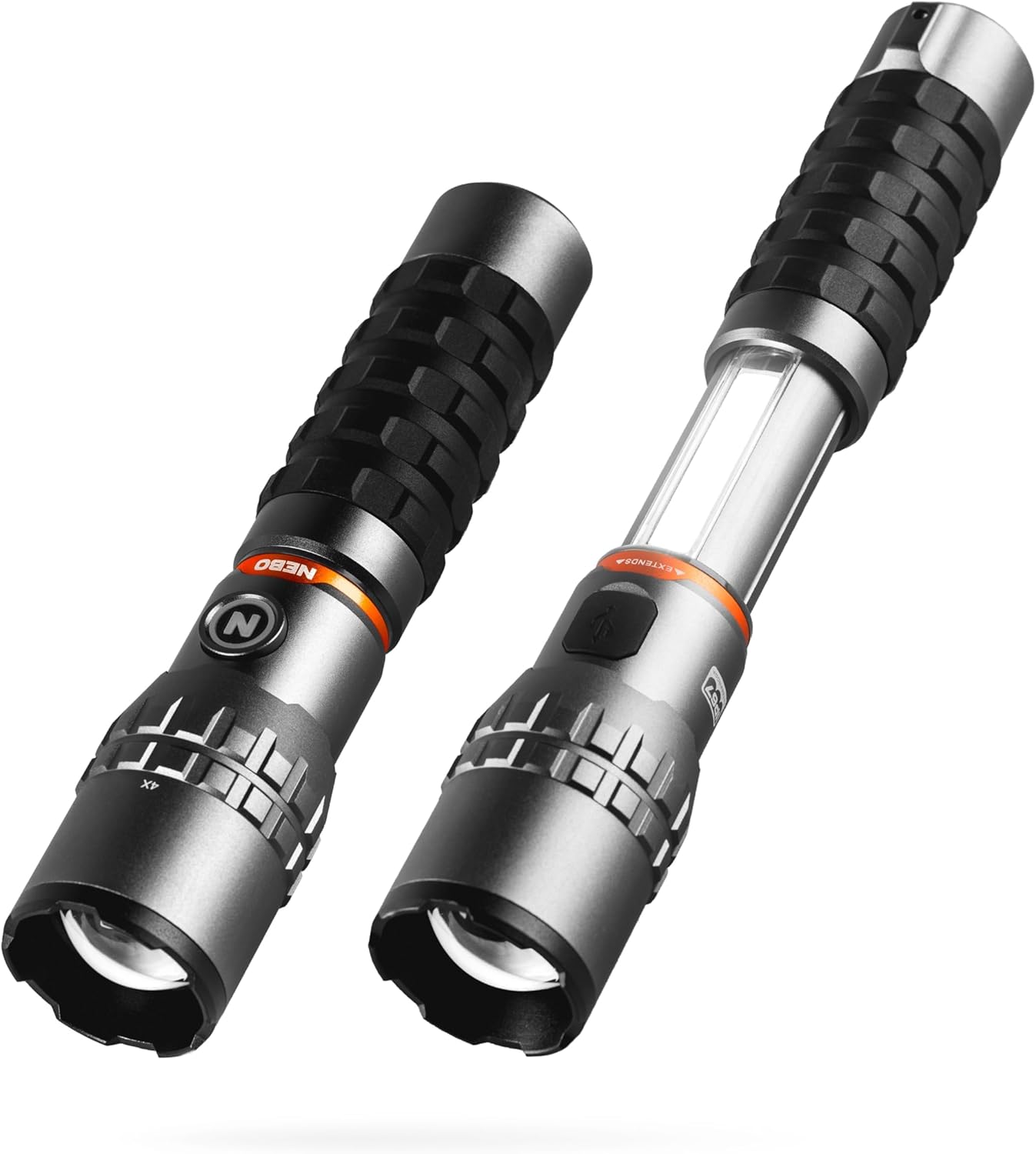
Figure 1: The NEBO SLYDE King 2K Flashlight in its compact flashlight mode (left) and extended work light mode (right).
Product Features
- 2000 Lumen LED Flashlight: Provides intense illumination with 4X adjustable zoom for spotlight or floodlight.
- 500 Lumen COB Work Light: Integrated light bar activated by sliding the flashlight body.
- 7 Dimmable Light Modes: Includes High/Low for flashlight, 5 modes for work light (White High/Low, Red High/Low, Red Flashing).
- Magnetic Base: Allows for hands-free lighting by attaching to metal surfaces.
- USB-C Rechargeable: Convenient and fast charging with included cable.
- Power Memory Recall: Remembers your last used light mode.
- Backlit On/Off Button: Serves as a charging and power indicator.
- Durable Construction: Impact resistant and waterproof (IPX7) for reliable performance.

Figure 2: The powerful 2000 lumen output provides brilliant, dimmable light for various tasks.

Figure 3: The 500 lumen COB work light slides open for hands-free illumination, ideal for automotive work.
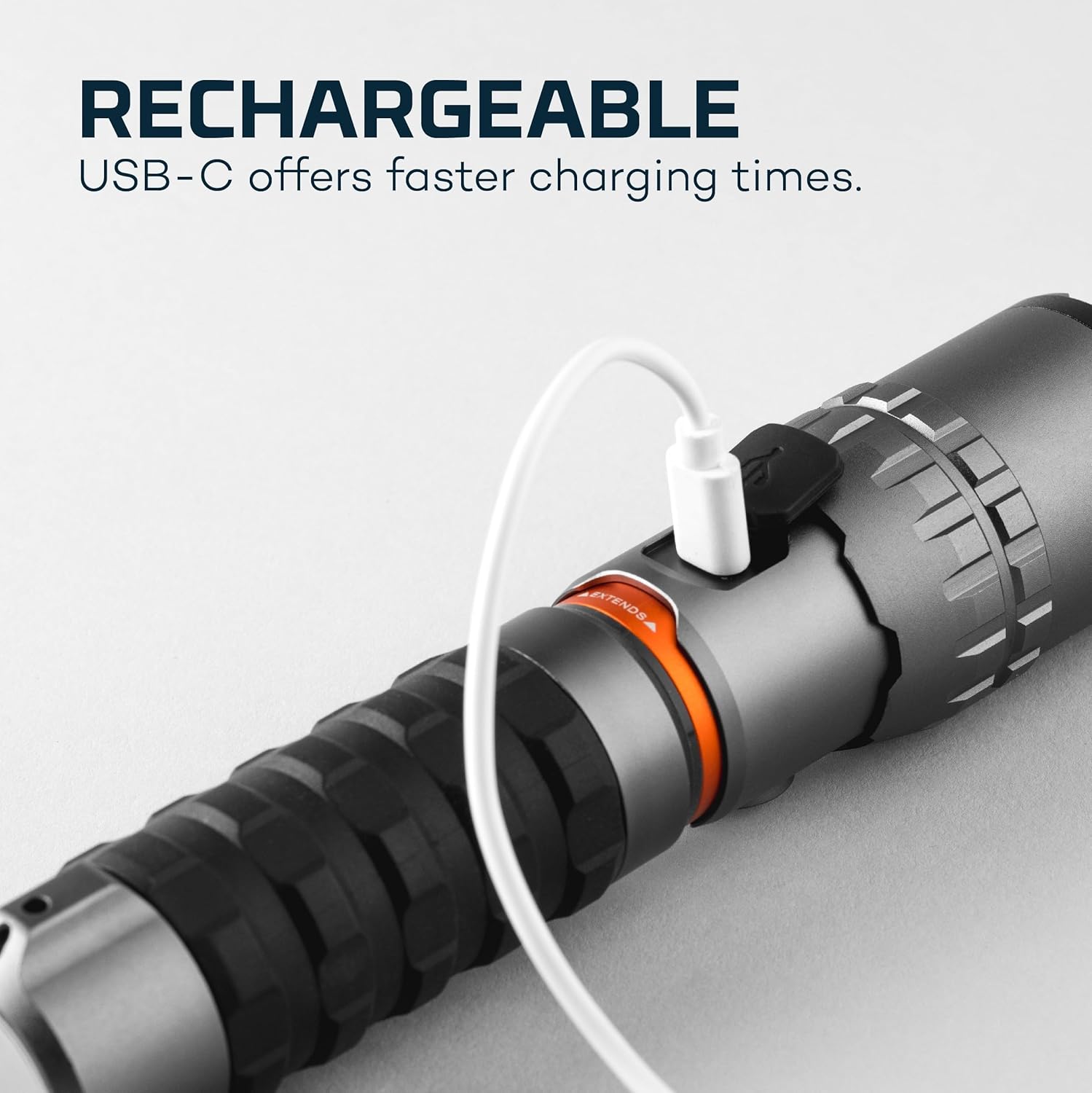
Figure 4: The flashlight features a convenient USB-C charging port for faster charging times.
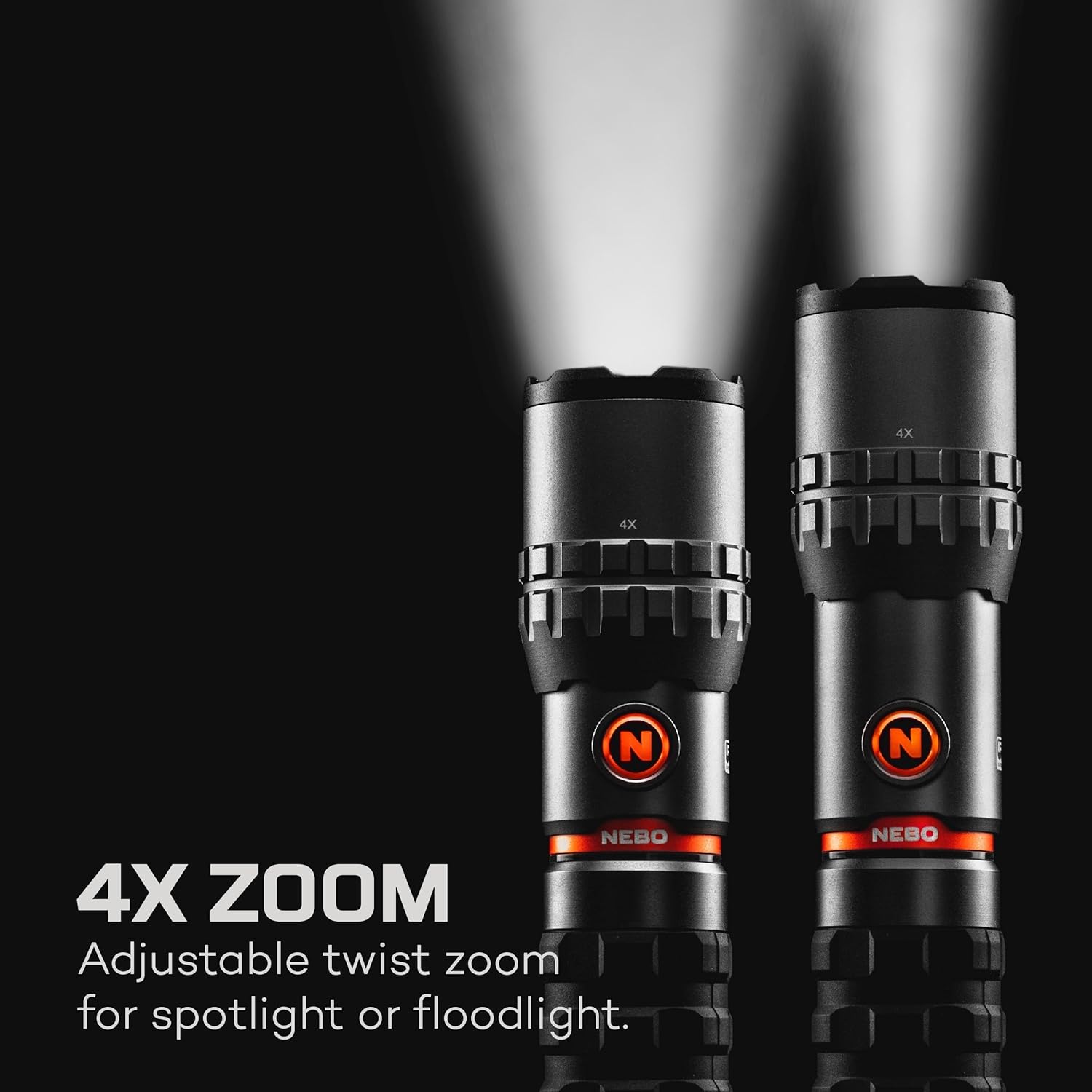
Figure 5: Adjustable twist zoom allows for seamless transition between a focused spotlight and a wide floodlight.
Setup
Initial Charge
Before first use, fully charge your NEBO SLYDE King 2K flashlight. Locate the USB-C charging port on the side of the flashlight, protected by a rubber flap. Open the flap and connect the included USB-C cable to a compatible USB power source (e.g., wall adapter, computer USB port).
- The backlit on/off button indicates charging status:
- Flashing Green: Charging in progress.
- Solid Green: Fully charged.
- A full charge typically takes 3-4 hours.
Operating Instructions
Power On/Off and Mode Selection
The SLYDE King 2K features a single button for power control and mode cycling.
- Single Press: Turns the flashlight ON to the last used mode (Power Memory Recall). Subsequent single presses cycle through the main flashlight modes (High, Low).
- Double Press: Activates the flashlight in High mode, overriding Power Memory Recall.
- Press and Hold: Dims the light in any mode. Release to set brightness.
- To Turn Off: Press the button until the light turns off, or cycle through all modes.
Light Modes Overview

Figure 6: Detailed specifications for each light mode, including output, runtime, and distance.
COB Work Light Operation
To activate the COB work light, simply slide the flashlight body open. The COB light will automatically illuminate. To turn it off, slide the body back to its closed position.
- When the COB light is active, single presses of the button will cycle through its modes: White High, White Low, Red High, Red Low, and Red Flashing.
- The COB light modes are also dimmable by pressing and holding the button.
Magnetic Base Functionality
The powerful magnetic base located at the tail end of the flashlight allows for convenient hands-free operation. Simply attach the base to any ferrous metal surface. This is particularly useful when working in dark areas where you need both hands free, such as under a car hood or in a workshop.
Maintenance
Cleaning
Wipe the flashlight body with a soft, damp cloth. Do not use abrasive cleaners or solvents. Ensure the USB-C port cover is securely closed to prevent dust and moisture ingress.
Water Resistance (IPX7)
The SLYDE King 2K is rated IPX7, meaning it is protected against immersion in water up to 1 meter (3 feet) for 30 minutes. While it is waterproof, it is not designed for prolonged underwater use. Always ensure the USB-C port cover is fully sealed before exposing the flashlight to water.

Figure 7: The IPX7 rating ensures the flashlight's durability against water exposure.
Battery Care
To prolong battery life, avoid fully discharging the flashlight frequently. Recharge the battery when the power indicator shows low charge (flashing orange). Store the flashlight in a cool, dry place when not in use for extended periods.
Troubleshooting
- Flashlight not turning on: Ensure the battery is charged. Connect to a USB-C charger and check the indicator light.
- Light is dim: The battery may be low. Recharge the flashlight. Also, check if the light is in a low dimmable setting; press and hold the button to increase brightness.
- COB light not activating: Ensure the flashlight body is fully extended.
- Charging issues: Verify the USB-C cable is properly connected and the power source is active. Try a different cable or power adapter.
Specifications
| Feature | Value |
|---|---|
| Length (Compacted) | 7.5 inches |
| Length (Extended) | 9.625 inches |
| Weight | 1.0 lb (453.59 Grams) |
| Max Lumens (Flashlight) | 2000 lm |
| Max Lumens (Work Light) | 500 lm |
| Runtime (Flashlight Low) | Up to 12 hours |
| Charge Time | 3-4 hours (USB-C) |
| Power Source | 2,200 mAh (3.7V) Lithium-ion rechargeable battery |
| Material | Aluminum |
| Water Resistance | IPX7 (Waterproof up to 1m for 30 mins) |
| Special Features | Adjustable Light Modes, Durable, Magnetic Base |
Warranty and Support
The NEBO SLYDE King 2K Flashlight comes with a 1-year warranty from the manufacturer. For detailed warranty information or support, please refer to the official NEBO website or the user manual PDF available at https://manuals.plus/m/7a449e9adcb6f360e6f83af2ee86f794177c49c060b45b9d04a8e49c9cace110.