
Efolen 07J
Efolen AMOLED Smartwatch User Manual
Model: 07J
Introduction
Thank you for choosing the Efolen AMOLED Smartwatch. This device is designed to enhance your daily life with advanced features for communication, health monitoring, and fitness tracking. Please read this manual carefully to understand how to operate your smartwatch and utilize its full potential.
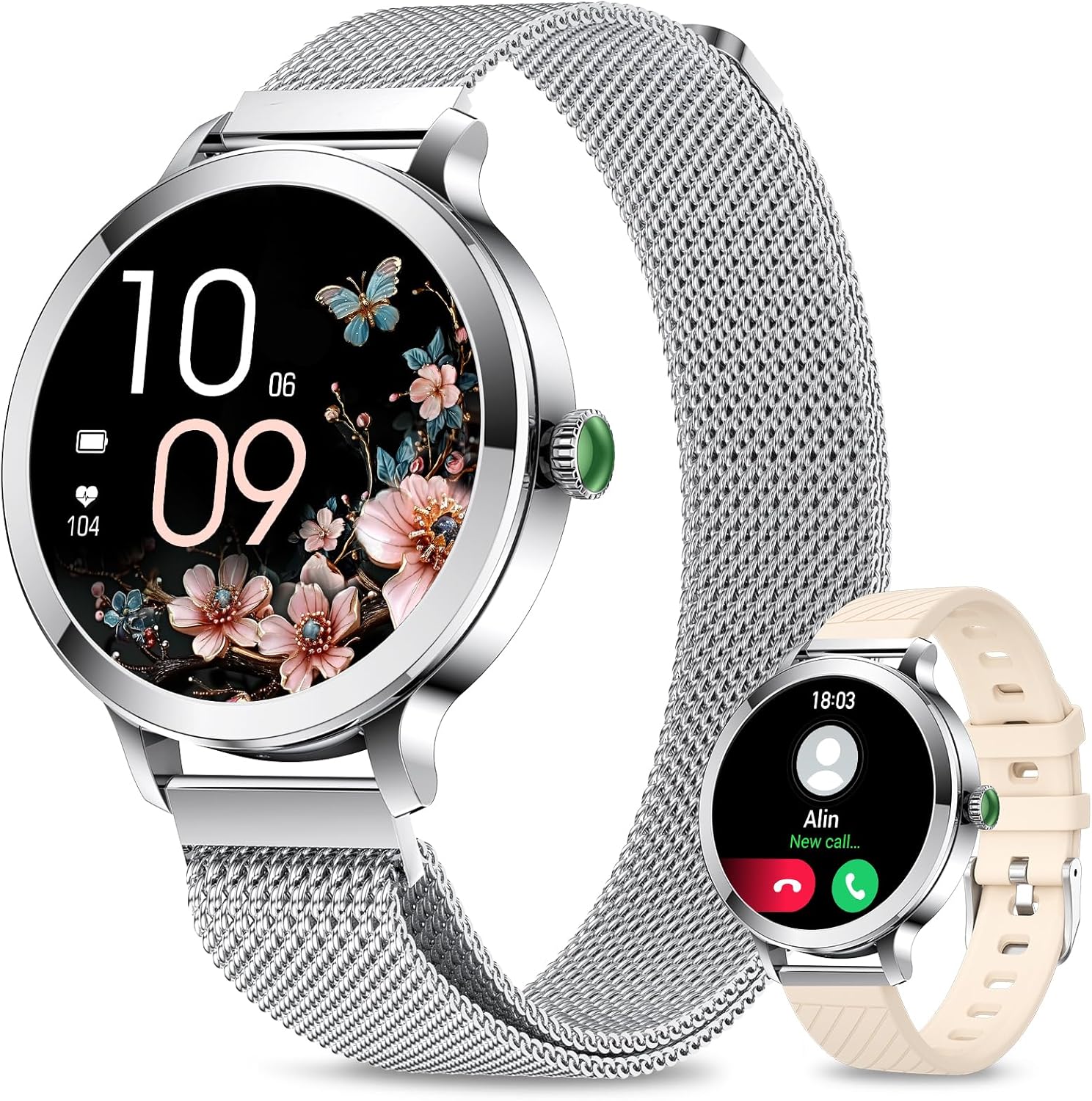
Image: The Efolen AMOLED Smartwatch, showcasing its elegant design and display capabilities.
Package Contents
Please check the box to ensure all items are present:
- Efolen AMOLED Smartwatch (with pre-installed silver mesh strap)
- Magnetic Charging Cable
- User Manual
- Additional Silicone Strap (beige)

Image: All components included in the Efolen Smartwatch retail package.
Setup
Charging the Device
Before first use, fully charge your smartwatch. Connect the magnetic charging cable to the charging points on the back of the watch and plug the USB end into a power adapter (not included) or a computer's USB port. The watch display will indicate charging status.
Initial Pairing
- Download the 'FitCloudPro' app from your smartphone's app store (compatible with Android 5.1+ and iOS 10.0+).
- Ensure Bluetooth is enabled on your smartphone.
- Open the FitCloudPro app and follow the on-screen instructions to add your device. Select 'Efolen Smartwatch' from the list of available devices.
- Confirm the pairing request on both your phone and the smartwatch.
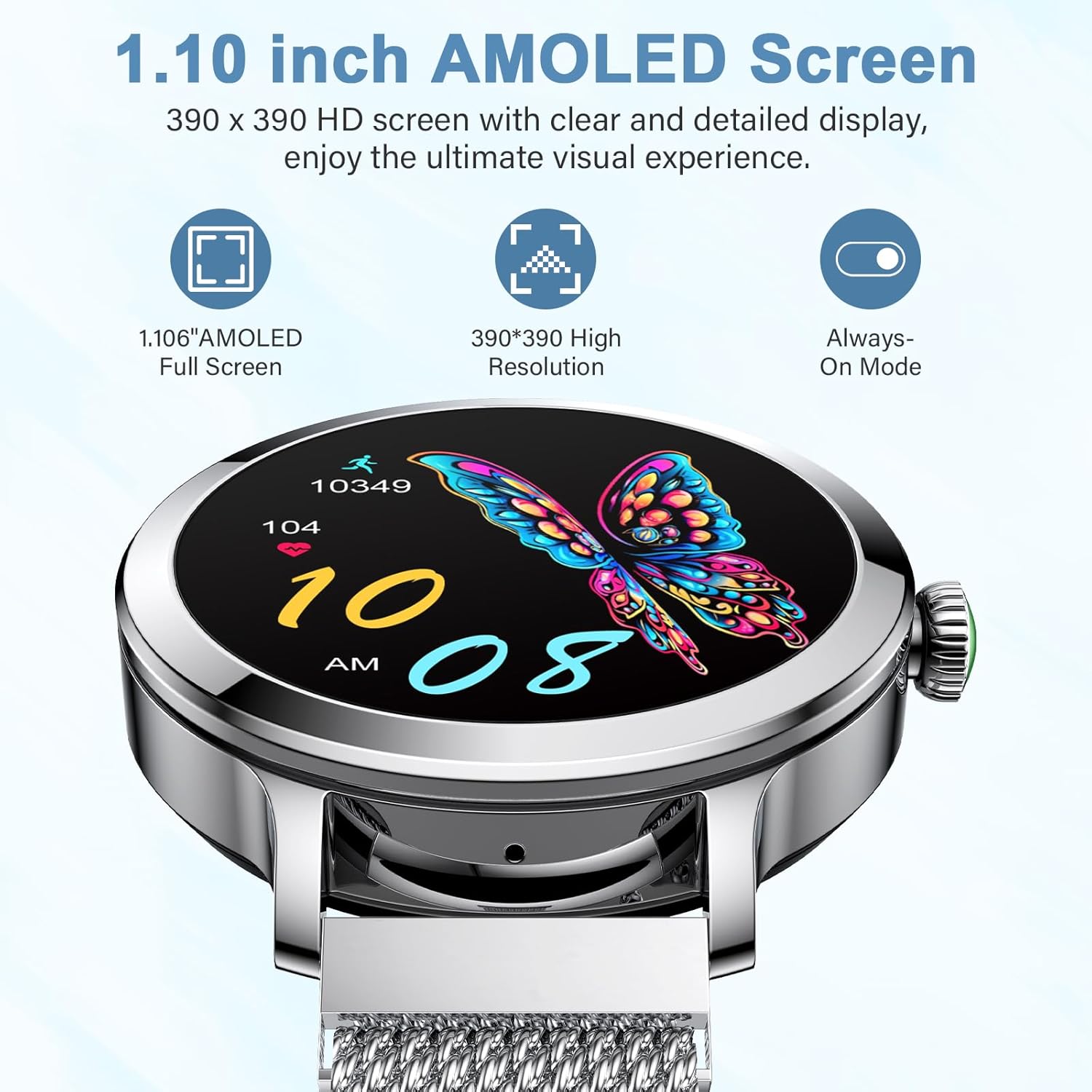
Image: The vibrant AMOLED display of the smartwatch, showcasing its clarity and features.
Operating Your Smartwatch
AMOLED Display
The Efolen Smartwatch features a 1.1-inch AMOLED touchscreen with a resolution of 390x390 pixels, providing vivid colors and sharp details. The responsive touch interface allows for easy navigation through menus and functions. It also supports an Always-On Display mode for convenience.
Call and Message Notifications
Once paired with your smartphone via Bluetooth 5.2, you can make and receive calls directly from your smartwatch. The watch also displays real-time notifications for SMS, WhatsApp, Twitter, Facebook, Gmail, and other applications, ensuring you never miss important alerts.

Image: Smartwatch displaying notifications and call alerts.
Music Control & Camera Remote
Control your smartphone's music playback directly from your wrist. You can play, pause, skip tracks, and adjust volume. Additionally, use the smartwatch as a remote shutter for your phone's camera, perfect for group photos or selfies.

Image: Smartwatch features for music control and remote camera operation.
Health Monitoring
24/7 Heart Rate and Blood Oxygen (SpO2) Monitoring
The smartwatch continuously monitors your heart rate and blood oxygen levels throughout the day. Access real-time data on your watch or view detailed historical trends in the FitCloudPro app to keep track of your cardiovascular health.
Sleep Tracking
Monitor your sleep patterns, including deep sleep, light sleep, and REM sleep. The smartwatch provides a comprehensive analysis of your sleep quality, helping you understand and improve your resting habits.
Women's Health Tracking
Dedicated features for women's health include menstrual cycle tracking and pregnancy monitoring, offering timely reminders and insights to support your well-being.

Image: Visual representation of health and sleep monitoring features.
Fitness Tracking
110+ Sport Modes
The Efolen Smartwatch supports over 110 sport modes, including running, cycling, walking, and more. It accurately records your exercise data such as heart rate, calories burned, distance covered, and steps taken, helping you optimize your workouts.
Daily Exercise Goals
Set personalized daily exercise goals within the app and track your progress directly on your smartwatch. This feature helps you stay motivated and achieve a healthier lifestyle.
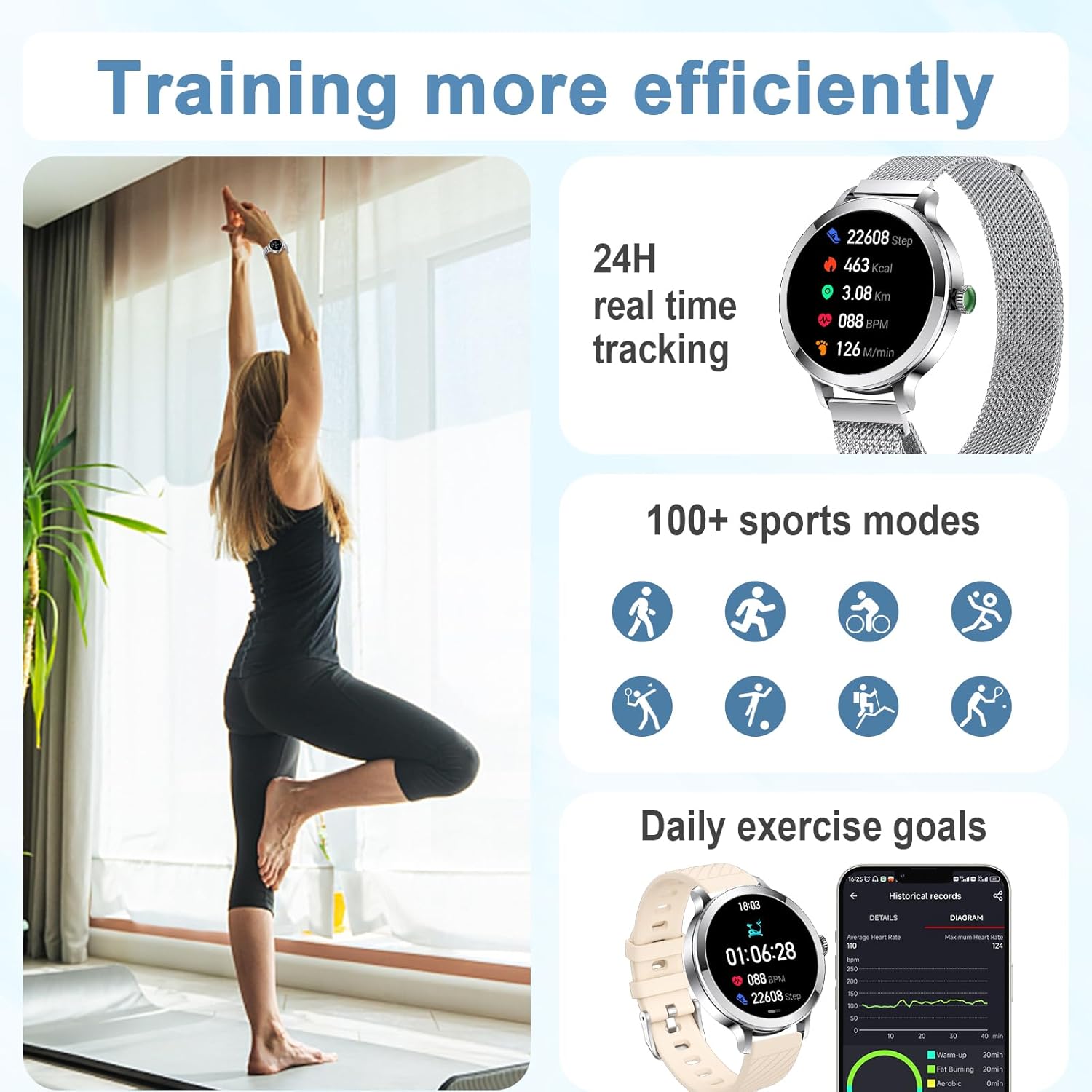
Image: Smartwatch tracking various sports activities and fitness metrics.
Customization
Watch Faces
Personalize your smartwatch with over 100 available watch faces through the FitCloudPro app. You can also upload your favorite photos to create custom watch faces that reflect your style.
Magnetic Strap
The smartwatch comes with a comfortable and easily adjustable magnetic mesh strap. Its design ensures a secure fit for various wrist sizes and provides a breathable experience.

Image: Details of the smartwatch's magnetic strap for easy adjustment.
Maintenance
Water Resistance (IP68)
The Efolen Smartwatch is IP68 water-resistant, meaning it can withstand splashes, rain, and brief immersion in water. It is suitable for daily use like hand washing or light rain. Important: The watch is not recommended for use in hot water, saunas, steam rooms, or during diving, as high temperatures and steam can damage the device.

Image: Smartwatch demonstrating its IP68 water resistance.
Cleaning and Care
To maintain your smartwatch, wipe it regularly with a soft, dry cloth. If necessary, use a slightly damp cloth for cleaning, then dry thoroughly. Avoid using harsh chemicals or abrasive materials.
Troubleshooting
Connectivity Issues
- Cannot connect via Bluetooth: Ensure Bluetooth is enabled on both your phone and watch. Make sure the watch is charged. Try restarting both devices and attempting to pair again through the FitCloudPro app.
- Frequent disconnections: Ensure the FitCloudPro app is running in the background and not being closed by your phone's power-saving settings. Keep the watch within Bluetooth range of your phone.
Data Synchronization
- Data not syncing: Open the FitCloudPro app and pull down on the main screen to manually refresh and synchronize data. Ensure your phone has an active internet connection.
Specifications
| Feature | Detail |
|---|---|
| Model Number | 07J |
| Display | 1.1-inch AMOLED, 390x390 pixels |
| Connectivity | Bluetooth 5.2 |
| Battery Capacity | 170 mAh (Lithium-polymer) |
| Operating System Compatibility | Android 5.1+, iOS 10.0+ |
| Water Resistance | IP68 |
| Memory Storage Capacity | 128 MB |
| Special Features | 110+ Sport Modes, Heart Rate, SpO2, Sleep Tracking, Bluetooth Calling, Message Notifications, Music Control, Camera Remote, 120+ Watch Faces, Voice Assistant |
Warranty and Support
Efolen is committed to providing precise and attentive service. If you encounter any issues with Bluetooth connectivity or have other questions, please do not hesitate to contact our customer support. We will assist you step-by-step to resolve any problems as quickly as possible.
For support, please refer to the contact information provided with your purchase or visit the official Efolen website.
Ask a question about this manual
Ask about setup, troubleshooting, compatibility, parts, safety, or missing instructions. Manuals+ will review the question and use this page’s manual context to help answer it.