
1. Introduction
Thank you for choosing the Heayzoki Rechargeable Handheld Microphone System. This system is designed for versatile audio applications, providing clear and stable sound transmission for events such as karaoke, church services, speeches, weddings, and parties. Featuring ultra-high frequency wireless connectivity and a sensitive heart-shaped pickup pattern, this microphone system ensures reliable performance and excellent vocal reproduction. Please read this manual carefully before use to ensure proper operation and maintenance.

Image: The Heayzoki Rechargeable Handheld Microphone System, featuring two microphones with distinct colored anti-roll rings.
2. Package Contents
Please verify that all items listed below are included in your package:
- 2 x Handheld Microphones
- 1 x Wireless Receiver
- 1 x 3.5mm Audio Adapter
- 2 x Non-Slip Rings (one orange, one blue)
- 1 x USB Charging Cable
- 1 x User Manual (this document)

Image: All components included in the Heayzoki microphone system package.
3. Setup
Follow these steps to set up your microphone system:
- Charge the Devices: Before first use, ensure both microphones and the receiver are fully charged. Connect the USB charging cable to the charging port on the bottom of each microphone and the receiver, then connect to a suitable USB power source (e.g., computer USB port, USB wall adapter). The charging port on the microphone is a DC 5V/1A input.
- Attach Non-Slip Rings: Slide the colored non-slip rings onto the body of each microphone, just below the grille, to prevent rolling and provide identification.
- Connect the Receiver: Insert the wireless receiver directly into the 3.5mm audio input jack of your audio device (e.g., speaker, mixer, amplifier). If your audio device has a 6.35mm (1/4 inch) input, use the provided 3.5mm to 6.35mm adapter.
- Power On: Press and hold the power button on each microphone and the receiver until the display or indicator light illuminates. The system will automatically pair the microphones with the receiver upon power-on, utilizing ultra-high frequency transmission for a stable connection.

Image: Detail of the microphone's charging port.

Image: The microphone system components, highlighting the wireless receiver and effective working distance.
4. Operating Instructions
Once set up, operating the Heayzoki microphone system is straightforward:
- Power On/Off: Press and hold the 'POWER' button on the microphone handle to turn it on or off. A small display on the microphone will show channel information when active.
- Usage: Hold the microphone approximately 5-15 cm (2-6 inches) from your mouth for optimal sound capture. The heart-shaped (cardioid) pickup pattern is designed to capture sound primarily from the front, reducing background noise.
- Wireless Range: The system offers an ultra-long distance reception of approximately 50 meters (164 feet) under ideal conditions. Ensure the receiver and microphones are within this range for stable performance.
- Application Scenarios: This system is suitable for various environments including stage performances, network broadcasts, recording studios, and family KTV setups.
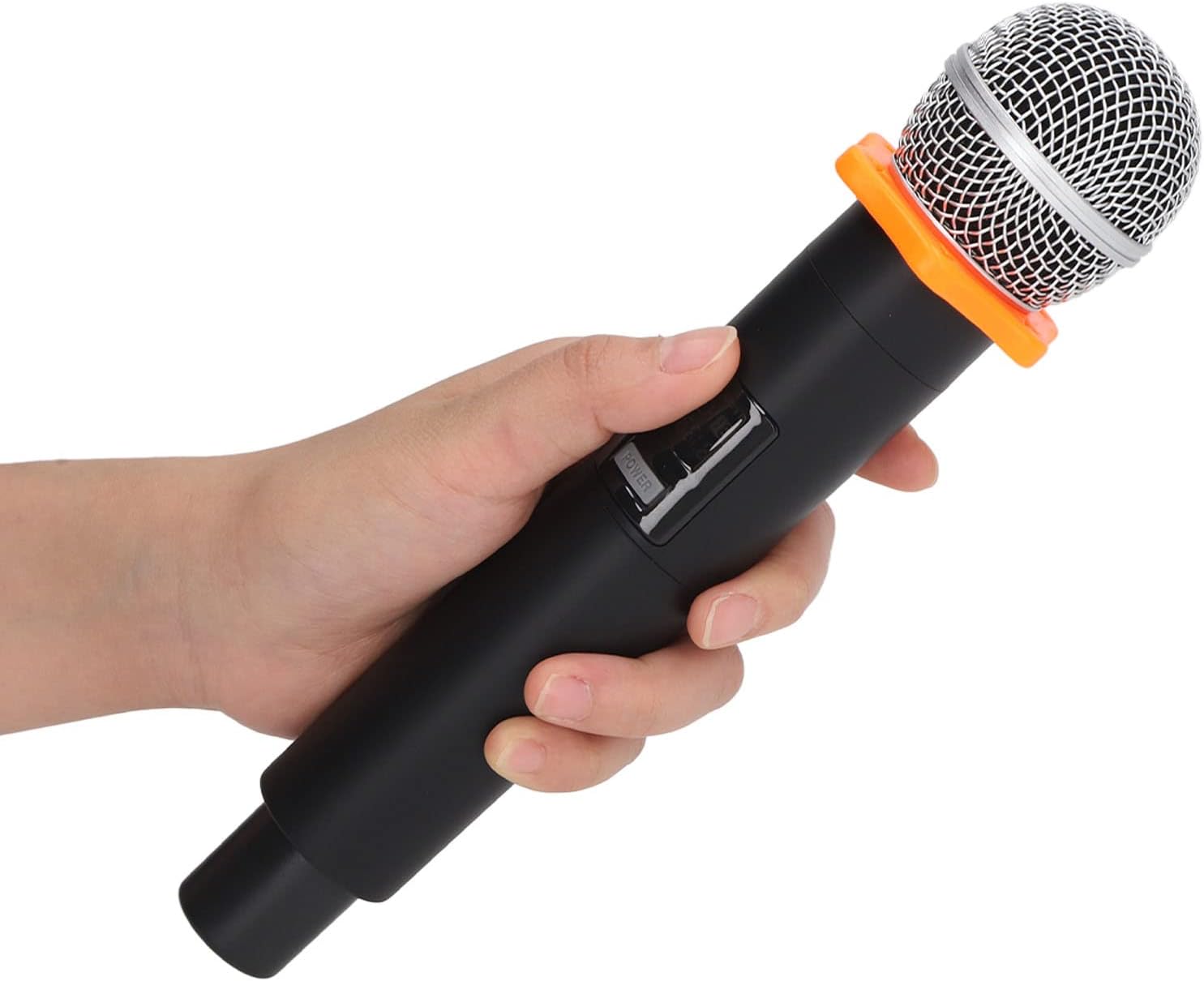
Image: Operating the microphone, showing the power button and display.

Image: Detail of the microphone's display and power button.

Image: Microphone's heart-shaped pickup pattern and frequency response characteristics.

Image: The microphone system in use, demonstrating wireless connectivity to a speaker.
5. Maintenance
Proper care and maintenance will extend the life of your microphone system:
- Cleaning: Use a soft, dry cloth to clean the exterior of the microphones and receiver. Do not use liquid cleaners or abrasive materials.
- Battery Care: Recharge the built-in lithium-ion batteries regularly, even if the devices are not in frequent use, to maintain battery health. Avoid fully discharging the batteries for extended periods.
- Storage: Store the microphone system in a cool, dry place away from direct sunlight, extreme temperatures, and high humidity.
- Handling: Handle the microphones and receiver with care. Avoid dropping them or subjecting them to strong impacts.
6. Troubleshooting
If you encounter issues with your Heayzoki microphone system, refer to the following common problems and solutions:
- No Sound Output:
- Ensure both microphones and the receiver are powered on.
- Check if the receiver is securely connected to the audio input of your speaker/mixer.
- Verify that the volume on your audio device is turned up.
- Confirm that the microphones and receiver are charged.
- Interference or Poor Sound Quality:
- Ensure the microphones and receiver are within the 50-meter working distance.
- Avoid placing the receiver near strong electromagnetic interference sources (e.g., Wi-Fi routers, other wireless devices).
- The system features automatic frequency pairing; if interference persists, try powering off and on both the microphones and receiver to re-establish a clean connection.
- Microphone Not Pairing:
- Ensure both the microphone and receiver are powered on and fully charged.
- The system is designed for one-time automatic frequency pairing. If pairing fails, power cycle both devices.
7. Specifications
Detailed technical specifications for the Heayzoki Microphone System:
| Feature | Specification |
|---|---|
| Item Type | Microphone System |
| Material | Metal and ABS |
| Band Width | 40MHz |
| Modulation Mode | Digital Modulation |
| Maximum Frequency Deviation | ±48KHz |
| Frequency Response | 30Hz-20KHz |
| Signal-to-Noise Ratio (S/N) | ≥95dB |
| Distortion Degree | ≤0.01% |
| Working Distance | Approx. 50 meters / 164.04 feet (under ideal conditions) |
| Single Microphone Battery | 1 x Lithium Ion Battery 1200mAh |
| Receiver Battery | 1 x Lithium Ion Battery 1200mAh |
| Brand | Heayzoki |
| Model | Heayzokirn8v0sx3ym |
| Compatible Devices | Audio systems with 3.5mm or 6.35mm (with adapter) input, including laptops. |
| Connector Type | 3.5mm (Receiver output) |

Image: Physical dimensions of the microphone and receiver.
8. Warranty and Support
This product comes with a standard manufacturer's warranty. For specific warranty terms and conditions, please refer to the documentation provided at the time of purchase or contact your retailer.
For technical support, troubleshooting assistance, or inquiries about replacement parts, please visit the official Heayzoki store or contact their customer service through the platform where you purchased the product. You can find more information and contact options at the Heayzoki Store on Amazon.