Introduction
Thank you for choosing the Waterpulse Smarbo V580 Portable Water Flosser. This device is designed to provide an effective and convenient way to improve your oral hygiene. Please read this manual thoroughly before use to ensure proper operation and maintenance.
Safety Information
For oral irrigator use, consult with a healthcare professional if you have any medical conditions. Keep out of reach of children. Follow all safety instructions for battery-powered devices or chargers.
Package Contents
Verify that all items are present in your package:
- Waterpulse Smarbo V580 Water Flosser Unit
- 5 Nozzles (various types for different needs)
- USB Charging Cable
- Instruction Manual

Image: Waterpulse Smarbo V580 Water Flosser and its accessories, including the main unit, five different nozzles, a USB charging cable, and the instruction manual.
Product Features
The Waterpulse Smarbo V580 is equipped with advanced features for a superior oral cleaning experience:
- 6 Cleaning Modes: Customize your flossing experience from gentle to powerful.
- 320ML Water Tank: Large capacity for uninterrupted use.
- Rechargeable & Portable: Cordless design with Micro USB charging for on-the-go convenience.
- Auto Pressure Memory: Remembers your last used pressure setting.
- Charging Reminder: Notifies you when charging is needed.
- Massage Gums Function: Provides a soothing gum massage.
- IPX7 Waterproof: Fully washable for easy cleaning and maintenance.
- Rotating Nozzle: Allows for 360-degree cleaning access.
- Long-lasting Battery: 2000mAh Lithium Ion battery for extended usage.

Image: Two Waterpulse Smarbo V580 units (black and white) displayed in a bathroom setting, surrounded by icons illustrating its key features such as massage function, charging reminder, multiple pressure settings, automatic pressure memory, waterproof design, microcircuit control, rotating nozzle, 320ml water tank, and 2000mAh battery.

Image: The Waterpulse Smarbo V580 Water Flosser being placed into a backpack, with smaller images showing its use in school and during business travel, emphasizing its lightweight and portable design (under 0.5kg).
Setup
Before first use, ensure the device is fully charged.
Charging the Device
Connect the provided USB charging cable to the Micro USB port on the device. Plug the other end into a compatible power source such as a mobile phone charger (5V output), a computer USB interface, or a power bank. The charging indicator will show the charging status. A full charge typically takes several hours.

Image: The Waterpulse Smarbo V580 Water Flosser connected to a power bank, illustrating various charging options including a mobile phone charger, computer USB interface, and a power bank.
Attaching a Nozzle
- Select the desired nozzle.
- Insert the nozzle into the opening at the top of the flosser unit until it clicks into place.
- To remove, press the nozzle release button (if present) and pull the nozzle out.
Operating Instructions
Follow these steps for effective use of your water flosser:
- Fill the Water Tank: Open the water tank cover and fill the 320ML tank with lukewarm water. Close the cover securely.
- Select a Mode: Press the 'M' button to cycle through the 6 available modes (e.g., Clean, Soft, Pulse, Massage). The indicator light will show the selected mode.
- Position the Nozzle: Place the nozzle tip into your mouth, aiming it at your gumline at a 90-degree angle. Lean over a sink to avoid splashing.
- Start Flossing: Press the power button to start the water flow. Move the nozzle along your gumline, pausing briefly between teeth. The 360-degree rotating nozzle allows for thorough cleaning of all areas.
- Clean All Areas: Focus on irregular tooth alignment, deep and concealed parts of the mouth, gaps between teeth and gums, and around orthodontic appliances.
- Stop Flossing: Press the power button again to stop the water flow.
- Empty and Clean: After each use, empty any remaining water from the tank and clean the device as described in the Maintenance section.

Image: A hand pouring water from a bottle into the Waterpulse Smarbo V580 Water Flosser's tank, illustrating the ease of filling the device for use anywhere.
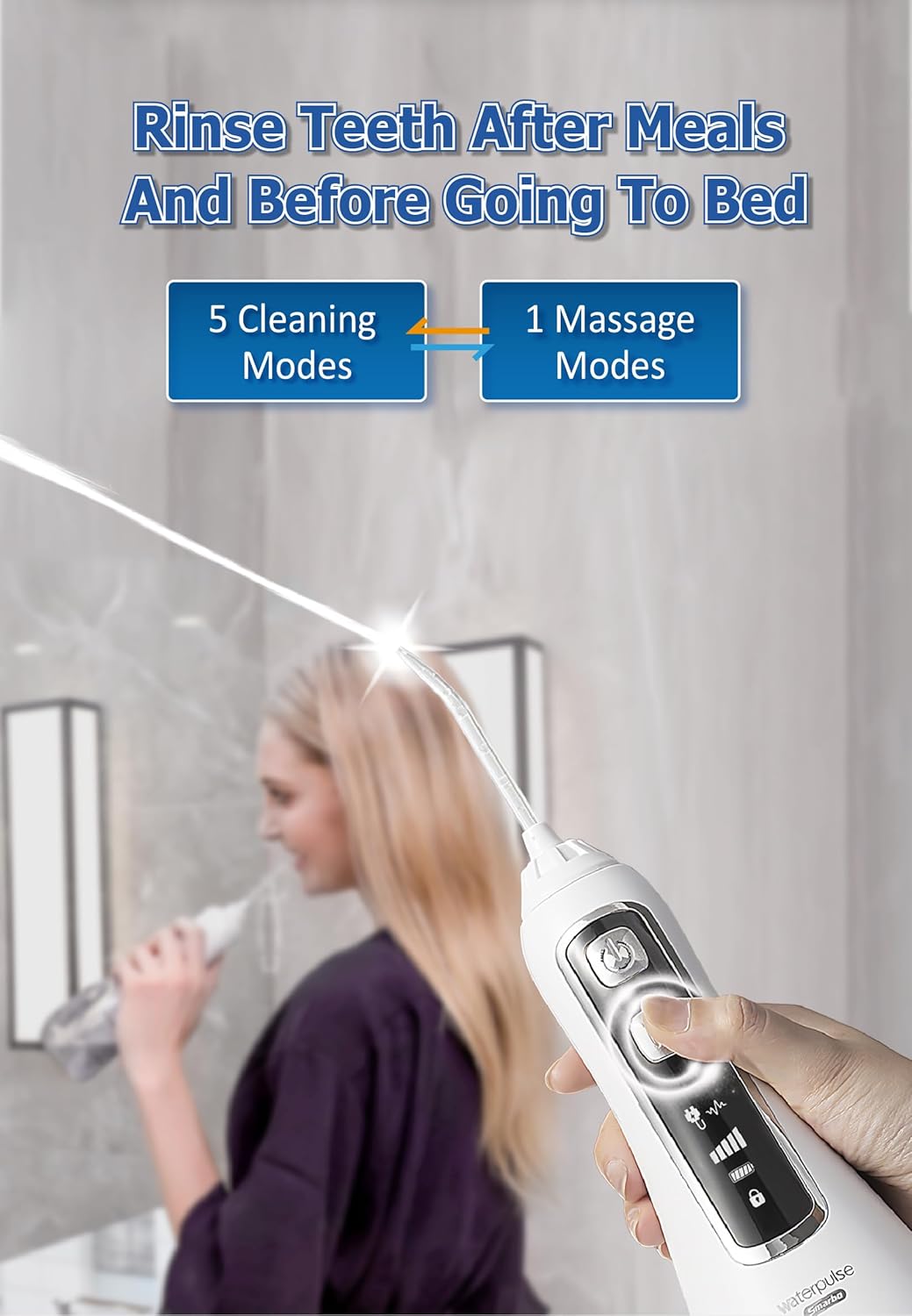
Image: A person using the Waterpulse Smarbo V580 Water Flosser, with text indicating its recommendation for use after meals and before bed, and highlighting its 5 cleaning modes plus 1 massage mode.

Image: A visual representation of the 360-degree rotating nozzle and its ability to clean various dental areas, including irregular tooth alignment, deep and concealed parts of the mouth, gaps between teeth and gums, and around orthodontic appliances.
Maintenance and Cleaning
Regular cleaning ensures optimal performance and hygiene.
- Empty Water Tank: After each use, empty any remaining water from the tank.
- Rinse Tank: Rinse the water tank with clean water.
- Clean Exterior: Wipe the exterior of the unit with a soft, damp cloth.
- Nozzle Cleaning: Remove the nozzle and rinse it under running water. For deeper cleaning, nozzles can be soaked in a denture cleaning solution or a mixture of water and vinegar.
- Drying: Allow all parts to air dry before reassembling or storing.
The Waterpulse Smarbo V580 is IPX7 waterproof, allowing for full body washing under running water for easy cleaning.

Image: Two Waterpulse Smarbo V580 units (white and black) being sprayed with water, illustrating their IPX7 full body waterproof design for easy cleaning.
Troubleshooting
If you encounter issues with your Waterpulse Smarbo V580, please refer to the following common solutions:
- No Power: Ensure the device is fully charged. Check the charging cable and adapter for damage.
- Weak Water Pressure: Check if the water tank is sufficiently filled. Ensure the nozzle is securely attached and not clogged.
- Water Leakage: Verify that the water tank cover is closed tightly and the nozzle is properly inserted.
- Device Not Turning On: If the device does not respond after charging, try resetting it by holding the power button for 10 seconds. If the issue persists, contact customer support.
Specifications
| Feature | Specification |
|---|---|
| Model Name | Waterpulse Smarbo V580 |
| Water Tank Capacity | 320 ML |
| Pressure Settings | 6 Modes (30-140 PSI) |
| Battery Type | 2000mAh Lithium Ion |
| Charging Interface | Micro USB |
| Waterproof Rating | IPX7 |
| Material | Acrylonitrile Butadiene Styrene Polycarbonate (ABS+PC) |
| Special Features | Lightweight, MicroCircuit Control, Rotating Nozzle, Auto Pressure Memory, Charging Reminder, Massage Gums Function, Timer |
| Manufacturer | Waterpulse (shanghai) Industrial Co., Ltd |
Warranty and Support
The Waterpulse Smarbo V580 comes with a 1-year warranty and free spare parts, ensuring reliable performance and peace of mind.
For technical support, warranty claims, or any questions regarding your device, please contact the retailer or manufacturer's customer service. Keep your purchase receipt as proof of purchase for warranty services.
