
BUTO BH388A
BUTO Replacement BH388A Leather Ear Pads User Manual
Model: BH388A
Introduction
This manual provides detailed instructions for the installation, maintenance, and care of your BUTO Replacement BH388A Leather Ear Pads. These ear pads are designed to provide a comfortable fit and improve sound effects for compatible headphones. They are made from selected protein leather with an internal soft sponge foam for durability and comfort.
Package Contents
- 1 Pair Black Replacement Ear Pads
Compatibility
These replacement ear pads are specifically designed to be compatible with MPOW BH388A 059 Headphones Headsets. Please ensure your headphone model matches this specification for proper fit and function.
Installation Guide
Follow these steps carefully to replace your old ear pads with the new BUTO replacement ear pads. Note that these are high-quality replacements and may require using old clips from your original ear pads' back for proper installation.
Step 1: Remove Old Ear Pads
Gently peel off the old ear pads from your headphones. They are usually held in place by a rim or clips. Take care not to damage the headphone's speaker unit or any internal wiring during removal.
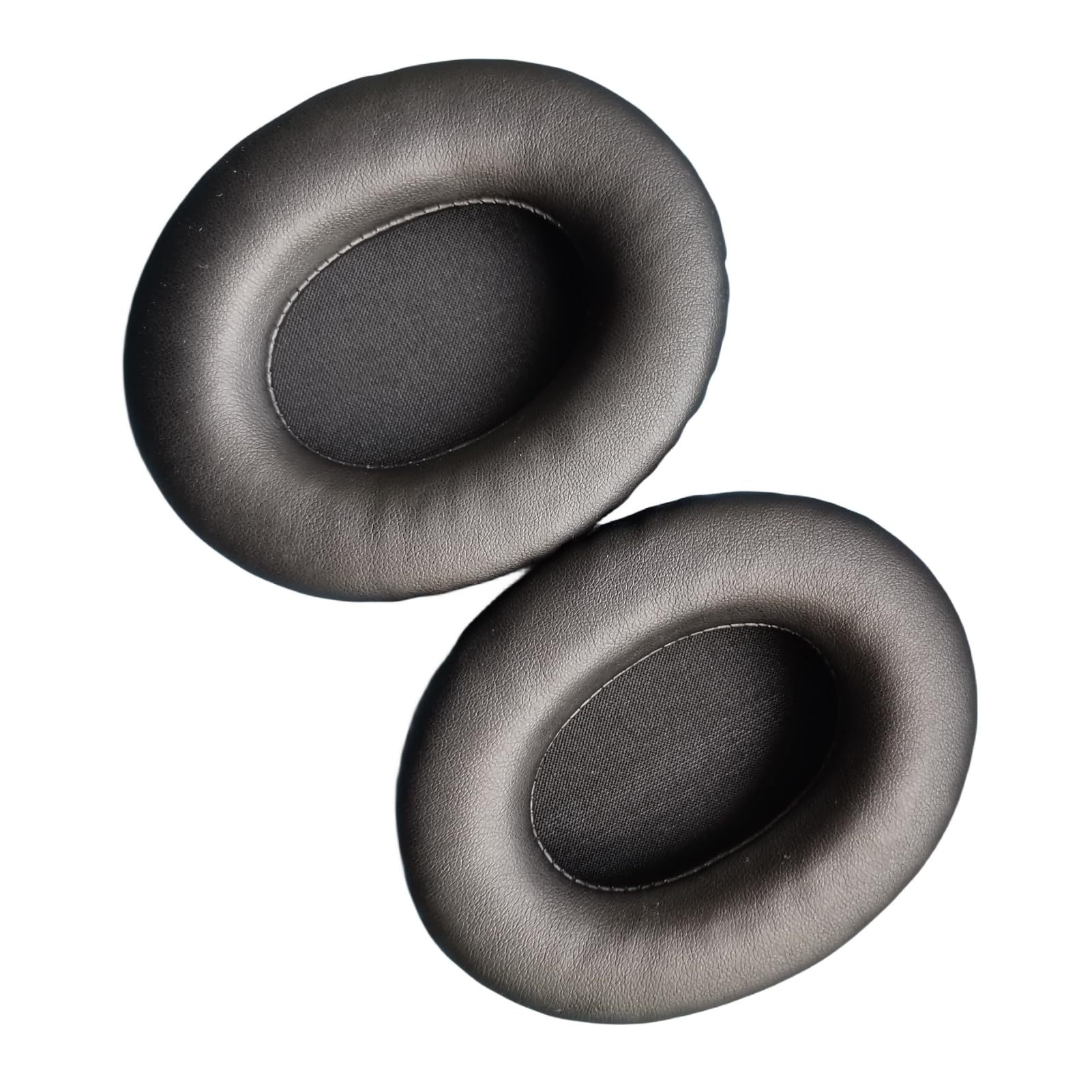
Image: Two replacement ear pads, ready for installation.
Step 2: Prepare New Ear Pads
Inspect the new BUTO ear pads. If your original ear pads had plastic clips or rings that detached, you may need to transfer these clips to the new ear pads. Align the clips or the inner rim of the new ear pad with the corresponding groove on your headphone's ear cup.
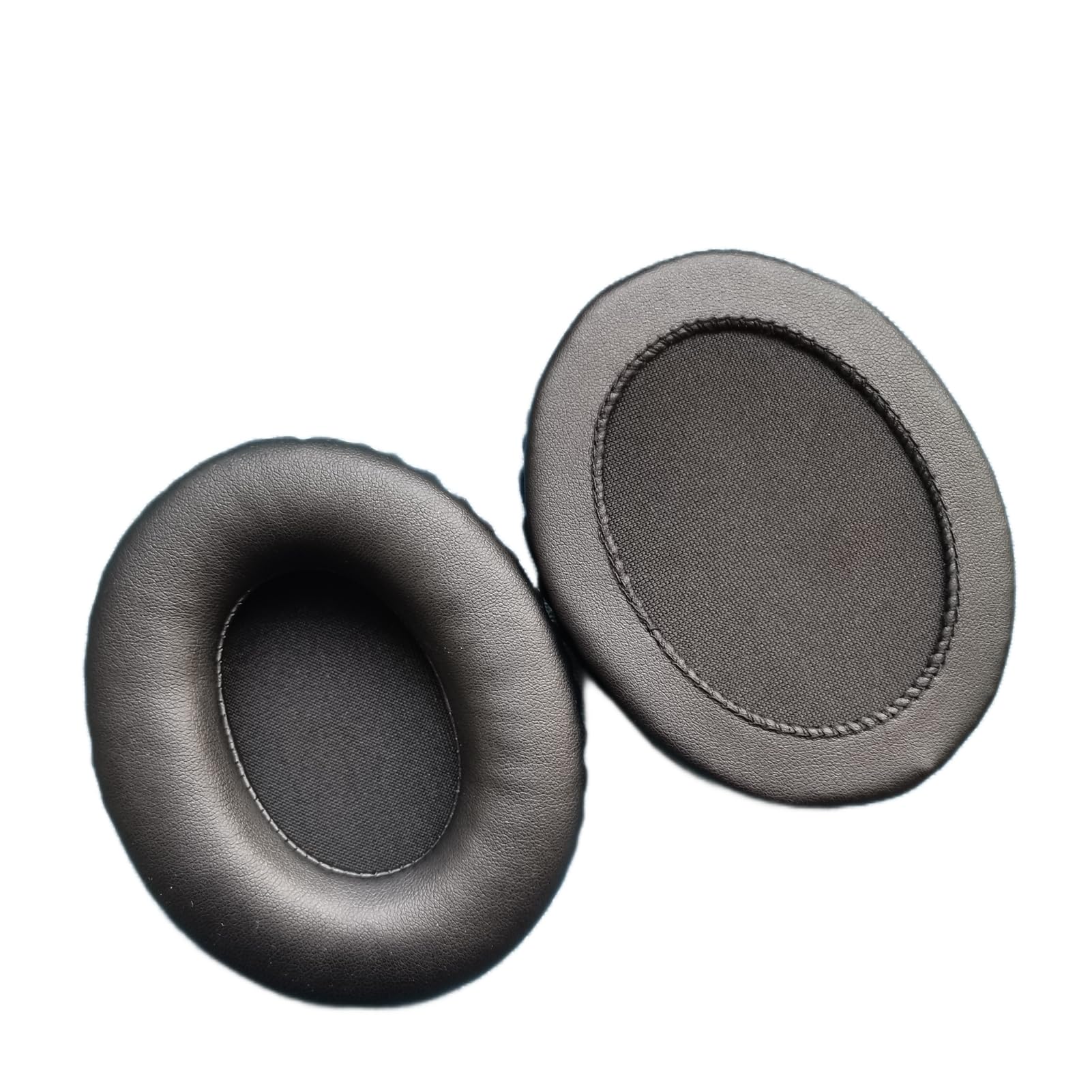
Image: Rear view of a replacement ear pad, showing the attachment mechanism.
Step 3: Attach New Ear Pads
Starting from one point, gently press the edge of the new ear pad into the groove around the headphone's ear cup. Work your way around the entire circumference, ensuring the ear pad is securely seated and all clips (if applicable) are engaged. Apply even pressure to avoid creasing the leather or damaging the ear pad.
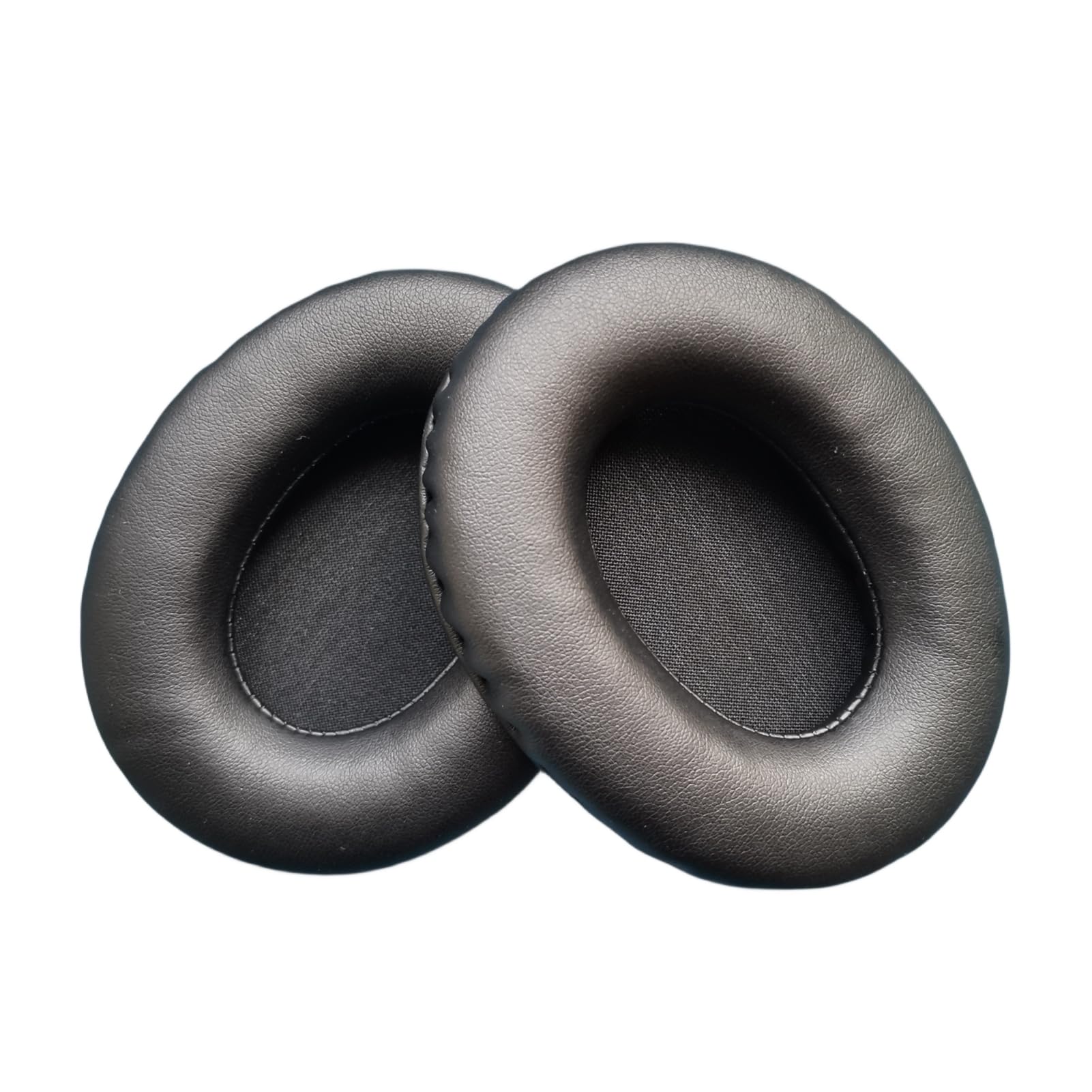
Image: Side view of replacement ear pads, illustrating their plush design.
Once installed, gently tug on the ear pads to ensure they are firmly attached and will not easily come off during use.
Maintenance and Care
To ensure the longevity and hygiene of your BUTO Replacement Ear Pads, follow these care instructions:
- Cleaning: Wipe the surface of the ear pads with a soft, damp cloth. For stubborn dirt, use a mild soap solution, then wipe with a clean, damp cloth to remove any soap residue. Avoid using harsh chemicals, alcohol, or abrasive cleaners, as these can damage the protein leather.
- Drying: Allow the ear pads to air dry completely before using your headphones. Do not expose them to direct sunlight or high heat.
- Storage: When not in use, store your headphones in a clean, dry place away from direct sunlight and extreme temperatures.
- Avoid Punctures: Be careful not to puncture or scratch the leather surface, as this can lead to tearing.
Troubleshooting
| Issue | Possible Cause | Solution |
|---|---|---|
| Ear pads do not fit properly. | Incorrect model compatibility or improper installation. | Verify your headphone model is MPOW BH388A 059. Re-attempt installation, ensuring the ear pad rim or clips are fully seated in the headphone's groove. Ensure any original clips were transferred if necessary. |
| Sound quality seems muffled or changed. | Ear pads not fully sealed around the ear, or internal mesh is obstructed. | Ensure the ear pads are completely sealed around the ear cups. Check the internal mesh of the ear pads for any debris and gently clean if necessary. |
| Ear pads feel uncomfortable. | New material stiffness or improper positioning. | Allow a short break-in period for the material to soften. Adjust the headphone's headband for optimal positioning on your head. |
Specifications
| Brand | BUTO |
| Model Compatibility | MPOW BH388A 059 Headphones Headsets |
| Material | Selected Protein Leather (Faux Leather), Sponge Foam |
| Color | Black |
| UPC | 697226646114 |
| ASIN | B0CYLZ1PWB |
| Manufacturer | Cypressol |
Warranty and Support
For information regarding warranty coverage or technical support, please contact the seller or manufacturer directly. Keep your purchase receipt as proof of purchase.
For general inquiries or further assistance, you may refer to the product listing page on Amazon or contact BUTO customer service if available.
Ask a question about this manual
Ask about setup, troubleshooting, compatibility, parts, safety, or missing instructions. Manuals+ will review the question and use this page’s manual context to help answer it.