
Retekess TR113
Retekess TR113 Shortwave Radio Receiver Instruction Manual
Model: TR113 | Brand: Retekess
Introduction
The Retekess TR113 is a versatile full-band radio receiver designed for comprehensive reception across various frequencies, including FM, AM, SW, LW, VHF, UHF, AIR, CB, and SSB. It features smart app control, multiple antenna options for enhanced signal stability, flexible search methods, and a large memory capacity for storing up to 1600 radio stations. This manual provides detailed instructions for setting up, operating, and maintaining your TR113 radio.
1. What's in the Box
Upon unboxing your Retekess TR113, please verify that all the following items are included:
- 1X TR113 Radio
- 1X Product Manual
- 1X APP Operation Manual
- 1X Strap (Lanyard)
- 1X Storage Bag
- 1X USB TYPE-C Charging Cable
- 1X 3.5mm External Antenna
- 1X Screwdriver (Note: The battery is non-removable in this model, so the screwdriver may not be needed for battery access.)
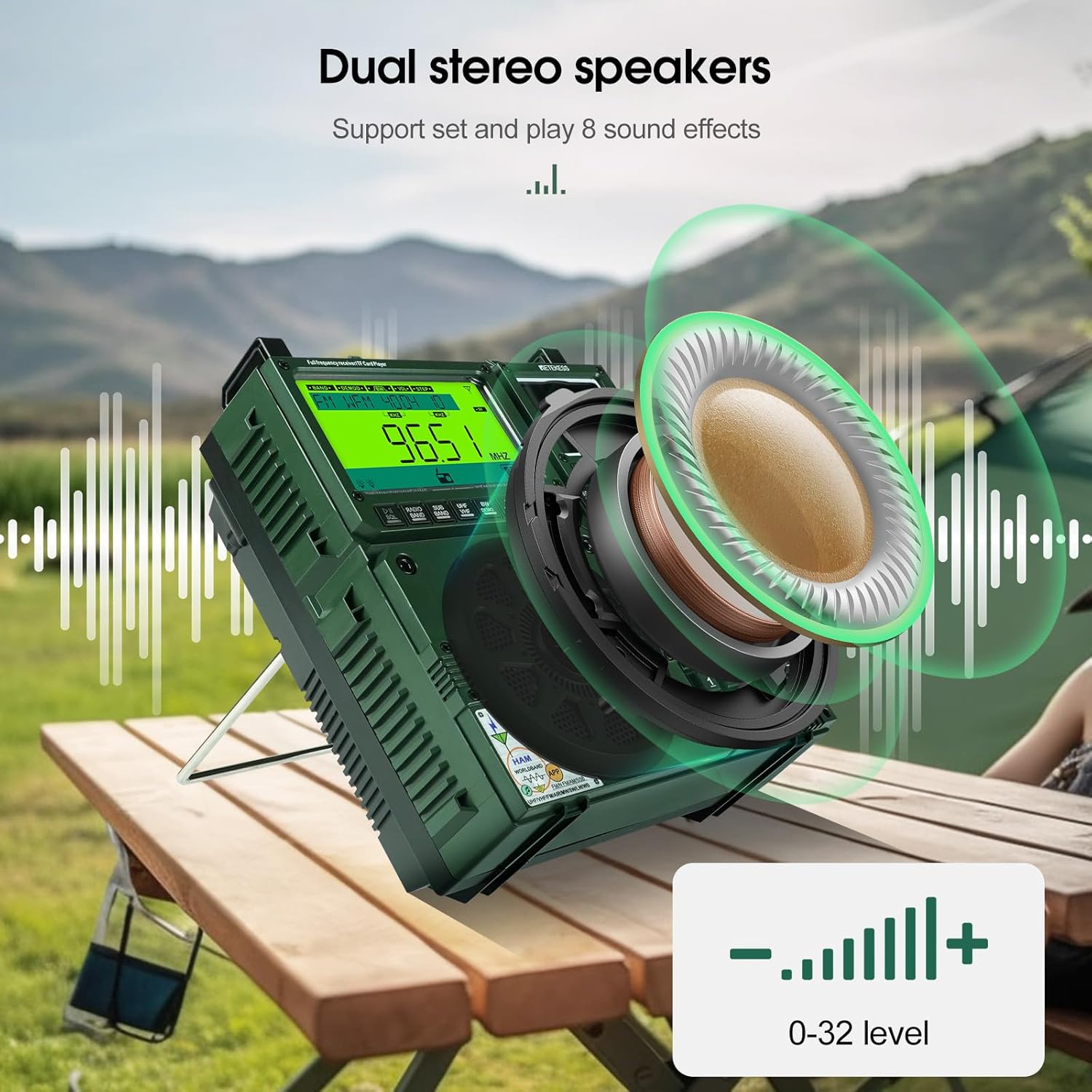
Figure 1.1: Contents of the Retekess TR113 package. Includes the radio, product manual, APP manual, strap, storage bag, USB Type-C charging cable, 3.5mm external antenna, and a screwdriver.
2. Setup
2.1 Initial Power On
To power on the Retekess TR113, ensure the side switch is in the unlocked position. Press the 'Sleep' button to activate the display. The radio will show the current time and date. You can adjust these settings via the menu.
2.2 Charging the Battery
The TR113 is equipped with a non-removable lithium-ion battery. Use the provided USB Type-C charging cable to charge the device. The Type-C jack also functions as an external speaker audio input.

Figure 2.1: The dual-use Type-C jack on the side of the radio, serving as both a charging port and an external speaker audio input.
3. Operating the Radio
3.1 General Controls and Display
The TR113 features a dual-display design, showing the band, frequency, battery status, and other features. It includes a direct entry keypad and a dual knob for precise tuning.

Figure 3.1: Front panel of the TR113, illustrating the main display, secondary display, keypad, and tuning controls.
3.2 Band Reception
The TR113 supports a wide range of frequencies:
- FM: Frequency Modulation
- AM: Amplitude Modulation
- SW: Shortwave
- LW: Longwave
- VHF: Very High Frequency
- UHF: Ultra High Frequency
- CB: Citizen Band
- WB: Weather Band
- AIR: Aviation Band
- SSB: Single Sideband (for enhanced reception)
Use the dedicated band buttons or the tuning knob to switch between bands.

Figure 3.2: Visual representation of the TR113's full band reception, including FM, AM, SW, LW, VHF, UHF, CB, WB, and AIR bands.
3.3 Tuning Methods
The radio offers multiple tuning options:
- Digital Tuning: Directly enter frequencies using the keypad.
- Manual Tuning: Use the dual knob for precise frequency adjustment. The outer ring provides coarse tuning, while the inner ring allows for fine-tuning.
- Pully Tuning: (Refers to the rotary knob for continuous tuning)

Figure 3.3: Illustration of the different tuning methods available on the TR113, including the direct entry keypad and the dual rotary knob.
3.4 Antenna Modes
The TR113 supports multiple antenna configurations for optimal signal reception:
- Built-in Telescopic Antenna: Extend for general reception.
- External Antenna: Connect the provided 3.5mm external antenna for enhanced signal strength, especially in areas with weak signals. The radio also supports other external antenna expansions.

Figure 3.4: The radio's top panel with ports for external antenna connection, indicating improved signal reception with external antennas.
3.5 Station Memory and Search
The radio can store up to 1600 radio stations. It offers:
- Fully Automatic Search: Scans and saves available stations automatically.
- Semi-Automatic Search: Allows for partial scanning and saving.
- Manual Search: Tune to specific frequencies and save them manually.

Figure 3.5: The radio displaying a channel number, indicating its ability to store a large number of preset stations.
3.6 Smart APP Control
Control your TR113 remotely from up to 20 meters away using the dedicated mobile application. The app allows for band switching, mode adjustment, precise frequency tuning, volume control, recording capabilities, and touch lock prevention.
3.7 Bluetooth Streaming and TF Card Playback
The radio features integrated Bluetooth connectivity for seamless pairing with smartphones and other devices. It supports a wide range of audio formats and up to 256GB TF card expansion for playing your own media.

Figure 3.6: The radio's dual stereo speakers, providing clear and adjustable audio output.
3.8 Backlight Display
The radio's display features 7 colors of backlight, which can be adjusted for improved visibility in various lighting conditions.
3.9 Alarm Clock and Sleep Mode
The TR113 includes an alarm clock function and a sleep mode, allowing you to set timers for automatic power-off.

Figure 3.7: The radio displaying time and indicating active sleep mode and alarm clock functions.
4. Maintenance
To ensure the longevity and optimal performance of your Retekess TR113 radio, follow these maintenance guidelines:
- Keep the device clean by wiping it with a soft, dry cloth. Avoid using abrasive cleaners or solvents.
- Protect the radio from extreme temperatures, direct sunlight, and high humidity.
- Avoid dropping or subjecting the radio to strong impacts.
- When not in use for extended periods, store the radio in a cool, dry place.
- Regularly check the telescopic antenna for any damage and extend/retract it gently.
5. Troubleshooting
If you encounter any issues with your Retekess TR113, refer to the following common troubleshooting tips:
- No Power: Ensure the battery is fully charged. Check the power switch position.
- Poor Reception: Extend the telescopic antenna fully. Try connecting the external antenna. Adjust the radio's position or location. Check for local interference sources.
- App Connectivity Issues: Ensure Bluetooth is enabled on both the radio and your smartphone. Make sure the app is updated to the latest version. Restart both devices.
- No Audio: Check the volume level. Ensure headphones are not plugged in if you intend to use the speaker.
- Display Not Working: Check the backlight settings. If the issue persists after a restart, contact customer support.
For more detailed troubleshooting, consult the comprehensive product manual included in the package or visit the official Retekess support website.
6. Specifications
| Feature | Description |
|---|---|
| Product Dimensions | 2.09 x 1.02 x 3.62 inches (5.31 x 2.59 x 9.19 cm) |
| Item Weight | 2.31 pounds (1.05 kg) |
| Model Number | TR113 |
| Batteries | 1 Lithium Ion battery required (included) |
| Brand | Retekess |
| Color | Green |
| Special Features | Bluetooth, APP Control, SOS, Rechargeable, Built-In Flashlight |
| Connectivity Technology | Bluetooth |
| Tuner Technology | AM/FM/VHF/SW/WB |
| Power Source | Corded Electric (for charging) |
| Radio Bands Supported | 5-Band (FM/AM/SW/LW/VHF/UHF/CB/WB/AIR with SSB) |
7. Warranty and Support
For warranty information and technical support, please refer to the official Retekess website or contact their customer service directly. Details can also be found in the product manual provided with your TR113 radio.