
1. Introduction
This manual provides detailed instructions for the installation, operation, and maintenance of your Toeeklsa Android 12 Car Radio, designed specifically for Porsche Panamera models from 2010 to 2017. This 12.3-inch touchscreen head unit enhances your driving experience with features like wireless CarPlay, Android Auto, GPS navigation, and advanced audio processing. Please read this manual thoroughly before installation and use to ensure proper functionality and safety.
2. What's in the Box
Upon unpacking, please verify that all the following components are included:
- Toeeklsa Android 12 Car Radio Head Unit
- Rear camera
- 360 1080P AHD Rear view reversing camera
- Power cables and wiring harnesses
- GPS antenna
- USB cables
- User Operation Manual
Video: Unboxing and initial wiring connections for the Android Car Bluetooth Stereo with Wiring Harness for Porsche. This video demonstrates connecting various cables to the head unit.
3. Setup and Installation
The Toeeklsa Android 12 Car Radio is designed for plug-and-play installation, requiring no cutting or modification of original car wiring. However, professional installation is recommended.
3.1 Pre-Installation Steps
- Ensure the vehicle's ignition is off and the battery is disconnected.
- Carefully remove the original car radio unit and associated trim.
3.2 Wiring Connections
Connect the provided wiring harnesses to the corresponding ports on the new head unit and the vehicle's existing wiring. Ensure all connections are secure.
Video: Detailed installation guide for the PCM 3.1 Module. This video shows the process of disassembling the original radio and connecting the new module's FPC cables and antennas.
3.3 Camera and Antenna Installation
- Connect the rear camera and 360 camera cables to the designated inputs on the head unit.
- Install the GPS antenna in a location with a clear view of the sky for optimal signal reception.
- Connect the WiFi and Bluetooth antennas.

Image: A visual comparison showing the original Porsche Panamera dashboard setup ('Before') and the upgraded dashboard with the Toeeklsa 12.3-inch Android 12 Car Radio installed ('After').
3.4 Post-Installation
- Reconnect the vehicle battery.
- Turn on the ignition and power on the head unit.
- Perform initial setup and configuration as prompted on the screen.
Video: Instructions on how to fix or integrate the factory reverse camera with the new head unit.
4. Operating Instructions
Your Toeeklsa Car Radio offers a wide range of functions accessible via the 12.3-inch touchscreen.
4.1 Wireless CarPlay & Android Auto
Connect your iPhone or Android phone wirelessly to access navigation, music, calls, and messages directly on the head unit's display. Voice control is supported for hands-free operation.

Image: The screen displaying the Wireless CarPlay and Android Auto interfaces, showing various app icons and phone connectivity options.
Video: A demonstration of how to connect and use wireless CarPlay and Android Auto with the head unit.
4.2 GPS Navigation
Utilize the built-in GPS for real-time navigation with online and offline map support. Features include accurate directions, traffic warnings, voice guidance, and customizable routes.
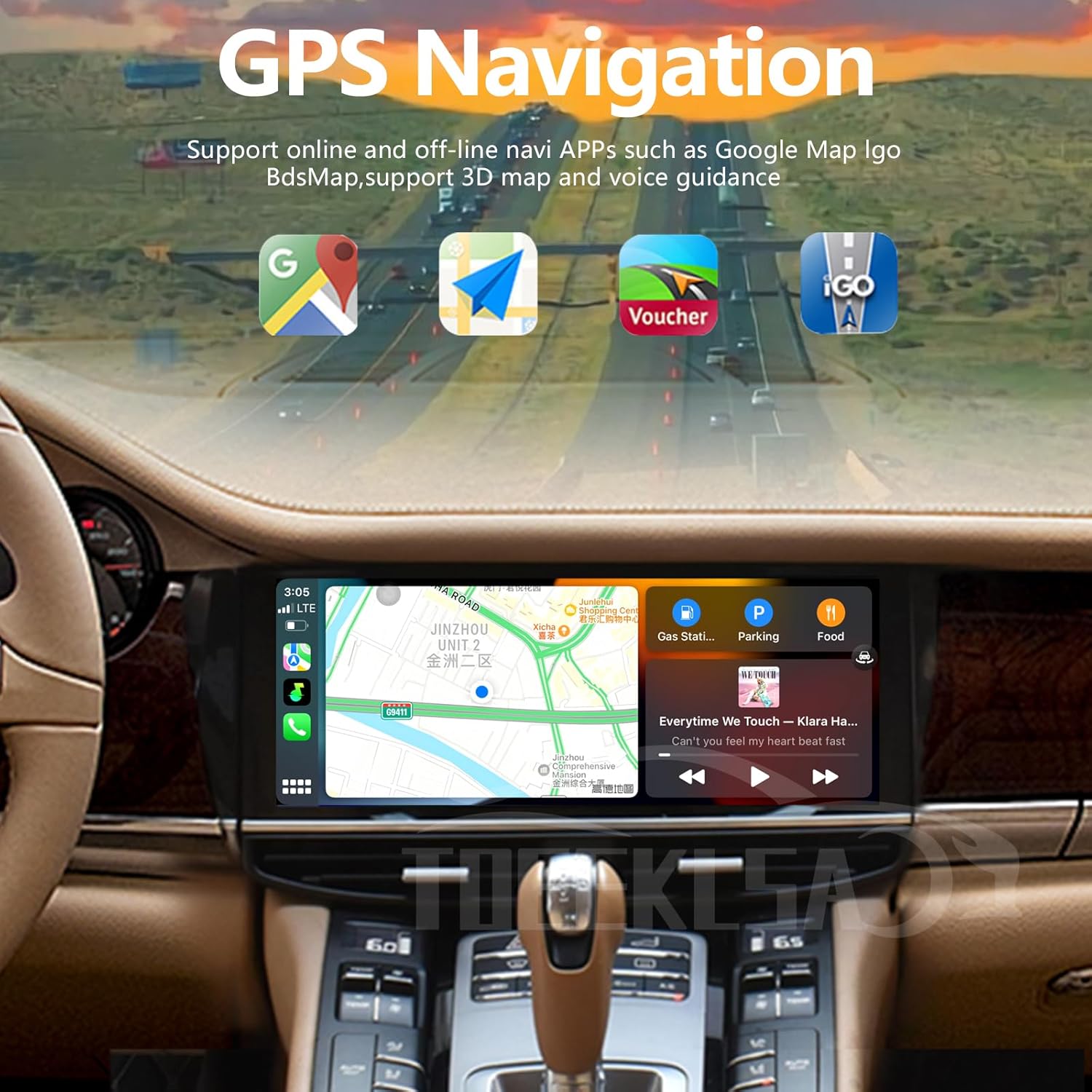
Image: The head unit displaying a GPS navigation map with various points of interest and route information.
4.3 4G & WiFi Connectivity
Connect to home WiFi or your phone's hotspot to access online navigation, download apps, stream media, and browse the internet.

Image: The head unit screen showing various applications and a web browser, demonstrating 4G and WiFi connectivity.
4.4 DSP Equalizer Adjustments
Fine-tune your audio experience with the Digital Signal Processor (DSP) equalizer. Adjust sound settings to achieve optimal lossless sound quality.
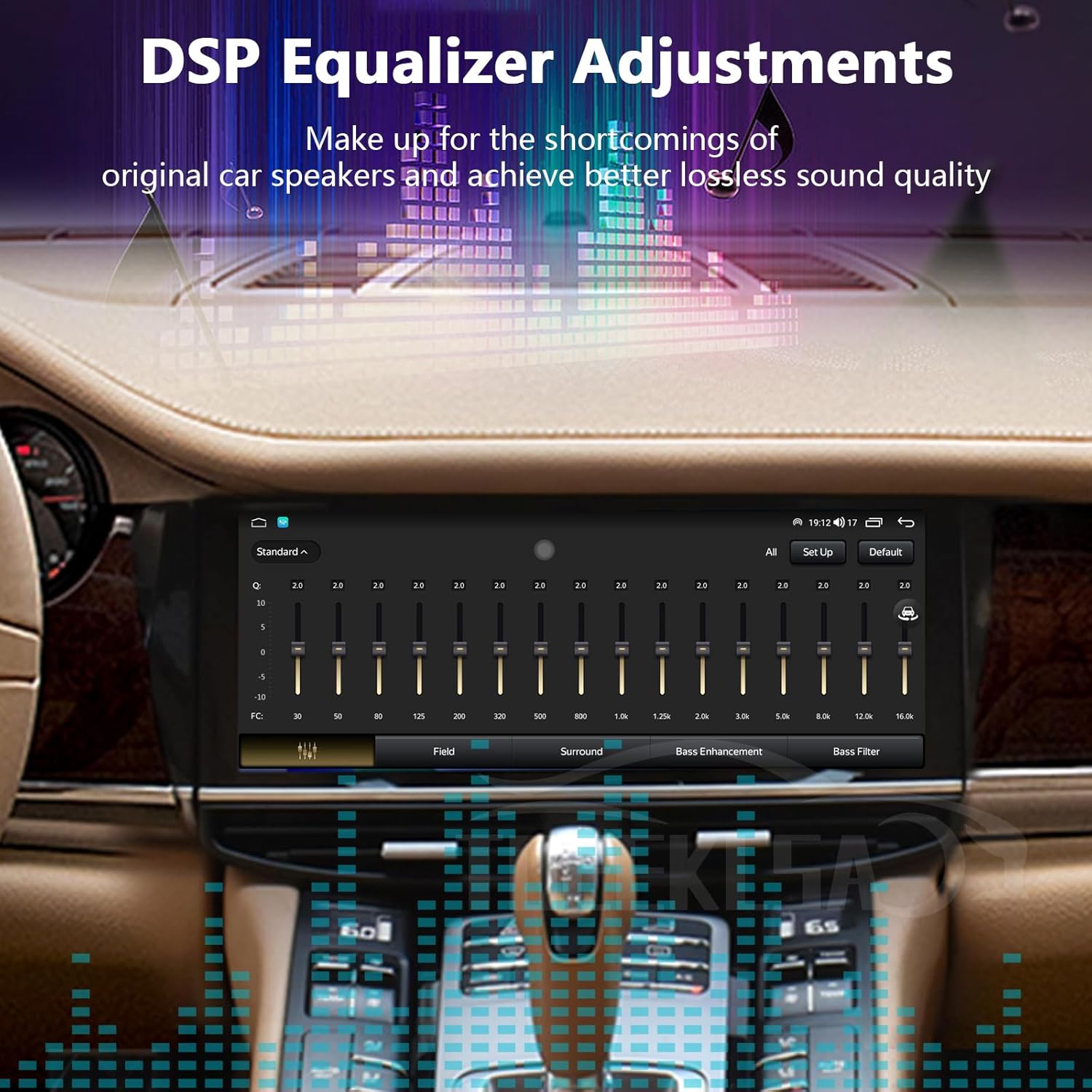
Image: The screen displaying the DSP equalizer interface with various frequency and sound enhancement controls.
4.5 Bluetooth Functionality
The built-in Bluetooth 5.0 supports hands-free calls, phone book download, and music playback from your mobile device.
4.6 Steering Wheel Controls (SWC)
Retain your original steering wheel control functions to safely manage calls, adjust volume, and change songs without taking your hands off the wheel.
5. Maintenance
To ensure the longevity and optimal performance of your Toeeklsa Car Radio, follow these general maintenance guidelines:
- Screen Cleaning: Use a soft, lint-free cloth to gently wipe the touchscreen. For stubborn smudges, slightly dampen the cloth with water or a screen-safe cleaner. Avoid harsh chemicals.
- Software Updates: Periodically check for software updates to ensure you have the latest features and bug fixes. Updates can typically be performed via WiFi.
- Environmental Care: Avoid exposing the unit to extreme temperatures, direct sunlight for prolonged periods, or excessive moisture.
- Cable Management: Ensure all cables are properly secured and not pinched or strained, which can lead to damage or signal loss.
6. Troubleshooting
If you encounter any issues with your Toeeklsa Car Radio, please refer to the following common troubleshooting tips:
- No Power: Check all power connections and ensure the vehicle battery is properly connected. Verify fuses are intact.
- No Sound: Check speaker connections, volume levels, and DSP settings. Ensure the correct audio source is selected.
- Touchscreen Unresponsive: Try restarting the unit. If the issue persists, perform a factory reset (refer to the settings menu for this option).
- GPS Signal Loss: Ensure the GPS antenna has a clear view of the sky and is securely connected.
- CarPlay/Android Auto Connection Issues: Verify Bluetooth and WiFi are enabled on both the head unit and your phone. Ensure your phone's software is up to date.
- Factory Reverse Camera Not Working: Refer to the dedicated installation video for integrating the factory reverse camera. Ensure all connections are correct and settings are configured.
Video: Instructions on how to fix or integrate the factory reverse camera with the new head unit.
7. Specifications
| Feature | Detail |
|---|---|
| Operating System | Android 12.0 |
| Display Size | 12.3 Inches |
| RAM & ROM | 4GB RAM & 64GB ROM |
| Connectivity | Bluetooth 5.0, USB, Wi-Fi, 4G |
| Special Features | Wireless Apple CarPlay, Android Auto, Touchscreen, DSP, SWC, RDS, GPS Navigation |
| Audio Output Mode | Stereo |
| Mounting Type | Dashboard Mount |
| Compatible Car Models | Porsche Panamera 2010-2017 |
8. Warranty and Support
Toeeklsa is committed to providing high-quality products and excellent customer service.
- Money-Back Guarantee: Enjoy a 30-day money-back guarantee for any reason.
- Replacement Warranty: The product comes with a 12-month replacement warranty.
- Technical Support: If you have any questions regarding the unit during use or installation, professional technical support is available to assist you.