
Uandear US-YX014
Uandear Waterproof Bluetooth Speaker User Manual
Model: US-YX014
Introduction
Thank you for purchasing the Uandear Waterproof Bluetooth Speaker. This manual provides detailed instructions on how to set up, operate, and maintain your speaker to ensure optimal performance and longevity. Please read this manual thoroughly before using the product.
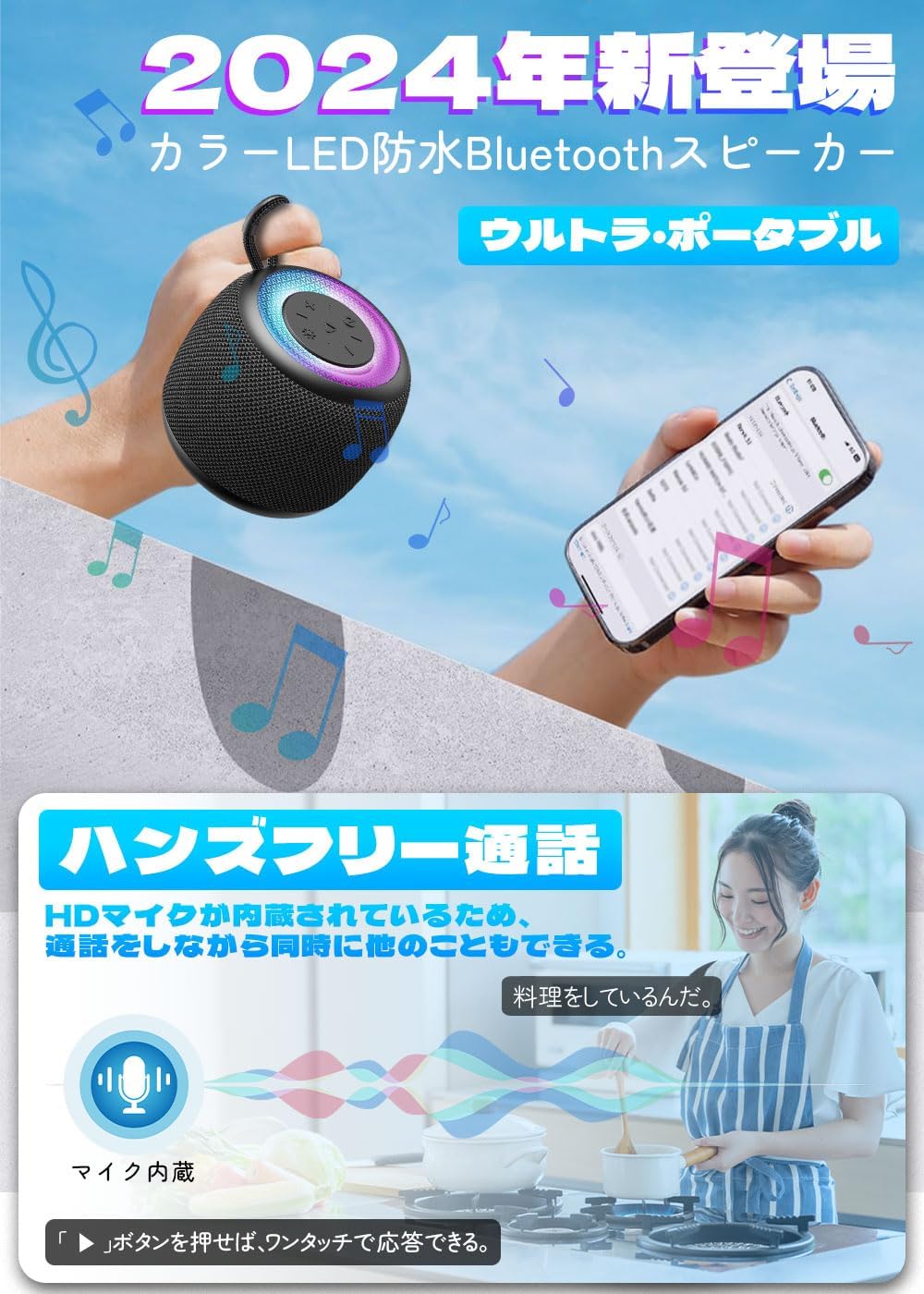
The Uandear speaker combines vibrant RGB lighting with powerful 360° surround sound, making it ideal for various environments, including bathrooms, poolsides, and outdoor activities. Its compact design and robust IPX7 waterproof rating ensure durability and portability.
Product Features
- Dynamic RGB Light Show: Features multiple light modes (monochrome, multi-color, breath, beat, flicker) with 6 different colors to enhance your listening experience and create a party atmosphere. Lights can operate independently of music playback.
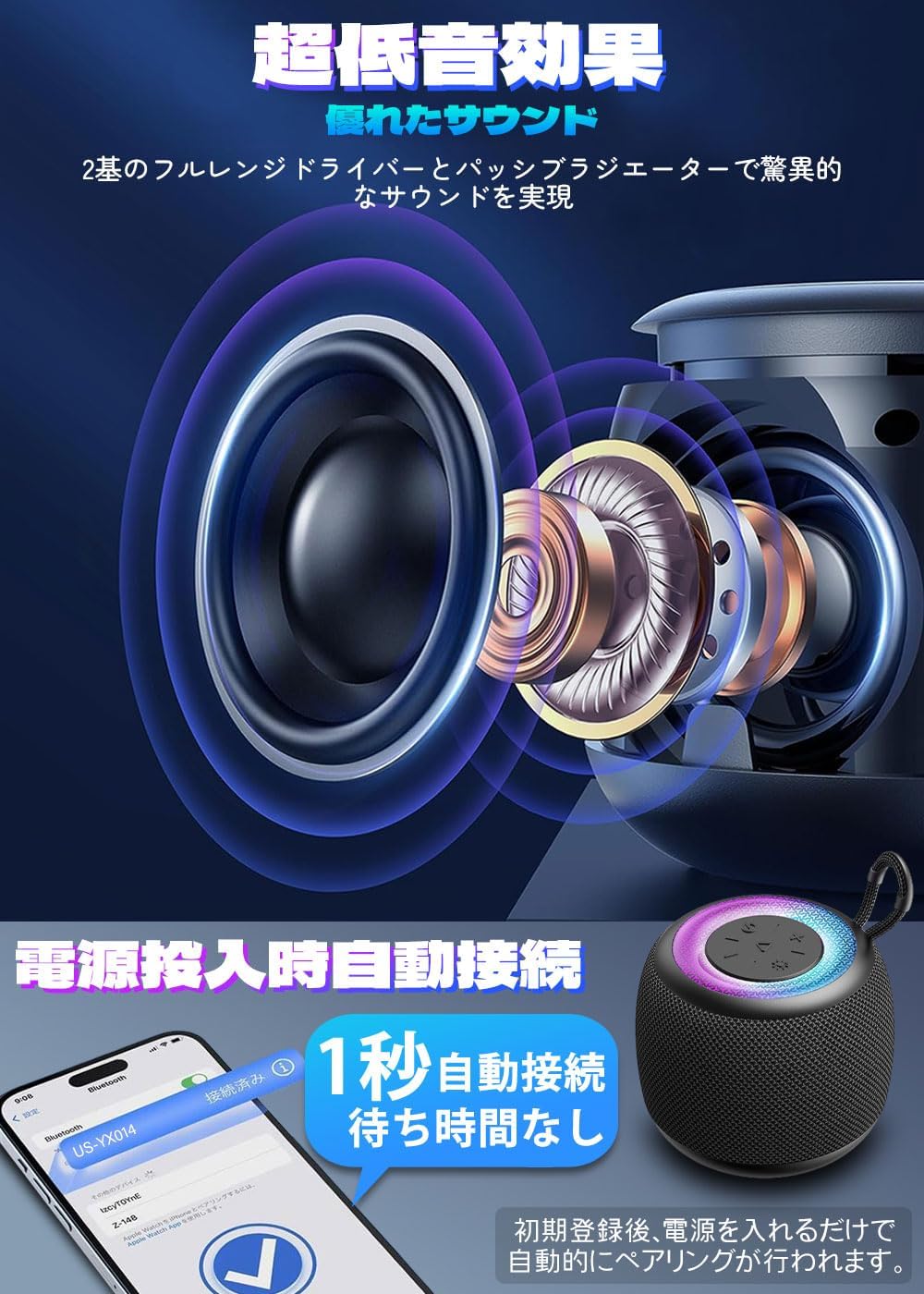
- Compact Design, Powerful Sound: Despite its miniature size, this speaker delivers clear, balanced sound with enhanced bass, perfect for room decoration and immersive audio.
- TWS (True Wireless Stereo) Mode: Connect two Uandear speakers via Bluetooth for synchronized playback, creating a wireless left and right channel system for an immersive stereo surround sound experience. Ideal for games and movies.
- IPX7 Waterproof & Hands-Free Calling: Designed to be rainproof, splash-proof, dustproof, and sand-proof. It functions reliably in rain, by the pool, or at the beach. Features a built-in HD microphone for hands-free calls, allowing you to answer with a single button press.
- Long Playback & Type-C Charging: Offers up to 20 hours of playback time. Equipped with a large capacity 1200 mAh battery, rechargeable over 1000 times. Lightweight and portable (95 x 82 x 82 mm), with a built-in strap for easy attachment to backpacks, bicycles, or strollers.
- Bluetooth 5.3 Connectivity: Utilizes the latest Bluetooth 5.3 chip for stable and smooth connection, even in environments with interference.
Package Contents
Please check the package for the following items:
- Uandear Bluetooth Speaker (Model: US-YX014)
- USB Type-C Charging Cable
- User Manual (this document)
Product Overview


Control Buttons:
- Power Button: Press and hold to turn on/off. Short press to play/pause.
- Volume Up (+): Short press to increase volume. Long press for next track.
- Volume Down (-): Short press to decrease volume. Long press for previous track.
- Light Mode Button: Short press to cycle through RGB light modes. Long press to turn lights on/off.
- Call Button: Short press to answer/end calls. Long press to reject calls.
Setup and Initial Use
Charging the Speaker:
Before first use, fully charge the speaker. Connect the provided USB Type-C cable to the charging port on the speaker and the other end to a USB power adapter (not included) or a computer's USB port.

The charging indicator light will show the charging status. Once fully charged, the light will change or turn off depending on the model.
Pairing with a Bluetooth Device:
- Ensure the speaker is charged.
- Press and hold the Power button on the speaker to turn it on. The speaker will enter pairing mode, indicated by a flashing light.
- On your smartphone, tablet, or computer, enable Bluetooth and search for available devices.
- Select "US-YX014" from the list of devices.
- Once connected, the speaker will emit a confirmation sound, and the light indicator will become solid.

The speaker will automatically connect to the last paired device when turned on, if the device is within range and Bluetooth is enabled.
TWS (True Wireless Stereo) Pairing:
To achieve stereo sound, you can pair two Uandear US-YX014 speakers together.
- Turn on both speakers. Ensure they are not connected to any other Bluetooth devices.
- On one of the speakers (this will be the primary speaker), double-press the Power button. The speaker will enter TWS pairing mode.
- The two speakers will automatically connect to each other. You will hear a confirmation sound once TWS pairing is successful.
- Now, connect your Bluetooth device to the primary speaker as described in the "Pairing with a Bluetooth Device" section. Both speakers will play audio in stereo.

Operating Instructions
Music Playback:
- Play/Pause: Short press the Power button.
- Volume Up: Short press the '+' button.
- Volume Down: Short press the '-' button.
- Next Track: Long press the '+' button.
- Previous Track: Long press the '-' button.
Hands-Free Calling:
- Answer Call: Short press the Call button.
- End Call: Short press the Call button during a call.
- Reject Call: Long press the Call button when an incoming call rings.
RGB Light Control:
- Change Light Mode: Short press the Light Mode button to cycle through different light effects (monochrome, multi-color, breath, beat, flicker).
- Turn Lights On/Off: Long press the Light Mode button.
Maintenance and Care
- Cleaning: Wipe the speaker with a soft, damp cloth. Do not use abrasive cleaners or solvents.
- Storage: Store the speaker in a cool, dry place away from direct sunlight and extreme temperatures.
- Water Resistance: While the speaker is IPX7 waterproof, avoid prolonged submersion or exposure to saltwater. Ensure the charging port cover is securely closed before exposing to water.
- Battery Care: To prolong battery life, charge the speaker regularly, even if not in use for extended periods. Avoid fully discharging the battery frequently.
Troubleshooting
| Problem | Possible Cause | Solution |
|---|---|---|
| Speaker does not turn on. | Battery is low or depleted. | Charge the speaker fully using the provided Type-C cable. |
| Cannot pair with Bluetooth device. | Speaker is not in pairing mode; Bluetooth is off on device; Device is too far; Interference. | Ensure speaker is in pairing mode (flashing light). Turn Bluetooth on your device. Move device closer to speaker. Avoid strong electromagnetic interference. |
| No sound or low volume. | Volume is too low on speaker or device; Speaker is not connected; Corrupted audio file. | Increase volume on both speaker and connected device. Re-pair the speaker. Try playing a different audio file. |
| TWS pairing failed. | Speakers are already connected to another device; Incorrect pairing procedure. | Ensure both speakers are disconnected from other devices. Follow TWS pairing steps carefully. |
| Lights are not working. | Lights are turned off; Speaker malfunction. | Long press the Light Mode button to turn lights on. If problem persists, contact customer support. |
Specifications
| Model Name | US-YX014 |
| Brand | Uandear |
| Connectivity Technology | Bluetooth 5.3 |
| Speaker Type | Portable, 3D Surround Sound |
| Special Features | LED Light, Built-in Microphone, Lightweight, Dustproof, Waterproof (IPX7) |
| Recommended Uses | For Computer, Surround Sound System, Smartphone or Tablet, TV |
| Compatible Devices | Smartphones, Tablets, Desktops, Laptops, Home Theaters |
| Controller Type | Button |
| Color | Black |
| Battery Life | Up to 20 hours (1200 mAh battery) |
| Included Components | Bluetooth Speaker Unit, Charging Cable, User Manual |
| Product Dimensions | 8.2D x 8.2W x 9.5H cm |
| Impedance | 4 Ohms |
| Wattage | 5 W |
| Signal-to-Noise Ratio (S/N) | 70 dB |
| Frequency Response | 85 Hz |
Warranty and Support
Uandear provides a standard warranty for this product. Please refer to the warranty card included in your package for specific terms and conditions. For technical support, troubleshooting assistance, or warranty claims, please contact Uandear customer service through the retailer where you purchased the product or visit the official Uandear website.
For more information, visit the Uandear Store on Amazon.
Ask a question about this manual
Ask about setup, troubleshooting, compatibility, parts, safety, or missing instructions. Manuals+ will review the question and use this page’s manual context to help answer it.