1. Product Overview
The Lifelong SmartStream Projector (Model LLPJJV30) is an advanced home entertainment device designed to deliver a high-quality visual experience. Featuring native 1080p Full HD resolution with 4K content support and 7000 lumens brightness, it ensures clear and vibrant images. Equipped with Android 9, it offers seamless streaming from various OTT platforms and includes built-in Wi-Fi and Bluetooth connectivity for versatile use.

Image: Front view of the Lifelong SmartStream Projector, showcasing its compact design and lens.
Key Features:
- Full HD Resolution: Native 1080p with 4K content support for sharp visuals.
- Advanced Streaming: Built-in Wi-Fi and Android 9 for direct access to Netflix, Prime Video, YouTube, and more.
- Brilliant Brightness: 7000 Lumens for clear images in various lighting conditions.
- Expansive Display: Projects up to 200 inches for a cinematic experience.
- Auto-Focus & Keystone Correction: Automatic adjustments for a flawless picture.
- Sealed Engine: Enhanced longevity and dust protection.
- Built-in Speakers: Dual 10W speakers for immersive sound.
2. Setup Guide
2.1 Unboxing and Package Contents
Carefully unpack the projector and ensure all components are present. The package should include:
- Lifelong SmartStream Projector
- Adaptor
- Remote Control
- HDMI Cable
- VGA Cable
- User Manual
2.2 Physical Placement
Place the projector on a stable, flat surface such as a tabletop. The optimal throw distance for a screen size between 36 to 150 inches is approximately 1.5 to 4 meters. Ensure there are no obstructions in front of the lens.
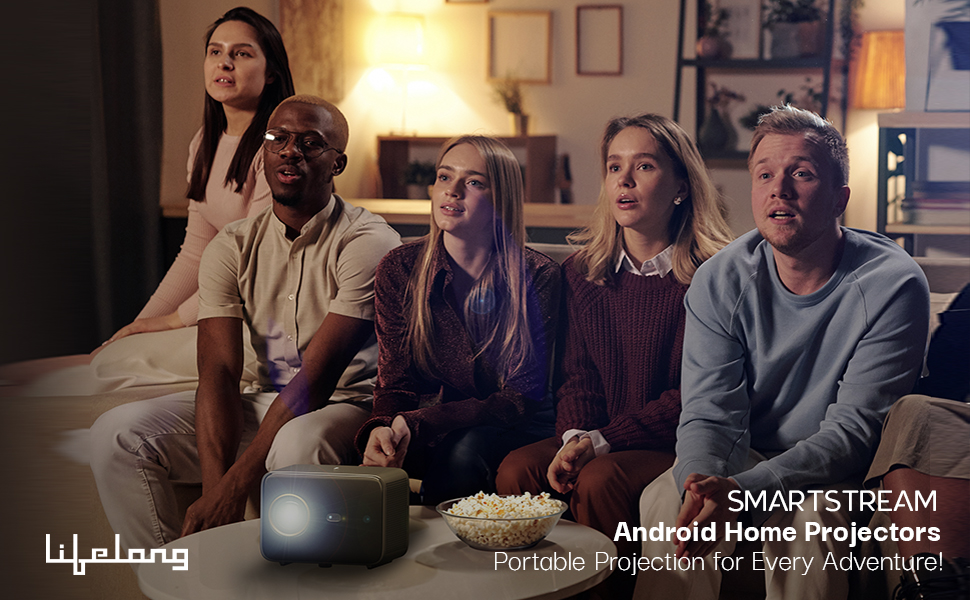
Image: Illustration of the projector's throw distance and corresponding screen sizes (40, 80, 150 inches).
2.3 Connecting Power and Devices
Connect the power adapter to the projector's power input port and then to a power outlet. The projector features multiple connectivity options:
- HDMI Ports (x2): For connecting gaming consoles, laptops, or other HDMI-enabled devices.
- USB Port (x1): For connecting USB drives to browse media files directly.
- 3.5mm Headphone Jack: For connecting external speakers or headphones.
- Ethernet Port: For wired internet connection.
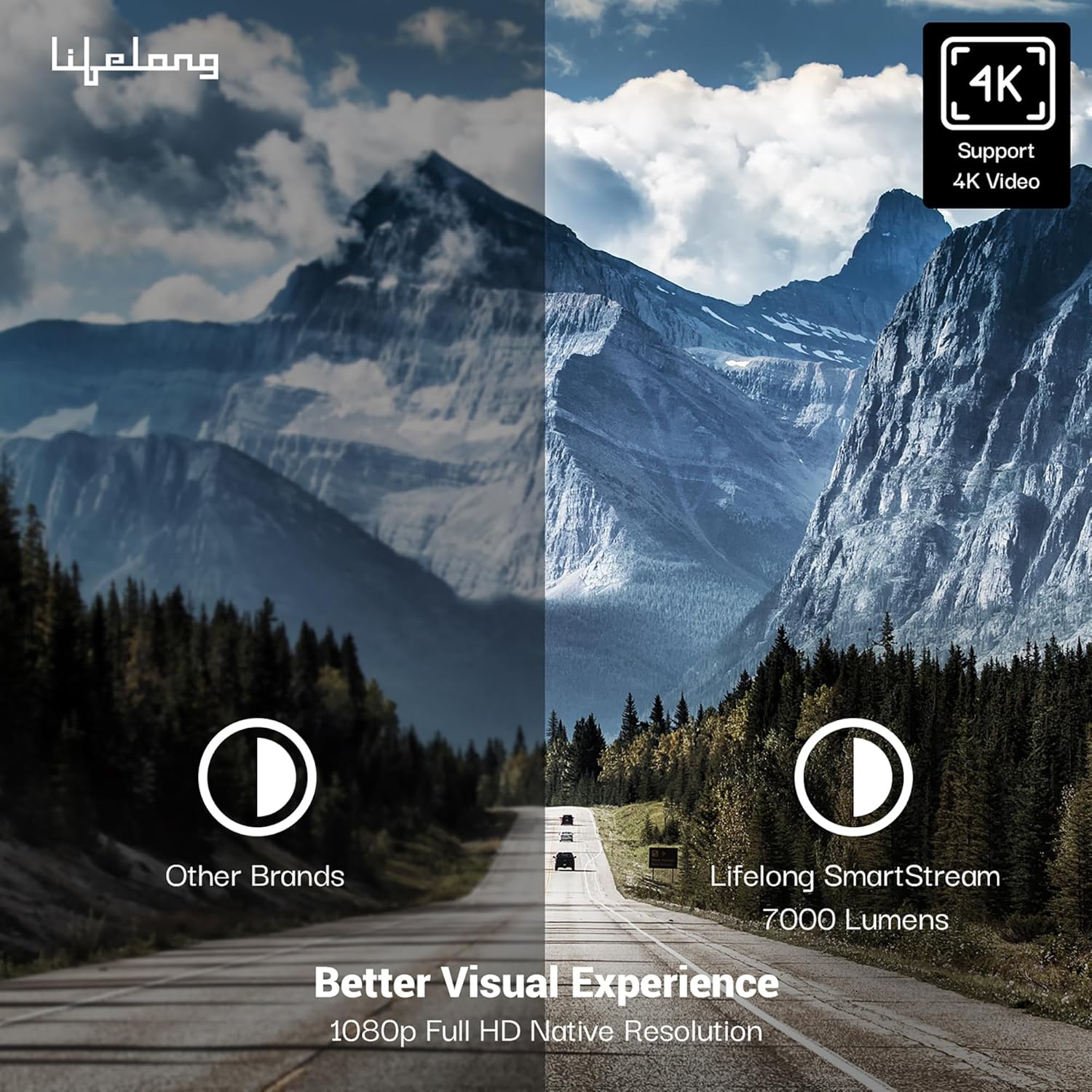
Image: Rear view of the projector highlighting the HDMI, USB, 3.5mm audio, and power ports.
Video: A detailed look at the various connectivity ports available on the Lifelong SmartStream Projector, including HDMI, USB, 3.5mm headphone jack, and power input.
3. Operating Instructions
3.1 Powering On and Initial Setup
Press the power button located on the top of the projector or on the remote control to turn on the device. Upon first use, you may be guided through an initial setup process for network and language settings.
Video: Demonstrates the projector's user interface, pre-installed applications, and how to access and adjust various settings such as Bluetooth, language, date, and time.
3.2 Navigating the Smart Operating System
The projector runs on Android 9, providing a user-friendly interface. Use the remote control to navigate through the home screen, which displays pre-installed streaming applications like Netflix, Prime Video, YouTube, and Disney+. You can also access other apps, videos, music, and settings from the top menu bar.
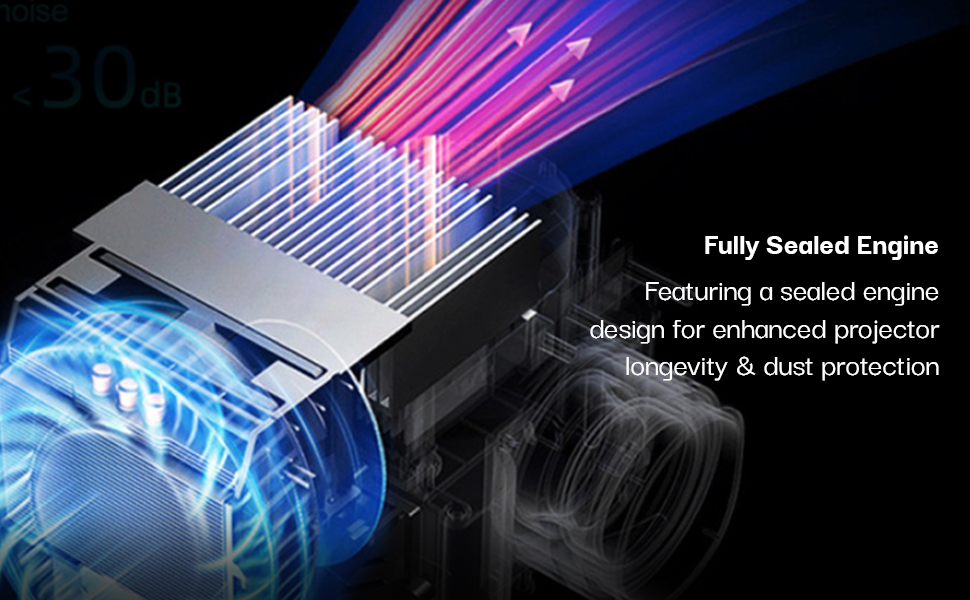
Image: The projector's Android 9 smart operating system interface, displaying various pre-installed entertainment applications.
3.3 Adjusting Display and Audio
The projector features automatic focus and keystone correction. When the projector is moved, the lens automatically adjusts to deliver a crisp image without manual tweaking. For keystone correction, navigate to Projection Settings and select Auto Keystone Correction.

Image: A visual representation of the auto-focus and keystone correction feature, ensuring a sharp and properly aligned image.
Video: Illustrates the auto-focus and auto keystone correction features of the projector, along with a demonstration of Miracast for screen mirroring.
The projector includes dual 10W speakers for clear audio. For an enhanced audio experience, you can connect external speakers via Bluetooth or the 3.5mm AUX port. To connect via Bluetooth, go to Settings > Bluetooth Setting, turn Bluetooth on, and search for your device.
3.4 Screen Mirroring (Miracast)
To mirror your smartphone or tablet screen to the projector:
- Navigate to the 'Apps' section on the projector's home screen.
- Select the 'Miracast' application.
- On your mobile device, enable the screen casting/mirroring feature (often labeled 'Cast', 'Screen Mirroring', or 'Smart View').
- Select the projector from the list of available devices to establish the connection.
4. Maintenance
4.1 Dust Protection and Cooling
The Lifelong SmartStream Projector features a fully sealed engine design, which helps in enhanced longevity and dust protection. It also includes a built-in cooling system to prevent overheating during extended use.
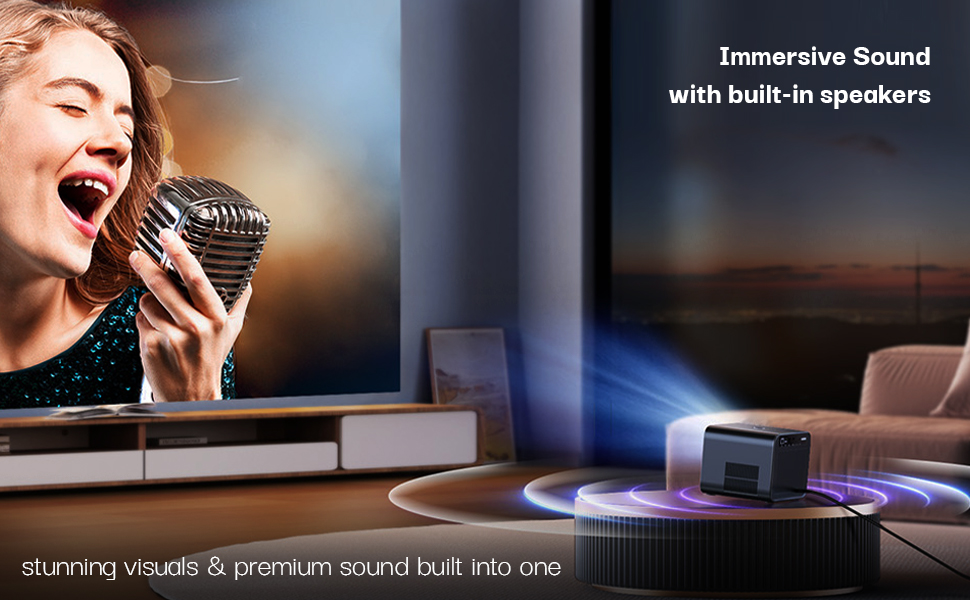
Image: Diagram illustrating the projector's fully sealed engine design for dust protection and efficient cooling.
4.2 Cleaning the Projector
- Exterior: Use a soft, dry cloth to wipe the exterior surfaces of the projector. Avoid abrasive cleaners or solvents.
- Lens: Gently clean the projector lens with a lens cleaning cloth or a soft, lint-free cloth. Do not use excessive force or harsh chemicals.
- Ventilation: Ensure the ventilation openings are clear of dust and debris to maintain proper airflow and prevent overheating.
5. Troubleshooting
If you encounter any issues with your Lifelong SmartStream Projector, please refer to the following common troubleshooting steps:
- No Power: Ensure the power adapter is securely connected to both the projector and a working power outlet. Check if the power button is pressed.
- No Image: Verify that the correct input source (HDMI, USB) is selected. Check all cable connections. Ensure the lens cap is removed.
- Blurry Image: Allow the auto-focus feature to calibrate. If needed, perform a manual keystone correction via the Projection Settings.
- No Sound: Check the volume settings on both the projector and any connected external audio devices. Ensure external speakers are properly connected via Bluetooth or AUX.
- Wi-Fi/Bluetooth Connectivity Issues: Go to Network Settings or Bluetooth Settings to re-scan and reconnect to your desired network or device. Ensure your Wi-Fi password is correct.
- Overheating: Ensure the projector's ventilation vents are not blocked. Operate the projector in a well-ventilated area.
For persistent issues, please contact customer support.
6. Specifications
| Feature | Specification |
|---|---|
| Brand | Lifelong |
| Model | LLPJJV30 |
| Model Name | Lifelong SmartStream Android Projector |
| Display Technology | LED |
| Display Type | LCD |
| Image Brightness | 7000 Lumens |
| Image Contrast Ratio | 3000:1 |
| Native Resolution | 1920 x 1080 (Full HD) |
| 4K Support | Yes |
| Refresh Rate | 60 Hz |
| Aspect Ratio | 16:10, 16:9, 4:3 |
| Operating System | Android 9 |
| Connectivity Technology | 3.5mm Jack, Bluetooth, HDMI, USB, Wi-Fi |
| Hardware Interface | AV Port, HDMI, USB |
| Special Features | Auto Obstacle Avoidance, Built-In Cooling System, Built-In Speaker, Built-In Wi-Fi, Digital Keystone Correction |
| Product Dimensions | 21.5 x 16.2 x 13.6 cm |
| Item Weight | 2.3 kg |
| Mounting Type | Tabletop Mount |
| Wattage | 90 Watt Hours |
7. Warranty and Support
For warranty information, technical support, or service inquiries, please contact Lifelong customer care using the details below:
- Manufacturer: Lifelong Online Retail Pvt Ltd
- Address: 5th Floor, Unit No. 508, DLF South Court, Saket District Center, Saket New Delhi, India – 110017
- Phone: +91 9711558877
- Email: customercare@lifelongonline.com
Please retain your proof of purchase for warranty claims.


