
Introduction
This manual provides instructions for the installation, use, and maintenance of your new replacement bands for the Haylou Solar Lite Smartwatch. These bands are designed for comfort, durability, and ease of use, allowing you to personalize your smartwatch.
Product Features
- Compatibility: Specifically designed for the Haylou Solar Lite Smartwatch.
- Material: Crafted from soft, breathable, and lightweight silicone, offering high sweat and water resistance.
- Adjustable Fit: Features multiple alternative holes for adjustable length, fitting wrists from 5.5 to 8.7 inches.
- Easy Installation: Equipped with Quick Release Pins for simple, tool-free band replacement.
- Comfort: The silky and smooth silicone material drapes elegantly and feels comfortable against the skin.
- Versatile Use: Suitable for various occasions including work, study, dating, sports, and outdoor activities.
- Variety: Available in multiple colors to match your style.
Setup and Installation
Installing your new replacement band is a straightforward process thanks to the quick-release pins. No special tools are required.
- Remove Existing Band: If your smartwatch has an existing band, locate the quick-release pin on the underside where the band connects to the watch lug. Slide the pin inward to detach one side of the band, then repeat for the other side.
- Attach New Band - First Side: Take one half of the new replacement band. Insert one end of the quick-release pin into the corresponding hole on the watch lug.
- Attach New Band - Second Side: While holding the first end in place, slide the quick-release pin inward. Align the other end of the pin with the second hole on the watch lug and release the pin. You should hear a small click as it locks into place. Gently tug on the band to ensure it is securely attached.
- Repeat for Other Half: Follow the same steps to attach the second half of the replacement band to the other watch lug.

Image: Rear view of a smartwatch with a dark green silicone band, illustrating how the quick-release pin connects the band to the watch body. This shows the secure attachment point.
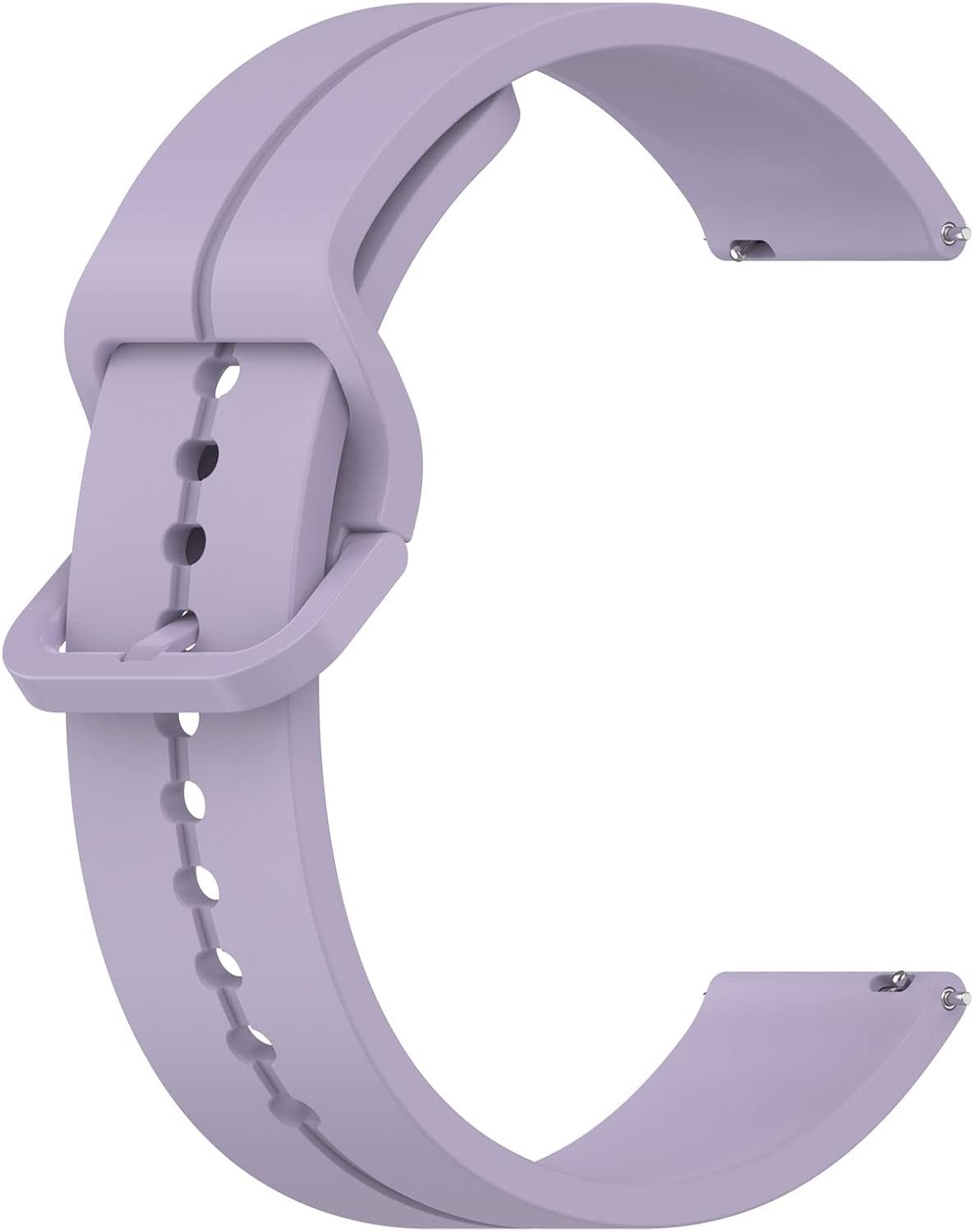
Image: A close-up of a single purple silicone watch band, highlighting the small metal quick-release pins located at each end of the band, ready for installation.
Usage and Adjustment
Once installed, the band can be easily adjusted to fit your wrist comfortably.
- Wearing the Watch: Place the smartwatch on your wrist and thread the end of the band through the buckle.
- Adjusting Length: Use the multiple holes on the band to find the most comfortable and secure fit for your wrist. Insert the tang of the buckle into the desired hole.
- Securing the Band: Pass the excess strap through the two keeper loops to prevent it from flapping.
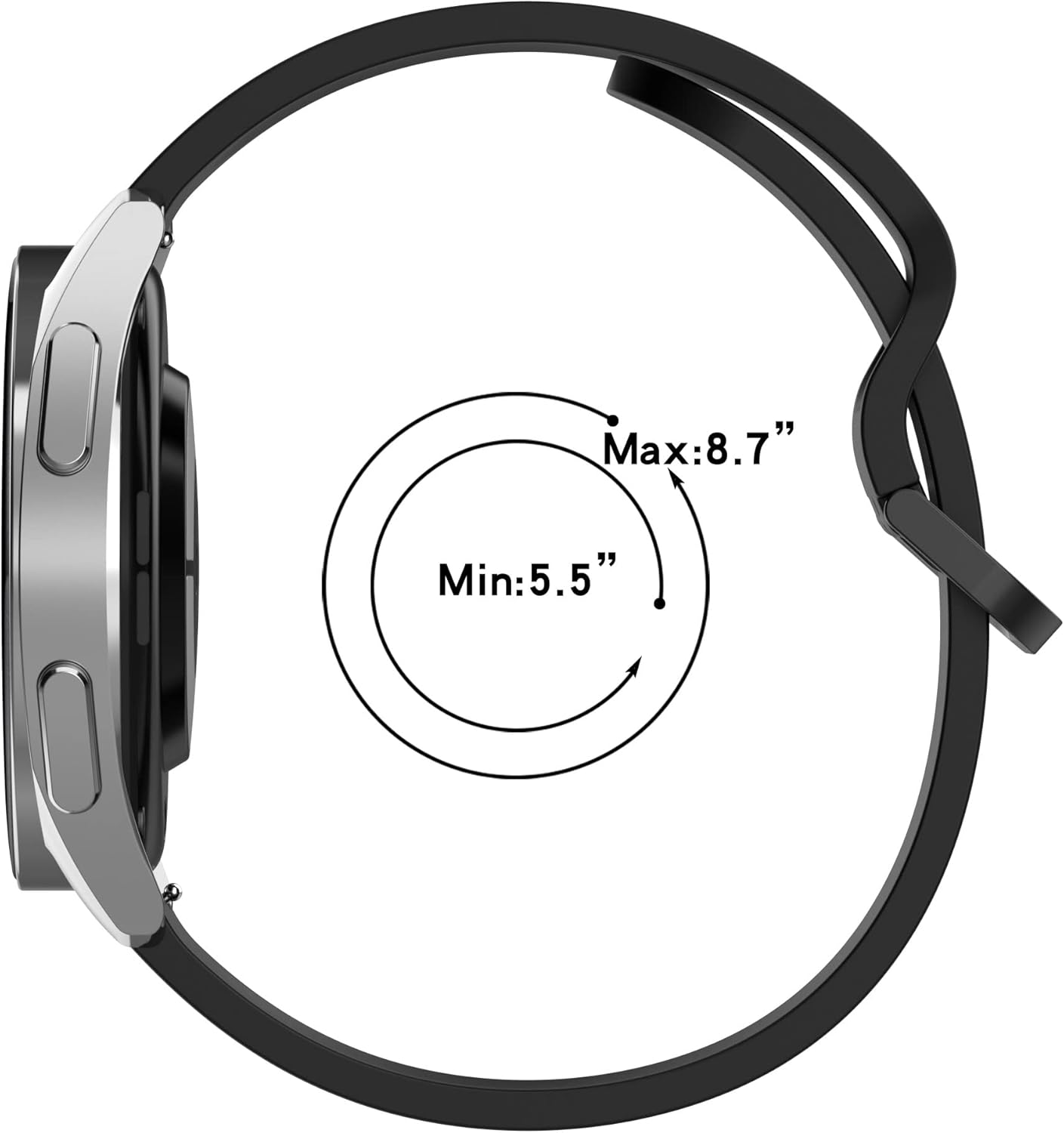
Image: A diagram illustrating the compatible wrist circumference range for the band, indicating it fits wrists between 5.5 inches and 8.7 inches.
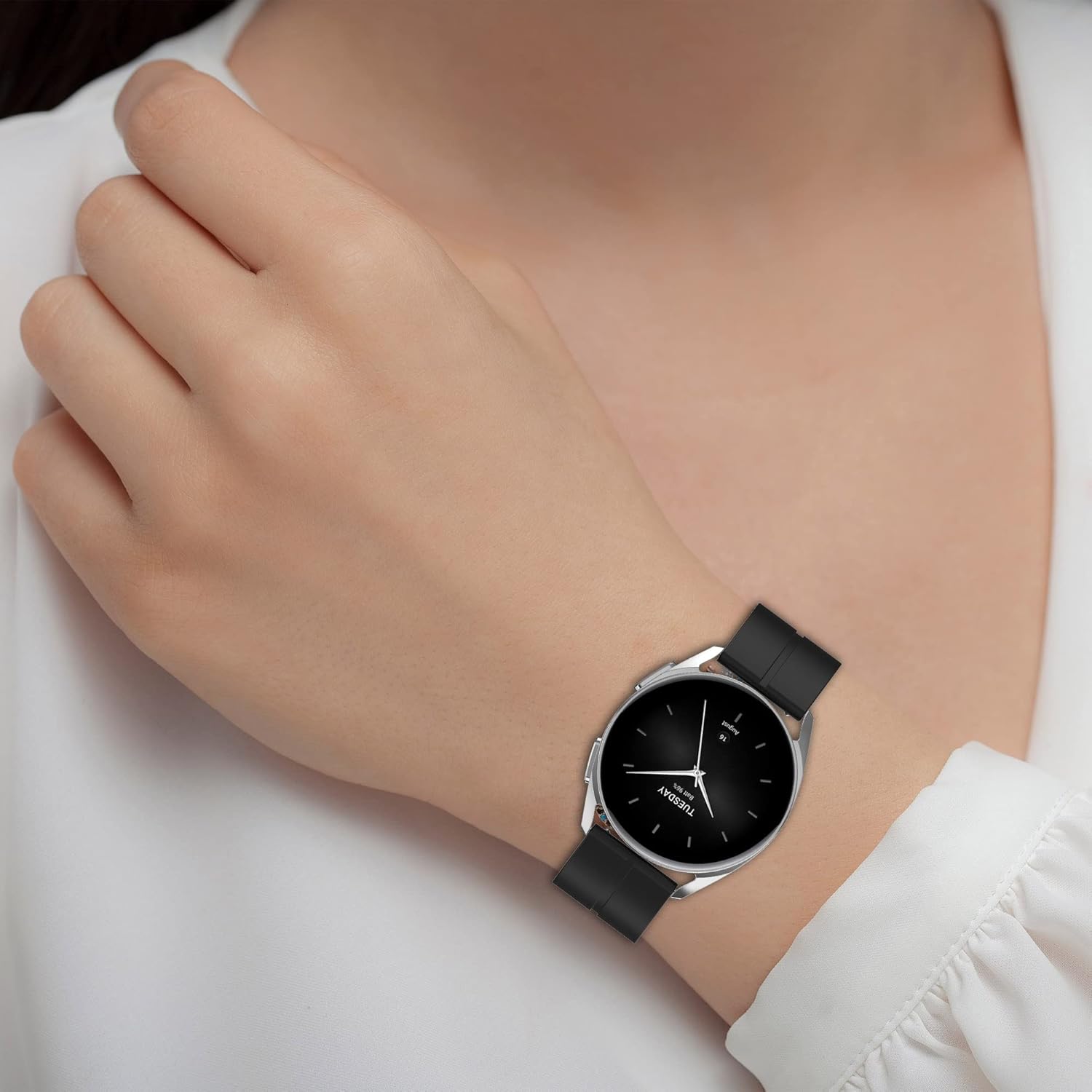
Image: A close-up of a person's wrist wearing a smartwatch with a black silicone band, demonstrating how the band looks and fits when worn.
Care and Maintenance
To ensure the longevity and appearance of your silicone watch bands, follow these simple care instructions:
- Cleaning: Wipe the bands regularly with a soft, damp cloth. For deeper cleaning, use mild soap and water, then rinse thoroughly and dry completely before reattaching to your smartwatch.
- Avoid Harsh Chemicals: Do not expose the bands to strong chemicals, solvents, or abrasive cleaners, as these can damage the silicone material.
- Storage: When not in use, store the bands in a cool, dry place away from direct sunlight to prevent discoloration or degradation of the material.
- Avoid Sharp Objects: Keep the bands away from sharp objects that could scratch or tear the silicone.
Troubleshooting
- Band not attaching securely:
- Ensure the quick-release pins are fully retracted and properly aligned with the holes on the watch lugs. Gently wiggle the band after attachment to confirm it is locked in place.
- Band feels too tight or too loose:
- Adjust the buckle to a different hole on the strap to find a more comfortable fit. Refer to the "Usage and Adjustment" section.
- Band appears discolored or dirty:
- Clean the band as described in the "Care and Maintenance" section. Persistent discoloration might occur over time with heavy use or exposure to certain substances.
Specifications
| Feature | Detail |
|---|---|
| Compatibility | Haylou Solar Lite Smartwatch |
| Material | Silicone |
| Wrist Size Range | 5.5 - 8.7 inches (140mm - 220mm) |
| Clasp Type | Tang Buckle |
| Metal Type | No Metal Type (for the band itself) |
| Target Group | Unisex (Women/Men) |

Image: A technical diagram displaying the precise dimensions of the watch band, including its width (22mm) and the lengths of both the short (93mm) and long (128mm) strap segments.
Warranty and Support
For any questions, concerns, or support regarding your replacement bands, please contact the seller or refer to your purchase documentation. Specific warranty details, if applicable, will be provided by the retailer or manufacturer at the time of purchase.


