
Audiobox ABX-286R
Audiobox Portable Bluetooth Speaker User Manual
Model: ABX-286R
Introduction
Welcome to the Audiobox ABX-286R Portable Bluetooth Speaker user manual. This guide provides essential information for setting up, operating, and maintaining your new speaker. The ABX-286R is designed to deliver powerful sound and vibrant LED lighting, making it perfect for various entertainment needs. Please read this manual thoroughly before using the product to ensure proper operation and longevity.

Image: The Audiobox ABX-286R speaker, showing its dual woofers with colorful LED ring lights, accompanied by a wired microphone and a remote control.
What's in the Box
Please check the contents of your package to ensure all items are present:
- Speaker Unit
- Microphone
- User Manual (this document)
- Micro USB Cord
Product Features
- Big Sound, Compact Body: Dual 8-inch woofers with 1800W music power deliver powerful bass and clear highs in a lightweight, portable design.
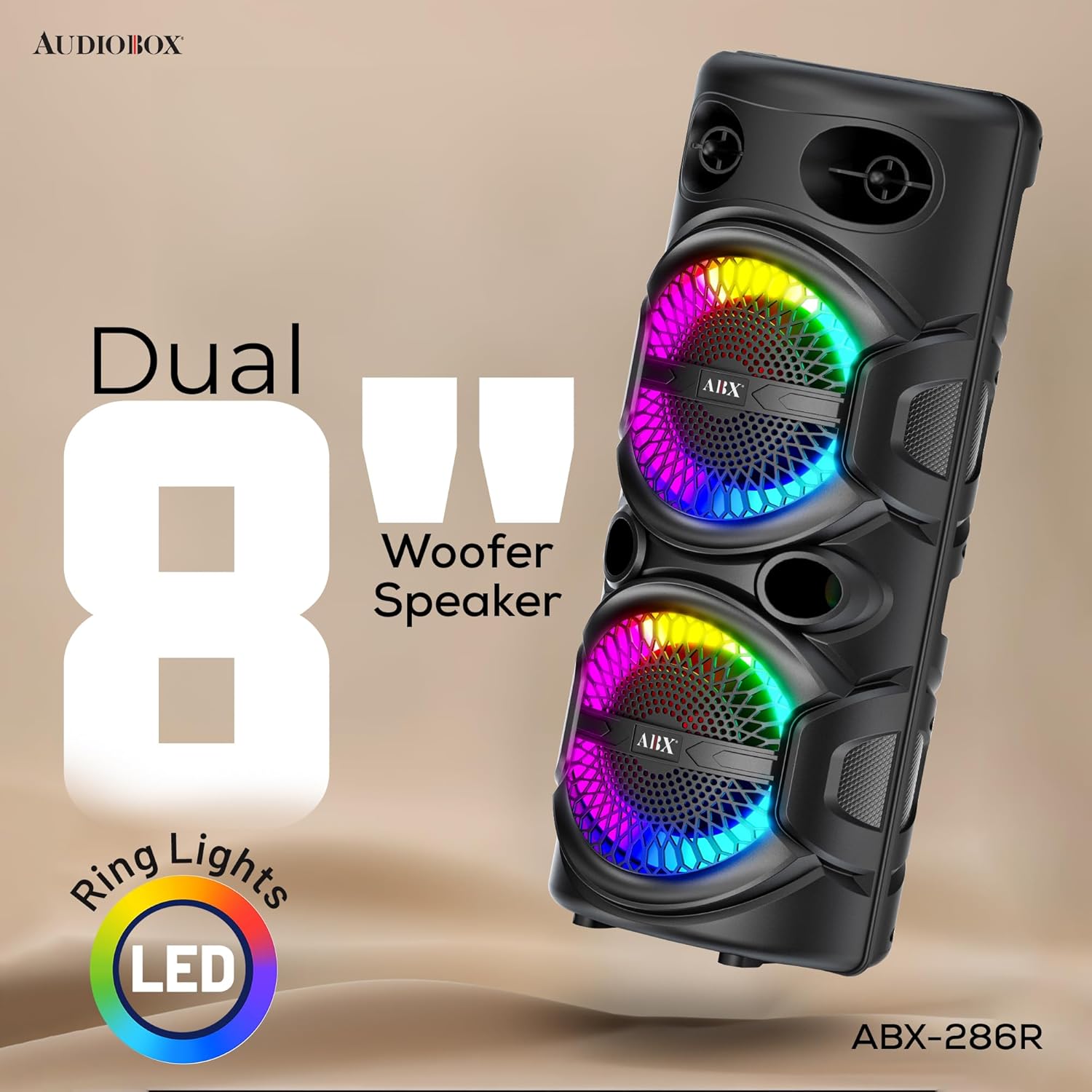
Image: Close-up of the Audiobox ABX-286R highlighting its dual 8-inch woofers and vibrant LED ring lights.
- LED Party Ring Lights: Sound-activated, multi-mode LED lights enhance the visual experience, perfect for parties and gatherings.

Image: The speaker's LED ring lights in action, displaying a colorful, dynamic pattern, with the remote control visible.
- Rechargeable & Portable: Built-in 1500mAh lithium battery provides hours of wireless operation for outdoor and indoor use.
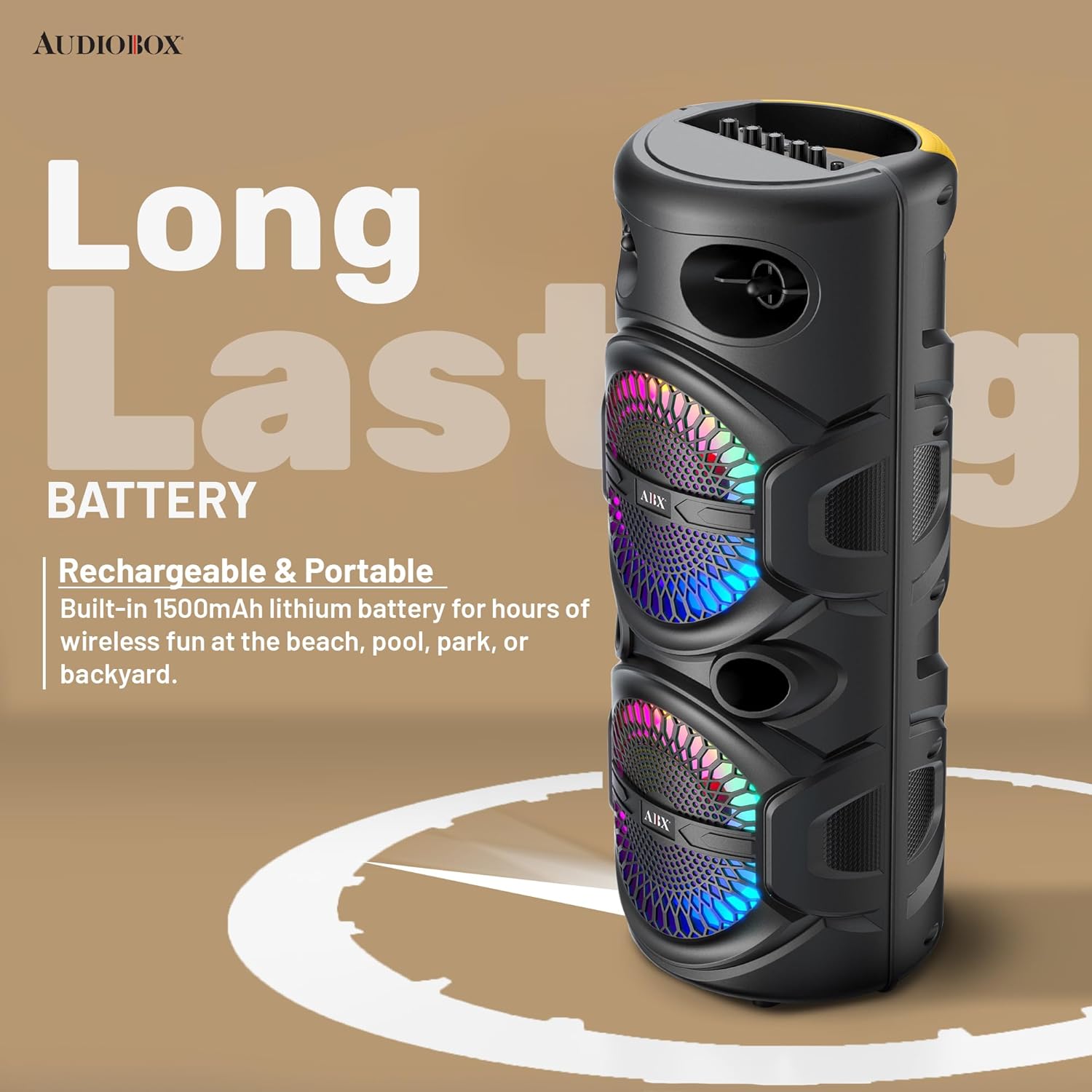
Image: The speaker with text emphasizing its long-lasting rechargeable battery for portable use.
- Mic-Ready Fun: Features a 1/4-inch microphone jack with independent volume and echo controls, ideal for karaoke or announcements.
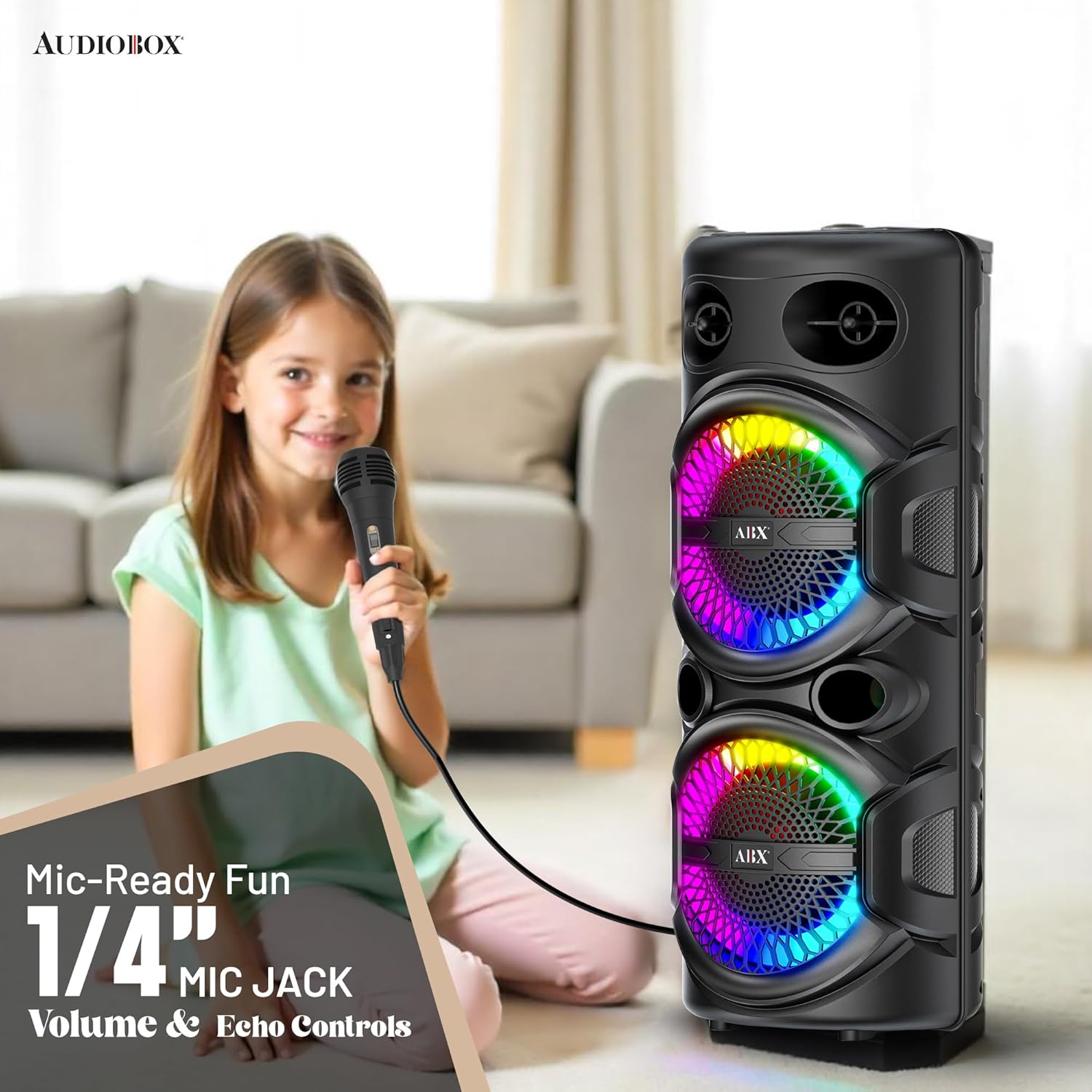
Image: A child happily using the Audiobox ABX-286R speaker with the included microphone, demonstrating its karaoke capability.
- Versatile Connectivity: Supports Bluetooth, USB, FM radio, AUX input, and TF card playback for multiple audio sources.
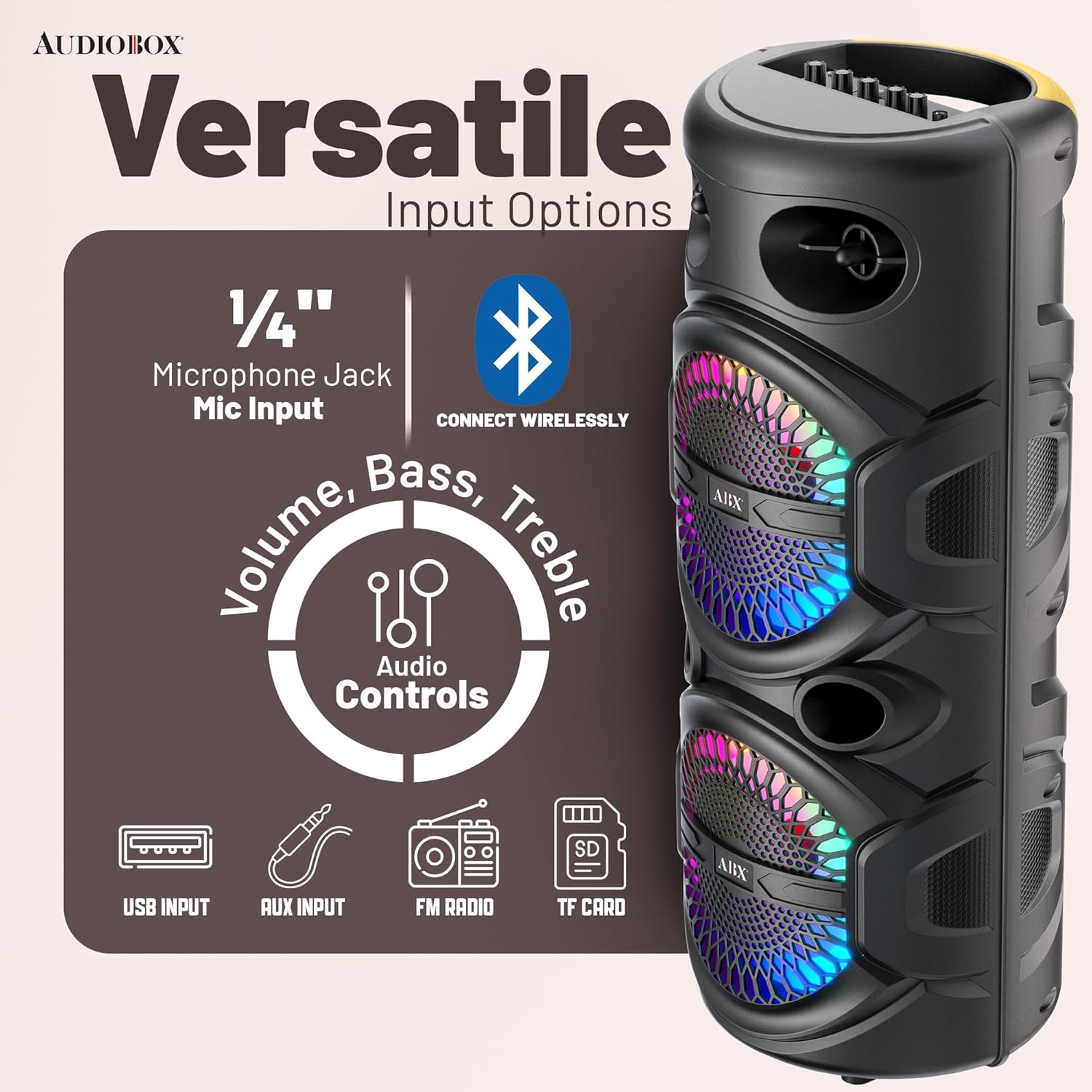
Image: A diagram illustrating the versatile input options of the speaker, including microphone jack, Bluetooth, USB, AUX, FM radio, and TF card slot.
- WaveSync™ Technology: Allows pairing of two ABX-286R speakers for double the power and an enhanced stereo experience.

Image: Two Audiobox ABX-286R speakers shown wirelessly connected, illustrating the WaveSync feature for double the sound output.
Setup
- Unpacking: Carefully remove the speaker and all accessories from the packaging. Retain the packaging for future storage or transport.
- Charging the Battery: Before first use, fully charge the speaker's built-in battery. Connect the supplied Micro USB cord to the speaker's charging port and the other end to a USB power adapter (not included) or a computer USB port. The charging indicator light will show the charging status.
- Power On/Off: Locate the power button on the speaker's control panel. Press and hold the button for a few seconds to turn the speaker ON or OFF.
- Microphone Connection: If using the microphone, insert its 1/4-inch jack into the MIC INPUT port on the speaker.
Operating Instructions
Control Panel Overview
Familiarize yourself with the buttons and ports on the speaker's control panel and the remote control for optimal use.
Bluetooth Pairing
- Turn on the speaker. It will automatically enter Bluetooth pairing mode, indicated by a flashing LED.
- On your mobile device (smartphone, tablet, etc.), enable Bluetooth and search for available devices.
- Select "ABX-286R" from the list of devices. Once connected, the speaker will emit a confirmation tone, and the LED will stop flashing.
- You can now play audio from your device through the speaker.
Using Other Input Modes (USB, AUX, FM, TF Card)
- Mode Button: Press the "MODE" button on the speaker or remote to cycle through available input modes: Bluetooth, USB, AUX, FM Radio.
- USB Playback: Insert a USB flash drive into the USB port. The speaker will automatically switch to USB mode and begin playing compatible audio files.
- AUX Input: Connect an external audio device (e.g., MP3 player, laptop) to the AUX IN port using a 3.5mm audio cable (not included). Switch the speaker to AUX mode.
- FM Radio: In FM mode, press the "Play/Pause" button to auto-scan and save available radio stations. Use the "Previous/Next" buttons to navigate through saved stations.
- TF Card Playback: Insert a TF (MicroSD) card into the TF card slot. The speaker will automatically switch to TF card mode and play audio files.
Microphone and Karaoke Functions
- Ensure the microphone is connected to the MIC INPUT.
- Use the "MIC VOL" knob to adjust the microphone's volume.
- Use the "ECHO" knob to add or reduce echo effect to your voice.
LED Light Control
The LED ring lights are sound-activated and will react to the music. Specific controls for light modes may be available via the remote control or a dedicated button on the speaker (refer to the remote control diagram for details).
WaveSync™ Pairing (TWS Function)
To pair two ABX-286R speakers for a true wireless stereo experience:
- Ensure both speakers are turned on and in Bluetooth mode, but not connected to any device.
- On one of the speakers (this will be the primary speaker), press and hold the "TWS" button (or a similar button, refer to your speaker's specific markings).
- The speakers will attempt to connect to each other. Once successfully paired, you will hear a confirmation tone.
- Now, connect your mobile device to the primary speaker via Bluetooth. Audio will play through both speakers in stereo.
Maintenance
- Cleaning: Use a soft, dry cloth to clean the speaker's exterior. Do not use abrasive cleaners, waxes, or solvents.
- Battery Care: To prolong battery life, avoid fully discharging the battery frequently. Recharge the speaker regularly, even if not in use, especially if storing for extended periods. Store in a cool, dry place.
- Storage: When not in use, store the speaker in a cool, dry environment, away from direct sunlight and extreme temperatures.
- Water Resistance: This speaker is not waterproof. Avoid exposing it to water, rain, or excessive moisture.
Troubleshooting
| Problem | Possible Cause | Solution |
|---|---|---|
| Speaker does not turn on. | Battery is depleted. | Connect the speaker to a power source using the Micro USB cable and allow it to charge. |
| No sound from the speaker. | Volume is too low; Incorrect input mode; Device not connected. | Increase speaker volume and source device volume. Ensure the correct input mode (Bluetooth, AUX, USB, FM) is selected. Re-pair Bluetooth device. |
| Bluetooth connection fails. | Speaker not in pairing mode; Device too far; Interference. | Ensure speaker is in Bluetooth pairing mode. Move device closer to speaker. Turn off other Bluetooth devices. Forget "ABX-286R" on your device and re-pair. |
| Microphone not working. | Microphone not properly connected; MIC VOL knob is low. | Ensure microphone is fully inserted into the MIC INPUT. Increase the MIC VOL knob. |
| Sound distortion. | Volume too high; Source audio quality is poor. | Reduce the volume on both the speaker and the source device. Try a different audio source. |
Specifications
| Feature | Detail |
|---|---|
| Model Number | ABX-286R |
| Brand | Audiobox |
| Speaker Type | Portable Bluetooth Speaker |
| Woofer Size | Dual 8 inches |
| Power Source | Battery Powered (Built-in 1500mAh Lithium Battery) |
| Connectivity Technology | Bluetooth, USB, AUX, FM Radio, TF Card |
| Microphone Input | 1/4 inch Jack with Volume and Echo Controls |
| LED Lights | Sound-activated LED Ring Lights |
| Dimensions (L x W x H) | 10 x 10 x 25.5 inches |
| Item Weight | 7.5 pounds |
| UPC | 810059432017 |
| Manufacturer | General Sound Co |
Warranty and Support
This Audiobox ABX-286R Portable Bluetooth Speaker comes with a standard manufacturer's warranty. Please refer to the warranty card included in your packaging for specific terms and conditions, including coverage duration and what is covered.
For technical support, troubleshooting assistance, or warranty claims, please contact the manufacturer, General Sound Co, or the retailer from whom you purchased the product. Keep your proof of purchase for warranty validation.
For further assistance, you may visit the Audiobox brand store on Amazon: Audiobox Store
Ask a question about this manual
Ask about setup, troubleshooting, compatibility, parts, safety, or missing instructions. Manuals+ will review the question and use this page’s manual context to help answer it.