
Audiobox ABX-30R
Audiobox ABX-30R Mini Kids' Karaoke Bluetooth Speaker
User Manual

The Audiobox ABX-30R is a compact and portable Bluetooth karaoke speaker designed for children, featuring a sound-activated ring light and multiple input options.
Introduction
Thank you for choosing the Audiobox ABX-30R Mini Kids' Karaoke Bluetooth Speaker. This device is designed to provide hours of fun with its portable design, vibrant sound-activated ring light, and versatile connectivity options. Please read this manual carefully to ensure proper use and to maximize your enjoyment of the product.
Key features include a built-in sound-activated LED ring light, a rechargeable battery for portability, and multiple playback options including Bluetooth, USB, AUX, and FM radio. It is designed to be safe and durable for children aged 3 and up.
What's in the Box
- Audiobox ABX-30R Karaoke Speaker
- Charge Cable
Please check all contents upon unboxing. If any items are missing or damaged, contact customer support.
Setup
1. Charging the Speaker
Before first use, fully charge the speaker. Connect the provided charge cable to the speaker's charging port and the other end to a standard USB power adapter (not included). The charging indicator light will illuminate during charging and turn off when fully charged. A full charge provides hours of playtime.
2. Powering On/Off
Locate the power switch on the speaker. Slide the switch to the "ON" position to power on the device. You will hear an audible prompt. To power off, slide the switch to the "OFF" position.
3. Connecting the Microphone
If using an external wired microphone (not included with this model, but compatible), insert its 3.5mm jack into the microphone input port on the speaker.
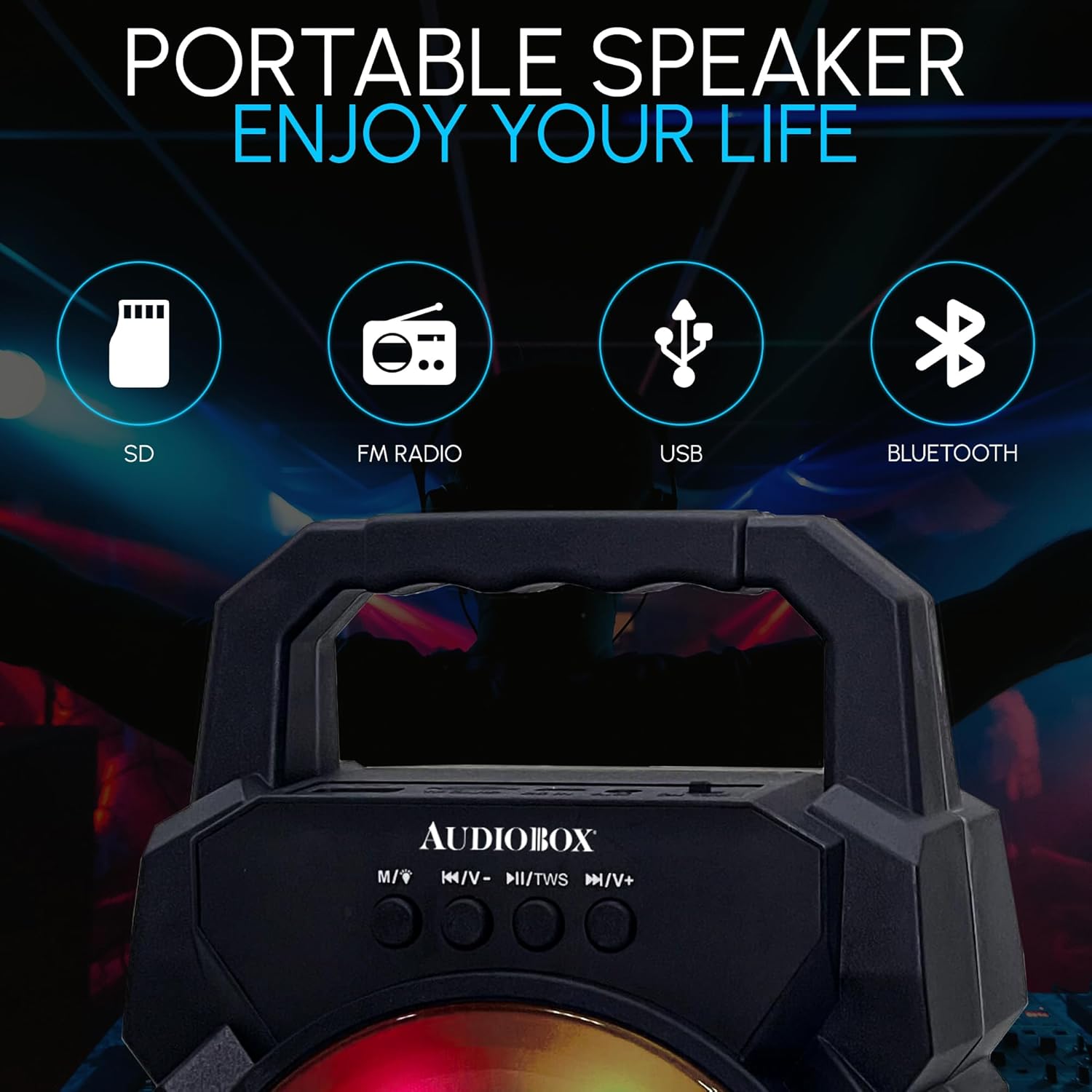
Image: The top panel of the Audiobox ABX-30R, highlighting the various input options including USB, AUX, and FM radio, along with the Bluetooth connectivity.
Operating Instructions
1. Mode Selection
Press the "M" (Mode) button on the control panel to cycle through available modes: Bluetooth, FM Radio, USB, and AUX. The speaker will announce the current mode.
2. Bluetooth Pairing
- Turn on the speaker and select Bluetooth mode. The speaker will indicate it is ready for pairing.
- On your device (smartphone, tablet, etc.), enable Bluetooth and search for "ABX-30R".
- Select "ABX-30R" from the list of available devices to connect. A confirmation sound will indicate successful pairing.
3. USB/AUX Playback
- USB: Insert a USB flash drive containing MP3 audio files into the USB port. The speaker will automatically switch to USB mode and begin playback.
- AUX: Connect an external audio device using a 3.5mm AUX cable (not included) to the AUX input port. Switch the speaker to AUX mode.
4. FM Radio Operation
- Switch to FM Radio mode.
- Press and hold the Play/Pause button to automatically scan and save available FM stations.
- Use the Previous/Next track buttons to navigate between saved stations.
5. LED Ring Light Modes
The ABX-30R features a sound-activated LED ring light with multiple modes. The lights will react to the music or voice played through the speaker. There is no specific button to change light modes; they cycle automatically or respond to sound.

Image: The Audiobox ABX-30R speaker showcasing its flashing LED light feature, Bluetooth connectivity, and rechargeable battery status.
6. True Wireless Stereo (TWS) Pairing (Optional)
If you have two ABX-30R speakers, you can pair them together for a stereo sound experience.
- Ensure both speakers are powered on and in Bluetooth mode, but not connected to any other device.
- On one speaker, press and hold the TWS button (often combined with Play/Pause or Mode button, refer to speaker markings if available). The speaker will indicate it's searching for another TWS device.
- The two speakers will automatically connect to each other. A confirmation sound will be heard.
- Once paired, connect your device via Bluetooth to the primary speaker. Audio will now play through both speakers in stereo.

Image: An illustration demonstrating the ability to pair two Audiobox ABX-30R speakers for a True Wireless Stereo (TWS) experience, doubling the audio output.
Maintenance
- Cleaning: Use a soft, dry cloth to clean the speaker's exterior. Do not use abrasive cleaners or solvents.
- Water Exposure: This speaker is not waterproof. Avoid exposing it to water or excessive moisture.
- Battery Care: To prolong battery life, avoid fully discharging the battery frequently. Charge the speaker regularly, even if not in use for extended periods.
- Storage: Store the speaker in a cool, dry place away from direct sunlight and extreme temperatures.
Troubleshooting
| Problem | Possible Cause | Solution |
|---|---|---|
| Speaker does not turn on. | Battery is depleted. | Charge the speaker using the provided cable. |
| No sound. | Volume is too low; incorrect mode selected; device not connected. | Increase speaker and source device volume. Ensure correct mode (Bluetooth, AUX, USB) is selected. Re-pair Bluetooth device. |
| Bluetooth connection fails. | Speaker is too far from device; speaker is already connected to another device; Bluetooth not enabled on source device. | Move speaker closer to device. Disconnect from other devices. Ensure Bluetooth is enabled on your device and try re-pairing. |
| FM radio static. | Weak signal. | Try repositioning the speaker or performing an auto-scan again in a different location. |
Specifications
| Feature | Detail |
|---|---|
| Model | ABX-30R |
| Speaker Size | 4" Full Range |
| Output Power | 5W RMS (1000W Music Power) |
| Battery | 1200mAh 3.7V Lithium-Ion (Rechargeable) |
| Connectivity | Bluetooth, USB, AUX, FM Radio |
| Product Dimensions | 5 x 5 x 10 inches |
| Weight | 1.1 lbs (approx.) |
| Manufacturer | General Sound Co |
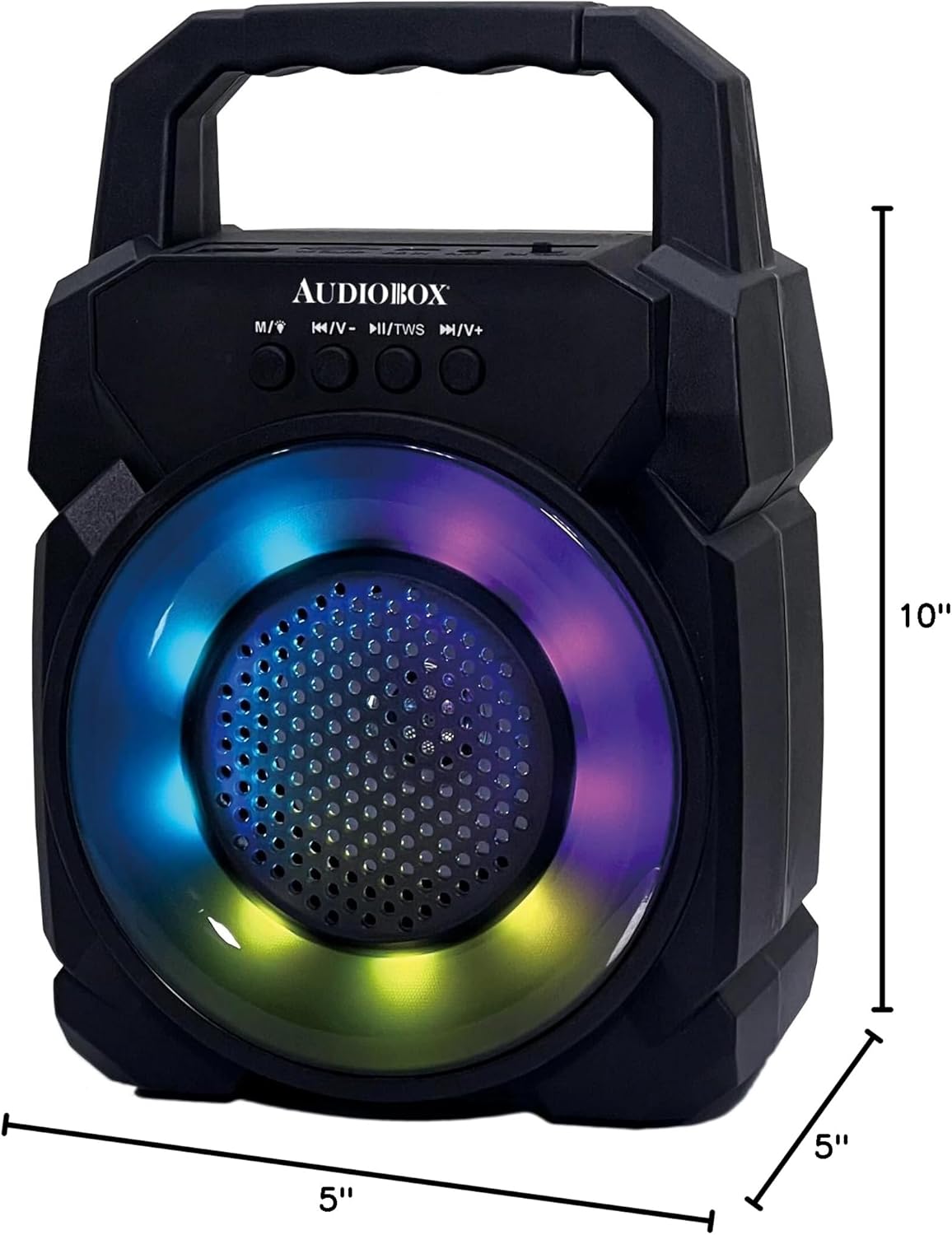
Image: The Audiobox ABX-30R speaker with its approximate dimensions clearly marked: 5 inches in width, 5 inches in depth, and 10 inches in height.
Warranty and Support
The Audiobox ABX-30R is manufactured by General Sound Co. For warranty information, technical support, or customer service inquiries, please refer to the contact information provided with your purchase or visit the official Audiobox store on Amazon.
Related Documents - ABX-30R
 |
AUDIOBOX ABX-12S Portable Speaker Instruction Manual Comprehensive instruction manual for the AUDIOBOX ABX-12S portable speaker, covering setup, Bluetooth, WaveSync, USB/TF, FM radio, AUX input, charging, and FCC compliance. |
 |
AUDIOBOX 23.8-inch FHD LED TV TV-240SD Instruction Manual Comprehensive instruction manual for the AUDIOBOX TV-240SD, covering setup, operation, features, maintenance, and troubleshooting. Learn how to connect, configure, and use your 23.8-inch FHD LED TV. |
 |
Audiobox 2022 Catalog: Portable Speakers, Radios & Audio Electronics Discover the Audiobox 2022 catalog from General Sound, featuring a wide range of portable PA speakers, radios, car stereos, and other consumer electronics. Explore innovative audio solutions. |
 |
AUDIOBOX ABX-656R 6.5" Portable PA Speaker with Microphone Discover the AUDIOBOX ABX-656R, a versatile 6.5-inch portable PA speaker with microphone. Features WaveSync™ technology, sound-activated lights, Bluetooth, USB, TF, FM, AUX inputs, and 600W music power. |
 |
Audiobox ABK-500 Portable Karaoke System with 2 Wireless Microphones Discover the Audiobox ABK-500, a portable karaoke system featuring a powerful speaker, Bluetooth connectivity, LED lights, 5 voice modes, and two wireless microphones. Enjoy up to 8 hours of playtime and pair two units wirelessly for an enhanced party experience. MSRP $39.99. |
 |
AUDIOBOX ABX-82S Portable 8-inch PA Speaker with Stand Discover the AUDIOBOX ABX-82S, a portable 8-inch PA speaker with WaveSync™ technology, 1100 Watts music power, and 7-color LED lights. This versatile speaker offers multiple connectivity options including Bluetooth, USB, TF, FM, and AUX, along with a 1/4" microphone input. Ideal for events, parties, or personal use, it comes with a speaker stand, remote control, and wired microphone. Powered by a built-in 1800 mAh lithium-ion battery, it's designed for on-the-go audio. |
Ask a question about this manual
Ask about setup, troubleshooting, compatibility, parts, safety, or missing instructions. Manuals+ will review the question and use this page’s manual context to help answer it.