
1. Introduction
This manual provides essential instructions for the safe and effective operation of your Joyyko BK-606 Automatic Wrist Blood Pressure Monitor. Please read this manual thoroughly before using the device and retain it for future reference. This device is designed for non-invasive measurement of systolic and diastolic blood pressure and pulse rate on the wrist for adult users.
2. Safety Information
- Consult your physician before using this device if you have any medical conditions.
- Do not self-diagnose or self-treat based on measurement results. Always consult a healthcare professional.
- Keep the device out of reach of children and pets.
- Do not use the device in a moving vehicle or on an airplane.
- Avoid eating, drinking alcohol, smoking, exercising, and bathing for 30 minutes before measurement.
- Rest for at least 5 minutes before taking a measurement.
- Do not use the device for purposes other than blood pressure measurement.
3. Package Contents
Verify that all items are present in the package:
- Joyyko BK-606 Automatic Wrist Blood Pressure Monitor (x1)
- Black Storage Box (x1)
- Charging Cable (x1)
- User Manual (x1)
- Packing Box (x1)

Image: Package contents of the Joyyko BK-606 monitor.
4. Product Overview
The Joyyko BK-606 is an automatic wrist blood pressure monitor featuring a full-screen touch design, voice broadcast, and a three-color backlit display for easy interpretation of results.
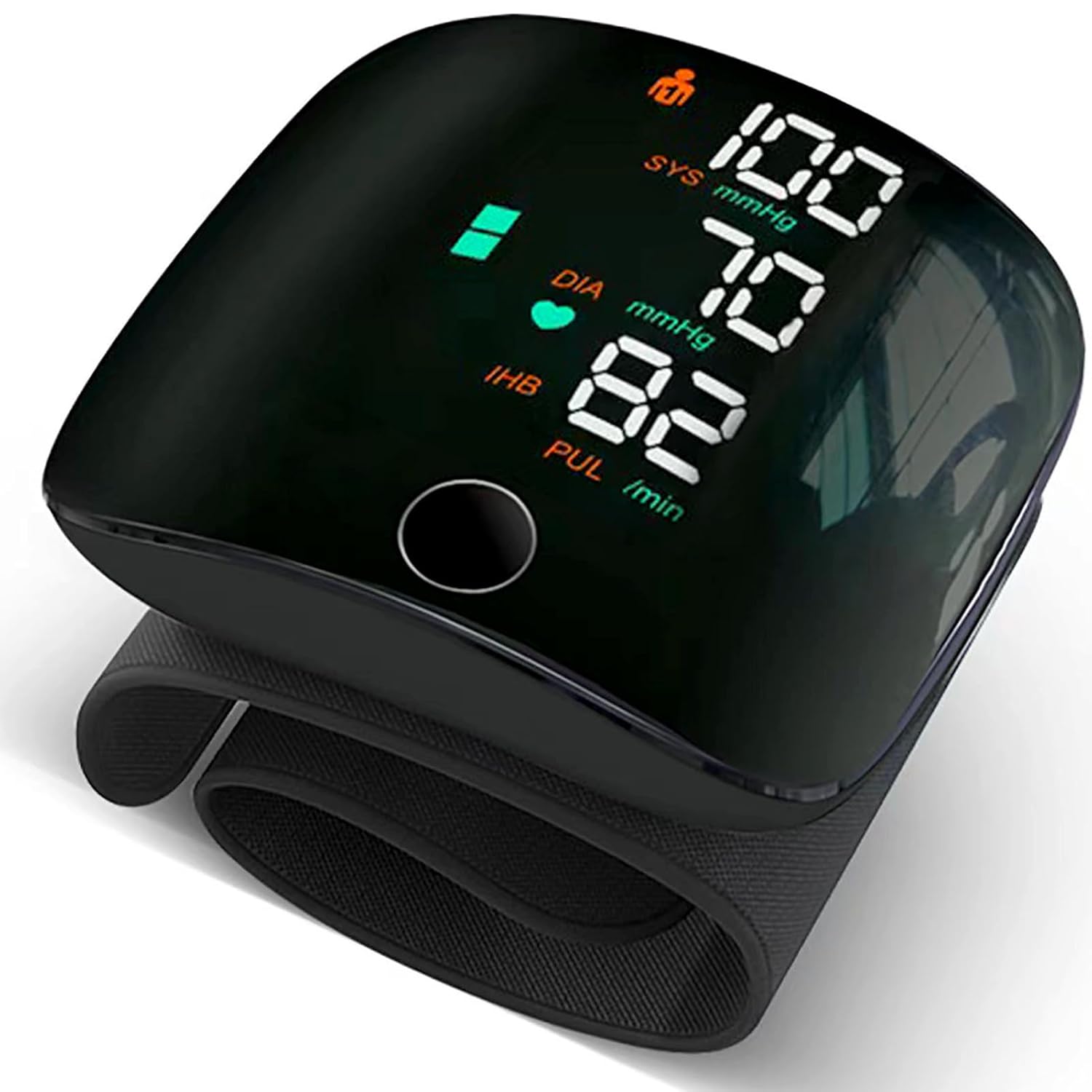
Image: Front view of the Joyyko BK-606 monitor on a wrist.
4.1 Display Elements

Image: Detailed view of the monitor's display and its indicators.
- SYS (Systolic Pressure): The top number in a blood pressure reading.
- DIA (Diastolic Pressure): The bottom number in a blood pressure reading.
- PUL (Pulse Rate): Number of heartbeats per minute.
- Heartbeat Symbol: Indicates heart rate detection during measurement.
- IHB (Irregular Heartbeat): Symbol appears if an irregular heartbeat is detected.
- User Indicator: Shows which user's data is being displayed or recorded (User 1 or User 2).
- Memory Group: Indicates the number of stored measurement records.
- Low Power Symbol: Indicates when the battery is low and needs charging.
- Voice Symbol: Indicates if the voice broadcast function is active.
- Touch Button: Used to initiate measurements and navigate functions.
4.2 Key Features
- Full-Screen Touch Design: Intuitive operation via touch screen.
- Rechargeable Lithium Battery: USB-TypeC charging, eliminating the need for frequent battery replacement.
- English Voice Function: Provides audible measurement results and guidance.
- Three-Color Backlit Display: Visually indicates blood pressure ranges (Green for Normal, Orange for Slight High, Red for Severe High).
- Portable Wristband Design: Compact and suitable for home, office, or travel use.
- Two User Memory: Stores up to 99 measurements for two individual users.
5. Setup
5.1 Charging the Device
The Joyyko BK-606 uses a built-in rechargeable lithium battery. Before first use, or when the low power symbol appears, charge the device using the provided USB-TypeC cable.
- Connect the USB-TypeC end of the charging cable to the charging port on the monitor.
- Connect the other end of the charging cable to a USB power adapter (not included) or a computer's USB port.
- The charging indicator on the display will show the charging status. A full charge provides extended standby time.
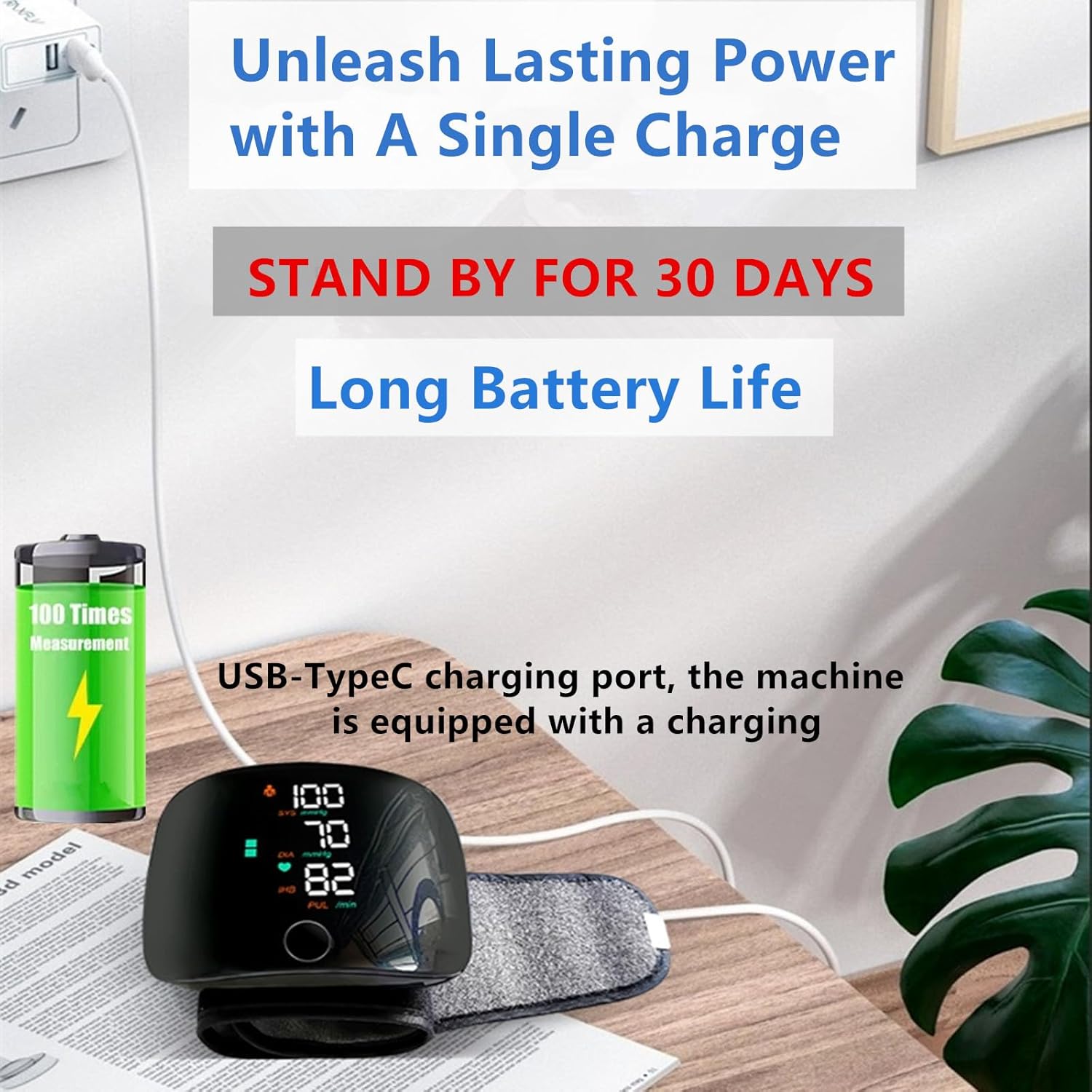
Image: Charging the Joyyko BK-606 monitor via USB-TypeC.
5.2 Setting User Profile (Optional)
The device supports two users. Refer to the on-screen prompts or the full manual for detailed instructions on switching between User 1 and User 2 to store individual measurement histories.

Image: The monitor's capability to store data for two users.
6. Operating Instructions
6.1 Preparing for Measurement
- Sit comfortably with your back supported and feet flat on the floor.
- Place your arm on a table so that the monitor is at heart level.
- Ensure you are relaxed and have not engaged in strenuous activity, eaten, or smoked for at least 30 minutes prior.
6.2 Wearing the Wrist Cuff
- Wrap the blood pressure monitor around your left wrist, with the display facing upwards.
- Position the monitor approximately one finger's width from your palm.
- Ensure the cuff is snug but not too tight.

Image: Correct placement of the wrist blood pressure monitor.

Image: Visual guide for wearing the cuff and initiating measurement.
6.3 Taking a Measurement
- Once the cuff is correctly positioned, press the touch button on the monitor to start the measurement.
- The cuff will inflate automatically, and the measurement will begin. Remain still and silent during this process.
- After the measurement is complete, the systolic pressure, diastolic pressure, and pulse rate will be displayed on the screen.
- If the voice function is enabled, the results will be announced audibly.

Image: The monitor's voice broadcast feature in action.
6.4 Interpreting Results with Three-Color Backlight
The display backlight color provides a quick visual indication of your blood pressure range:
- Green Backlight: Indicates blood pressure within the normal range.
- Orange Backlight: Indicates slightly high blood pressure. It is recommended to pay more attention to your body.
- Red Backlight: Indicates severe high blood pressure. It is recommended to consult a doctor.
7. Maintenance
- Clean the device with a soft, dry cloth. Do not use abrasive cleaners or immerse the device in water.
- Store the monitor in its provided storage box in a cool, dry place, away from direct sunlight and extreme temperatures.
- Avoid dropping the device or subjecting it to strong impacts.
- The built-in battery is not user-replaceable.
8. Troubleshooting
| Problem | Possible Cause | Solution |
|---|---|---|
| Device does not turn on. | Low battery or discharged battery. | Charge the device using the USB-TypeC cable. |
| Inaccurate readings. | Incorrect cuff placement, movement during measurement, or not resting before measurement. | Ensure correct cuff placement (one finger's width from palm), remain still and silent, and rest for 5 minutes before measuring. |
| Error message on display. | Cuff not properly inflated/deflated, or movement detected. | Re-wrap the cuff and try again. Ensure no movement during measurement. |
| Voice function not working. | Voice function is disabled or volume is too low. | Refer to the full manual for instructions on enabling/disabling voice and adjusting volume. |
9. Specifications
| Parameter | Value |
|---|---|
| Model Number | BK-606 |
| Brand | Joyyko |
| Measurement Method | Oscillometric |
| Measurement Site | Wrist |
| Power Source | Rechargeable Lithium Battery (Charge via USB-TypeC) |
| Display | Digital LCD with 3-Color Backlight |
| Memory | 2 Users x 99 Memories |
| Voice Function | English Voice Broadcast |
| Product Dimensions | 15 x 8.5 x 12 cm |
| Item Weight | 90 g |
10. Warranty and Support
For warranty information or technical support, please contact Joyyko customer service through the retailer where the product was purchased or refer to the contact details provided in the original product packaging.
Please retain your purchase receipt as proof of purchase for warranty purposes.