
GAOMON M01
GAOMON Vanity Mirror with LED Lights User Manual
Model: M01 | Brand: GAOMON
Product Overview
This manual provides essential information for the safe and effective use of your GAOMON Vanity Mirror with LED Lights. Please read it thoroughly before operation to ensure proper setup and functionality.

Figure 1: GAOMON Vanity Mirror with LED Lights (White)
Key Features:
- Refined White Aesthetic & Spacious Viewing Area: 19-inch circular white vanity mirror providing a broad viewing scope for detailed grooming sessions. Classic white finish for elegant decor integration.
- Customizable Illumination Settings: Equipped with LED lighting offering three distinct light modes (warm, daylight, cold) and smooth brightness control for ideal makeup application.
- Crystal-Clear Reflection & Enhanced Safety Features: High-definition, burst-proof silver glass for undistorted images. Built-in anti-fog technology ensures clear view in humid conditions.
- Easy-to-Use Touch Interface & Adjustable Angle: User-friendly touch interface for simple adjustments. 360° swivel capability for versatile positioning.
- Effortless Installation: Designed for straightforward setup with all required components and clear instructions.
Setup and Assembly
The GAOMON Vanity Mirror is designed for easy assembly. Follow these steps to set up your mirror quickly and correctly.
Package Contents:
- 1 x GAOMON Vanity Mirror Unit
- 1 x Mirror Base
- 1 x USB Power Cable
- 2 x Screws (for securing mirror to base)
Assembly Steps:
- Attach Mirror to Base: Carefully align the mirror unit with the base. The mirror has pre-drilled holes that match the base.
- Secure with Screws: Use the provided screws to firmly attach the mirror to the base. Ensure they are tightened securely but do not overtighten.
- Connect Power: Insert the USB power cable into the designated port on the mirror, then connect the other end to a suitable USB power adapter (not included) or a USB port.
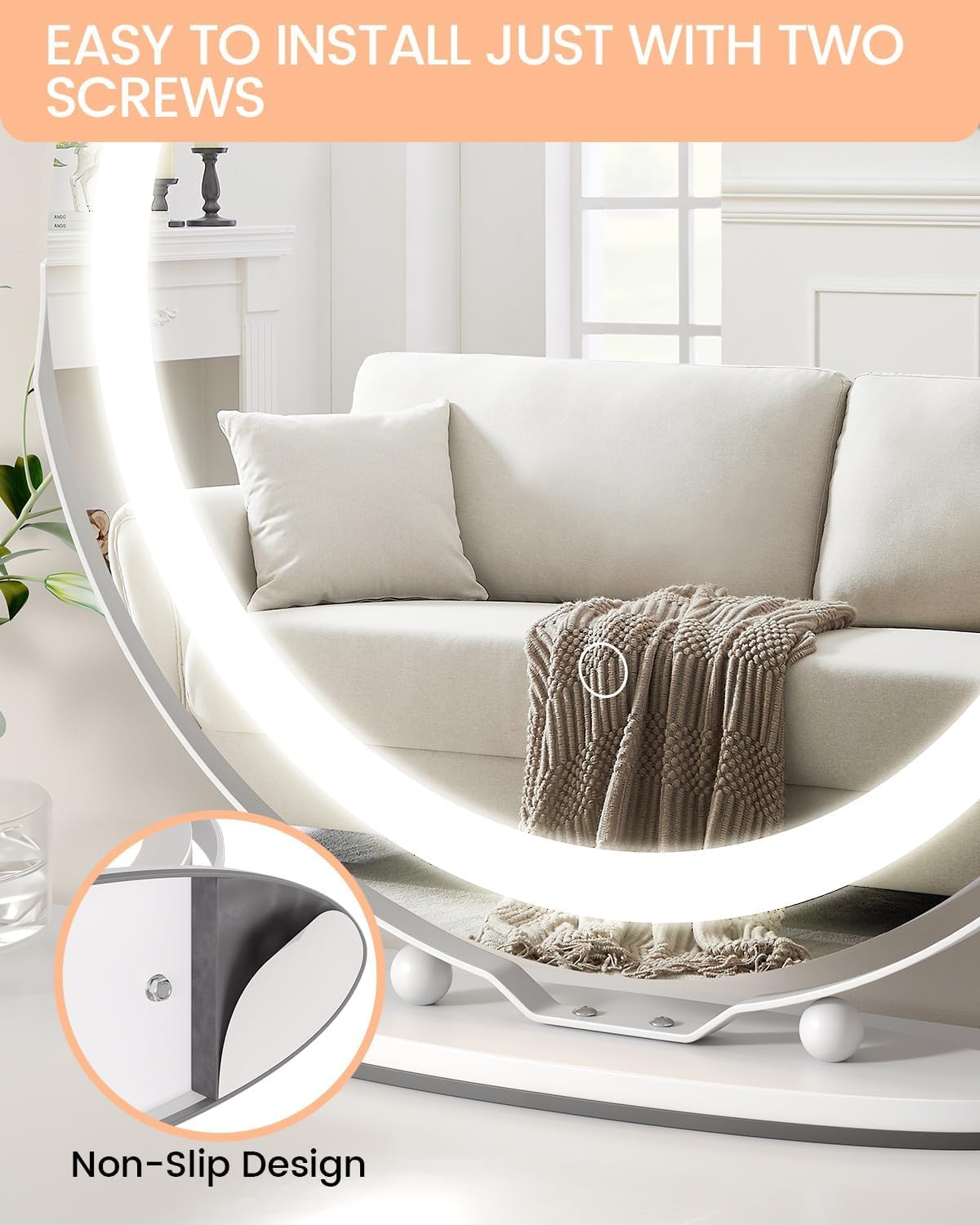
Figure 2: Mirror assembly showing screw location and non-slip design.

Figure 3: Illustration of the convenient plug-in power design.
Operating Instructions
Your GAOMON Vanity Mirror features intuitive touch controls for lighting and brightness, along with a flexible rotation design.
Power On/Off and Light Mode Selection:
- Locate the circular touch sensor on the lower center of the mirror surface.
- Tap the touch sensor once to turn the mirror lights on.
- With the lights on, tap the sensor repeatedly to cycle through the three distinct color modes:
- Warm Light: Ideal for evening makeup or soft ambiance.
- Daylight: Simulates natural sunlight, perfect for everyday makeup application.
- Cold Light: Bright, clear light suitable for detailed tasks.
- Tap the sensor again after cycling through all modes to turn the lights off.

Figure 4: Demonstrates the three light color modes and brightness adjustment.
Brightness Adjustment:
- To adjust the brightness of the selected light mode, press and hold the touch sensor.
- The brightness will smoothly dim or brighten. Release your finger when the desired illumination level is achieved.
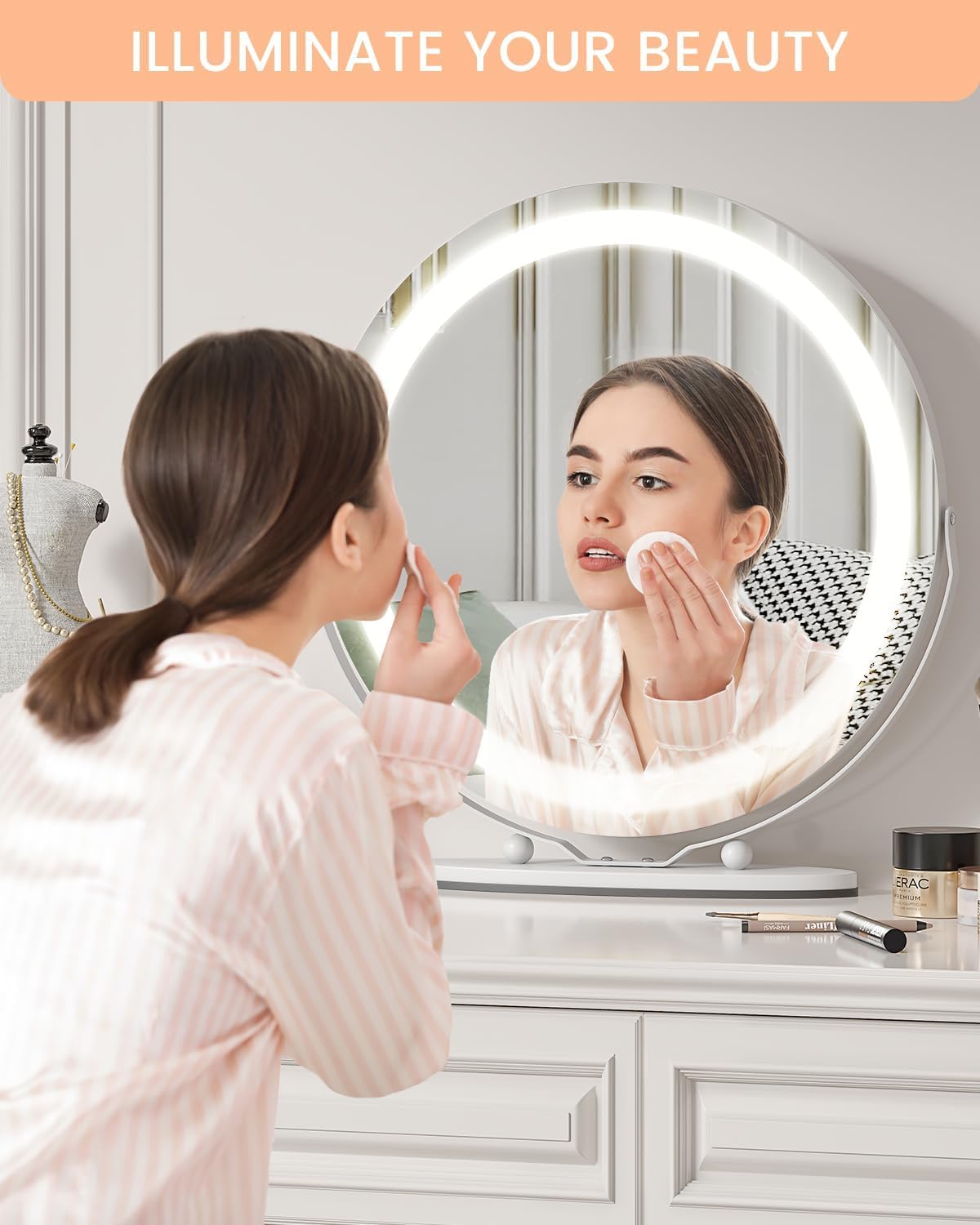
Figure 5: Mirror in use, highlighting its illumination for beauty routines.
360° Rotation:
- The mirror unit is designed to rotate freely 360 degrees on its stand.
- Gently adjust the mirror to achieve the optimal viewing angle for your comfort and task.
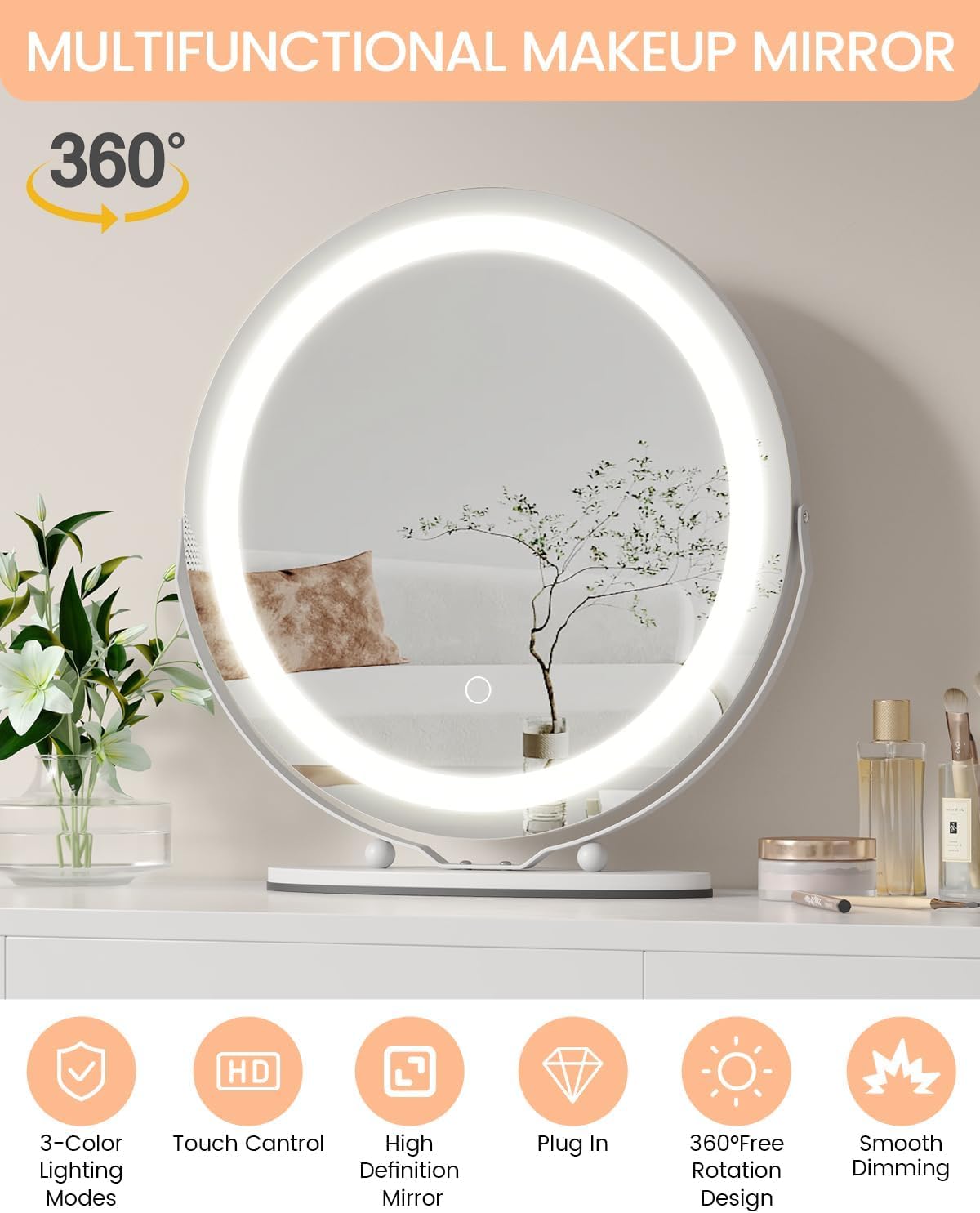
Figure 6: Overview of mirror features including 360° free rotation.
Maintenance
To ensure the longevity and optimal performance of your GAOMON Vanity Mirror, follow these maintenance guidelines:
- Cleaning the Mirror Surface: Use a soft, lint-free cloth (e.g., microfiber) to gently wipe the mirror surface. For fingerprints or smudges, dampen the cloth slightly with water or a small amount of non-abrasive glass cleaner. Apply cleaner to the cloth, not directly to the mirror.
- Cleaning the Frame and Base: Wipe the aluminum frame and base with a soft, dry cloth. Avoid using harsh chemicals or abrasive cleaners, which can damage the finish.
- Power Disconnection: Always disconnect the power cable from the mirror before cleaning or if the mirror will not be used for an extended period.
- Storage: Store the mirror in a dry, cool place away from direct sunlight and excessive humidity when not in use for long durations.
Troubleshooting
If you encounter any issues with your GAOMON Vanity Mirror, please refer to the following common problems and solutions:
| Problem | Possible Cause | Solution |
|---|---|---|
| Lights do not turn on. | Power cable not connected or faulty; power source issue. | Ensure the USB power cable is securely connected to both the mirror and a working power source (e.g., wall adapter, computer USB port). Try a different USB port or adapter. |
| Lights flicker or are dim. | Insufficient power supply; loose connection. | Check all power connections. Ensure the power source provides adequate voltage and current (e.g., 5V/2A). Avoid using low-power USB ports. |
| Touch control is unresponsive. | Temporary software glitch; dirty sensor; moisture on sensor. | Disconnect and reconnect the power cable to reset the mirror. Clean the touch sensor area with a soft, dry cloth. Ensure your finger is dry when touching the sensor. |
| Mirror fogs up. | High humidity. | The mirror has anti-fog technology. If fogging persists in extremely humid conditions, ensure proper ventilation in the room. |
Product Specifications
| Feature | Detail |
|---|---|
| Brand | GAOMON |
| Model Number | M01 |
| Product Dimensions | 19"L x 19"W |
| Shape | Round |
| Frame Material | Aluminum |
| Material | Aluminum, Glass |
| Color | White |
| Special Features | Dimmable, 360 Degree Rotation, 3 Color Changing LED Lights |
| Mounting Type | Dresser Mount |
| Item Weight | 9.98 pounds |
| Assembly Required | Yes |
| UPC | 198290649457 |
Safety Information
Important Safety Warning:
This product may have sharp edges and could be a breakage hazard. Use with caution.
- Keep out of reach of children and pets.
- Do not expose the mirror to excessive force or impact, which could cause breakage.
- Ensure the mirror is placed on a stable, flat surface to prevent tipping.
- Avoid direct contact with water or other liquids to prevent electrical hazards.
- Do not attempt to disassemble or repair the mirror yourself. Refer to qualified personnel for service.
Warranty and Support
Warranty Information:
GAOMON products are manufactured to high-quality standards and come with a limited warranty. For specific warranty details, including coverage period and terms, please refer to the warranty card included with your product packaging. You may also find this information on the official GAOMON website.
Customer Support:
If you have any questions, require technical assistance, or need to report an issue with your GAOMON Vanity Mirror, please contact GAOMON customer support. Our team is dedicated to providing prompt and helpful service.
Contact information can typically be found on the product packaging, the official GAOMON website, or through your retailer.
For further assistance, please visit: www.gaomon.net
Ask a question about this manual
Ask about setup, troubleshooting, compatibility, parts, safety, or missing instructions. Manuals+ will review the question and use this page’s manual context to help answer it.