
LAPOOH HY-1001
LAPOOH HY-1001 Motorcycle Helmet Intercom User Manual
Model: HY-1001
1. Introduction
The LAPOOH HY-1001 Motorcycle Helmet Intercom is designed to enhance your riding experience by integrating intercom, telephone, music playback, and FM radio functionalities directly into your helmet. This device ensures clear, safe, and comfortable communication and entertainment on your journey.

Image 1.1: The LAPOOH HY-1001 Motorcycle Helmet Intercom unit, showcasing its compact design and control dial.
2. Setup and Installation
2.1 Package Contents
Before installation, ensure all components are present:
- 1 x Helmet Intercom Unit
- 1 x Pair of Headset (with Microphone)
- 4 x Adhesive Earphone Pads
- 1 x Clip
- 1 x Screw Driver
- 1 x Charging Cable (Type-C)
- 1 x User Manual (English)
2.2 Mounting the Intercom Unit
The intercom unit can be mounted to your helmet using the provided clip. Use the screwdriver to secure the clip firmly to the helmet's edge. Ensure the unit is positioned for easy access to controls while riding.
2.3 Installing the Headset and Microphone
Attach the headset speakers inside your helmet, aligning them with your ears. Use the adhesive earphone pads for a secure and comfortable fit. Position the microphone near your mouth for optimal voice pickup. Connect the headset cable to the intercom unit's designated port.
2.4 Initial Pairing (Bluetooth)
To pair the intercom with your mobile device or another intercom unit:
- Ensure the intercom unit is powered off.
- Press and hold the power button until the indicator light flashes rapidly, indicating pairing mode.
- On your mobile device, enable Bluetooth and search for available devices. Select "LAPOOH HY-1001" from the list.
- Once connected, the indicator light will change, and you may hear a confirmation tone.
- For intercom-to-intercom pairing, repeat the pairing mode steps on both units and follow the specific instructions in the full user manual for multi-unit pairing.
3. Operating Instructions
3.1 Power On/Off
- Power On: Press and hold the power button for approximately 3 seconds.
- Power Off: Press and hold the power button for approximately 5 seconds.
3.2 Intercom Function
The HY-1001 supports full-duplex communication between two riders up to 800 meters in ideal conditions. After pairing, a short press of the intercom button will initiate or end an intercom conversation.

Image 3.1: Overview of the HY-1001's key features, including BT5.0, 800M range, 2-rider full duplex, and CVC/DSP Noise Reduction.
3.3 Bluetooth Phone Calls
Once paired with your mobile phone, you can manage calls directly from the intercom unit:
- Answer Call: Short press the phone button.
- End Call: Short press the phone button during a call.
- Reject Call: Press and hold the phone button for 2 seconds.
- Redial Last Number: Double-press the phone button.
3.4 Music Playback
Stream music from your paired Bluetooth device:
- Play/Pause: Short press the multi-function button.
- Next Track: Rotate the control dial clockwise.
- Previous Track: Rotate the control dial counter-clockwise.
- Volume Up/Down: Use the dedicated volume buttons or rotate the dial as per specific model controls.
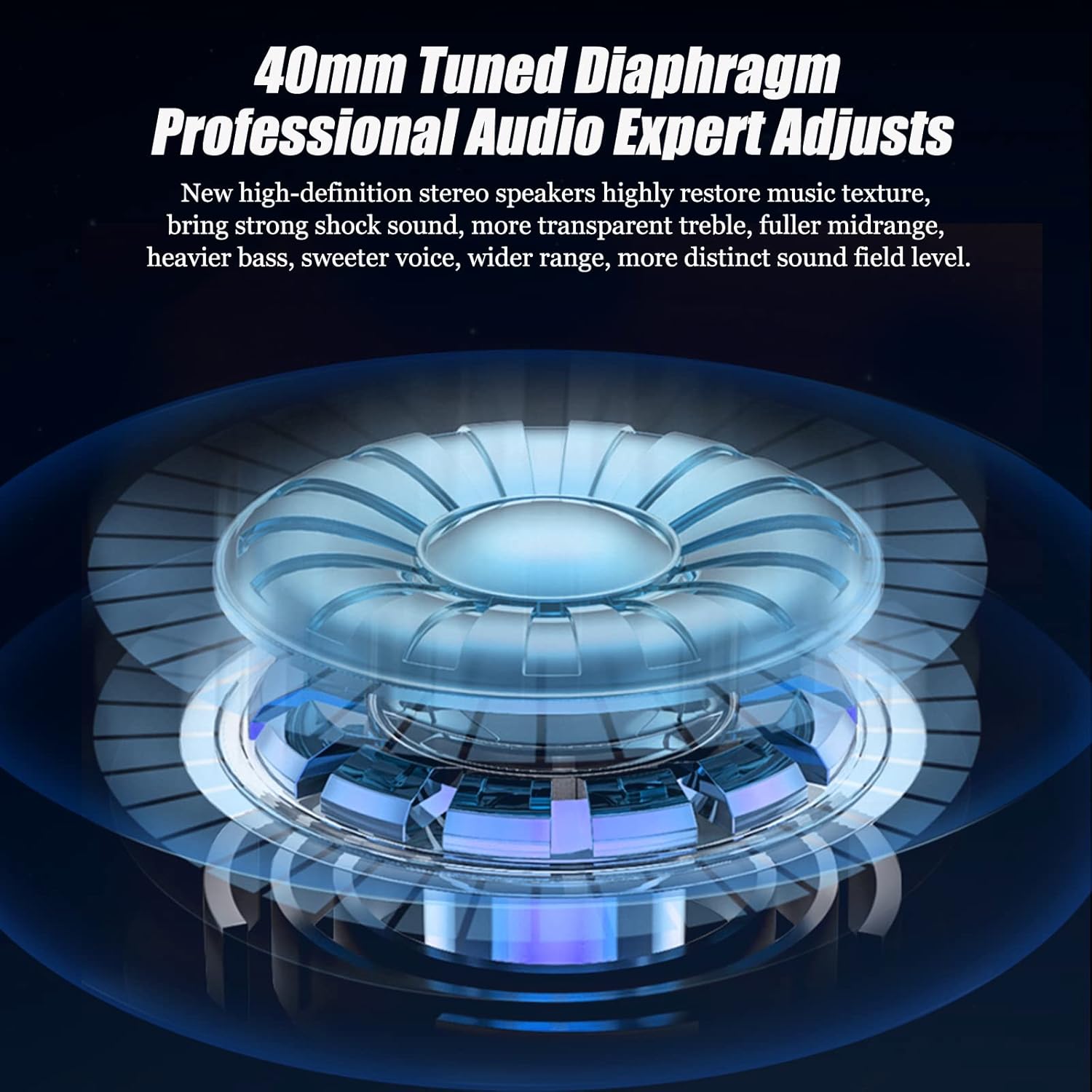
Image 3.2: Illustration of the 40mm tuned diaphragm speakers, designed for high-definition stereo audio with strong bass and clear treble.
3.5 FM Radio
The intercom includes an integrated FM radio:
- Turn On/Off FM: Press and hold the FM button (if available) or a specific combination of buttons.
- Scan Stations: Short press the FM button to auto-scan and save stations.
- Change Station: Use the volume buttons or control dial to switch between saved stations.

Image 3.3: The intercom unit mounted on a helmet, illustrating the convenience of accessing FM radio for news, weather, or music while riding.
3.6 Noise Reduction and Voice Prompts
The HY-1001 features CVC and DSP noise reduction technology for clearer conversations by minimizing background noise and wind interference. It also provides voice prompts in both Chinese and English for easier operation.

Image 3.4: Visual representation of the Intelligent DSP Audio Processing System with CVC Noise Reduction, designed to clarify calls by blocking background noise.

Image 3.5: Depiction of the smart microphone with intelligent noise reduction, featuring echo cancellation and noise reduction technology for clear voice pickup.
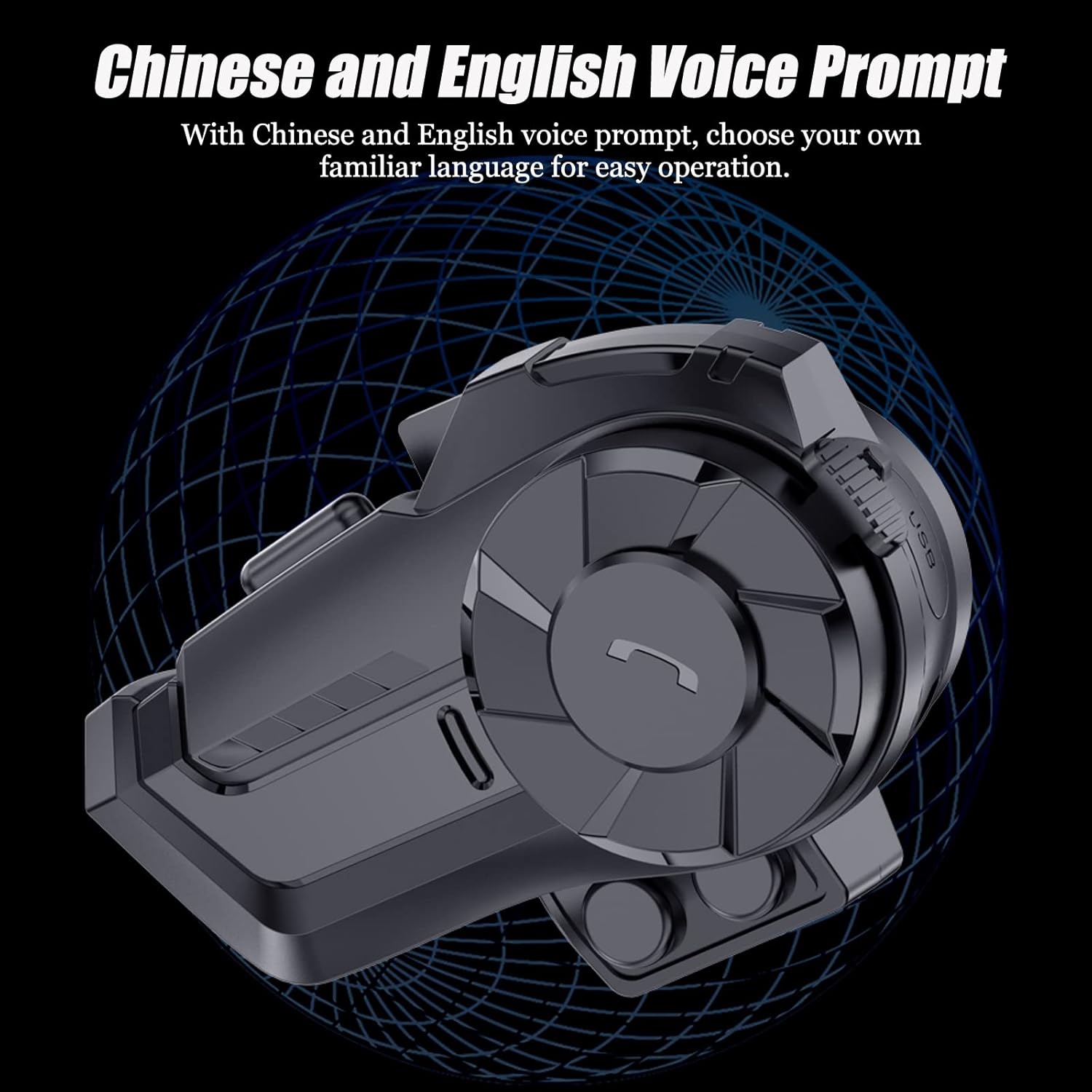
Image 3.6: The intercom unit with text indicating support for both Chinese and English voice prompts, allowing users to select their preferred language.
4. Maintenance
4.1 Charging the Battery
The intercom unit is equipped with a 700mAh rechargeable polymer battery. To charge:
- Connect the provided Type-C charging cable to the intercom unit's charging port.
- Connect the other end of the cable to a DC 5V 1A power adapter (not included) or a USB port.
- A full charge takes approximately 2 hours. The indicator light will show charging status and turn off when fully charged.
A fully charged battery provides approximately 18 hours of talking time and up to 300 hours of standby time.
4.2 Waterproof and Dustproof
The HY-1001 is rated IP65 waterproof and dustproof, meaning it is protected against dust ingress and low-pressure water jets from any direction. While it can withstand rain and dust, avoid submerging the unit in water.

Image 4.1: The intercom unit submerged in water, demonstrating its IP65 waterproof capability, which protects internal circuits from dust and water.
4.3 Cleaning
Wipe the unit with a soft, damp cloth. Do not use harsh chemicals or abrasive cleaners.
5. Troubleshooting
If you encounter issues with your LAPOOH HY-1001, refer to the following common problems and solutions:
- Device won't turn on:
- Ensure the battery is charged. Connect to a power source and try again after a few minutes.
- Press and hold the power button for the required duration (approx. 3 seconds).
- No sound from speakers:
- Check if the headset cable is securely connected to the intercom unit.
- Ensure the volume is not set to minimum.
- Verify that the device is properly paired with your audio source (phone, another intercom).
- Cannot pair with phone/another intercom:
- Ensure the intercom is in pairing mode (rapidly flashing indicator light).
- Make sure Bluetooth is enabled on your phone and it's discoverable.
- Move closer to the device you are trying to pair with.
- Clear previous pairing records on both devices and try pairing again.
- Intercom range is shorter than expected:
- Obstacles such as buildings, dense trees, or terrain can significantly reduce range.
- Ensure there are no strong electromagnetic interferences nearby.
- The stated range is for ideal environments; actual performance may vary.
- Poor microphone quality/noise:
- Ensure the microphone is positioned correctly near your mouth and not obstructed.
- Check for excessive wind noise; the CVC/DSP noise reduction works best within its design limits.
6. Specifications
| Feature | Specification |
|---|---|
| BT Version | 5.0 |
| BT Profiles | A2DP, AVRCP |
| Signal Frequency Range | 2.4GHz |
| Intercom Wireless Transmission Range | Approx. 800m (ideal environment) |
| BT Transmission Distance | Approx. 10m (ideal environment) |
| Working Temperature | 5~40°C |
| Battery | 700mAh rechargeable polymer battery |
| Talking Time | Approx. 18 hours |
| Standby Time | Approx. 300 hours |
| Charging Time | Approx. 2 hours |
| Charging Voltage | DC 5V 1A |
| Interface | Type-C |
| Waterproof Level | IP65 |
| Horn Diameter | 40mm |
| Material | ABS, Acrylic, Silicone |
| Product Size (Single) | 8.3 x 4.7 x 2.5 cm (3.26 x 1.85 x 0.98 in) |
| Product Weight (Single) | 47g (1.65oz) |
7. Warranty and Support
7.1 Warranty Information
Warranty terms and conditions for the LAPOOH HY-1001 Motorcycle Helmet Intercom are typically provided at the point of purchase or within the product packaging. Please refer to your purchase receipt or the enclosed warranty card for specific details regarding coverage period and claims process.
7.2 Customer Support
For technical assistance, troubleshooting beyond this manual, or warranty claims, please contact the seller or the manufacturer's customer support channel. Contact information can usually be found on the product packaging, the seller's website, or your purchase invoice.