
Introduction
These Night Owl Add On Wired IP 4K HD Deterrence Cameras are designed to enhance your existing Night Owl security system. They provide 4K resolution video, two-way audio, and are suitable for both indoor and outdoor use. This manual provides essential instructions for installation, operation, and maintenance to ensure optimal performance and security.
What's Included
Please verify that all components are present in your package:
- 2 x Wired IP Deterrence Camera
- 2 x Waterproof Cable Cover
- 2 x Mounting Hardware and Screw Packet
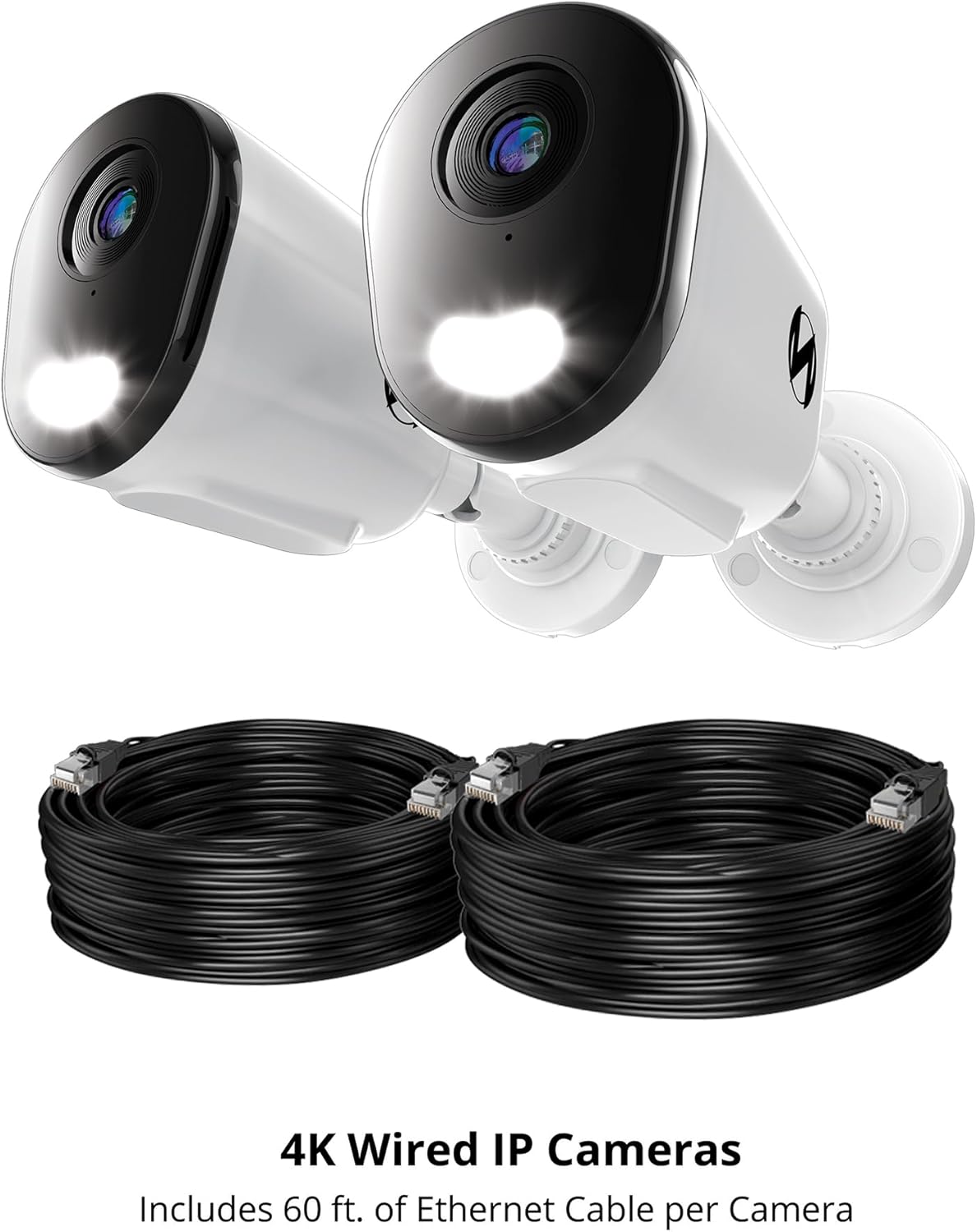
Note: Ethernet cables for Power over Ethernet (PoE) connectivity are sold separately and are required for operation.

This image features two Night Owl 4K Wired IP Cameras alongside two coiled Ethernet cables. The cameras are designed for Power over Ethernet (PoE) connectivity, simplifying installation by providing both power and data through a single cable.
Setup
1. Pre-installation Considerations
- NVR Compatibility: These cameras are add-on units and require a compatible Night Owl Network Video Recorder (NVR) for operation and recording. Refer to your NVR's manual for specific compatibility details.
- Cable Requirements: Each camera connects using a single Ethernet cable (Cat5e or higher, sold separately) for Power over Ethernet (PoE). Ensure you have sufficient cable length for your desired camera locations.
- Location: Choose a location that provides the desired viewing angle and is within range of your NVR's Ethernet ports. Consider areas prone to activity for optimal deterrence.
2. Mounting the Camera
- Position the camera in the desired location.
- Use the included mounting hardware and screws to securely attach the camera to a wall or ceiling. Ensure the mounting surface is stable.
- Adjust the camera's angle to cover the desired surveillance area.
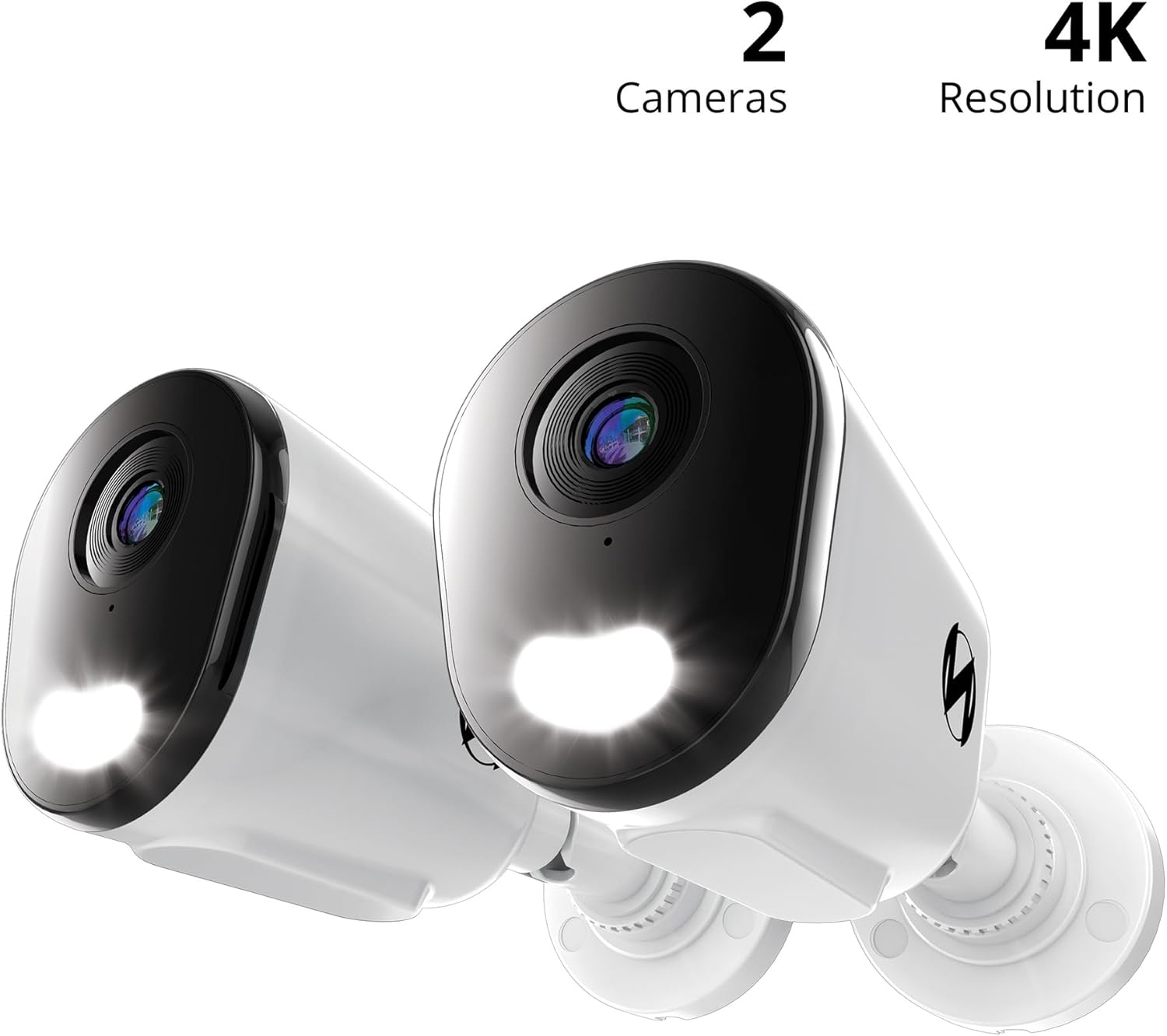
A detailed view of a single Night Owl 4K Wired IP Deterrence Camera, showcasing its lens, integrated spotlight, and mounting base. This camera features a durable housing suitable for various environments.
3. Connecting to the NVR
- Connect one end of an Ethernet cable to the camera's Ethernet port.
- Use the waterproof cable cover to protect the connection if installing outdoors.
- Connect the other end of the Ethernet cable to an available PoE port on your Night Owl NVR.
- Repeat for all cameras.

A Night Owl camera is shown mounted on a wall with its spotlight illuminated, indicating active deterrence. An inset image shows the camera connected via an Ethernet cable to a Network Video Recorder (NVR), which is sold separately.
4. Initial Configuration
Once connected, refer to your Night Owl NVR's instruction manual for specific steps on how to add and configure new IP cameras to your system. This typically involves scanning for new devices and assigning them to channels.
A compatibility chart detailing which Night Owl wired and Wi-Fi cameras are compatible with various Night Owl DVR and NVR series. Users should consult this chart to ensure their add-on cameras are compatible with their existing recording system.
Operating Instructions
1. Live View and Recording
- Access the live video feed from your cameras through your Night Owl NVR or the Night Owl mobile application.
- All recordings are stored securely on your NVR's hard drive. Refer to your NVR manual for playback and backup procedures.
2. Two-Way Audio
The cameras feature two-way audio, allowing you to listen and speak through the camera using the Night Owl mobile app or NVR interface.
- To listen: Activate the audio monitoring function in the app or NVR.
- To speak: Use the microphone icon in the app or NVR interface to transmit your voice through the camera's speaker.

This image illustrates the two-way audio capability of the Night Owl camera. One person is at the door speaking, while another person is viewing and communicating through a mobile app, demonstrating remote interaction.
3. Deterrence Features
These cameras are equipped with active deterrence features:
- Integrated Spotlight: The built-in spotlight can be activated manually or automatically upon motion detection to illuminate the area and deter intruders.
- Camera Siren: A powerful siren can be triggered remotely or automatically to alert and deter potential threats.
- Preset Voice Alerts: Configure custom voice messages to play automatically when motion is detected, providing an audible warning.
4. Smart Detection and Alerts
- AI Human and Vehicle Detection: The cameras utilize advanced AI technology to accurately detect human and vehicle movement, minimizing false alarms from other sources.
- Mobile Alerts: Receive instant notifications on your mobile device when human or vehicle activity is detected, allowing for a fast response.
5. Night Vision
The cameras provide clear surveillance both day and night:
- Full-Color Day Viewing: Enjoy vivid, high-resolution video during daylight hours.
- Vivid Night Vision: The cameras offer clear night vision up to 100 feet, ensuring continuous monitoring in low-light conditions.
Maintenance
- Cleaning the Lens: Periodically clean the camera lens with a soft, damp cloth to remove dust, dirt, or smudges that may affect video clarity. Avoid abrasive cleaners.
- Checking Connections: Regularly inspect all cable connections, especially for outdoor installations, to ensure they are secure and free from damage. Ensure waterproof covers are properly sealed.
- Firmware Updates: Check the Night Owl support website for any available firmware updates for your cameras or NVR. Keeping your system updated ensures optimal performance and security.
- Environmental Protection: While designed for outdoor use, extreme weather conditions can impact performance. Ensure cameras are securely mounted and protected from direct, prolonged exposure to severe elements where possible.
Troubleshooting
No Video Feed
- Ensure the Ethernet cable is securely connected to both the camera and the NVR's PoE port.
- Verify that the NVR is powered on and functioning correctly.
- Check the NVR's camera management settings to ensure the camera is properly added and enabled.
- Try connecting the camera to a different PoE port on the NVR or using a different Ethernet cable.
Poor Video Quality
- Clean the camera lens to remove any obstructions or smudges.
- Ensure the camera is securely mounted and not vibrating.
- Check the video resolution settings on your NVR; ensure it is set to 4K.
- Verify network stability between the camera and NVR.
Audio Issues
- Ensure two-way audio is enabled in the camera settings on your NVR or mobile app.
- Check microphone and speaker volume settings.
- Ensure there are no physical obstructions blocking the camera's microphone or speaker.
Motion Detection Not Working
- Verify that motion detection is enabled and configured correctly in your NVR's settings.
- Adjust the motion detection sensitivity and detection zones.
- Ensure the camera lens is clean and free from obstructions.
For further assistance, please refer to your NVR's manual or contact Night Owl customer support.
Specifications
| Feature | Specification |
|---|---|
| Model Number | CAM-FTN8-NEL-BU |
| Indoor/Outdoor Usage | Indoor, Outdoor |
| Video Capture Resolution | 4K |
| Connectivity Technology | Wired (Power over Ethernet) |
| Special Feature | 2-Way Audio, Deterrence Spotlight, Siren, AI Human/Vehicle Detection |
| Night Vision Range | 100 Feet |
| Dimensions (L x W x H) | 3.85 x 3.14 x 3.11 inches |
| Item Weight (Per Camera) | 4.13 pounds (1.88 kg) |
| UPC | 816522026523 |
Warranty and Support
Warranty Information
For detailed warranty information regarding your Night Owl Add On Wired IP 4K HD Deterrence Cameras, please refer to the warranty card included with your product packaging or visit the official Night Owl website.
Customer Support
If you encounter any issues or require technical assistance, please contact Night Owl customer support:
- Online Support: Visit the Night Owl support website for FAQs, troubleshooting guides, and software downloads.
- Contact: Refer to the Night Owl website for current contact methods, including phone and email support.


