
Introduction
This manual provides instructions for the setup, operation, and maintenance of your Timex Men's UFC Rush 52mm Digital Watch, Model TW5M59100JT. Please read these instructions carefully to ensure proper use and care of your timepiece.
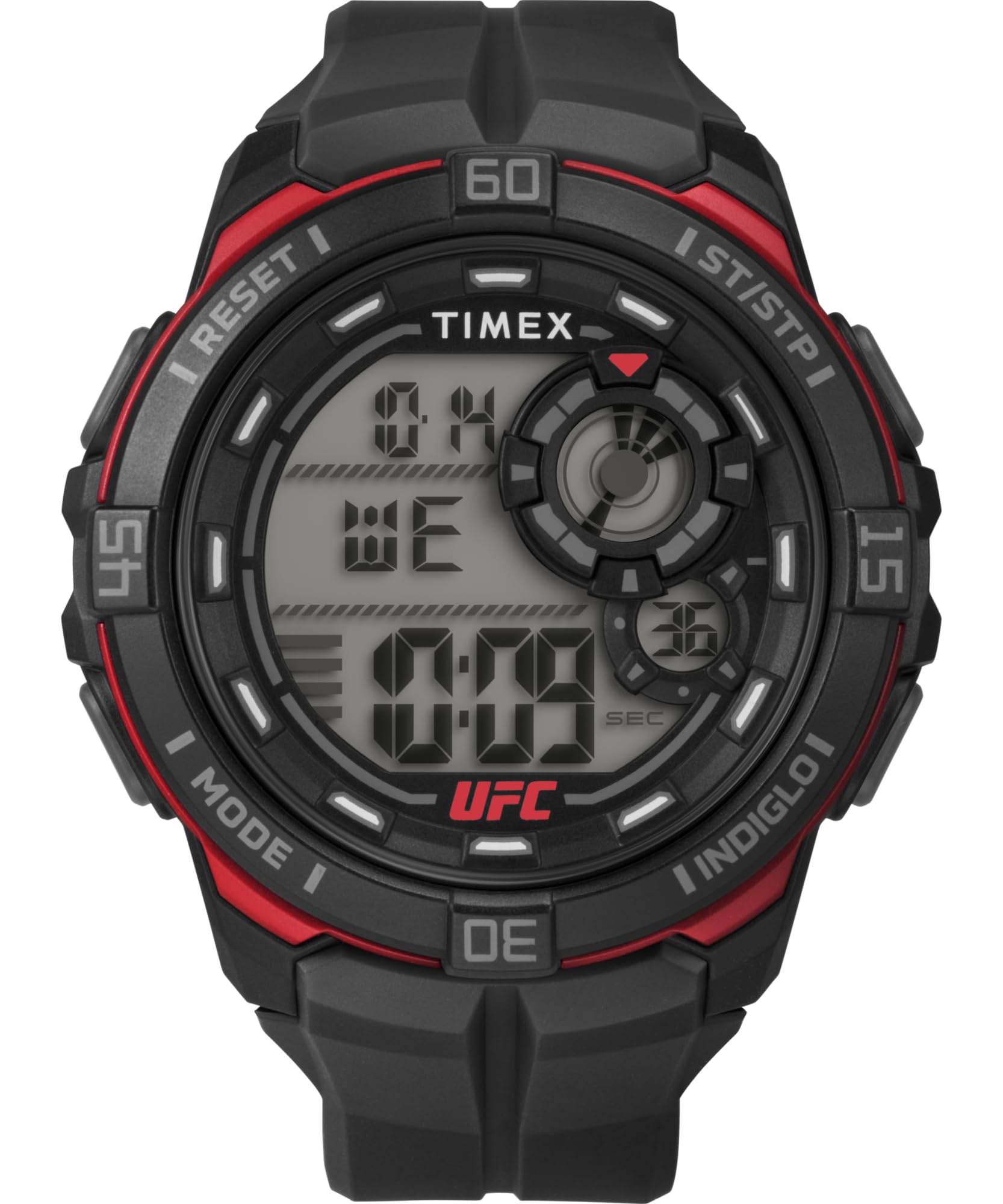
Front view of the Timex Men's UFC Rush 52mm Digital Watch.
Setup
Initial Time Setting
To set the time on your digital watch:
- Locate the MODE button, typically on the left side of the watch case. Press it repeatedly until the time setting mode is displayed (often indicated by flashing digits).
- Use the SET or ADJUST button (usually on the right side) to select the hour, minute, or other settings you wish to change.
- Use the START/STOP or NEXT button to increase the selected value.
- Once all settings are correct, press the MODE button again to exit the setting mode.

Side view of the watch, illustrating the typical placement of control buttons for setting functions.
Operating Instructions
Basic Functions
- Time Display: The watch displays time in a digital format. It may include 12-hour or 24-hour formats, and date information.
- Backlight: Press the LIGHT button (often located on the top left) to illuminate the display for visibility in low-light conditions.
- Mode Cycling: Use the MODE button to cycle through different functions such as stopwatch, alarm, timer, and dual time.
Water Resistance
This watch is water resistant up to 100 meters (330 feet). This rating makes it suitable for showering, swimming, and snorkeling. Do not press any buttons while the watch is submerged in water, as this can compromise the water resistance seal.
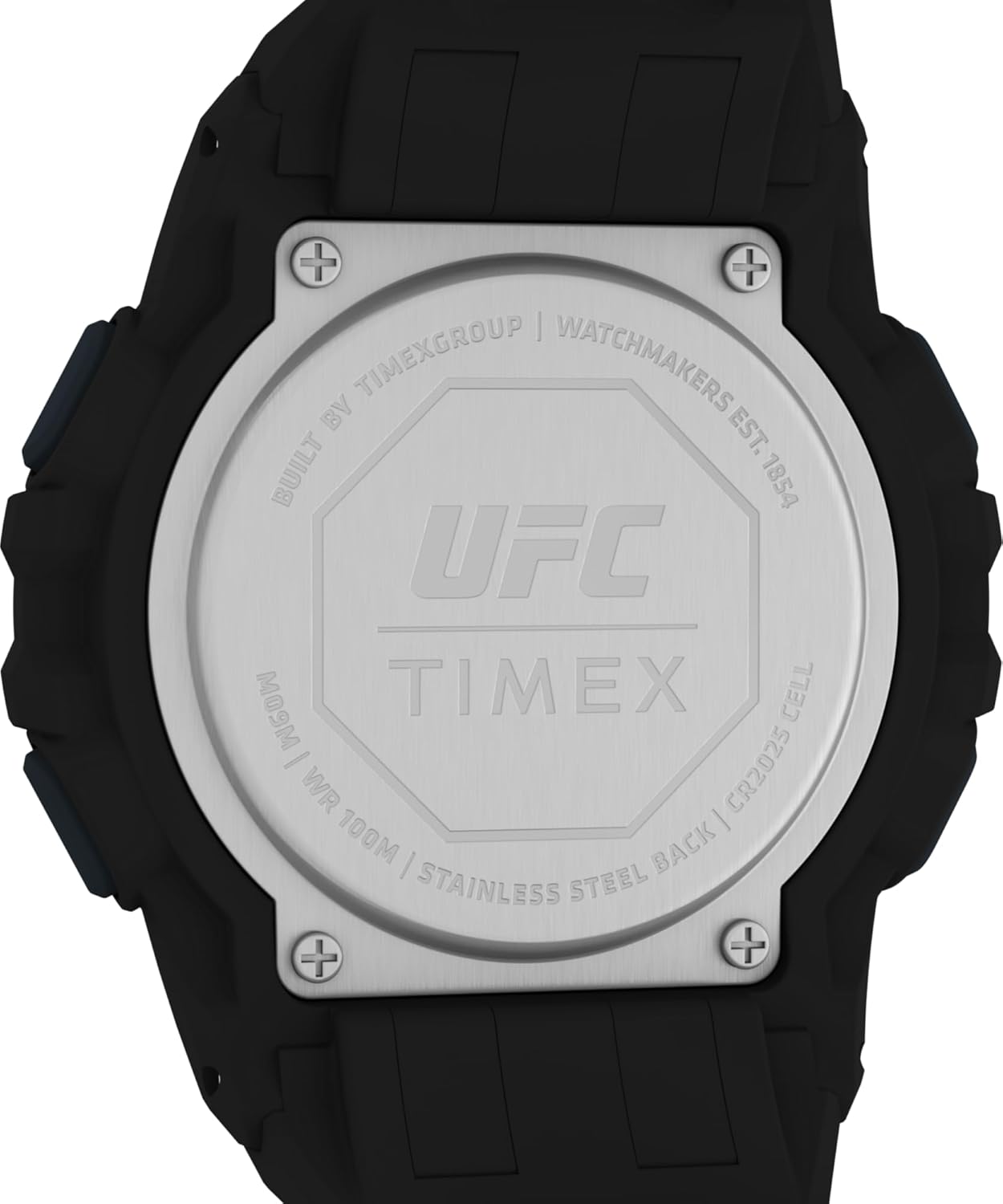
The watch back, displaying the water resistance rating of 100M.
Maintenance
Cleaning Your Watch
To clean your watch, wipe it with a soft, damp cloth. For stubborn dirt, a mild soap solution can be used, followed by rinsing with clean water and drying thoroughly. Avoid using harsh chemicals or abrasive materials, as these can damage the watch case or strap.
Battery Replacement
The watch is powered by a CR2025 cell battery. When the display dims or functions become erratic, it may be time for a battery replacement. It is recommended to have the battery replaced by a qualified watch technician to ensure the water resistance seal is maintained.
Troubleshooting
- Watch not displaying time: Check if the battery needs replacement. Ensure no buttons are stuck.
- Display is dim: This often indicates a low battery. Replace the battery.
- Water inside the watch: If moisture appears inside the watch, seek professional service immediately to prevent further damage.
- Buttons not responding: Ensure the watch is not in a locked mode. If the issue persists, a professional inspection may be required.
Specifications
| Model Number | TW5M59100JT |
| Case Size | 52mm |
| Strap Length | 8 inches |
| Water Resistance | 100 meters (330 feet) |
| Lens Material | Acrylic |
| Battery Type | CR2025 Cell |
| Case Material | Resin |
| Strap Material | Silicone/Rubber |
Sizing Information
To help determine the appropriate watch size for your wrist, please refer to the official Timex sizing chart video below. This video demonstrates how different case sizes appear on various wrist dimensions.
Official Timex Sizing Chart video, demonstrating various watch case sizes on different wrist dimensions to assist with fit.
Warranty and Support
For detailed warranty information and customer support, please refer to the official Timex website or contact Timex customer service directly. Keep your purchase receipt as proof of purchase for warranty claims.
You can visit the Timex Store on Amazon for additional product information and support resources.


