Introduction
Welcome to the VBESTLIFE Mini Camera instruction manual. This guide provides detailed information on setting up, operating, and maintaining your 720P HD camera. Please read this manual thoroughly before use to ensure optimal performance and safety.
Package Contents
Verify that all items are present in your package:
- VBESTLIFE Mini Camera
- USB Charging Cable
- USB Data Cable (short)
- Magnetic Mount
- Adhesive Pads (2)

This image displays the VBESTLIFE Mini Camera along with its accessories: a USB charging cable, a shorter USB data cable, a magnetic base, and two adhesive pads for mounting.
Product Overview
Familiarize yourself with the camera's components.

A close-up view of the VBESTLIFE Mini Camera, highlighting the main lens and the control button located beneath it.

This image shows the side of the camera with ventilation grilles, indicating proper heat dissipation design.
- Camera Lens: Captures video and images.
- Power/Mode Button: Controls power and operating modes.
- Micro USB Port: For charging and data transfer.
- Indicator Light: Displays camera status.
- Magnetic Base: Allows for easy attachment to metallic surfaces.
Setup
1. Charging the Camera
Before first use, fully charge the camera.
- Connect the USB charging cable to the camera's Micro USB port and to a 5V USB power adapter (not included) or a computer USB port.
- The indicator light will illuminate during charging and turn off when fully charged.

This graphic illustrates the camera's built-in 900mAh lithium battery, which provides continuous operation for several hours without a conventional power connection.
2. App Connection (Wi-Fi)
The camera connects to your smartphone via Wi-Fi for remote viewing.
- Download the designated mobile application (refer to the packaging or a separate quick start guide for app name).
- Power on the camera by pressing and holding the Power/Mode button.
- Open the app on your smartphone and follow the on-screen instructions to add a new device.
- Select the camera's Wi-Fi network from your phone's Wi-Fi settings and connect.
- Once connected, you can view live footage and control camera settings through the app.
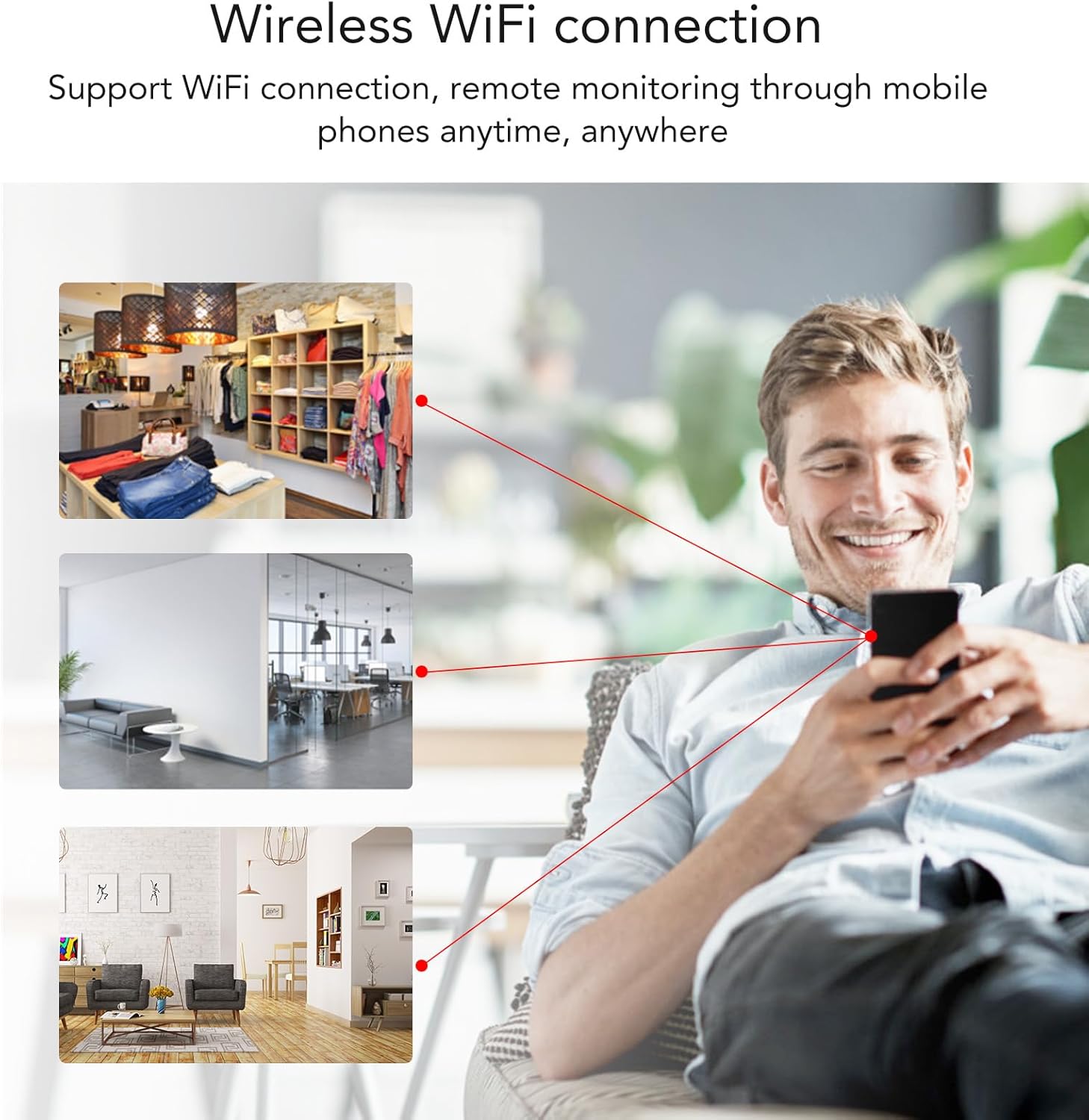
This image depicts a user monitoring multiple locations (retail store, office, living room) remotely via a smartphone, illustrating the camera's wireless Wi-Fi connection capability.
Operating Instructions
Recording Video
Once connected via the app, you can initiate video recording.
- Open the mobile application.
- Navigate to the live view interface.
- Tap the record button to start or stop recording.
- Recorded videos are typically saved to the app or a connected storage (e.g., microSD card, if supported and installed).
Night Vision
The camera features infrared night vision for low-light conditions.
- Night vision activates automatically in low light environments.
- The camera will capture clear black and white images in darkness.

This image demonstrates the camera's infrared night vision feature, showing how it captures clear black and white footage in low-light conditions, ensuring continuous security monitoring.
Magnetic Adsorption Mounting
The camera's magnetic base allows for flexible placement.
- Attach the magnetic base to the bottom of the camera.
- Place the camera on any metallic surface.
- For non-metallic surfaces, use the provided adhesive pads with the magnetic base.

This image shows the compact VBESTLIFE Mini Camera being held, emphasizing its magnetic adsorption design which allows for easy and tool-free installation on various surfaces.
Maintenance
- Cleaning: Use a soft, dry cloth to clean the camera lens and body. Avoid abrasive cleaners or solvents.
- Battery Care: To prolong battery life, avoid extreme temperatures and fully charge the camera periodically if not in regular use.
- Storage: Store the camera in a cool, dry place when not in use.
Troubleshooting
| Problem | Solution |
|---|---|
| Camera not powering on | Ensure the camera is fully charged. Press and hold the Power/Mode button for a few seconds. |
| Unable to connect to Wi-Fi | Ensure the camera is within range of your Wi-Fi router. Restart the camera and your smartphone. Verify the correct app is installed and updated. |
| Poor image quality | Ensure the camera lens is clean. Check for sufficient lighting; night vision will activate in low light. |
| App shows "network isn't strong enough" | This indicates a weak Wi-Fi signal between the camera and your router, or between your phone and the internet. Move the camera closer to the router or improve your phone's network connection. |
Specifications
| Feature | Detail |
|---|---|
| Video Capture Resolution | 720p |
| Connectivity Technology | Wireless (Wi-Fi) |
| Battery Power | 900 mAh Lithium Battery |
| Night Vision | Infrared |
| Mounting Type | Magnetic Adsorption / Wall Mount |
| Control Method | App (Smartphone) |
| Compatible Devices | Smartphone |
| Item Weight | 186 Grams (6.6 ounces) |
| Model Name | VBESTLIFEsfu6iqzcg4 |
| Brand | VBESTLIFE |
| International Protection Rating | IP65 |
| Alert Type | Motion Only |
| Video Capture Format | AVI |
Warranty and Support
For warranty information and technical support, please refer to the contact details provided with your purchase or visit the official VBESTLIFE website.
Manufacturer: VBESTLIFE
Model: VBESTLIFEsfu6iqzcg4