
Introduction
The Eleacc Portable Wireless Carplay Car Stereo is designed to enhance your driving experience by integrating advanced smartphone functionalities into your vehicle. This 7-inch HD touchscreen device supports both Wireless Apple CarPlay and Android Auto, allowing seamless access to navigation, music, communication, and more. It offers multiple audio output options and is compatible with a wide range of vehicles, providing a convenient and safe way to stay connected on the road.
Product Overview
Package Contents
- Wireless Apple CarPlay Unit
- Power Cable + AUX Cable
- Backup Camera
- Adhesive Mount
- User Manual
Key Features
- Wireless Apple CarPlay & Android Auto support for seamless smartphone integration.
- 7-inch HD 1024*600P Touchscreen for clear display and responsive interaction.
- Multiple Audio Output Options: AUX, FM transmit, Bluetooth 5.3, and Built-in Speaker.
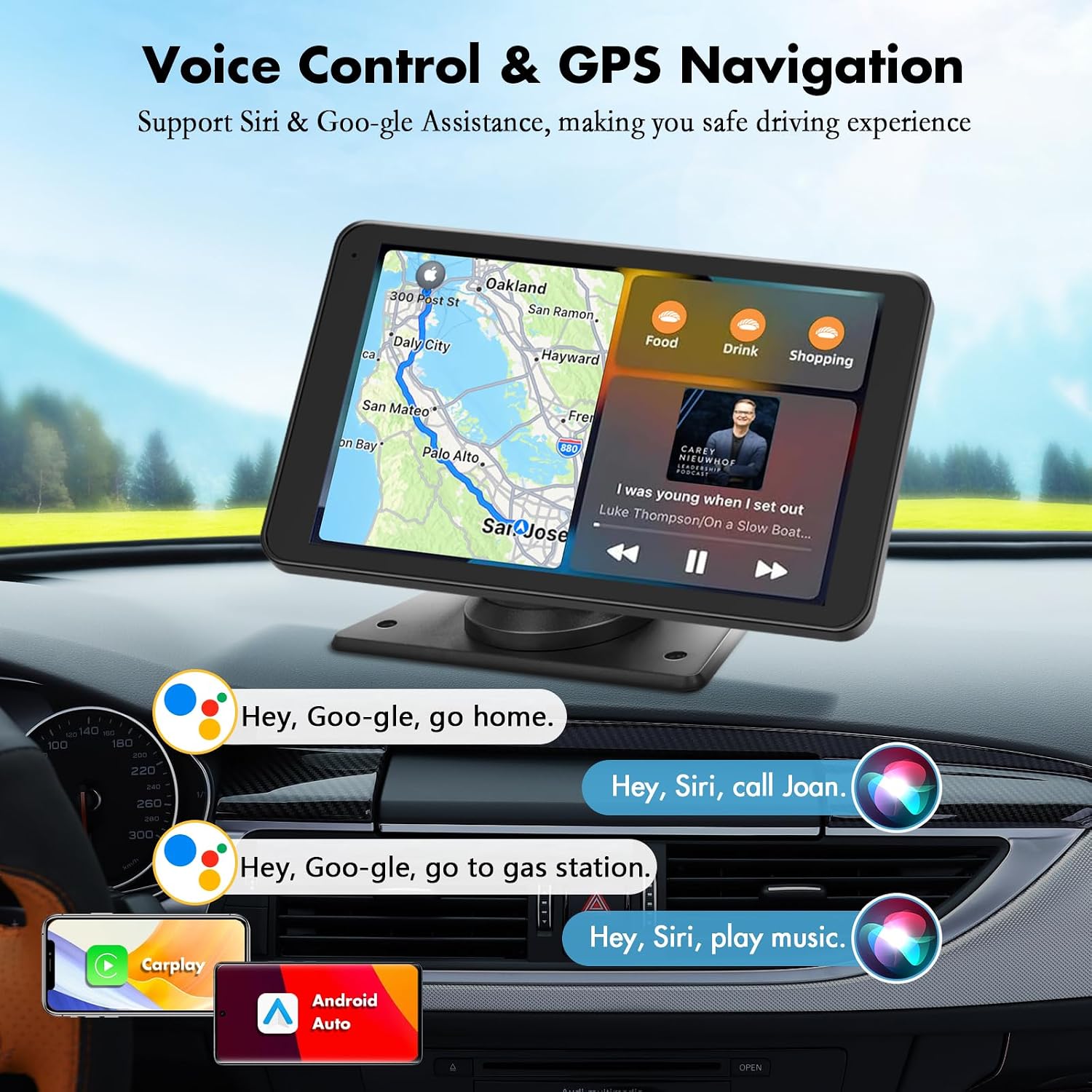
- Voice Control compatibility with Siri and Google Assistant for hands-free operation.
- Real-time GPS Navigation for precise guidance.
- Mirror Link function for both Android and iOS devices.
- Adjustable 180° vertical angle Backup Camera with an 18-foot cable for enhanced safety.
- Broad vehicle compatibility (DC 12V~24V) for cars, RVs, trucks, pickups, and vans.
- Easy installation without disassembling the car's console.
- Supports U disk and SD card (not included) for media playback.
- Features include Multi-language Settings, Night Vision, and Brightness Adjustment.

Setup & Installation
Vehicle Compatibility
The Eleacc Carplay Screen is designed for universal compatibility, supporting DC 12V~24V voltage. This makes it suitable for a wide range of vehicles including cars, campers, RVs, trucks, pickups, and vans. Installation does not require disassembling your car's original console, preserving your vehicle's existing radio system.
Mounting the Unit
The unit comes with an adjustable self-adhesive dashboard mount. This mount allows for 90° adjustment, ensuring optimal viewing angles. The adhesive sticker bracket provides a stable and secure attachment to your dashboard and can be easily removed if needed.


Connecting Power and Audio
Connect the provided power cable to the unit and your vehicle's power source. For audio output, you have several options:
- AUX Connection: Use the included AUX cable to connect the unit to your car's AUX input.
- FM Transmitter: Transmit audio wirelessly to your car's FM radio by tuning both the unit and your car radio to the same FM frequency.
- Bluetooth 5.3: Connect wirelessly to your car's Bluetooth system for audio streaming.
- Built-in Dual Din Stereo Speakers: The unit features its own speakers for direct audio output.

Operating Instructions
Wireless CarPlay & Android Auto
Connect your smartphone wirelessly via Bluetooth and Wi-Fi (or USB) to enable Apple CarPlay or Android Auto. This allows you to access your phone's essential features directly on the 7-inch HD touchscreen, including maps, calls, messages, and music applications.

Voice Control
Utilize voice commands through Siri or Google Assistant for a safer, hands-free driving experience. Simply speak commands to control navigation, make calls, play music, and more.
Mirror Link Function
The Mirror Link function allows you to display your smartphone's screen directly onto the 7-inch HD touchscreen. This feature is compatible with both Android and iOS devices, providing an ultimate visual and audio experience for syncing media players or navigation apps.

Real-time GPS Navigation
The unit provides precise real-time GPS navigation without delay. Voice-guided navigation through your car's speakers ensures safe driving and offers route suggestions for traffic and lane changes.
Backup Camera Operation
The included adjustable 180° vertical angle backup camera provides a clear 1080P image of the area behind your vehicle. This feature is a valuable aid for safe reversing and parking maneuvers. The camera comes with an 18-foot-long cable for flexible installation.

Additional Functions
- Brightness Adjustment: Adjust the screen brightness for comfortable viewing in various lighting conditions.
- U Disk and SD Card Support: Play media directly from a U disk or SD card (not included).
- Multi-language Settings: Configure the unit's interface in your preferred language.
- Night Vision: Enhanced visibility in low-light conditions.
Maintenance
To ensure the longevity and optimal performance of your Eleacc Carplay Car Stereo, follow these general maintenance guidelines:
- Cleaning: Gently wipe the screen and unit exterior with a soft, dry, lint-free cloth. Avoid using abrasive cleaners, solvents, or aerosol sprays.
- Temperature: Do not expose the unit to extreme temperatures, direct sunlight for prolonged periods, or high humidity.
- Connections: Periodically check all cable connections to ensure they are secure and free from damage.
- Software Updates: Keep the unit's software updated as recommended by the manufacturer to ensure compatibility and performance.
Troubleshooting
If you encounter issues with your Eleacc Carplay Car Stereo, consider the following common troubleshooting steps:
- No Power: Ensure the power cable is securely connected to both the unit and the vehicle's power outlet. Check the vehicle's fuse box if necessary.
- No Audio Output: Verify that the selected audio output mode (AUX, FM, Bluetooth) is correctly configured and that your car's audio system is set to the correct input. Adjust volume levels on both the unit and your car stereo.
- CarPlay/Android Auto Connection Issues: Ensure your phone's Bluetooth and Wi-Fi are enabled. Try restarting both your phone and the Carplay unit. Confirm that your phone's operating system is up to date.
- Screen Unresponsive: Try restarting the unit. If the issue persists, ensure the screen is clean and free of debris.
- Backup Camera Not Displaying: Check the camera's cable connection to the main unit. Ensure the vehicle is in reverse gear (if applicable for automatic activation).
If these steps do not resolve the issue, please contact Eleacc customer support for further assistance.
Specifications
| Feature | Detail |
|---|---|
| Product Dimensions | 7.36 x 0.9 x 4.21 inches |
| Item Weight | 2.05 pounds |
| Model Number | BXS02 |
| Screen Size | 7 Inches |
| Resolution | HD (1024*600P) |
| Vehicle Service Type | Car, RV, Truck |
| Connectivity Technology | Bluetooth 5.3 |
| Audio Output Mode | Stereo (AUX, FM, Bluetooth, Built-in Speakers) |
| Mounting Type | Dashboard Mount (Adhesive) |
| Special Features | Wireless Apple CarPlay, Wireless Android Auto, Mirror Link, Voice Control (Siri/Google Assistant), Digital Display Screen, Backup Camera Support, Multi-language, Night Vision, Brightness Adjustment, U Disk/SD Card Support |
Warranty & Support
The Eleacc Portable Wireless Carplay Car Stereo comes with a 2-YEAR WARRANTY from the date of purchase. For any questions, technical assistance, or support, please do not hesitate to contact our professional online and offline support teams. We are committed to providing a satisfactory reply within 12 hours.
Contact information can typically be found on the product packaging, the official Eleacc website, or through your purchase platform.