
CUORY CUO-HDTV32
CUORY Smart TV 32-inch User Manual
Model: CUO-HDTV32
Introduction
Thank you for choosing the CUORY Smart TV 32-inch. This manual provides essential information for setting up, operating, and maintaining your new television. The CUORY Smart TV offers a DLED HD display for crisp and vibrant images with a resolution of 1366x768 pixels, integrated Android 12 for a wide range of applications, ATSC + SMART functionality for digital channels and online content, and Bluetooth connectivity for wireless audio. Its frameless design adds elegance to any space, complemented by versatile USB and HDMI ports.
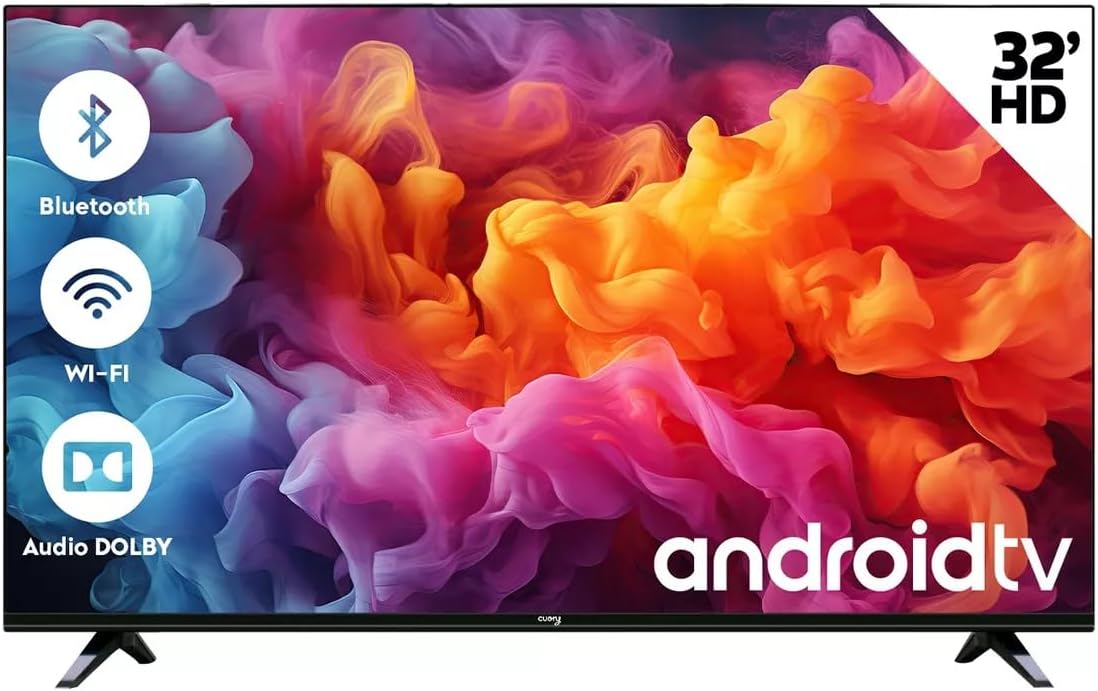
Image: Front view of the CUORY 32-inch Smart TV, highlighting its key features like Bluetooth, Wi-Fi, and Dolby Audio support, along with the Android TV logo.
Setup
Unboxing and Initial Inspection
Carefully remove all components from the packaging. Ensure the following items are present:
- 1x CUORY 32-inch LED TV
- Remote Control
- Power Cable
- TV Stands (2 pieces) and screws
- User Manual (this document)
Inspect the TV and accessories for any signs of damage. If any items are missing or damaged, contact customer support immediately.
Attaching the TV Stands
To set up your TV on a table or flat surface, attach the included stands.
- Place the TV face down on a soft, clean surface to prevent screen damage.
- Align each stand with the corresponding slots on the bottom of the TV.
- Secure the stands using the provided screws.

Image: Detail showing how the TV stand connects to the television unit.
Alternatively, the TV can be wall-mounted using a compatible VESA mount (not included). Refer to the wall mount's instructions for installation.

Image: Rear view of the CUORY 32-inch Smart TV, showing the mounting points and central panel.
Connecting Peripherals
Your CUORY Smart TV offers various ports for connecting external devices.
- HDMI Ports: Connect Blu-ray players, gaming consoles, cable boxes, etc. The TV has multiple HDMI inputs.
- USB Ports: Connect USB drives for media playback or external keyboards/mice.
- Optical Audio Output: For connecting to soundbars or home theater systems.
- RJ-45 (Ethernet) Port: For a wired internet connection.
- RF Input: For connecting an antenna for digital terrestrial television (ATSC).
- RCA Ports: For older devices using composite video and stereo audio.

Image: Detailed view of the CUORY Smart TV's connectivity panel, showing various ports for audio, video, and network connections.

Image: Visual representation of the CUORY Smart TV's connectivity options, including RCA, Bluetooth, USB, and HDMI ports.
Powering On
After connecting all desired devices, plug the power cable into the TV and then into a wall outlet. Press the power button on the remote control or on the TV itself to turn it on.
Operating Your CUORY Smart TV
Initial Setup Wizard
Upon first power-on, the TV will guide you through an initial setup wizard. This includes:
- Language selection
- Network connection (Wi-Fi or Ethernet)
- Google account sign-in (optional, for full Android TV features)
- Channel scanning (for ATSC digital channels)
- Time zone and date settings
Smart TV Features (Android 12)
Your CUORY Smart TV runs on Android 12, providing access to a vast array of applications and streaming services through the Google Play Store.
- App Access: Navigate the home screen to find pre-installed apps like Netflix, YouTube, Prime Video, and Spotify. Download more from the Google Play Store.
- Voice Control: Use the built-in voice assistant (if available on your remote) to search for content, control playback, and get information.
- Casting: Cast content from your smartphone or tablet directly to the TV using built-in casting features.

Image: The CUORY Smart TV screen showing the Android TV home interface with popular streaming applications like Netflix and YouTube.
Remote Control Usage
The included remote control allows full navigation and control of your TV. It features dedicated buttons for popular streaming services for quick access.

Image: The CUORY 32-inch Smart TV alongside its remote control, with a list of features including Android 12, HD resolution, ATSC+Smart, sound effects, and direct access remote buttons.

Image: A close-up view of the CUORY Smart TV remote control, highlighting the dedicated buttons for popular streaming services like Netflix, Prime Video, and YouTube.
Audio Features (Dolby Atmos)
Experience enhanced audio with Dolby Atmos support, providing immersive sound for your movies, shows, and games. You can adjust sound effects (Standard, Music, Movies, Sports) through the TV's audio settings.
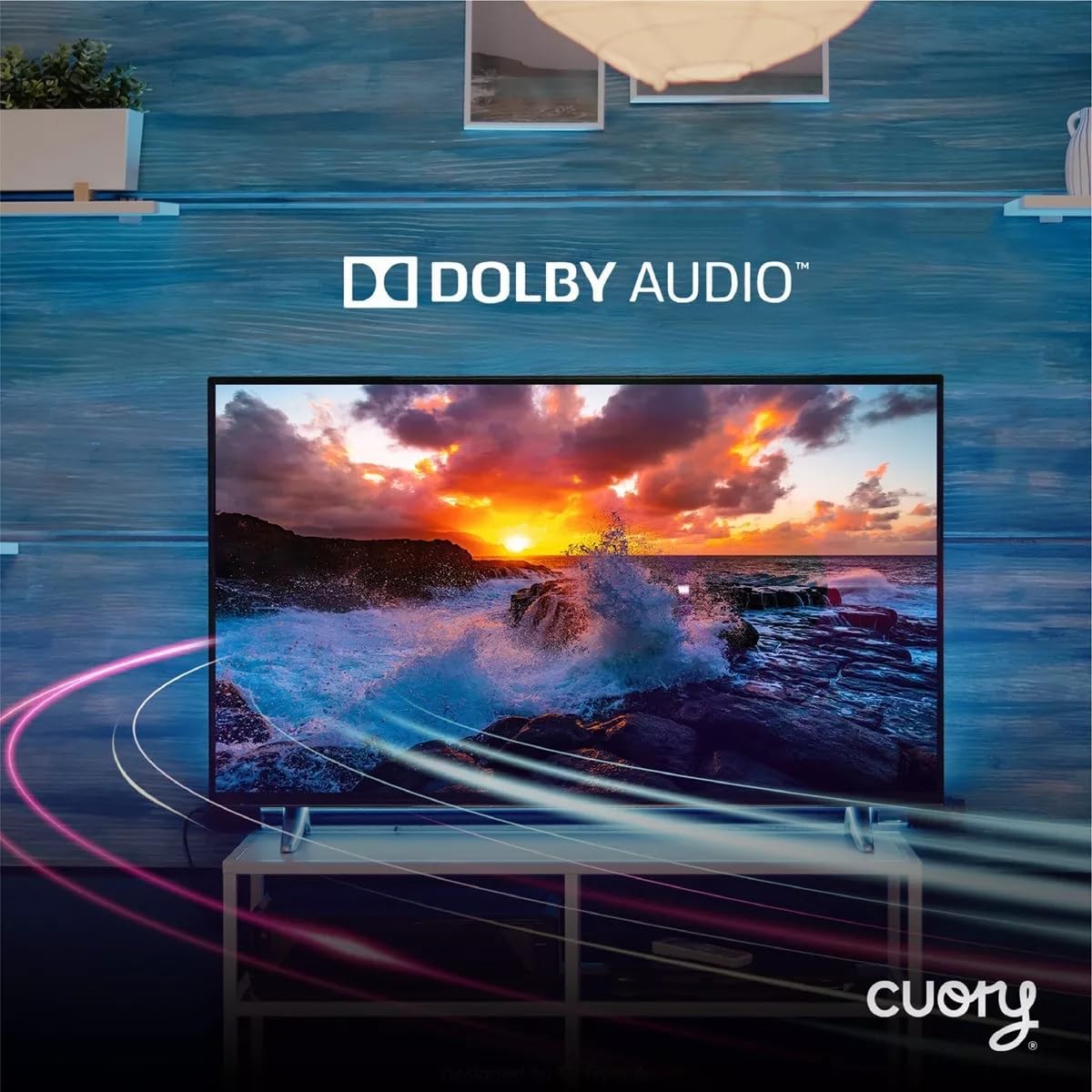
Image: The CUORY Smart TV showcasing a dynamic visual, accompanied by the Dolby Audio logo, indicating its advanced sound capabilities.

Image: The CUORY Smart TV displaying a serene sunset scene over water, with the prominent Dolby logo, emphasizing its audio quality.
Connectivity
- Wi-Fi: Connect to your home wireless network for internet access.
- Bluetooth: Pair wireless headphones, soundbars, or other Bluetooth-enabled audio devices.
- HDMI: Switch between connected HDMI devices using the input/source button on your remote.
- USB: Access media files (photos, videos, music) from a connected USB storage device.
Maintenance
Proper maintenance ensures the longevity and optimal performance of your CUORY Smart TV.
- Cleaning the Screen: Use a soft, lint-free cloth specifically designed for electronics. Do not use harsh chemicals or abrasive cleaners. Lightly dampen the cloth with water if necessary, and wipe gently.
- Cleaning the Body: Wipe the TV's frame and back panel with a soft, dry cloth.
- Ventilation: Ensure the TV's ventilation openings are not blocked to prevent overheating. Maintain adequate space around the TV.
- Power Off When Not in Use: For extended periods of inactivity, it is recommended to unplug the TV from the power outlet.
Troubleshooting
If you encounter issues with your CUORY Smart TV, refer to the following common solutions.
| Problem | Possible Cause / Solution |
|---|---|
| No Power / TV won't turn on |
|
| No Picture / Black Screen |
|
| No Sound |
|
| Smart TV is Slow / Apps Freeze |
|
| HDMI Port Not Functioning |
|
| Missing Remote Control or Base |
|
Specifications
Detailed technical specifications for the CUORY Smart TV 32-inch (Model: CUO-HDTV32).
| Feature | Detail |
|---|---|
| Brand | CUORY |
| Model Name | CUO-HDTV32 |
| Model Year | 2024 |
| Screen Size | 32 Inches (82 cm visible diagonal) |
| Display Technology | DLED HD |
| Resolution | 1366x768 pixels (Supports 1080p input) |
| Refresh Rate | 60 Hz |
| Operating System | Android 12 |
| Tuner Technology | ATSC |
| Hardware Interface | HDMI, USB |
| Special Features | Built-in Speaker, Parental Control, HDMI, USB |
| Remote Control Technology | Bluetooth |
| Audio Output Mode | Stereo, Digital, Surround (Dolby Atmos support) |
| Aspect Ratio | 16:9 |
| Mounting Type | Table Stand |
| Product Dimensions (LxWxH) | 76 x 9 x 46 cm |
| Product Weight | 5 kg |

Image: Side profile of the CUORY 32-inch Smart TV, showcasing its slim design.
Warranty and Support
Your CUORY Smart TV comes with a manufacturer's warranty. For specific warranty terms and conditions, please refer to the warranty card included in your product packaging or visit the official CUORY website.
For technical support, troubleshooting assistance, or inquiries about replacement parts, please contact CUORY customer service.
- CUORY Official Store: Visit CUORY Store on Amazon
- Protection Plans: Extended warranty options may be available through your retailer.
Ask a question about this manual
Ask about setup, troubleshooting, compatibility, parts, safety, or missing instructions. Manuals+ will review the question and use this page’s manual context to help answer it.