
ArtToFrames Puzzle5180-27.6x19.7
ArtToFrames 27.6x19.7 Inch (70x50 cm) Black Puzzle Frame Instruction Manual
Model: Puzzle5180-27.6x19.7
Introduction
This instruction manual provides detailed guidance for the proper assembly, use, and care of your ArtToFrames 27.6x19.7 inch (70x50 cm) Soft Black Puzzle Frame. Please read these instructions carefully before proceeding to ensure optimal display and longevity of your framed artwork.
Package Contents
Verify that all components are present before beginning assembly.
- One (1) ArtToFrames 27.6x19.7 inch Soft Black Puzzle Frame
- One (1) Economy Acrylic sheet
- Easy To Hang hanging hardware (screws, wall anchors, D-rings, level, wall bumpers)

Figure 1: Overview of the puzzle frame package contents.

Figure 2: Included hanging hardware components.
Setup and Assembly
- Prepare Your Puzzle: Ensure your puzzle is fully assembled and secured, if necessary, with puzzle glue or adhesive sheets before framing.
- Unpack the Frame: Carefully remove the frame from its packaging. Inspect for any damage.
- Remove Backing and Acrylic Protection:
- Lay the frame face down on a clean, soft surface to prevent scratches.
- Rotate the metal tabs or remove the clips securing the backing board.
- Carefully lift and remove the backing board.
- The economy acrylic sheet has protective film on both sides. Gently peel off this film from both surfaces of the acrylic. This may require finding a corner and using a fingernail or a piece of tape to lift the film.
- Insert Puzzle: Place your finished puzzle into the frame, followed by the acrylic sheet (if not already in place), and then the backing board. Ensure the puzzle is centered and flat.
- Secure Backing: Press the backing board firmly into place and secure it using the metal tabs or clips.
- Attach Hanging Hardware:
- Determine whether you will hang the frame horizontally or vertically.
- Screw the D-rings (or similar hangers) into the back of the frame, approximately one-third of the way down from the top edge, ensuring they are level with each other.
- If using picture wire (not included), attach it to the D-rings.
- Alternatively, use the sawtooth hangers provided, screwing them directly into the top center of the frame's back for vertical hanging, or two on the top edge for horizontal hanging.
- Apply Wall Bumpers: Attach the small adhesive wall bumpers to the bottom two corners on the back of the frame. This helps protect your wall and keeps the frame level.
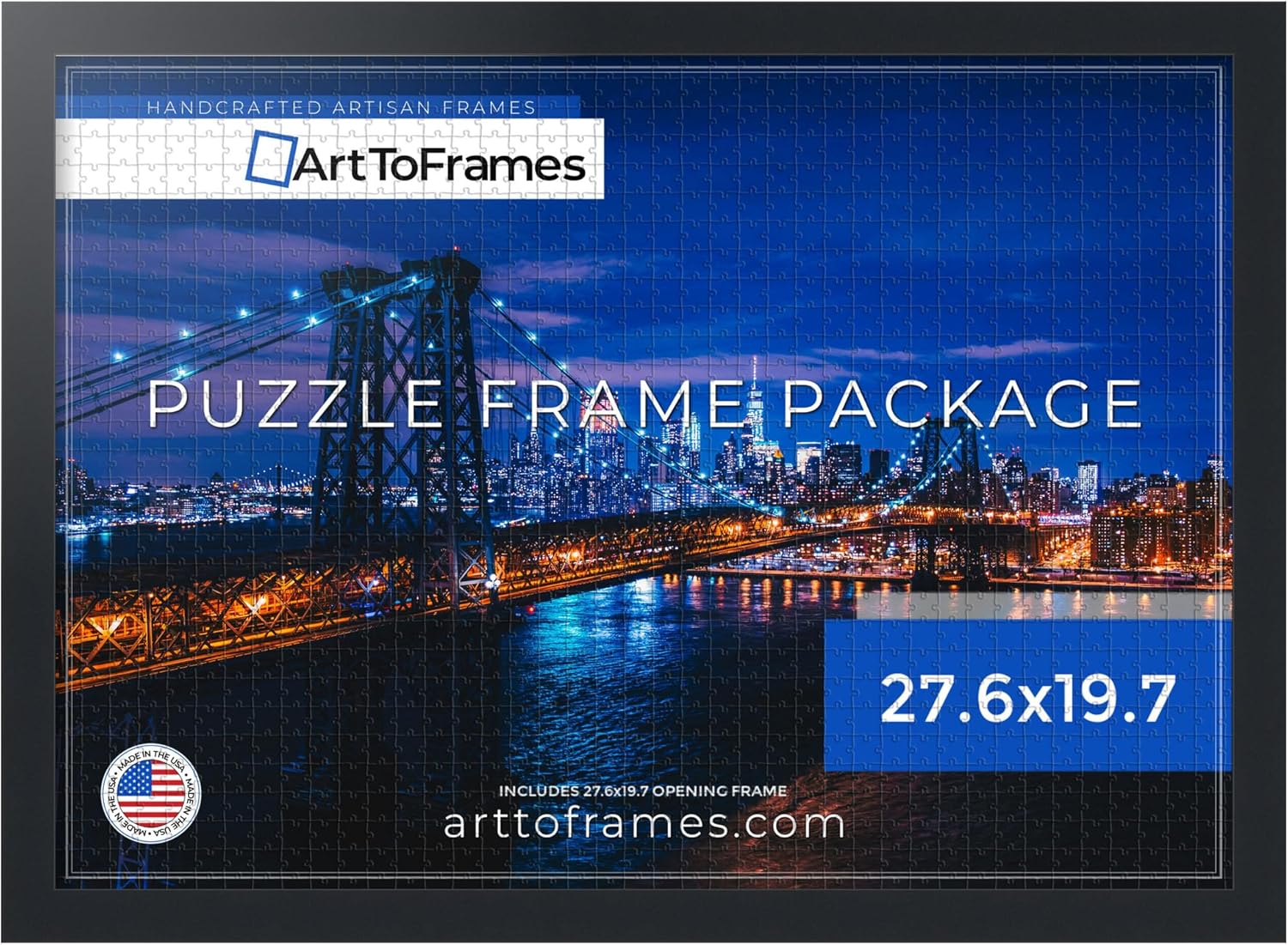
Figure 3: The ArtToFrames puzzle frame with a puzzle inserted.

Figure 4: Example of the framed puzzle mounted on a wall.
Operating (Displaying Your Frame)
Once assembled, your ArtToFrames puzzle frame is ready for display. Use the included level to ensure your frame hangs straight on the wall.
- Wall Mounting: Use appropriate wall anchors and screws for your wall type (drywall, plaster, wood stud, etc.). The included hardware is suitable for most standard drywall installations.
- Orientation: The frame can be hung in either portrait or landscape orientation, depending on your puzzle's dimensions and your preference.
Maintenance
Proper care will help maintain the appearance and longevity of your frame.
- Cleaning the Frame: Wipe the frame with a soft, dry, lint-free cloth. Avoid abrasive cleaners or solvents, which can damage the finish.
- Cleaning the Acrylic: Use a soft, damp cloth with mild soap and water, or a specialized acrylic cleaner. Do not use glass cleaners containing ammonia, as these can cloud or scratch the acrylic. Always wipe gently to avoid scratching.
- Dusting: Regularly dust the frame and acrylic with a soft cloth or feather duster.
- Storage: If storing the frame, keep it in a dry, temperature-controlled environment, away from direct sunlight and extreme humidity.
Troubleshooting
| Issue | Possible Cause | Solution |
|---|---|---|
| Puzzle does not fit. | Incorrect puzzle dimensions for the frame size. | Verify your puzzle's exact dimensions. This frame is designed for puzzles measuring approximately 27.6 x 19.7 inches (70 x 50 cm). |
| Acrylic appears cloudy or scratched. | Protective film not removed, or improper cleaning. | Ensure both sides of the protective film have been removed from the acrylic. Clean with a soft cloth and mild soap/water or acrylic cleaner. Avoid ammonia-based cleaners. |
| Frame hangs crooked. | Hanging hardware not level or uneven wall surface. | Use the included mini-level to ensure D-rings or sawtooth hangers are installed evenly. Adjust wall hanging points as needed. Apply wall bumpers to the bottom corners to stabilize. |
Specifications
| Feature | Detail |
|---|---|
| Brand | ArtToFrames |
| Model Number | Puzzle5180-27.6x19.7 |
| Frame Size (Internal) | 27.6 x 19.7 inches (70 x 50 cm) |
| Product Dimensions (External) | 29.6"L x 21.7"W |
| Frame Color | Soft Black |
| Frame Material | Engineered Wood (MDF) |
| Frame Width | 1.25 inches |
| Frame Depth | 0.75 inches |
| Rabbet Depth | 0.4375 inches |
| Cover Material | Economy Acrylic |
| Back Material Type | Engineered Wood |
| Mounting Type | Wall Mount |
| Orientation | Both (Portrait/Landscape) |
| Item Weight | 4.46 pounds |
| Origin | Made in USA |
Warranty and Support
For any questions, concerns, or support regarding your ArtToFrames puzzle frame, please contact ArtToFrames customer service. While specific warranty details are not provided in this manual, ArtToFrames is committed to quality products.
Please refer to the ArtToFrames official website or your purchase documentation for the most current warranty information and contact details.
Manufacturer: ArtToFrames
Website: www.arttoframes.com
Ask a question about this manual
Ask about setup, troubleshooting, compatibility, parts, safety, or missing instructions. Manuals+ will review the question and use this page’s manual context to help answer it.