
1. Product Overview
The BoxWave USB Type-C Keychain Charger is a compact and portable charging and data synchronization cable designed for convenience. It features a USB Type-C connector for your device and a standard USB Type-A connector for power sources or computers. The cable is integrated into a keychain-friendly design, allowing it to be easily carried and accessed when needed.
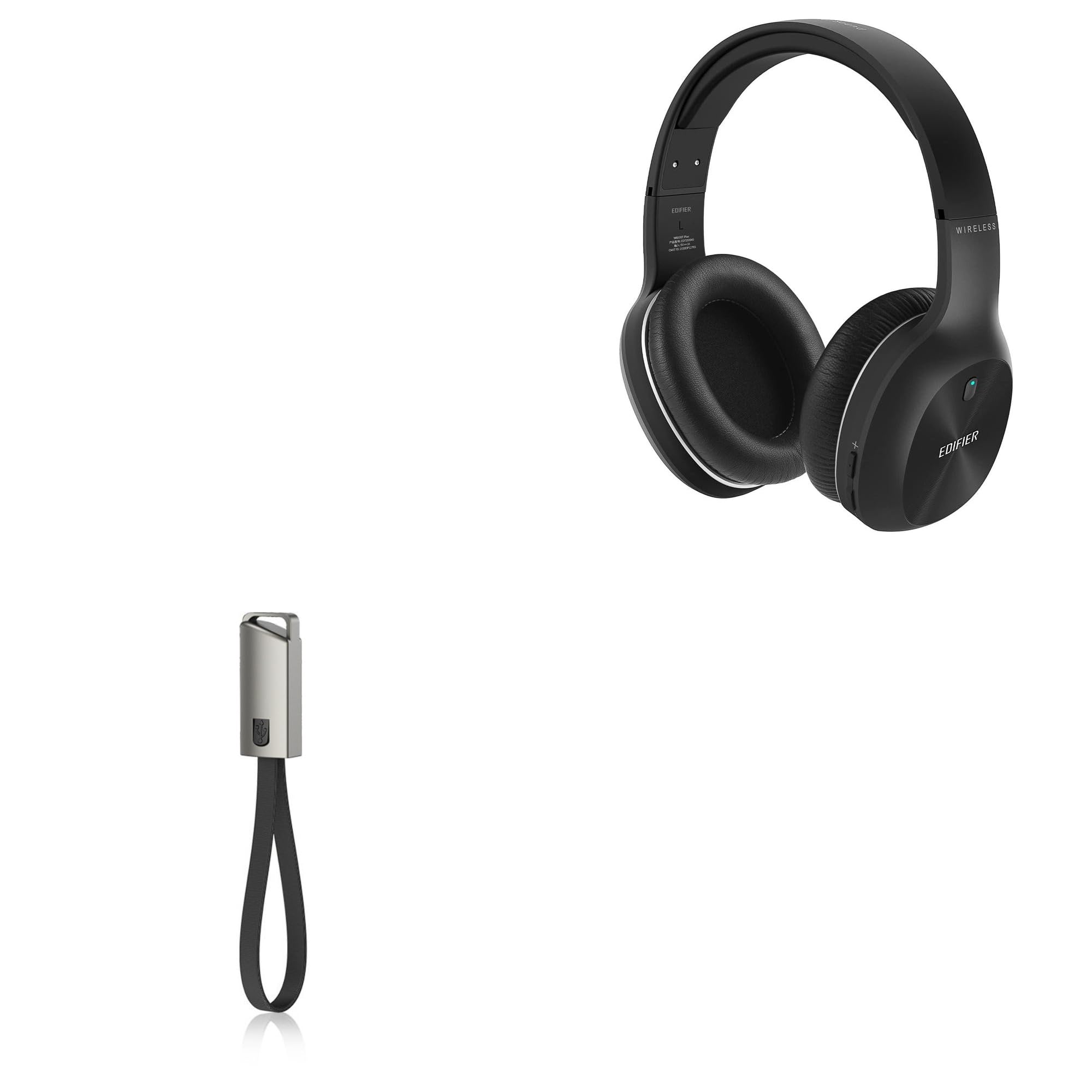
Image 1.1: The BoxWave USB Type-C Keychain Charger in its compact, folded state, ready for attachment to a keyring.
2. Package Contents
- 1 x BoxWave USB Type-C Keychain Charger
3. Setup
To prepare your BoxWave USB Type-C Keychain Charger for use, follow these steps:
- Attach to Keychain: Use the included lanyard and keyring to attach the charger to your existing keychain, bag, or backpack. This ensures it is always accessible.
- Unfold the Cable: When ready to use, gently press the button on the charger housing to release and unfold the 8-inch cable.

Image 3.1: The USB Type-C Keychain Charger securely attached to a keyring, demonstrating its portability.
4. Operating Instructions
4.1. Charging Your Device
The BoxWave USB Type-C Keychain Charger allows you to charge your USB Type-C compatible devices using various USB Type-A power sources.
- Unfold the Cable: Release the cable from its compact housing.
- Connect to Power Source: Insert the USB Type-A end of the cable into a compatible power source, such as a computer's USB port, a car charger, a wall adapter, or a power bank.
- Connect to Device: Insert the USB Type-C end of the cable into the charging port of your USB Type-C device.
- Verify Charging: Confirm that your device indicates it is charging.

Image 4.1: The USB Type-C Keychain Charger actively charging a smartphone from a portable power bank.
4.2. Syncing Data
In addition to charging, the cable supports data synchronization when connected to a computer.
- Unfold the Cable: Release the cable from its compact housing.
- Connect to Computer: Insert the USB Type-A end of the cable into an available USB port on your computer.
- Connect to Device: Insert the USB Type-C end of the cable into your USB Type-C device.
- Initiate Data Transfer: Follow your device's and computer's instructions to initiate data transfer or synchronization.

Image 4.2: The USB Type-C Keychain Charger fully unfolded, displaying both the USB Type-A and USB Type-C connectors.
5. Maintenance
To ensure the longevity and optimal performance of your BoxWave USB Type-C Keychain Charger, consider the following maintenance guidelines:
- Storage: Always fold the cable back into its housing when not in use to protect the connectors and the cable itself from damage.
- Cleaning: Use a soft, dry cloth to wipe the cable and connectors. Avoid using harsh chemicals or abrasive materials.
- Handling: Avoid excessive bending, twisting, or pulling on the cable, especially near the connectors, to prevent internal wire damage.
- Environmental Conditions: Keep the charger away from extreme temperatures, direct sunlight, and moisture.
6. Troubleshooting
If you encounter issues with your BoxWave USB Type-C Keychain Charger, refer to the following common problems and solutions:
- Device Not Charging:
- Ensure both the USB Type-A and USB Type-C connectors are fully inserted into their respective ports.
- Try a different power source (e.g., a different USB wall adapter or computer port).
- Verify that your device's charging port is clean and free of debris.
- Test the cable with another compatible device, if available, to determine if the issue is with the cable or the device.
- Slow Charging:
- Ensure your power source provides sufficient output (e.g., a wall adapter typically charges faster than a computer's USB port).
- Avoid using the device heavily while charging, as this can slow down the process.
- Data Sync Failure:
- Ensure the cable is securely connected to both your device and the computer.
- Check your computer's device manager or file explorer to see if the device is recognized.
- Restart both your device and computer.
- Ensure necessary drivers are installed on your computer for your specific device.
7. Specifications
| Feature | Detail |
|---|---|
| Item Weight | 0.6 ounces |
| ASIN | B0CVPY55VY |
| Date First Available | October 24, 2023 |
| Manufacturer | BoxWave |
| Cable Length | 8 inches (unfolded) |
| Connector Type 1 | USB Type-C |
| Connector Type 2 | USB Type-A |
| Material | Reinforced triple-weaved Nylon |
8. Warranty and Support
For product support or inquiries regarding your BoxWave USB Type-C Keychain Charger, please contact BoxWave Corporation directly. Specific warranty details for this product are not provided in the available information. Please refer to the manufacturer's official website or your purchase documentation for any applicable warranty terms.
Note: The mention of 'limited third-party technical support for Edifier W800BT Plus' refers to support for the compatible device, not the BoxWave cable itself. BoxWave is not affiliated with or endorsed by Edifier.