
Introduction
The HP 17.3 inch Laptop PC is designed for balanced performance and user comfort, with a focus on sustainability. It features a large FHD IPS display for clear visuals and a lift-hinge keyboard for ergonomic typing. Powered by an AMD processor and integrated graphics, it offers smooth multitasking and efficient operation. This manual provides essential information for setting up, operating, maintaining, and troubleshooting your HP laptop.

Image: Front view of the HP 17.3 inch Laptop, showcasing its large display and full-size keyboard.
Key Features:
- Full HD IPS Display: Enjoy vibrant, crystal-clear images with 178-degree wide-viewing angles and an anti-glare panel.
- AMD Ryzen 5 7520U Processor: Experience a whole new level of speed and power in a laptop by accelerating your work and your creativity with blazing fast speed and incredible battery life.
- AMD Radeon Graphics: Whether it’s games or movies, experience high performance for all your entertainment.
- Storage and Memory: Get up to 15x faster performance than a traditional hard drive with 512 GB PCIe NVMe M.2 SSD storage; and enjoy responsive, power-efficient 16 GB LPDDR5 RAM memory designed to support higher data rates.
- Windows 11 Home: From a rejuvenated Start menu, to new ways to connect to your favorite people, news, games, and content—Windows 11 is the place to think, express, and create in a natural way.
What's in the Box
Upon unboxing your HP 17.3 inch Laptop, please ensure all the following items are present:
- HP Laptop 17-cp2099nr
- 45 W Smart AC power adapter
- Setup instructions (this manual)
- Warranty information

Image: Visual representation of the HP 17.3 inch Laptop, its 45W Smart AC power adapter, and setup instructions, indicating the contents of the product packaging.
Setup
- Connect Power: Plug the 45 W Smart AC power adapter into the laptop's power port and then into a wall outlet.
- Initial Boot: Open the laptop lid and press the power button. The laptop will begin its initial boot sequence.
- Windows 11 Setup: Follow the on-screen prompts to complete the Windows 11 Home setup. This includes selecting your region, language, connecting to a Wi-Fi network, and creating a user account.
- Updates: After initial setup, it is recommended to check for and install any available Windows updates and driver updates to ensure optimal performance and security.
Video: An official HP video demonstrating the HP Laptop 17-CP2099NR, providing a brief overview of its features and design. This video is 8 seconds in duration.
Operating Your Laptop
Keyboard and Touchpad:
- The full-size keyboard with numeric keypad provides a comfortable typing experience.
- The enlarged click pad supports multi-touch gestures for intuitive navigation.

Image: Close-up view of the HP laptop's keyboard and touchpad, highlighting the lift-hinge design that elevates the keyboard for comfortable typing.
Display and Graphics:
- The 17.3-inch FHD IPS display offers wide viewing angles and anti-glare properties for comfortable viewing in various lighting conditions.
- AMD Radeon Graphics ensure smooth visuals for both work and entertainment.
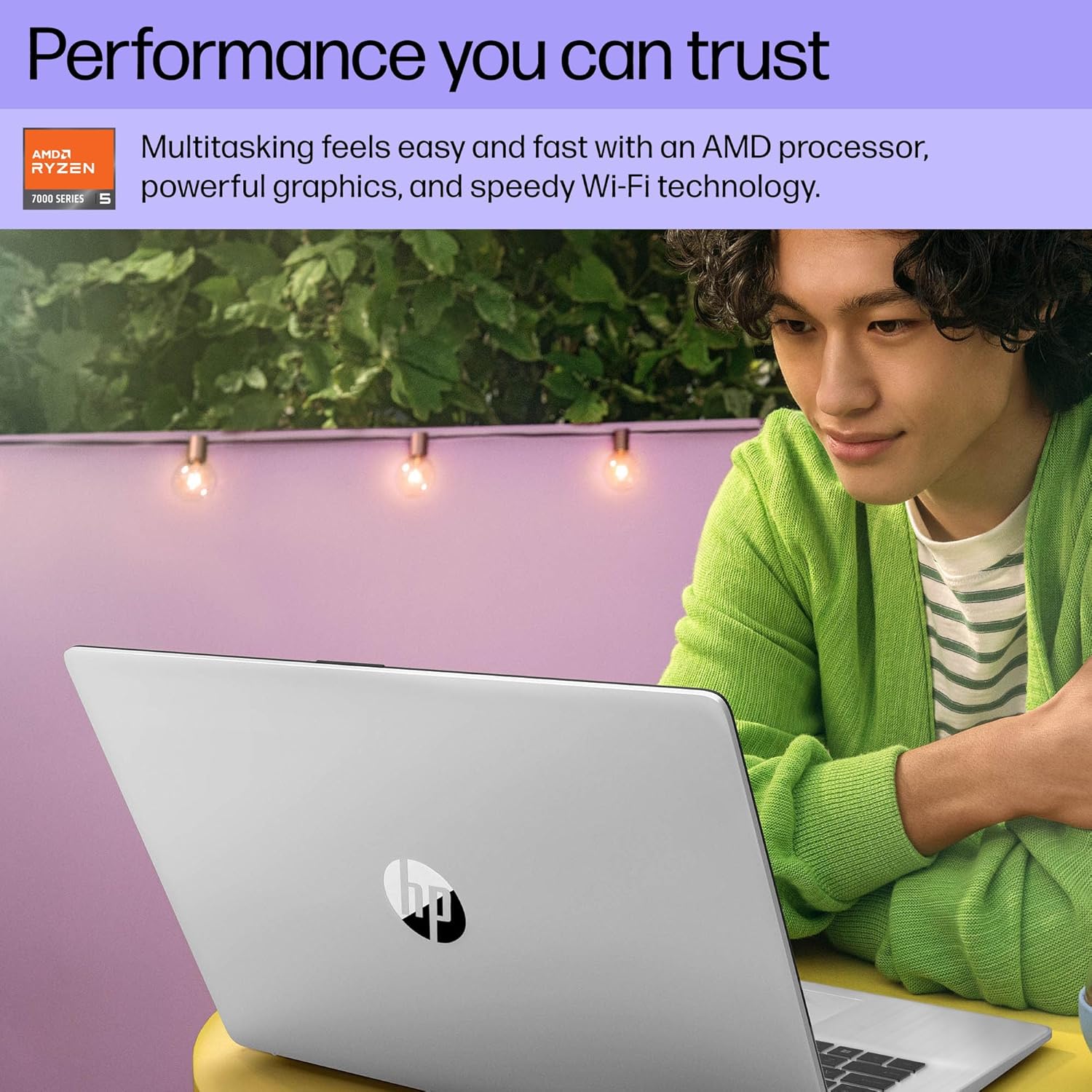
Image: A person using the HP laptop, demonstrating its use for productivity and entertainment, emphasizing the performance capabilities.
Connectivity:
- Utilize speedy Wi-Fi technology for reliable internet connection.
- Connect peripherals using the available USB ports.
Maintenance
- Cleaning: Use a soft, lint-free cloth to clean the screen and exterior. Avoid harsh chemicals.
- Software Updates: Regularly check for and install Windows updates and driver updates to maintain system stability and security.
- Battery Care: To prolong battery life, avoid extreme temperatures and try to keep the battery charge between 20% and 80% when possible. The HP Fast Charge feature allows for quick charging (0 to 50% in 45 minutes).
- Storage Management: Periodically clear unnecessary files and applications to optimize storage space and performance.
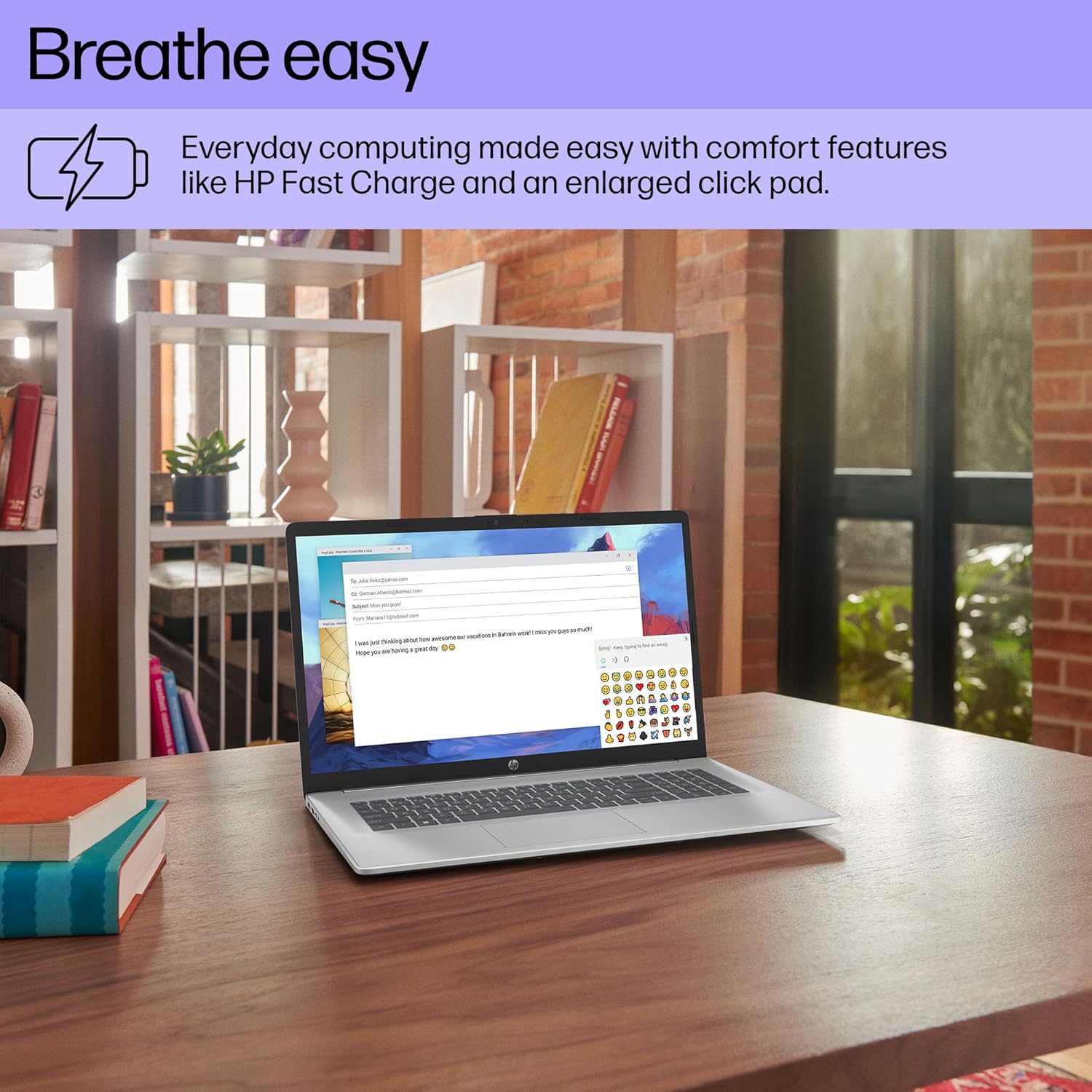
Image: The HP laptop on a desk, with an icon representing HP Fast Charge, illustrating the convenience of quick power replenishment.
Troubleshooting
| Problem | Possible Solution |
|---|---|
| Laptop does not power on. | Ensure the power adapter is securely connected to both the laptop and a working electrical outlet. Check if the power outlet is functional. |
| Display is blank or black. | Press the F2 key (or corresponding function key) to increase brightness. Ensure the laptop is not in sleep mode. Connect to an external monitor to check if the issue is with the laptop's display. |
| Wi-Fi connectivity issues. | Restart your router and modem. Ensure Wi-Fi is enabled on your laptop (check settings or airplane mode). Update Wi-Fi drivers. |
| Slow performance. | Close unnecessary applications. Check for background processes consuming resources. Ensure sufficient free storage space. Run a system scan for malware. |
Specifications
Detailed technical specifications for the HP 17.3 inch Laptop (Model: HP Laptop 17-cp2099nr):

Image: A graphic summarizing key specifications of the HP 17.3 inch Laptop, including processor, memory, storage, graphics, operating system, and display.
| Feature | Detail |
|---|---|
| Standing screen display size | 17.3 Inches |
| Screen Resolution | 1920 x 1080 pixels (FHD) |
| Processor | AMD Ryzen 5 7520U (4.3 GHz) |
| RAM | 16 GB LPDDR5 |
| Hard Drive | 512 GB PCIe NVMe M.2 SSD |
| Graphics Coprocessor | AMD Radeon Graphics (Integrated) |
| Operating System | Windows 11 Home |
| Wireless Type | Bluetooth, 802.11a/b/g/n/ac |
| Number of USB 2.0 Ports | 2 |
| Number of USB 3.0 Ports | 1 |
| Average Battery Life | 8 Hours |
| Item Weight | 4.6 pounds |
| Product Dimensions (LxWxH) | 15.78 x 0.78 x 10.15 inches |
| Color | Silver |
Warranty and Support
This HP computer comes with a 1-year limited hardware warranty and 90-days limited technical support for software and initial setup. Support is available 24 hours a day, 7 days a week via web support when the product is shipped from and sold by Amazon.com.
For further assistance, please visit the official HP support website or refer to the contact information provided with your product documentation.