
1. Introduction
This manual provides essential information for the safe and effective use of your Banshee KOB-80.0V3.0AH 80 Volt 3Ah Lithium-Ion Battery. This battery is designed as a direct replacement and is fully compatible with all Kobalt 80V Max tools and original chargers. Please read this manual thoroughly before using the battery and retain it for future reference.

Image 1.1: The Banshee KOB-80.0V3.0AH 80V 3Ah Lithium-Ion Battery.
2. Safety Information
Lithium-ion batteries require careful handling to prevent injury or damage. Adhere to the following safety guidelines:
- Read all instructions: Before using the battery, read all instructions and cautionary markings on the battery, charger, and product using the battery.
- Do not immerse in water: Do not expose the battery to water or rain.
- Avoid extreme temperatures: Do not store or use the battery in locations where the temperature may reach or exceed 104°F (40°C).
- Prevent short circuits: Do not short-circuit the battery terminals.
- Do not incinerate: Do not dispose of the battery in fire. It may explode.
- Handle with care: Do not drop, crush, or damage the battery. Do not use a battery that has been dropped or received a sharp blow.
- Use specified charger: Only use chargers specified by the manufacturer for this battery. Using an incompatible charger may create a risk of fire.
- Proper disposal: Dispose of used batteries according to local regulations.
- Keep away from children: Store batteries out of reach of children.
3. Setup and Charging
Before initial use, fully charge the battery.
3.1 Initial Charge
- Insert the Banshee KOB-80.0V3.0AH battery into a compatible Kobalt 80V Max charger. Ensure the battery is securely seated.
- Connect the charger to a standard power outlet.
- Allow the battery to charge until the charger indicates a full charge (refer to your charger's manual for specific indicators).
3.2 LED Power Indicators
The battery features LED power indicators to display the current charge level. Press the button on the battery to activate the indicators.

Image 3.1: LED power indicators and venting design for quick cooling.
4. Operating Instructions
This Banshee battery is designed for seamless integration with Kobalt 80V Max tools.
4.1 Installing the Battery
- Ensure the power tool is turned off and any safety locks are engaged.
- Align the battery with the battery port on your Kobalt 80V Max tool.
- Slide the battery into the tool until it clicks securely into place. Do not force the battery.
4.2 Removing the Battery
- Ensure the power tool is turned off.
- Press the battery release button(s) on the tool.
- Slide the battery out of the tool.
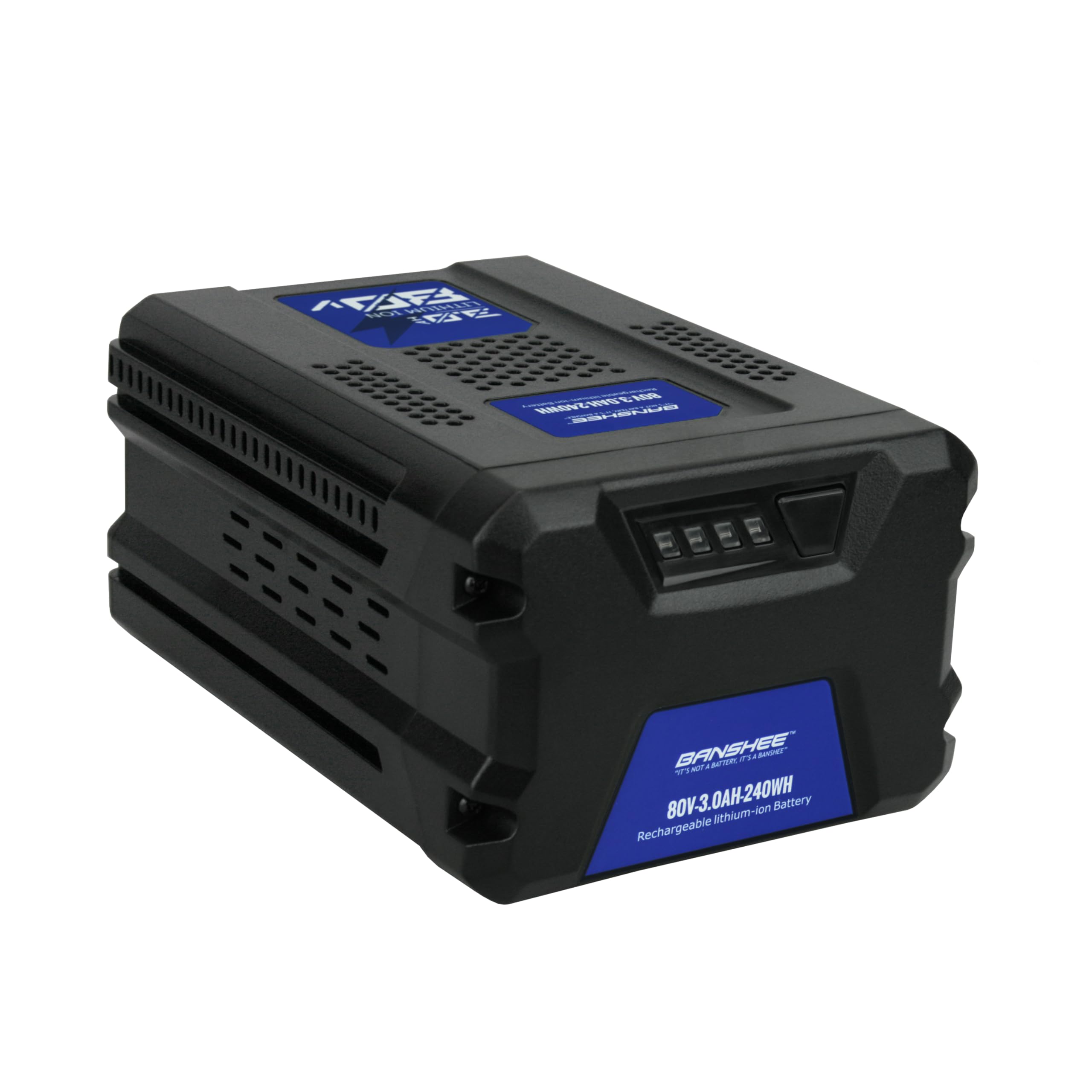
Image 4.1: The Banshee battery is compatible with a range of Kobalt 80V Max equipment, including lawn mowers, string trimmers, chainsaws, and blowers.
5. Maintenance and Storage
Proper maintenance and storage extend battery life and ensure safe operation.
5.1 Charging Practices
- Charge the battery in a well-ventilated area, away from flammable materials.
- Do not charge the battery if it is wet or visibly damaged.
- Avoid overcharging; disconnect the battery once fully charged.
5.2 Cleaning
Keep the battery terminals clean and free of debris. Use a dry, soft cloth to wipe the battery exterior. Do not use solvents or abrasive cleaners.
5.3 Storage
- Store the battery in a cool, dry place, away from direct sunlight and extreme temperatures.
- For long-term storage, charge the battery to approximately 50% capacity.
- Avoid storing the battery in a completely discharged state.
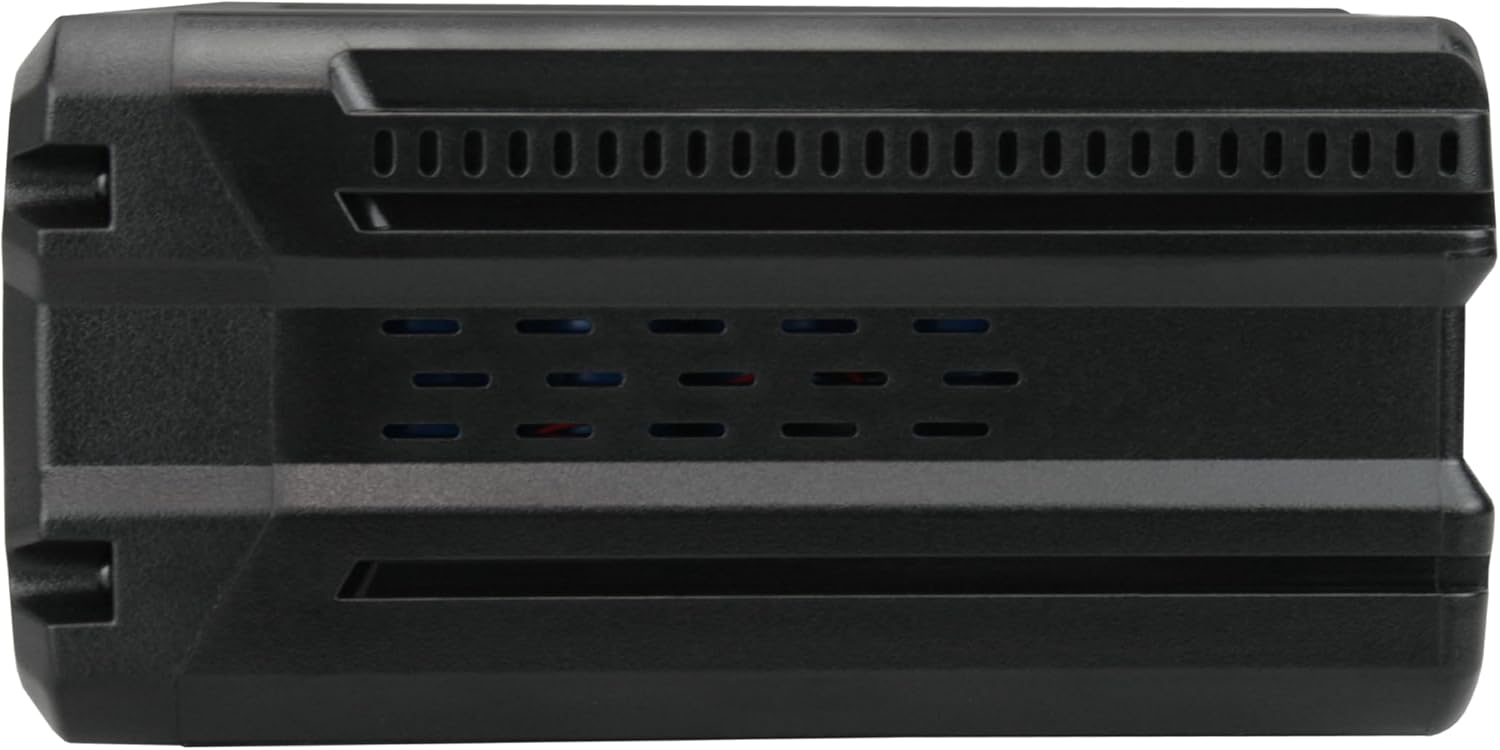
Image 5.1: The battery features an all-around venting design for quick cooling during operation and charging.
6. Troubleshooting
If you encounter issues with your Banshee battery, refer to the following common problems and solutions:
| Problem | Possible Cause | Solution |
|---|---|---|
| Battery not charging | Charger not plugged in; faulty charger; battery too hot/cold; damaged battery. | Check charger connection; try a different charger; allow battery to reach room temperature; inspect battery for damage. |
| Tool not powering on | Battery not fully charged; battery not properly seated; tool malfunction. | Charge battery fully; ensure battery is clicked into place; test with another battery if available; consult tool's manual. |
| Reduced runtime | Battery nearing end of life; extreme operating conditions. | Consider battery replacement; operate within recommended temperature ranges. |
| LED indicators not working | Battery fully discharged; internal fault. | Charge battery; if issue persists, contact support. |
The battery includes extensive internal protection against over-heating, over-current, over-charge, over-voltage, and short-circuit to prevent most issues.
7. Specifications
Key technical specifications for the Banshee KOB-80.0V3.0AH battery:
- Model Name: KOB-80.0V3.0AH
- Voltage: 80 Volts
- Capacity: 3.0 Ah (3000 mAh)
- Watt Hours: 240 Wh
- Chemistry: Lithium Ion
- Battery Cell Composition: Lithium Ion
- Number of Batteries: 1 (included)
- Item Dimensions: 4.63 x 4.63 x 3.25 inches
- Item Weight: 3.2 Pounds (1.43 Kilograms)
- Reusability: Rechargeable
- Compatible Kobalt Part Numbers: KB2580-06, KB580-06, KB680-06, KB280-06

Image 7.1: Key specifications of the Banshee 80V 3Ah 240Wh battery.
8. Warranty
This Banshee battery comes with a 2-Year Warranty from the date of purchase. This warranty covers defects in materials and workmanship under normal use. It does not cover damage caused by misuse, abuse, unauthorized modification, or normal wear and tear. Please retain your proof of purchase for warranty claims.
9. Support
For further assistance, technical support, or warranty inquiries, please contact Banshee customer service. You can find more information and contact details by visiting the official Banshee store on Amazon:


