
Introduction
Thank you for choosing the SENSE7 Spellcaster Senshi Edition XL Gaming Chair. This manual provides essential information for the safe assembly, operation, maintenance, and troubleshooting of your new gaming chair. Please read these instructions carefully before assembly and retain them for future reference.
Safety Information
- Maximum Load Capacity: This chair is designed to support a maximum weight of 150 kg (330 lbs). Do not exceed this limit to prevent damage or injury.
- Proper Use: Use the chair only for its intended purpose as a seating device. Avoid standing on the chair or using it as a ladder.
- Assembly: Ensure all components are securely fastened according to the assembly instructions. Periodically check all screws and bolts for tightness.
- Children: Keep small parts away from children during assembly. This product is not a toy.
- Maintenance: Regularly inspect the chair for any signs of wear or damage. Discontinue use if any part is broken or compromised.
Package Contents
Before beginning assembly, verify that all parts listed below are present and undamaged:
- Chair Backrest
- Seat Base with Mechanism
- Armrests (2)
- Star Base
- Gas Lift Cylinder
- Wheels (5)
- Lumbar Cushion
- Headrest Cushion
- Hardware Pack (screws, Allen key)
Setup and Assembly
Follow these steps to assemble your SENSE7 Spellcaster Senshi Edition XL Gaming Chair:
- Attach Wheels to Star Base: Insert each of the five wheels into the openings at the end of the star base until they click securely into place.
- Insert Gas Lift: Place the gas lift cylinder into the central hole of the assembled star base. Ensure it is seated firmly.
- Attach Mechanism to Seat Base: Align the chair mechanism with the pre-drilled holes on the underside of the seat base. Secure it using the provided screws and Allen key. Ensure the front of the mechanism faces the front of the seat.
- Attach Armrests: Fasten the armrests to the sides of the seat base using the designated screws. Do not overtighten initially to allow for minor adjustments.
- Connect Backrest to Seat: Align the backrest with the mounting brackets on the seat base. Secure it with the remaining screws. Once all screws are in place, tighten all armrest and backrest screws evenly.
- Place Seat Assembly onto Gas Lift: Carefully place the assembled seat and backrest onto the gas lift cylinder, ensuring the central hole of the mechanism aligns with the top of the gas lift.
- Attach Cushions: Position the lumbar cushion and headrest cushion as desired using their elastic straps.
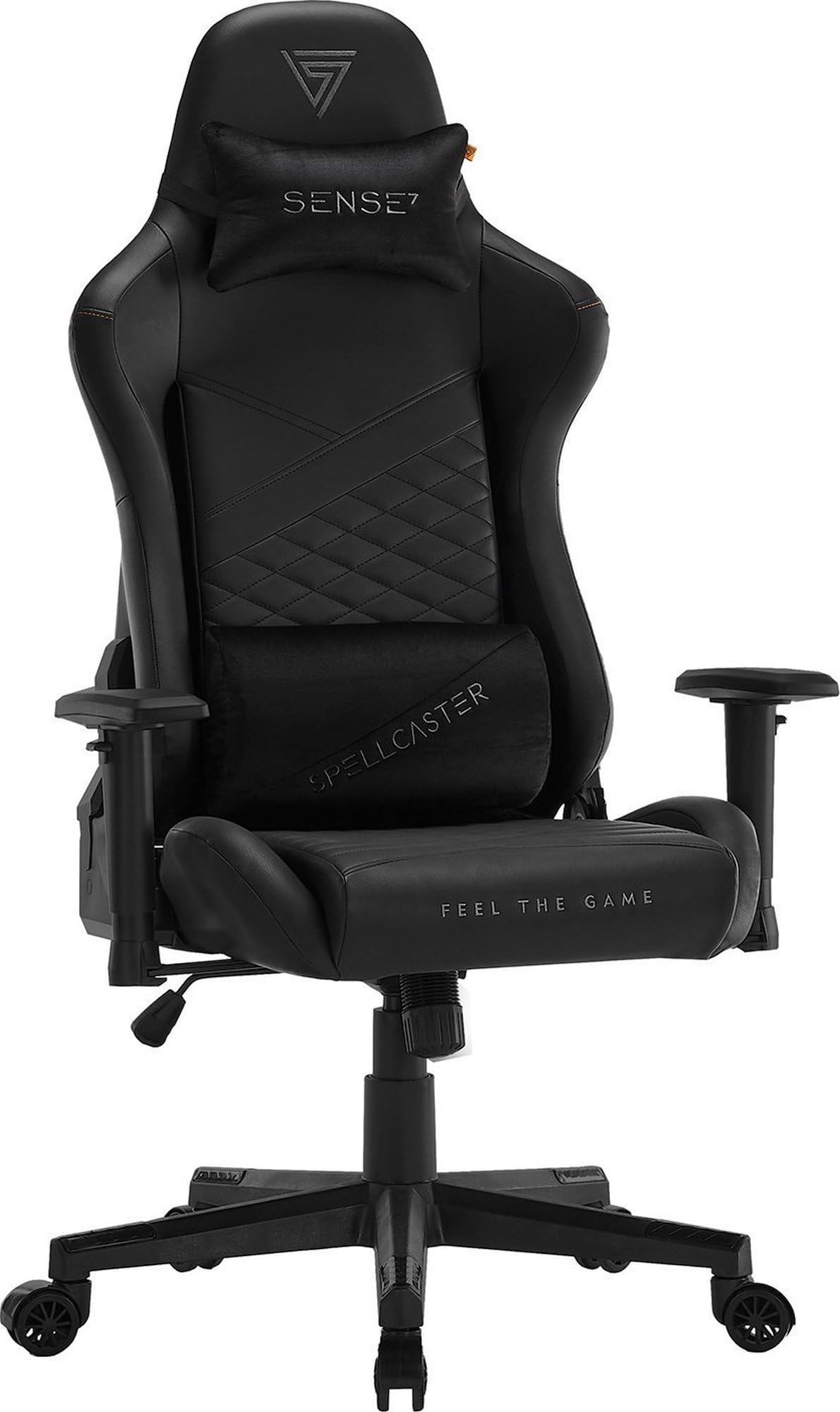
Image: Fully assembled SENSE7 Spellcaster Senshi Edition XL Gaming Chair, showcasing its ergonomic design from a side perspective.
Operating Instructions
Your SENSE7 Spellcaster Senshi Edition XL Gaming Chair offers several adjustment options for personalized comfort:
- Seat Height Adjustment: To adjust the seat height (range 43-52 cm), pull the lever located under the right side of the seat upwards. While seated, lift your weight to raise the seat; to lower, remain seated and pull the lever. Release the lever to lock the height.
- Backrest Recline: The backrest can be reclined from 90 to 160 degrees. Pull the recline lever on the right side of the chair upwards and lean back to your desired angle. Release the lever to lock the backrest in position.
- Armrest Adjustment (FlowTechArm 2D): The 2D armrests allow for vertical height adjustment and horizontal extension. Use the button on the side of the armrest to adjust its height. To extend or retract the armrest pad, slide it forwards or backwards.
- Tilt Function: The chair features a tilt mechanism. To enable tilt, pull the lever under the left side of the seat outwards. To lock the tilt, push the lever inwards. The tension of the tilt can be adjusted by rotating the knob located under the front of the seat.
- Lumbar and Headrest Cushions: The lumbar and headrest cushions are adjustable. Slide them up or down along the backrest straps to find your optimal support position.

Image: Graphic demonstrating the chair's recline capabilities, showing angles of 90, 120, and 160 degrees.

Image: Graphic depicting the vertical adjustment of the armrests.
Maintenance
Proper maintenance will extend the life of your gaming chair:
- Cleaning: Wipe the synthetic leather surfaces with a soft, damp cloth. For stubborn stains, use a mild soap solution and wipe dry immediately. Avoid harsh chemicals or abrasive cleaners.
- Wheel Care: Periodically clean the wheels to remove dust, hair, and debris that may hinder smooth movement.
- Fastener Check: Every few months, check all screws and bolts to ensure they are tight. Retighten if necessary to maintain stability and safety.
- Avoid Direct Sunlight: Prolonged exposure to direct sunlight can cause the synthetic leather to fade or crack. Position the chair away from direct sunlight when possible.
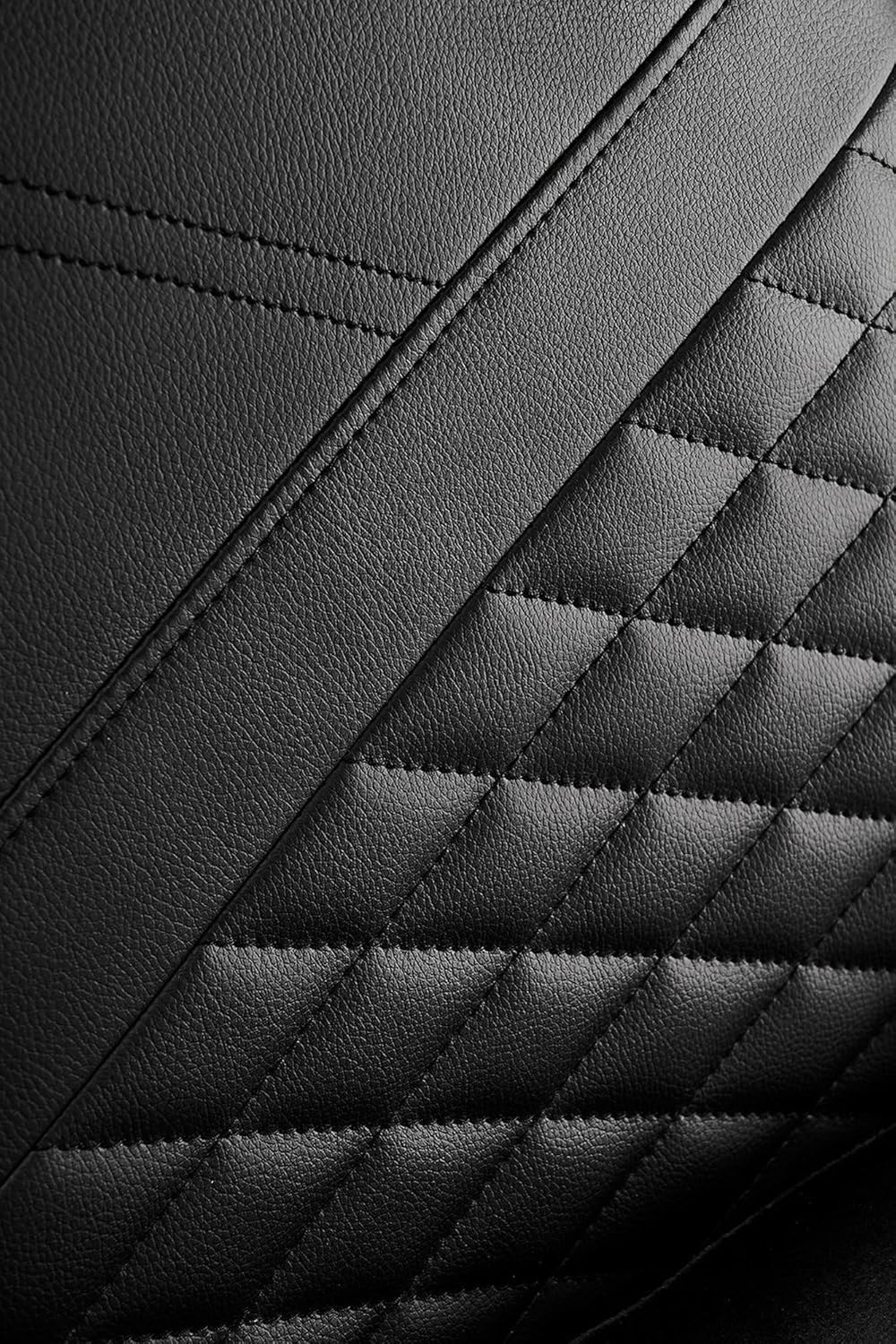
Image: Detailed view of the synthetic leather material with quilted stitching, highlighting its texture and finish.

Image: Close-up of the chair's nylon-encased rubber wheels, designed for smooth and quiet movement without scratching floors.
Troubleshooting
If you encounter any issues with your chair, refer to the following common problems and solutions:
- Chair Squeaks:
Solution: Check all screws and bolts for tightness and retighten if loose. Apply a small amount of silicone lubricant to moving parts if the squeaking persists. - Chair Does Not Adjust Height:
Solution: Ensure the gas lift lever is fully engaged or disengaged. Check if the gas lift cylinder is properly seated in the star base and chair mechanism. If the issue persists, the gas lift may need replacement. - Wheels Do Not Roll Smoothly:
Solution: Inspect the wheels for accumulated debris (hair, dust, etc.) and clean them thoroughly. Ensure the wheels are securely inserted into the star base. - Backrest Does Not Recline/Lock:
Solution: Verify that the recline lever is functioning correctly and not obstructed. Check the connection points of the backrest to the seat base for any looseness.
Specifications
| Feature | Detail |
|---|---|
| Brand | SENSE7 |
| Model Number | 12578735 |
| Color | Black |
| Dimensions (L x W x H) | 55 x 70 x 134 cm |
| Item Weight | 19 Kilograms |
| Material | Synthetic leather, Rubber, Polyethylene, HR foam, EasyFoam, Nylon/Polymer, Alloy Steel frame |
| Maximum Load | 150 kg |
| Seat Height Range | 43-52 cm |
| Armrest Adjustment | 2D (Vertical, Extension) |
| Backrest Recline | 90-160 degrees |
Warranty Information
Specific warranty terms and conditions for the SENSE7 Spellcaster Senshi Edition XL Gaming Chair may vary by region and retailer. Please refer to the warranty documentation provided with your purchase or contact your point of sale for detailed information. Information regarding spare parts availability is currently unavailable.
Support
For further assistance, technical support, or inquiries regarding your SENSE7 Spellcaster Senshi Edition XL Gaming Chair, please contact the retailer from whom you purchased the product or visit the official SENSE7 website for contact information.