
1. Product Overview
The Hiluce Bladeless Tower Fan (Model HL-046) is a 2-in-1 oscillating fan designed for indoor use, featuring a bladeless design for enhanced safety and a HEPA air filtration system. It offers multiple speed settings, a timer function, and can be controlled via a touch panel or remote control.

Image 1.1: Hiluce Bladeless Tower Fan, remote control, and HEPA filter.
2. Safety Instructions
- This appliance is built to meet U.S. voltage requirements (110 Volts). Use only in the U.S.
- Always unplug the fan before cleaning or performing any maintenance.
- Do not operate the fan with a damaged cord or plug.
- Keep hands, hair, and clothing away from the fan's air inlet and outlet during operation.
- Ensure the fan is placed on a stable, level surface to prevent tipping.
- The bladeless design is safer for households with children and pets. However, supervision is always recommended.

Image 2.1: The bladeless design offers enhanced safety for children and pets.
3. Setup
- Unpacking: Carefully remove the fan and all accessories from the packaging.
- Placement: Place the fan on a firm, level surface. Ensure there is adequate space around the fan for optimal airflow.
- Power Connection: Plug the power cord into a standard 110V AC electrical outlet. The fan is ready for use directly after unpacking and plugging in.
- Filter Installation (if not pre-installed): If the HEPA filter is not already inside the unit, align the filter with the base and twist to secure it. Ensure the arrow symbol on the housing matches the lock symbol below when reassembling the base to ensure proper function.

Image 3.1: Ensure the arrow aligns with the padlock symbol for correct assembly of the fan base.
4. Operating Instructions
4.1 Control Panel and Remote Control
The fan can be operated using the touch-sensitive control panel on the unit or the included remote control. The remote control has an effective range of approximately 197 inches (5 meters).

Image 4.1: The fan can be controlled via the touch panel or the remote control.
4.2 Functions
- Power On/Off: Press the power button to turn the fan on or off.
- Speed Adjustment: The fan features 8 wind speeds. Press the speed button to cycle through the available settings.
- Oscillation: Press the oscillation button to activate the 80° wide-angle swing function. Press again to stop oscillation.
- Timer: Use the timer button to set the fan to operate for a specific duration, up to 9 hours. The LED display will show the remaining time.
- LED Display: The LED screen displays the current settings. It will automatically turn off 30 seconds after the last operation to minimize light disturbance, especially during nighttime use.
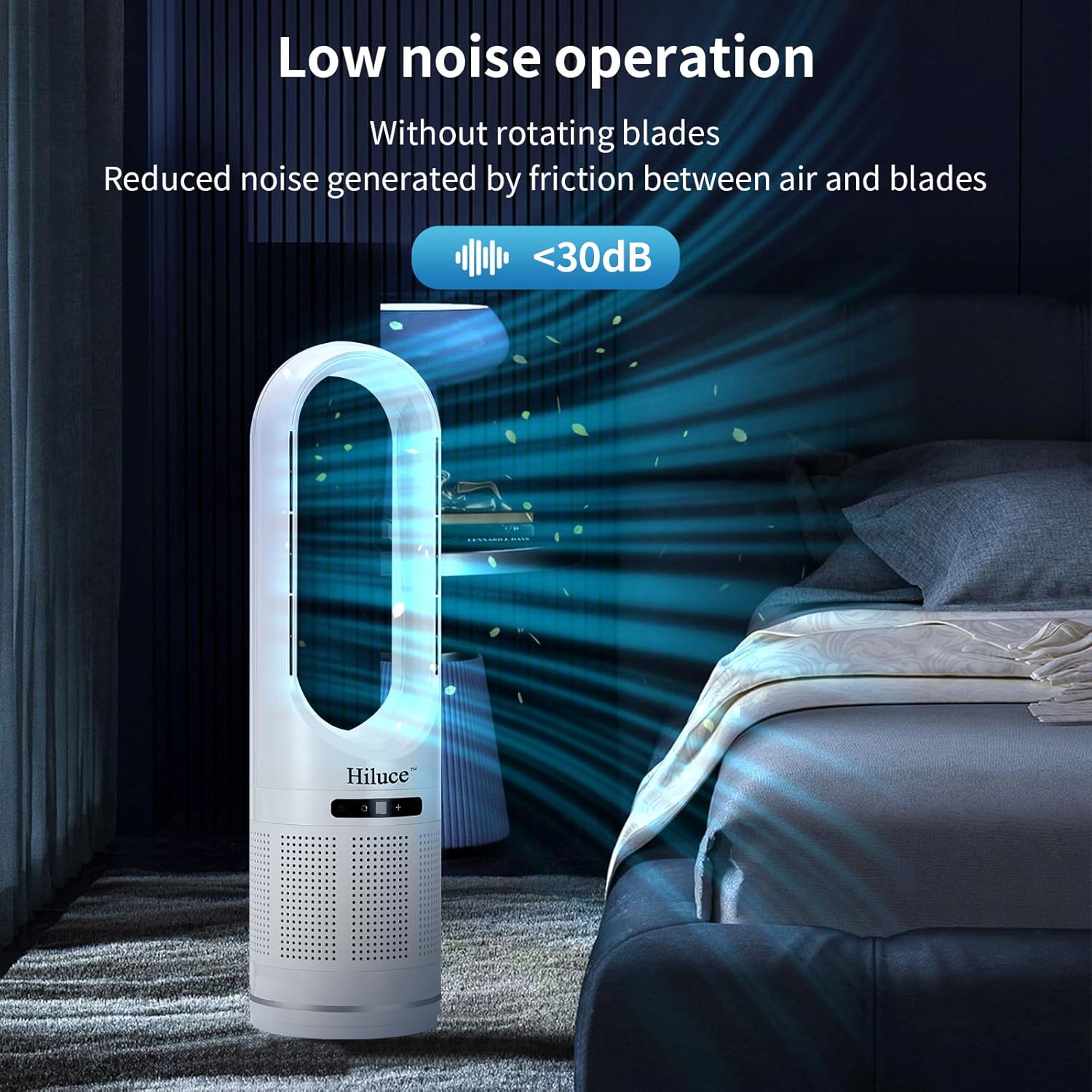
Image 4.2: The fan operates at a low noise level, ideal for quiet environments.
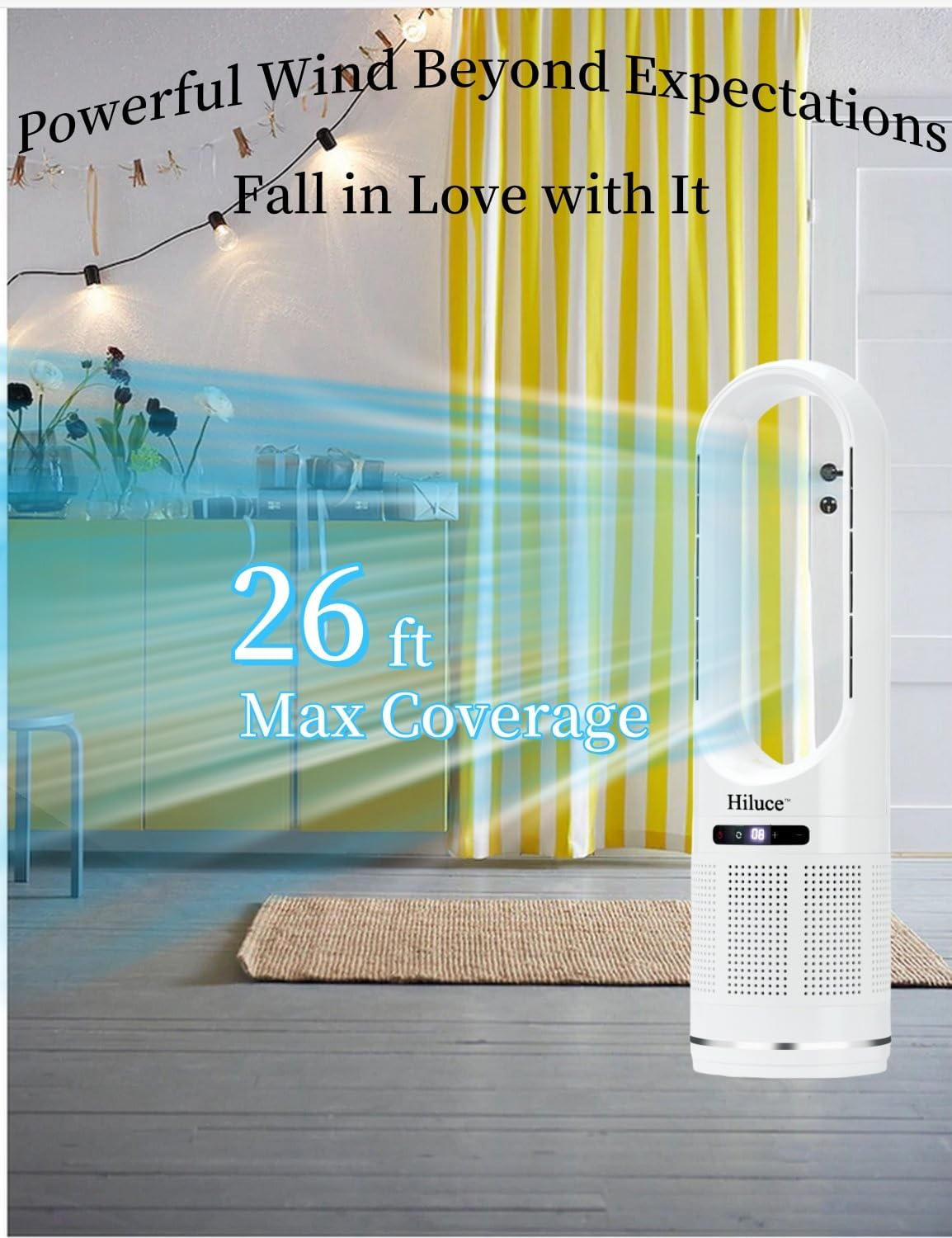
Image 4.3: The fan provides effective air circulation with up to 26 feet of coverage.
5. Maintenance
5.1 Cleaning the Fan
The bladeless design and unique air outlet minimize dust accumulation, making the fan easy to clean.
- Unplug the fan from the power outlet before cleaning.
- Wipe the exterior surfaces of the fan with a soft, damp cloth. Do not use abrasive cleaners or solvents.
- Ensure no water enters the internal components.
- Allow the fan to dry completely before plugging it back in.
5.2 HEPA Filter Replacement
The integrated HEPA filter helps purify the air by capturing dust, pollen, dander, and other particles. It is recommended to replace the filter element every 3-6 months, depending on usage and air quality.
- Unplug the fan.
- Locate the filter compartment, typically at the base of the fan.
- Follow the instructions to open the compartment and remove the old filter.
- Insert a new Hiluce replacement HEPA filter, ensuring it is correctly seated.
- Close the filter compartment, making sure the arrow symbol on the housing aligns with the lock symbol to secure it properly.

Image 5.1: The HEPA filter effectively reduces airborne particles like dust, pollen, and pet dander.

Image 5.2: The fan's design facilitates easy cleaning and provides stable airflow.
6. Troubleshooting
- Fan does not turn on:
- Ensure the power cord is securely plugged into a working electrical outlet.
- Check if the fan's base is correctly assembled. The arrow symbol on the housing must align with the lock symbol for the internal jack to engage and allow the fan to power on. Refer to Section 3. Setup, point 4.
- Verify that the power button on the control panel or remote has been pressed.
- Weak airflow:
- Increase the fan speed setting.
- Check if the air inlet or outlet is obstructed.
- Consider replacing the HEPA filter if it has been in use for 3-6 months or appears visibly dirty. A clogged filter can restrict airflow.
- Remote control not working:
- Ensure there are no obstructions between the remote control and the fan.
- Check and replace the batteries in the remote control if necessary.
- Verify you are within the effective range of 197 inches (5 meters).
- Unusual noise during operation:
- Ensure the fan is placed on a stable, level surface.
- Check for any foreign objects that may have entered the fan's air pathways.
- If the noise persists, contact customer support.
7. Specifications
| Feature | Specification |
|---|---|
| Brand | Hiluce |
| Model Name | HL-046 |
| Color | White |
| Design | Bladeless Tower Fan (Floor Fan) |
| Power Source | AC (110 Volts) |
| Product Dimensions | 8"D x 8"W x 32"H |
| Special Features | Bladeless, HEPA Air Filter |
| Noise Level | Less than 30 Decibels |
| Control Method | Remote, Touch Panel |
| Number of Power Levels | 8 Speeds |
| Oscillation | 80° Wide-Angle |
| Timer | Up to 9 Hours |
| Item Weight | 3.96 pounds (1.8 Kilograms) |
| Included Components | Remote Control |
| Indoor/Outdoor Usage | Indoor |
| Air Filtration Coverage | Up to 400 square feet (cleans air 5 times per hour) |

Image 7.1: The fan features an upgraded brushless motor for efficient and quiet operation.
8. Warranty and Support
Hiluce is committed to providing high-performance home products and customer satisfaction. While specific warranty details are not provided in this manual, Hiluce offers considerate after-sales service.
If you have any questions, concerns, or require assistance with your Hiluce Bladeless Tower Fan, please contact our customer support team. Our team is dedicated to helping every customer.
For support, please refer to the contact information provided with your purchase or visit the official Hiluce website.