
1. Introduction
This manual provides essential information for the safe and effective use of your DTK 56V 2.6Ah Lithium-ion Battery. This battery is designed as a replacement for EGO 56V BA1400, BA2800, BA4200 series batteries and is compatible with all EGO 56V tools and chargers. Please read this manual thoroughly before operating the battery or any compatible tools.

Image 1.1: The DTK 56V 2.6Ah Lithium-ion Battery, featuring a green and black casing with an integrated power indicator.
2. Safety Information
Always observe the following safety precautions to prevent injury or damage to the battery and tools:
- Do not immerse the battery in water or other liquids.
- Do not store or use the battery in extreme temperatures (above 104°F / 40°C or below 14°F / -10°C).
- Do not short-circuit the battery terminals.
- Do not attempt to open, disassemble, or modify the battery pack.
- Keep the battery away from children and pets.
- Use only chargers specified for 56V Lithium-ion batteries.
- If the battery is damaged, leaking, or excessively hot, discontinue use immediately and dispose of it properly.
- Avoid dropping the battery or subjecting it to heavy impacts.
3. Product Overview
3.1 Key Features
- Battery Type: Lithium-ion
- Voltage: 56V
- Capacity: 2.6Ah (2600mAh)
- Wattage: 146W
- Compatibility: Designed for EGO 56V tools and chargers (e.g., BA1400, BA2800, BA4200 series).
- Lightweight Design: Lighter than 5.0Ah batteries for improved portability.
- Multi-Protection Technology: Includes over-charger, over-heating, over-discharge, short-circuit, over-current, and over-voltage protection.
- Intelligent Battery Indicator: LED lights display battery status.
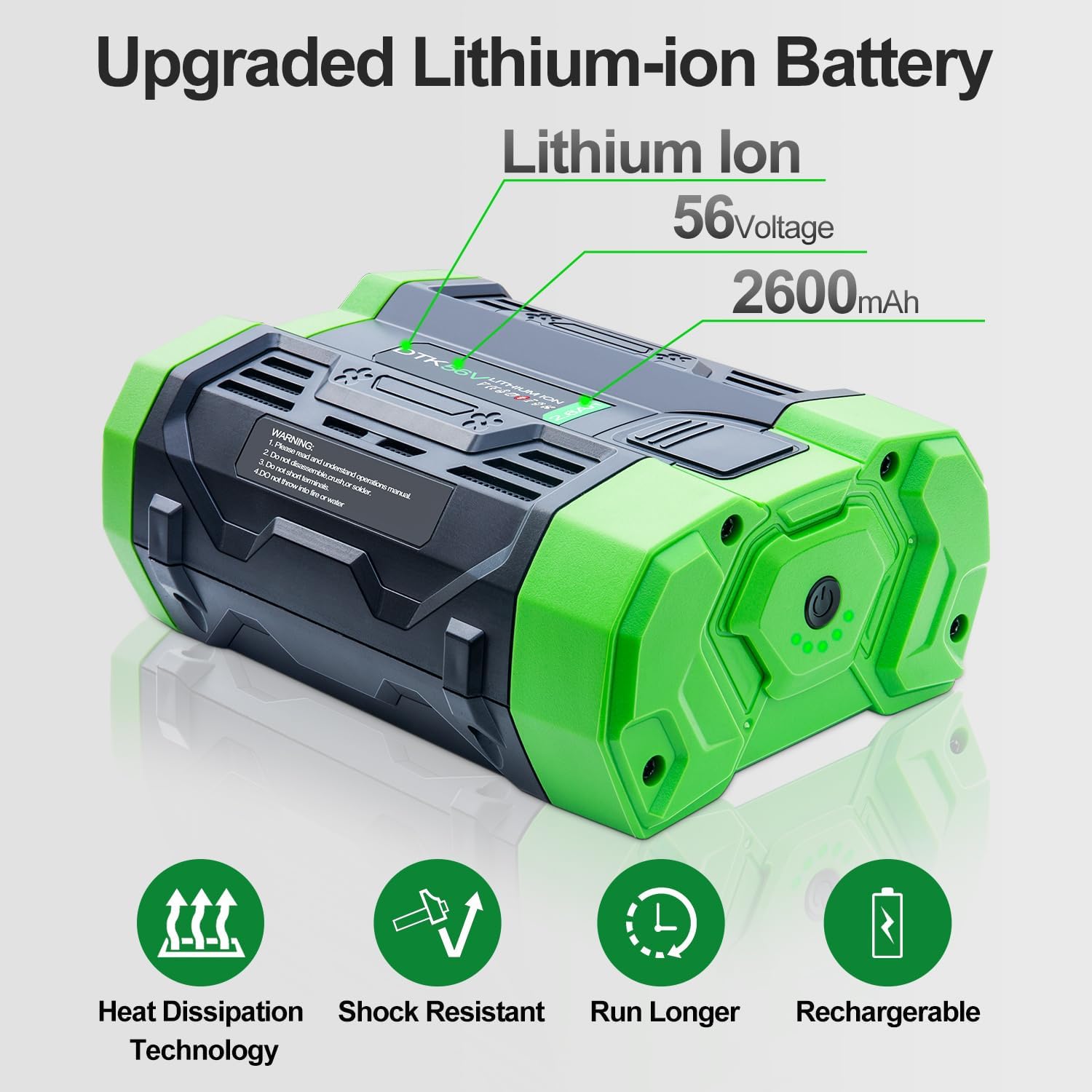
Image 3.1: Overview of the DTK 56V 2.6Ah Lithium-ion Battery, highlighting its 56V voltage and 2600mAh capacity, along with features like heat dissipation, shock resistance, extended run time, and rechargeability.
3.2 Multi-Protection Technology
The DTK battery incorporates advanced protection circuits to ensure safe operation and extended battery life. These protections include:
- Over-charger protection
- Over-heating protection
- Over-discharge protection
- Short-circuit protection
- Over-current protection
- Over-voltage protection

Image 3.2: Diagram illustrating the internal components and various protection mechanisms of the DTK 56V 2.6Ah Lithium-ion Battery, including safeguards against over-charging, over-heating, over-discharge, short-circuits, over-current, and over-voltage.
3.3 Intelligent Battery Indicator Light
The battery features an intelligent LED indicator system to communicate its status:
- Working State: The green light remains steadily on.
- Charging State: Yellow, green, and red lights flash alternately. The lights turn off once fully charged.
- Over-temperature Warning: The red light flashes if the battery temperature is too high.

Image 3.3: Close-up view of the intelligent battery indicator lights on the DTK 56V 2.6Ah Lithium-ion Battery, showing the LED array that communicates charge and operational status.
4. Setup
4.1 Initial Charge
- Ensure you have a compatible 56V Lithium-ion battery charger (e.g., EGO CH2100, CH7000, CH5500, CH2800D).
- Insert the DTK 56V 2.6Ah battery into the charger.
- Connect the charger to a power outlet.
- Observe the battery indicator lights on the battery and/or charger. The lights on the battery will flash alternately (yellow, green, red) during charging.
- Charging is complete when the indicator lights on the battery turn off.
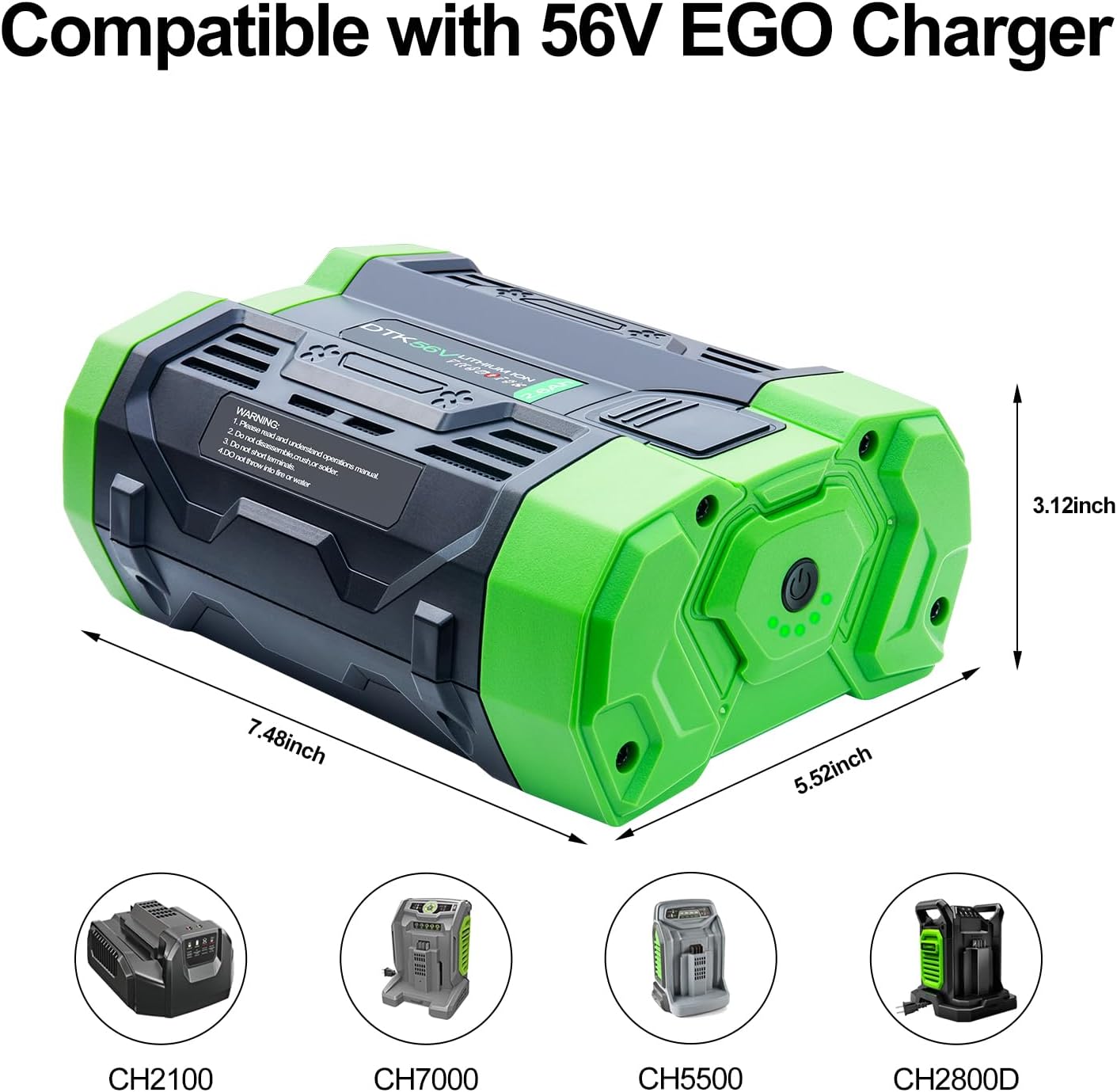
Image 4.1: The DTK 56V 2.6Ah Lithium-ion Battery shown with its dimensions (7.48 inches length, 5.52 inches width, 3.12 inches height) and examples of compatible EGO 56V chargers (CH2100, CH7000, CH5500, CH2800D).
4.2 Installing the Battery
To install the battery into a compatible 56V tool:
- Ensure the tool is turned off and any safety mechanisms are engaged.
- Align the battery with the battery compartment of the tool.
- Slide the battery firmly into the compartment until it clicks into place. Ensure it is securely latched.
- To remove, press the battery release button(s) and slide the battery out.
5. Operating Instructions
The DTK 56V 2.6Ah Lithium-ion Battery is designed to power a variety of EGO 56V cordless outdoor power tools. Once installed, operate your tool according to its specific instruction manual.
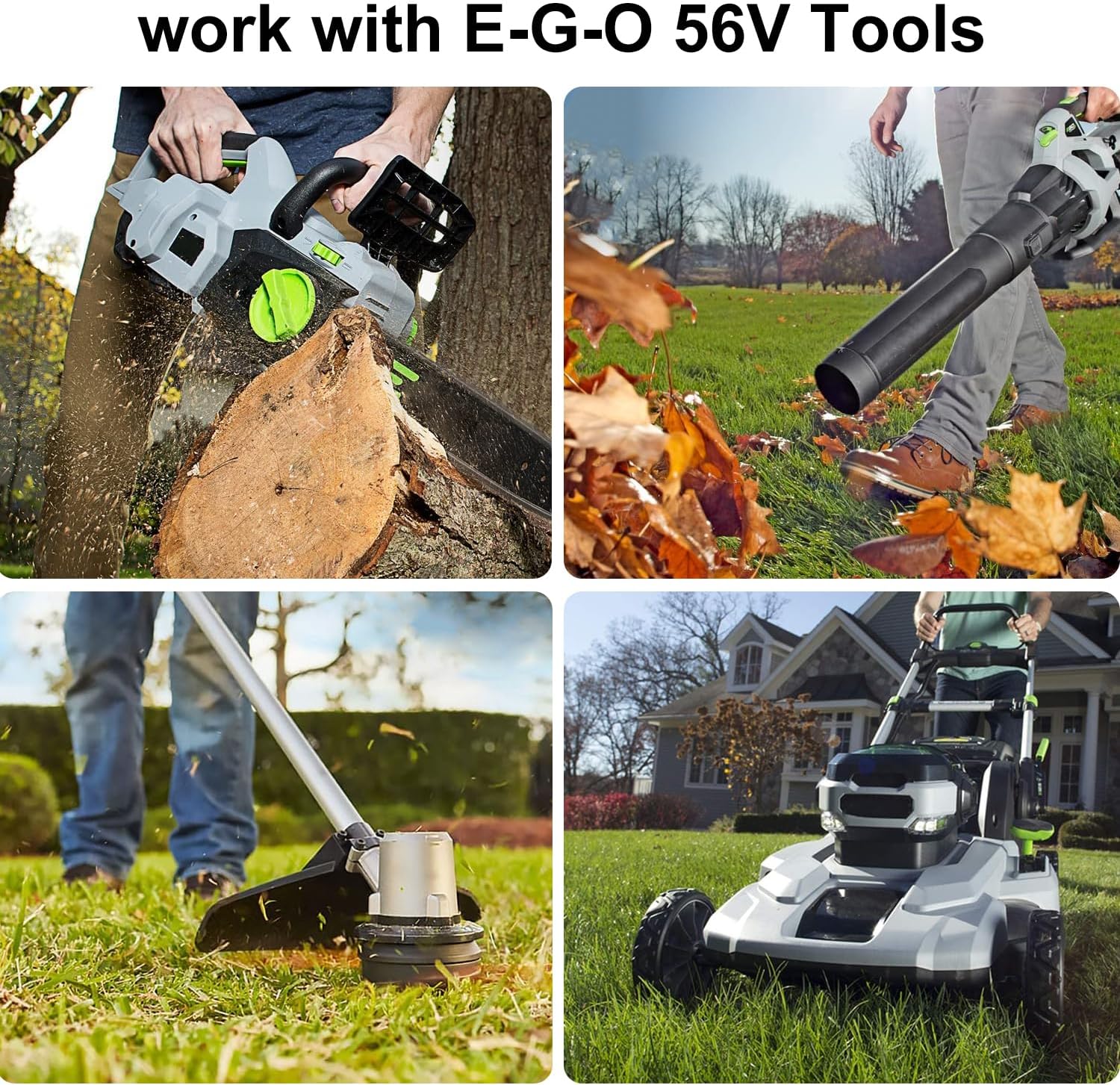
Image 5.1: The DTK 56V 2.6Ah Lithium-ion Battery powering various EGO 56V tools, including a chainsaw, leaf blower, string trimmer, and lawn mower, demonstrating its broad compatibility.
5.1 Checking Battery Charge During Operation
Periodically check the intelligent battery indicator light on the battery during use to monitor the remaining charge. A steady green light indicates normal operation. If the lights begin to flash or change color, refer to the 'Intelligent Battery Indicator Light' section (3.3) for status interpretation.
6. Maintenance
6.1 Charging
- Always charge the battery in a well-ventilated area.
- Do not charge the battery if it is wet or visibly damaged.
- Allow a hot battery to cool down before charging. Charging a hot battery may reduce its lifespan.
- It is recommended to fully charge the battery before long periods of storage.
6.2 Storage
- Store the battery in a cool, dry place, away from direct sunlight and moisture.
- Avoid storing the battery in temperatures below 14°F (-10°C) or above 104°F (40°C).
- For long-term storage, it is best to store the battery with a partial charge (around 50%). Fully charged or fully discharged batteries can degrade faster during storage.
- Remove the battery from tools when not in use for extended periods.
6.3 Cleaning
- Use a clean, dry cloth to wipe the exterior of the battery.
- Do not use solvents, abrasive cleaners, or immerse the battery in water.
- Keep the battery terminals clean and free of debris.
7. Troubleshooting
If you encounter issues with your DTK 56V 2.6Ah Lithium-ion Battery, refer to the following:
| Problem | Possible Cause | Solution |
|---|---|---|
| Battery not charging | Charger not plugged in; faulty charger; battery too hot/cold; poor connection. | Check charger connection; try another outlet; allow battery to reach room temperature; ensure battery is fully seated in charger. |
| Battery not powering tool | Battery not fully charged; battery not properly installed; tool malfunction. | Charge battery fully; ensure battery is securely latched in tool; test with another battery if available; consult tool's manual. |
| Red light flashing on battery | Battery over-temperature. | Stop use immediately and allow the battery to cool down in a well-ventilated area before attempting to charge or use again. |
| Reduced run time | Battery not fully charged; battery nearing end of life; extreme operating conditions. | Ensure full charge; consider battery replacement if performance significantly degrades; operate within recommended temperature ranges. |
8. Specifications
| Feature | Detail |
|---|---|
| Battery Type | Lithium-ion |
| Voltage | 56V |
| Capacity | 2.6Ah (2600mAh) |
| Wattage | 146W |
| Item Weight | 2.72 pounds |
| Package Dimensions | 7.99 x 5.55 x 3.43 inches |
| Recommended Uses | Indoor/Outdoor power tools |
9. Warranty and Support
Your DTK 56V 2.6Ah Lithium-ion Battery comes with a 30-day money-back guarantee and a 12-month limited warranty.
9.1 Customer Service
For any questions, concerns, or warranty claims, please contact customer support through the "Your Orders" tab in your Amazon account. Please allow up to 24 hours for a response. We are committed to providing a satisfactory solution.