
MADHUR ENTERPRISE Works 82
User Manual: Premium N21 Earbuds
Model: MADHUR ENTERPRISE Works 82 | Brand: Generic
Introduction
Thank you for choosing the Premium N21 Earbuds. These Bluetooth earphones are designed to provide a high-fidelity audio experience with the convenience of wireless connectivity. Featuring a sleek design, comfortable fit, and extended battery life, they are ideal for enjoying music and managing calls on the go. This manual provides detailed instructions on how to set up, operate, and maintain your earbuds to ensure optimal performance.
Package Contents
- Premium N21 Earbuds (Left and Right)
- Charging Case
- Protective Case
- USB Charging Cable
- User Manual (this document)
Product Features
- Bluetooth Connectivity: Enjoy tangle-free listening with seamless wireless connection.
- High-Quality Audio: Features noise-canceling technology for an immersive listening experience.
- Extended Playtime: Long battery life on a single charge, suitable for all-day use.
- Hands-Free Calling: Built-in microphone for clear and convenient communication.
- Touch Control: Intuitive touch sensors for managing playback and calls.
- Magnetic Induction Charging Case: Secure and convenient earbud storage and charging.
- Integrated Flashlight: The charging case includes a high-brightness flashlight for convenience.
- Ergonomic Design: 45-degree oblique in-ear design for comfortable and light wear.
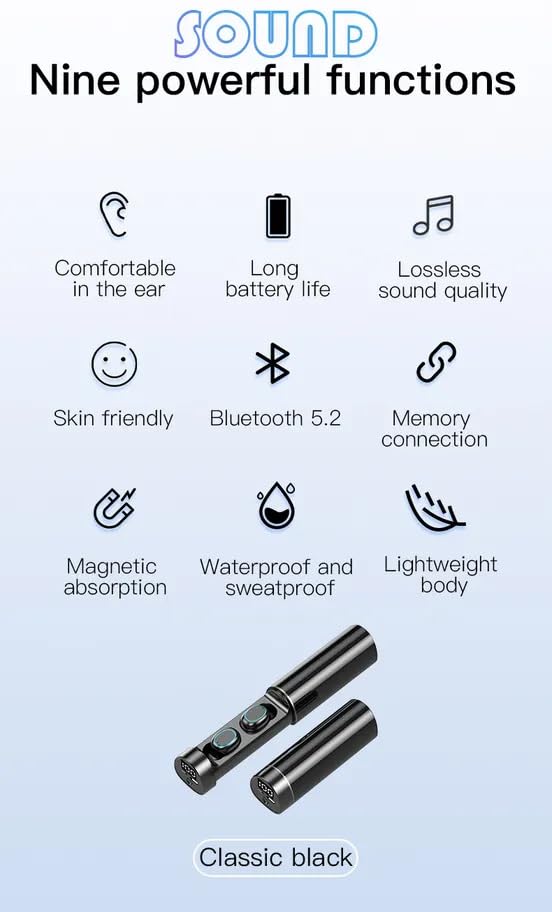
This image illustrates nine key functions of the N21 Earbuds, including comfortable fit, long battery life, lossless sound quality, skin-friendly material, Bluetooth 5.2, memory connection, magnetic absorption, waterproof and sweatproof capabilities, and a lightweight body. The classic black color is also highlighted.
Setup
1. Charging the Earbuds and Case
Before first use, fully charge the earbuds and the charging case.
- Place the earbuds into the charging case. Ensure they are correctly seated in their respective slots.
- Connect the charging case to a USB power source using the provided USB cable.
- The LED indicator on the case will show charging status. A full charge typically provides up to 36 hours of combined playtime with the case.
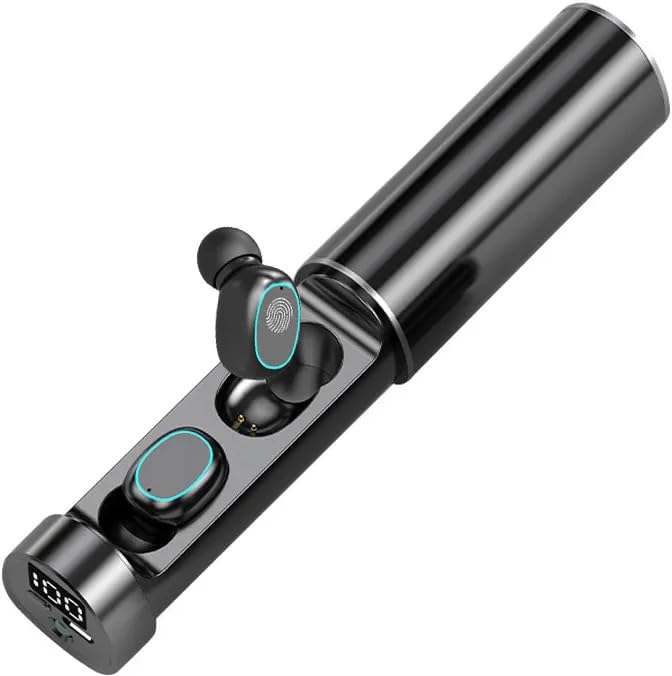
This image shows the N21 Earbuds securely placed within their charging case, which features a digital display indicating the battery level. This setup is ready for charging or storage.

This image emphasizes the long-lasting battery life of the earbuds, stating "36H" playtime, powered by a 200mAh polymer lithium battery and low-power chip solution.
2. Pairing with a Bluetooth Device
The earbuds will automatically enter pairing mode when taken out of the charging case.
- Open the charging case and remove both earbuds. They will automatically power on and attempt to connect to each other.
- On your smartphone, tablet, or other Bluetooth-enabled device, go to the Bluetooth settings.
- Search for available devices and select "N21 Earbuds" (or similar name) from the list.
- Once connected, you will hear a confirmation tone, and the earbuds' indicator lights will change.
- The earbuds support automatic re-connection to the last paired device.
Operating Instructions
Touch Controls
The N21 Earbuds feature intuitive touch controls on each earbud.
- Play/Pause: Single tap on either earbud.
- Next Track: Double tap on the right earbud.
- Previous Track: Double tap on the left earbud.
- Answer/End Call: Single tap on either earbud during an incoming call.
- Reject Call: Press and hold either earbud for 2 seconds during an incoming call.
- Activate Voice Assistant: Triple tap on either earbud.
Call Management
The built-in microphone allows for clear two-way communication during calls.
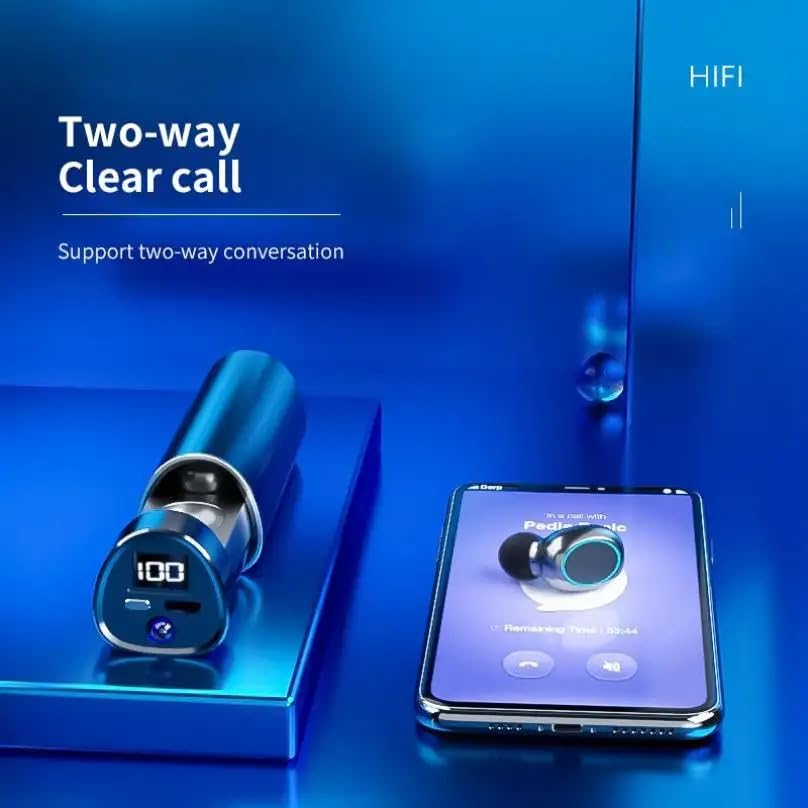
This image depicts the earbuds alongside a smartphone displaying a call interface, highlighting the "Two-way Clear call" feature, which supports clear two-way conversations.
Single and Binaural Mode
The earbuds can be used individually (single mode) or together (binaural mode).
- Binaural Mode: Remove both earbuds from the case. They will automatically connect to each other and then to your device, providing stereo sound.
- Single Mode: Remove only one earbud from the case. It will connect to your device independently, functioning as a single earphone. This is useful for calls or when you need to be aware of your surroundings.
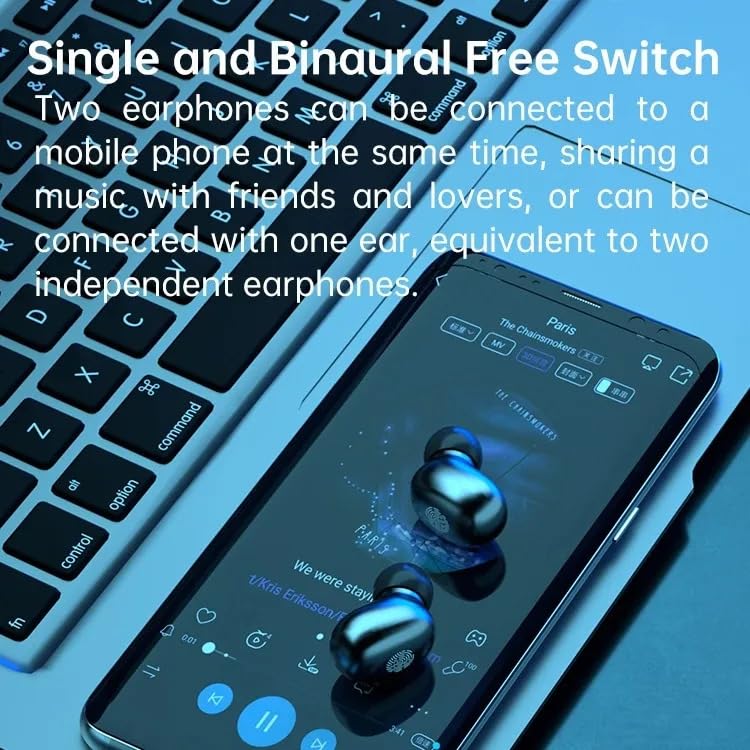
This image demonstrates the "Single and Binaural Free Switch" capability, showing two earphones connected to a mobile phone for shared music, or the option to use just one earbud independently.
Using the Flashlight Function
The charging case is equipped with a high-brightness flashlight.
- Locate the flashlight button or sensor on the charging case.
- Press the button to turn the flashlight on/off.
- This feature is designed to provide illumination in dark environments.
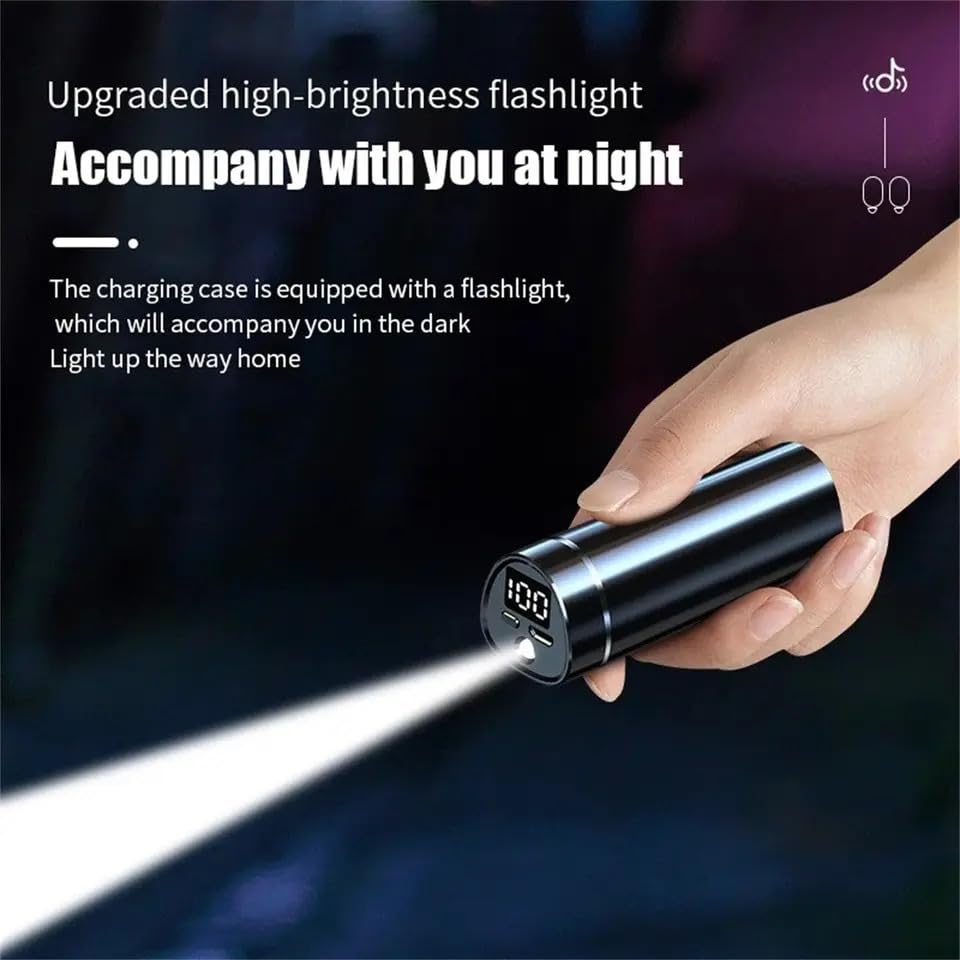
This image demonstrates the "Upgraded high-brightness flashlight" feature of the earbud charging case, showing it illuminating a dark area, useful for accompanying you at night.
Maintenance
- Cleaning: Regularly clean the earbuds and charging case with a soft, dry, lint-free cloth. Do not use abrasive cleaners or solvents.
- Storage: When not in use, store the earbuds in their charging case to protect them and keep them charged.
- Avoid Water: The earbuds are not water resistant. Avoid exposure to liquids, moisture, or extreme temperatures.
- Magnetic Induction: The charging case uses magnetic induction for secure storage and charging. Ensure no metallic objects are placed near the charging contacts.
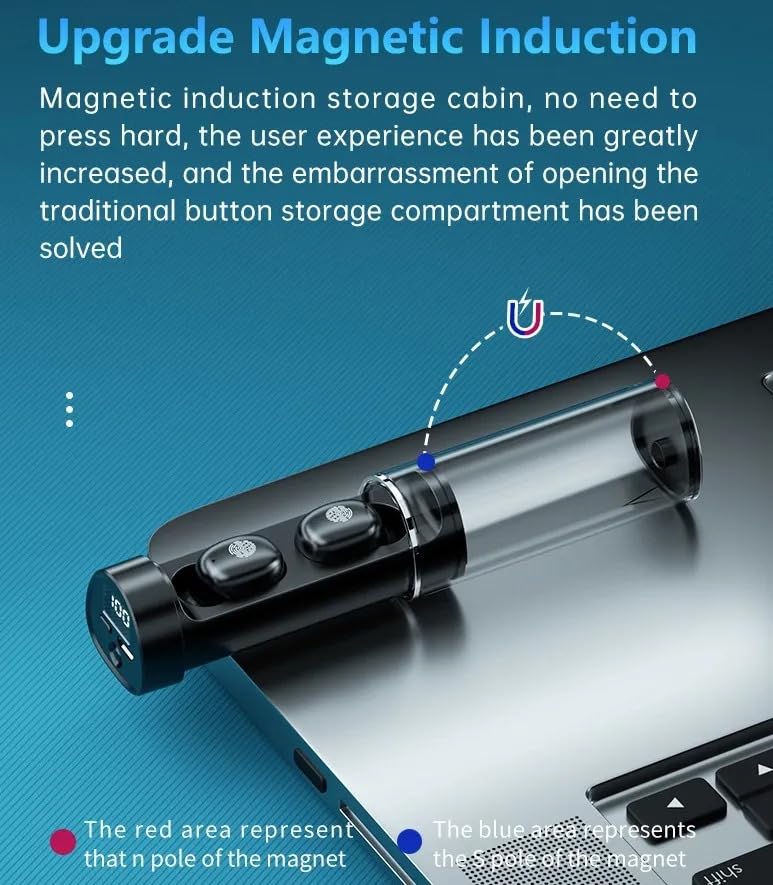
This image explains the "Upgrade Magnetic Induction" feature of the charging case, showing how the earbuds are securely held and charged without the need for pressing, improving user experience.
Troubleshooting
| Problem | Possible Solution |
|---|---|
| Earbuds not pairing with device. |
|
| Only one earbud is working. |
|
| No sound or low volume. |
|
| Charging case not charging. |
|
Specifications
| Feature | Detail |
|---|---|
| Model Name | ME |
| Connectivity Technology | Wireless |
| Wireless Communication Technology | Bluetooth |
| Included Components | Protective Case |
| Material | Plastic |
| Compatible Devices | Smartphones, Tablets, Laptops, Desktops |
| Cable Feature | Without Cable |
| Water Resistance Level | Not Water Resistant |
| Control Method | Touch |
| Special Features | Fast Charging |
| Microphone Format | Built-In |
| Form Factor | In ear |
| Noise Control | Active Noise Cancellation |
| Manufacturer | MADHUR ENTERPRISE Works |
| Item Model Number | MADHUR ENTERPRISE Works 82 |
| Color | Black |
| Ear Placement | In Ear |

This image highlights the "Very strong bass" and "HiFi high fidelity sound quality" features, showcasing the dynamic unit design responsible for good audio analysis and undistorted details.
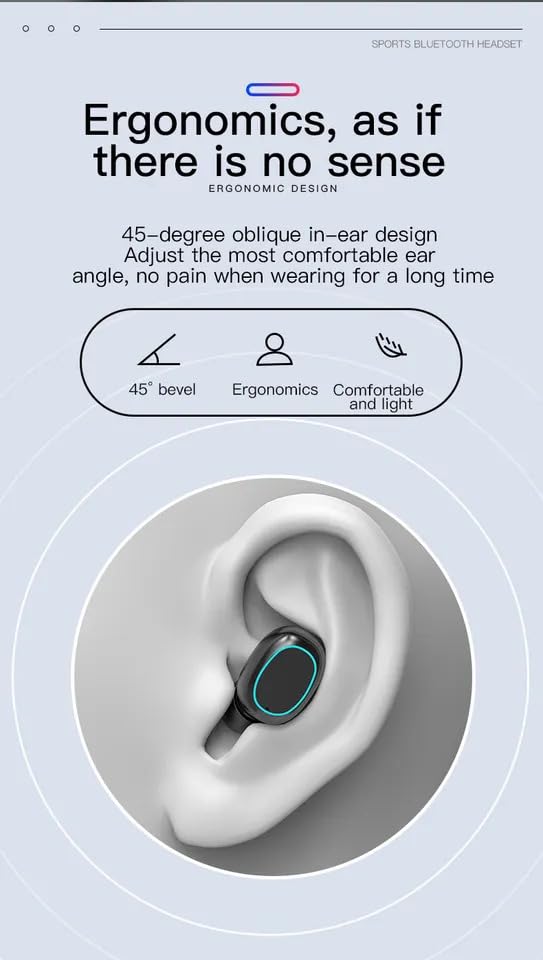
This image illustrates the ergonomic design of the earbuds, specifically the 45-degree oblique in-ear design, which ensures a comfortable and pain-free fit even during prolonged use.
Warranty and Support
For information regarding warranty coverage and customer support, please refer to the documentation provided at the time of purchase or contact the manufacturer directly.
- Manufacturer: MADHUR ENTERPRISE Works
- Brand: Generic
Ask a question about this manual
Ask about setup, troubleshooting, compatibility, parts, safety, or missing instructions. Manuals+ will review the question and use this page’s manual context to help answer it.