
Introduction
The LoneStar Tracking Discovery LTE OBD-2 GPS Tracker with Y Cable is a real-time GPS tracking solution designed for vehicles. This device offers a plug-and-play installation into your vehicle's OBD-2 port, with an included Y-cable for discreet placement. It provides continuous monitoring and alerts to help you keep track of your vehicle's location and status. An active subscription is required for full functionality.
What's in the Box
- Discovery LTE OBD-2 GPS Tracker
- OBD-2 Y Cable
- Internal Battery (pre-installed or separate)
- Mounting accessories (e.g., clips, adhesive pads, screwdriver for SIM access)
Setup
1. Device Activation & Subscription
Before installation, activate your GPS tracker online. An active subscription is required for the device to function and transmit data. Refer to the activation instructions provided with your device or on the LoneStar Tracking website.
2. Device Assembly
Connect the Discovery LTE OBD-2 GPS Tracker securely to the OBD-2 Y Cable. Ensure the connection is firm to prevent accidental disconnection.
3. Installation in Vehicle
- Locate OBD-2 Port: The OBD-2 port is typically located under the dashboard on the driver's side of your vehicle.
- Plug in Y-Cable: Plug the male end of the OBD-2 Y Cable into your vehicle's OBD-2 port.
- Connect Tracker: Connect the Discovery LTE OBD-2 GPS Tracker to the female end of the Y-cable.
- Discreet Placement: Use the included mounting accessories (clips, adhesive pads) to secure the Y-cable and the tracker in a discreet location, away from pedals or moving parts. The Y-cable allows you to hide the tracker while keeping the OBD-2 port accessible for other devices.
Video: Installation of an OBD Port GPS Tracker with Extension Cable. This video demonstrates the process of connecting the tracker to the OBD-II port using an extension cable for discreet placement.
Video: Easy Installation of an Optimus GPS Tracker for Vehicles on a Car's Battery. This video shows a similar installation process, highlighting the ease of connecting the device.
4. App Download & Account Creation
Download the LoneStar Tracking mobile application from your device's app store. Create an account and add your Discovery LTE OBD-2 tracker using its unique identification number.
Operating
Real-Time Tracking
The Discovery LTE OBD-2 tracker provides real-time location updates. Depending on your subscription plan and settings, you can receive updates as frequently as every 30 seconds. This allows for precise monitoring of your vehicle's movement.

Image: The LoneStar Tracking app displaying multiple vehicles on a map, illustrating its fleet management features.
Geofencing
Set up unlimited geofences (virtual boundaries) on the map. Receive instant alerts when your vehicle enters or exits a predefined area, enhancing security and monitoring.
Instant Alerts
- Device Removal Alert: Receive an instant alert if someone removes the tracking device from your vehicle, thanks to the built-in battery backup.
- Speed Monitoring: Set custom speed limits and receive alerts if your vehicle exceeds them.
- Harsh Driving/Rapid Acceleration: Get notifications for aggressive driving behaviors.
- Curfew Alerts: Define specific timeframes and receive alerts if the vehicle is driven during those hours.
- Trip Start/End: Be notified when a trip begins and ends.
- Low Fuel Level: Monitor fuel levels and receive alerts when they are low.
- SOS Button: The device features an SOS button that, when pressed, sends an emergency alert to pre-programmed contacts with the vehicle's location.

Image: A hand giving a thumbs up from a car window, with text overlays highlighting key features like '30-Second Install', 'Battery Backup', and 'Unlimited Geofences' for the DiscoveryLTE OBD-2 tracker.
History Reports
Access detailed history reports of your vehicle's past routes, stops, and driving events directly through the mobile app or web platform. This data can be stored for extended periods, allowing for comprehensive review.
Tracking Technology
The Discovery LTE OBD-2 tracker utilizes cellular (LTE) technology for wide-area coverage and also incorporates Wi-Fi for enhanced location accuracy in urban environments. Unlike Bluetooth trackers that rely on proximity to other devices, this cellular GPS tracker can communicate its location independently via cell phone towers, ensuring continuous tracking even when no other devices are nearby.
Maintenance
Charging the Device
The device has a built-in rechargeable battery. While connected to the OBD-2 port, it draws power from the vehicle. If removed, the internal battery provides backup power. For charging when not connected to the vehicle, use a compatible micro USB cable.
Battery Life Considerations
The battery life of the tracker is directly affected by the frequency of location updates. More frequent updates (e.g., every minute) will result in shorter battery life (a few days), while less frequent updates (e.g., once per day) can extend battery life significantly (up to a month or more). Adjust your update settings in the app to balance tracking precision with desired battery longevity.
Vehicle Health & Maintenance Reminders
Through its OBD-2 connection, the tracker can provide insights into your vehicle's health, including battery status, fuel levels, and engine diagnostics. It can also automate maintenance tracking, sending timely reminders for oil changes, tire rotations, and other vital needs to keep your vehicle in peak condition.
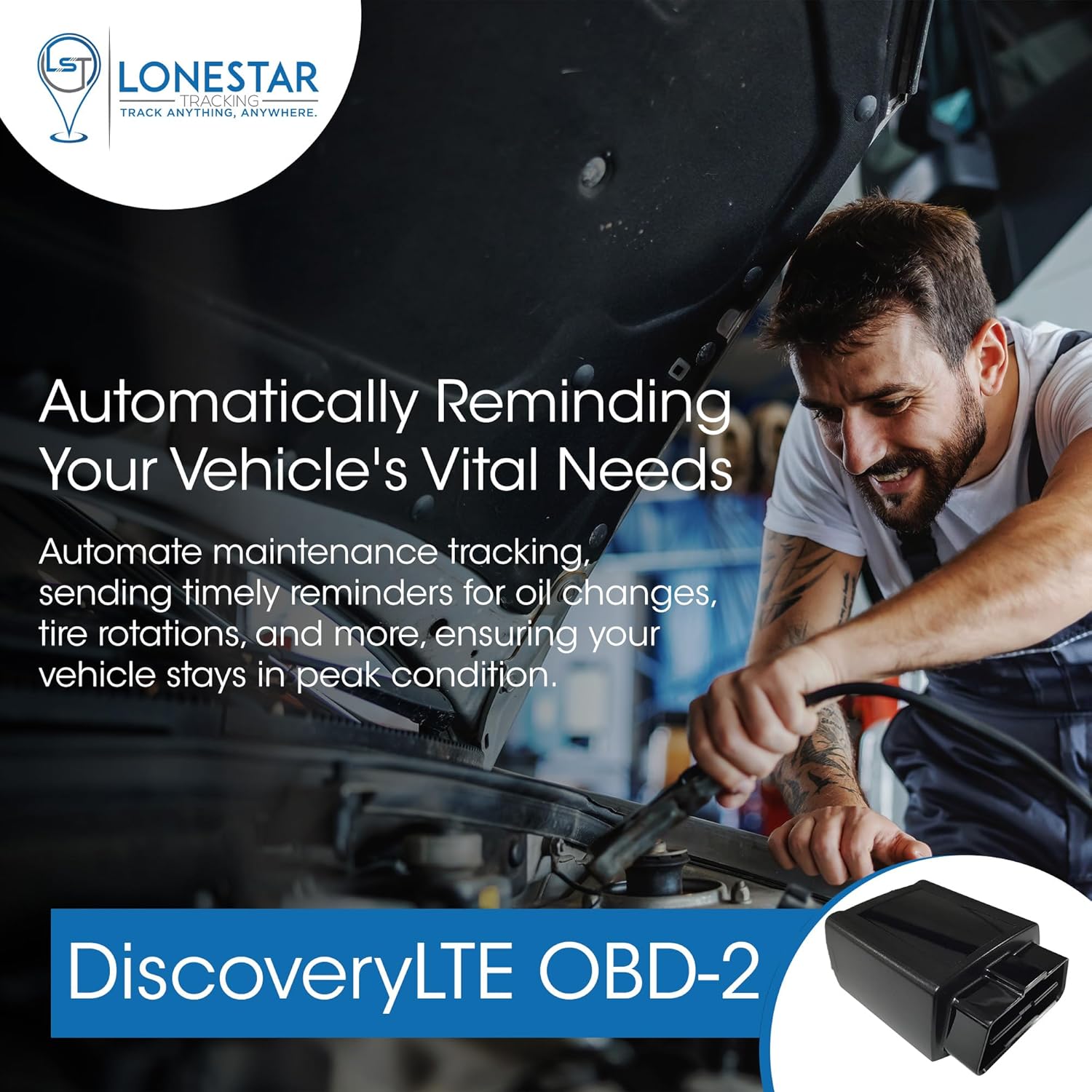
Image: A mechanic working on a car engine, with text overlays indicating automated maintenance reminders provided by the DiscoveryLTE OBD-2 tracker.
Troubleshooting
GPS Accuracy
The tracker uses both cellular and Wi-Fi for location. In areas with strong public Wi-Fi signals, the device may sometimes prioritize Wi-Fi location, which can result in a less precise pinpoint (off by 300-600 feet) compared to satellite GPS. While this still places you in the general vicinity, it's important to be aware of this potential variation.
Device Not Updating
Ensure your subscription is active and the device is within an area with adequate cellular coverage (AT&T or T-Mobile networks are typically used). If the device is in an area without cellular or pre-configured Wi-Fi, it may not be able to transmit real-time updates.
Beep Alert Volume
The device's beep alert (for finding misplaced items) may not be very loud. While it can help narrow down the location, it might not be audible in noisy environments or if the device is deeply concealed.
Specifications
- ASIN: B0CTS2VH5R
- Brand: LoneStar Tracking
- Model: Discovery LTE OBD-2
- Special Feature: Real Time Tracking
- Connectivity Technology: Cellular
- Supported Application: Alarm
- Specific Uses For Product: Vehicle Tracking
- Date First Available: February 1, 2024
Warranty
No specific warranty information was provided in the product details. Please refer to the manufacturer's official website or contact LoneStar Tracking customer service for warranty details.
Support
For further assistance, troubleshooting, or product inquiries, please visit the LoneStar Tracking Store on Amazon or contact their customer support directly.