
Introduction
This manual provides essential information for the safe and effective operation of your LASTCOW C20 Indoor Security Camera. Please read these instructions thoroughly before using the device and retain for future reference.
Product Overview & Components
The LASTCOW C20 is a versatile indoor security camera designed for monitoring and two-way video communication. It features a 2.8-inch HD screen, 1080P video resolution, night vision, and AI motion detection.

Image Description: Front and rear view of the LASTCOW C20 camera with key components labeled. The front shows the photosensitive sensor, infrared lamp, lens, 2.8-inch screen, and video call button. The rear view highlights the loudspeaker and Type-C power supply port.
Package Contents:
- LASTCOW C20 Indoor Security Camera
- Power Adapter
- USB Type-C Charging Cable
- User Manual
Key Features
- Two-Way Video & One-Click Call: Initiate video calls with a single button press or gesture. Receive instant call notifications on your phone for timely communication.
- 2.8-inch HD Screen: Provides a clear visual experience directly on the device.
- 1080P Full HD & 360° View: Offers clear and smooth video monitoring with pan and tilt capabilities for comprehensive room coverage.
- Enhanced Night Vision: Equipped with IR lens for improved night vision up to 33ft, ensuring clear monitoring in low-light conditions.
- AI Motion Detection: Smart sensor detects movements of people or pets, sending notifications and alerts to your mobile phone.
- Smart Recording & Multi-User Sharing: Supports SD card storage or cloud storage for event recording. Share access with up to 5 family members.
- Voice Control: Control certain functions using voice commands.

Image Description: The LASTCOW C20 camera showcasing its 2.8-inch HD screen, emphasizing a better visual experience.

Image Description: A visual guide demonstrating the one-click video call feature. One image shows a finger pressing the button to dial, and another shows pressing it again to hang up, indicating ease of use for all ages.

Image Description: An illustration of the two-way video feature, showing a person using a smartphone to video call the camera, and a child interacting with the camera's screen.

Image Description: A graphic detailing three communication modes: Remote viewing (one-way viewing), Voice call (one-way voice intercom), and Video call (two-way viewing and voice intercom).
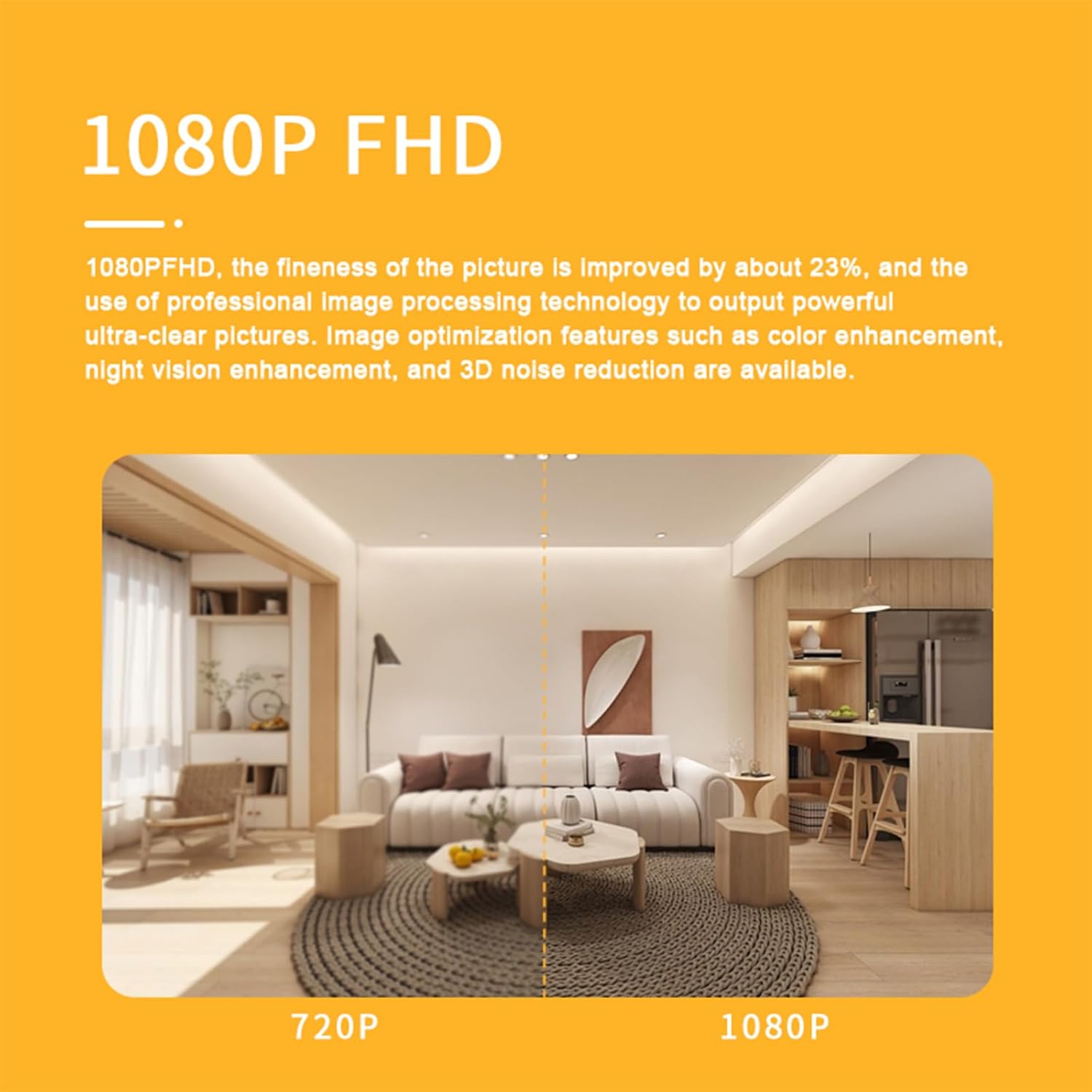
Image Description: A comparison image showing the difference between 720P and 1080P FHD video quality, highlighting the enhanced clarity of 1080P.
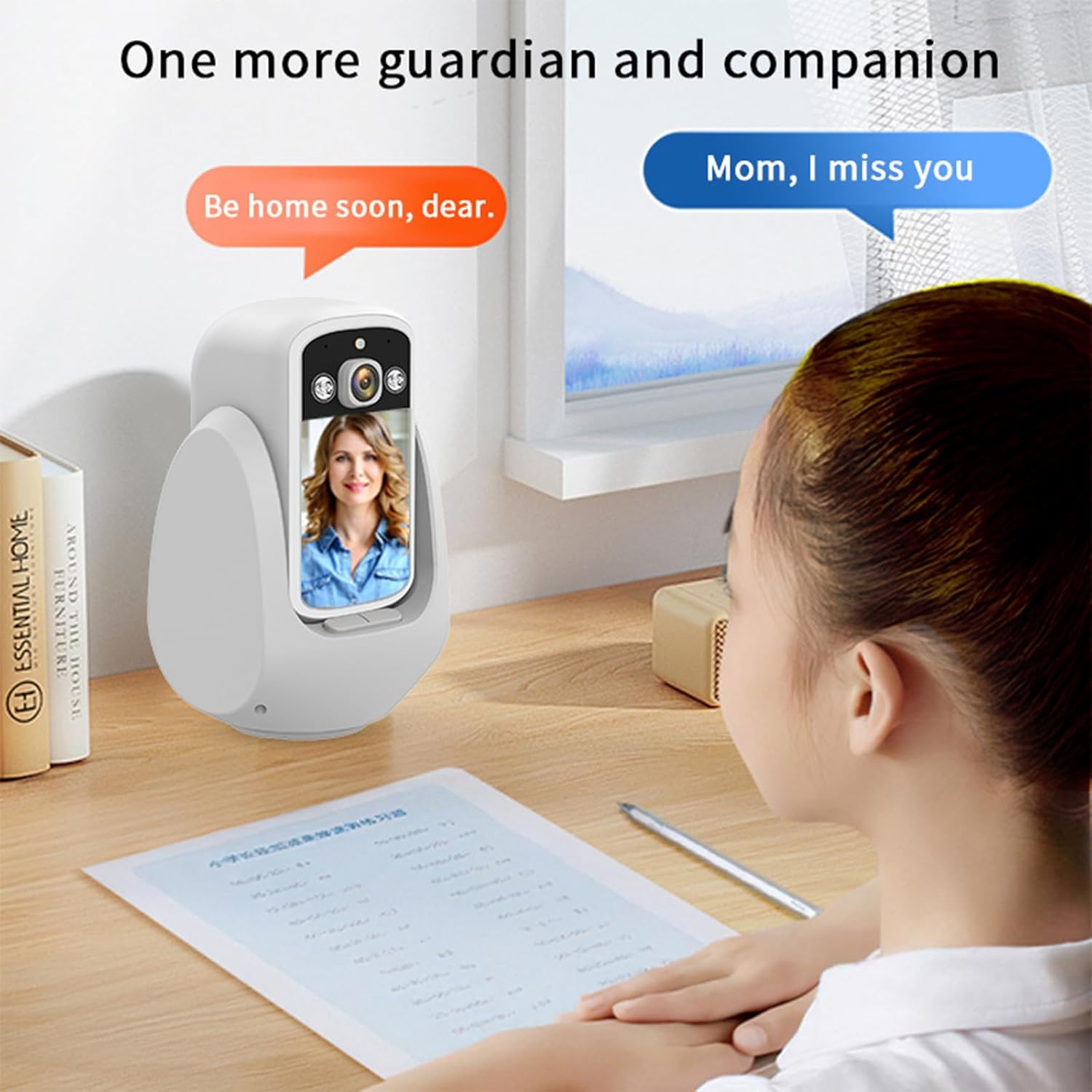
Image Description: A child sitting at a desk, looking towards the LASTCOW C20 camera, with speech bubbles indicating messages like "Be home soon, dear." and "Mom, I miss you," illustrating its use for family connection.
Setup
- Power On: Connect the camera to a power source using the provided USB Type-C cable and power adapter.
- App Installation: Scan the QR code in the user manual or search for "Im Cam" in your device's app store (App Store or Google Play) to download and install the application.
- Registration & Login: Follow the in-app instructions to register a new account or log in if you already have one.
- Add Device: In the app, select "Add Device" and follow the prompts to connect your C20 camera to your 2.4G Wi-Fi network (5G Wi-Fi is not supported).
- Placement: Position the camera in a central location within the desired monitoring area, ensuring it has a clear view.
Video Description: An official seller video demonstrating the initial setup process of the camera, including powering it on, downloading the companion app, and connecting it to a Wi-Fi network. It shows the on-screen prompts and app interface during the connection process.
Operating Instructions
Remote Viewing:
Access live video feed from your smartphone app. Use the on-screen controls to pan, tilt, and zoom the camera to view different areas of the room.
Two-Way Communication:
- One-Click Video Call: Press the dedicated video call button on the camera to initiate a call to the paired smartphone.
- App-Initiated Calls: Use the "Voice Call" or "Video Call" options within the app to connect with the camera.
- Voice Intercom: Speak through your phone, and your voice will be heard through the camera's loudspeaker. Listen to audio from the camera through your phone.
Motion Detection:
The AI smart sensor will detect movement and send instant notifications to your phone. You can customize alert settings within the app.
Recording:
Record video footage to a local SD card (not included) or subscribe to cloud storage for secure, remote access to recordings.
Maintenance
- Cleaning: Gently wipe the camera lens and screen with a soft, dry cloth. Avoid using harsh chemicals or abrasive materials.
- Software Updates: Regularly check the app for available firmware updates to ensure optimal performance and security.
- Placement: Ensure the camera is placed on a stable surface or securely mounted to prevent accidental falls.
Troubleshooting
- Connection Issues: Ensure your camera is within range of your 2.4G Wi-Fi network. Restart both the camera and your router if connection problems persist.
- No Notifications: Check app notification settings on your smartphone and ensure motion detection is enabled in the camera settings.
- Poor Video Quality: Verify your Wi-Fi signal strength. If using cloud storage, ensure your internet upload speed is sufficient.
- Camera Not Responding: Press and hold the reset button on the back of the device for more than 5 seconds to perform a factory reset.
Specifications
| Brand | LASTCOW |
| Model Number | C20 |
| Color | Yellow |
| Connectivity Technology | Wireless (2.4G Wi-Fi only) |
| Video Resolution | 1080P Full HD |
| Screen Size | 2.8 inches |
| Night Vision Range | Up to 33 feet |
| Special Features | 2-Way Audio, AI Motion Detection, Voice Control |
| Indoor/Outdoor Usage | Indoor |
| Item Dimensions (L x W x H) | 8 x 4 x 4 inches |
| Item Weight | 1.06 pounds |
Video Description: An official seller video highlighting the key features and benefits of the Two-Way Video Calling WiFi Indoor Camera, including its 2K resolution, night vision, and two-way communication capabilities.
Warranty and Support
For warranty information, technical support, or any inquiries regarding your LASTCOW C20 camera, please refer to the contact details provided in the original product packaging or visit the official LASTCOW website.