
1. Introduction
Thank you for choosing the Mi-Mic Kids Karaoke Machine Model MMC3 (TY6374). This portable Bluetooth speaker with wireless microphones is designed to provide hours of entertainment. This manual will guide you through the setup, operation, and maintenance of your device.

Image 1.1: The Mi-Mic Kids Karaoke Machine with its two wireless microphones.
2. Safety Information
Please read all safety warnings carefully before use and retain this manual for future reference.
- WARNING! Not suitable for children under 36 months due to small parts.
- STRANGULATION HAZARD: This product contains a long cable. Keep out of reach of young children.
- EPILEPSY WARNING: This toy produces flashes that may trigger epilepsy in sensitized individuals. Use with caution.
- Do not expose the device to water or excessive moisture.
- Do not attempt to disassemble or repair the device yourself. Refer all servicing to qualified personnel.
- Use only the charging cable provided or recommended by the manufacturer.
3. Package Contents
Ensure all items are present in the package:
- 1 x Mi-Mic Karaoke Speaker
- 2 x Wireless Microphones
- 1 x USB Charging Cable
- 1 x User Manual (this document)
4. Product Features
The Mi-Mic Karaoke Machine offers a range of features for an engaging experience:
- Portable Design: Lightweight with a carry handle for easy transport.
- Bluetooth Connectivity: Seamless pairing with smartphones, tablets, and other Bluetooth-enabled devices.
- Dual Wireless Microphones: Two microphones for duets and interactive singing.
- LED Light Show: 12 vibrant color variations to enhance the performance atmosphere.
- Voice Effects: Includes 11 fun effects such as echo, auto-tune, baby, robot, monster, and animal voices.
- Micro SD Card Support: Play music directly from a Micro SD card.
- Long Playtime: Built-in battery provides up to 8 hours of continuous play.
- Echo Function: Adds an authentic arena-like sound to vocals.
- Boom Mode: Amplifies music for a louder sound experience.

Image 4.1: Key features of the Mi-Mic Karaoke Machine.
5. Setup
5.1 Charging the Device
- Connect the provided USB charging cable to the charging port on the karaoke speaker.
- Plug the other end of the USB cable into a compatible USB power adapter (not included) or a computer USB port.
- The charging indicator light will illuminate. Once fully charged, the light may change color or turn off.
- A full charge provides approximately 8 hours of playtime.
5.2 Powering On/Off
- To power on the speaker, press and hold the power button until the LED lights illuminate and you hear an audible prompt.
- To power off, press and hold the power button again until the lights turn off and you hear an audible prompt.
6. Operating Instructions
6.1 Bluetooth Connectivity
The Mi-Mic Karaoke Machine can connect wirelessly to your Bluetooth-enabled devices.
- Ensure the karaoke speaker is powered on and in Bluetooth pairing mode (indicated by a flashing light or audible prompt).
- On your smartphone, tablet, or other device, go to the Bluetooth settings.
- Search for available devices and select "Mi-Mic" from the list.
- Once paired, you will hear a confirmation sound, and the speaker's indicator light will become solid.
- You can now play music from your device through the karaoke speaker.

Image 6.1: Connecting your device via Bluetooth for music playback.
6.2 Using the Wireless Microphones
The two wireless microphones automatically connect to the speaker when both are powered on.
- Power On/Off: Press and hold the power button on each microphone to turn it on or off.
- Volume Control: Use the volume buttons on the microphone to adjust your vocal volume.
- Voice Effects: Press the dedicated effect button on the microphone to cycle through the 11 available voice effects (e.g., echo, baby, robot, monster, animal).
- Echo Function: The microphone includes an echo function for an authentic performance feel.
- Reset Voice Effect: A long press on the effect button should reset the voice effect. If not, power cycling the microphone may be required.
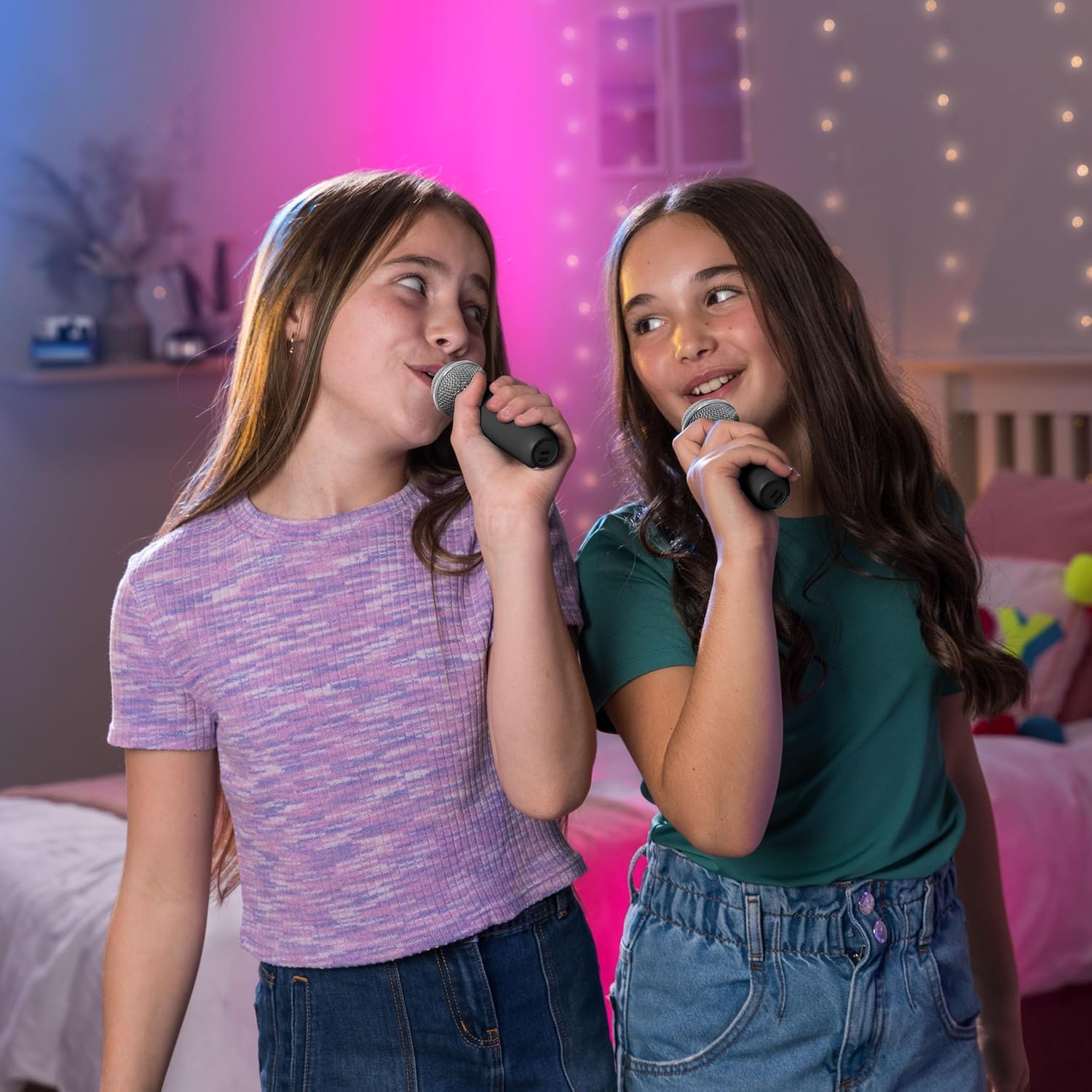
Image 6.2: Children enjoying the wireless microphones.

Image 6.3: Overview of the voice effects available.
6.3 LED Lights
The karaoke speaker features dynamic LED lights to create a party atmosphere.
- Activate Lights: Press the LED button on the speaker to turn the lights on.
- Cycle Modes: Press the LED button repeatedly to cycle through the 12 vibrant color variations and light patterns.
- Turn Off Lights: Continue pressing the LED button until the lights turn off.
6.4 Micro SD Card Playback
You can play music directly from a Micro SD card inserted into the speaker.
- Insert a Micro SD card (pre-loaded with music files) into the designated slot on the speaker.
- The speaker should automatically detect the card and begin playing music.
- Use the speaker's controls (play/pause, skip track) to manage playback.
7. Maintenance
- Cleaning: Wipe the device with a soft, dry cloth. Do not use abrasive cleaners or solvents.
- Storage: Store the karaoke machine in a cool, dry place away from direct sunlight and extreme temperatures.
- Battery Care: To prolong battery life, charge the device regularly, even if not in frequent use. Avoid fully discharging the battery for extended periods.
8. Troubleshooting
| Problem | Possible Cause | Solution |
|---|---|---|
| Device does not power on. | Low battery. | Charge the device using the provided USB cable. |
| No sound from speaker. | Volume too low; not connected via Bluetooth; Micro SD card issue. | Increase volume on speaker and connected device. Re-pair Bluetooth. Check Micro SD card for proper insertion and file format. |
| Microphones not working. | Microphones not powered on; low battery in microphones; not paired. | Ensure microphones are powered on. Check microphone batteries. Microphones should auto-pair; if not, power cycle both speaker and microphones. |
| Bluetooth connection unstable. | Device too far from speaker; interference. | Move the connected device closer to the speaker. Avoid obstacles or other wireless devices that may cause interference. |
| Voice effect won't reset. | Software glitch. | Try a long press on the effect button. If unsuccessful, power off and then power on the microphone. |
9. Specifications
| Feature | Detail |
|---|---|
| Model Name | TY6374 (also known as MMC3) |
| Brand | Mi-Mic |
| Connectivity Technology | Bluetooth |
| Special Features | Echo Effect, LED Lights, Voice Effects |
| Included Components | One Speaker, Two Wireless Microphones |
| Item Weight | 1.09 Kilograms |
| Product Dimensions | 12 x 12 x 0.1 cm (Speaker: L12cm x W12cm x H16cm) |
| Batteries | 1 Nonstandard Battery (included) |
| Play Time | Up to 8 hours |
| Manufacturer | Wilton Bradley |

Image 9.1: Physical dimensions of the Mi-Mic Karaoke Machine.
10. Warranty and Support
For warranty information and customer support, please refer to the documentation provided at the point of purchase or visit the official Mi-Mic website. Keep your proof of purchase for any warranty claims.