
1. Introduction
Thank you for choosing the Wusdayer BX30 Wireless Earbuds. This manual provides essential information for the proper setup, operation, and maintenance of your device. Please read it thoroughly before use to ensure optimal performance and longevity.
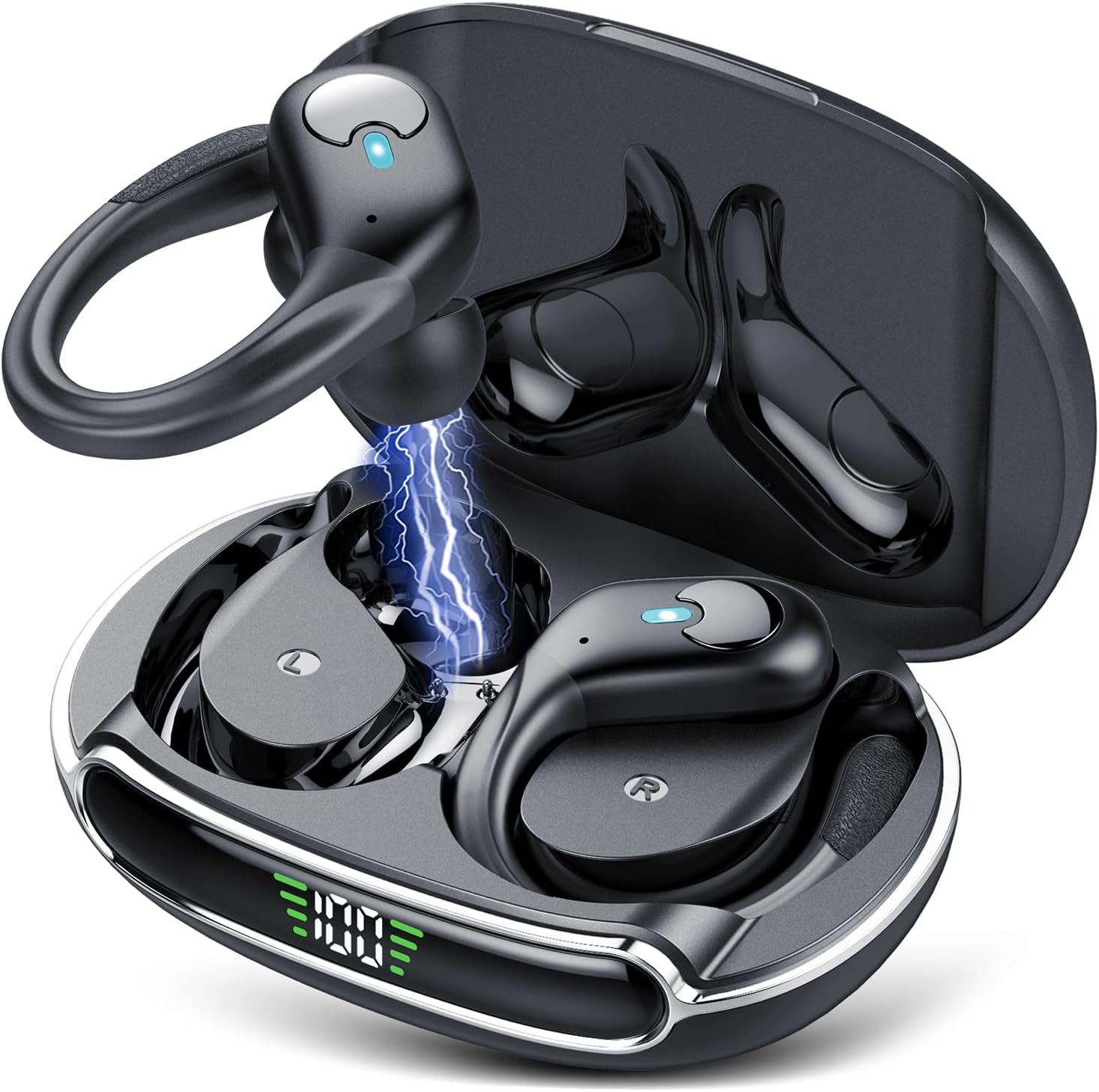
Image: Wusdayer BX30 Wireless Earbuds in their charging case, displaying battery life indicators for the case (90 hours) and individual earbuds (12 hours on a single charge).
2. What's in the Box
Ensure all components are present upon unboxing:
- Wusdayer BX30 Wireless Earbuds (L & R)
- Charging Case
- USB-C Charging Cable
- Eartips (S, M, L sizes)
- User Manual
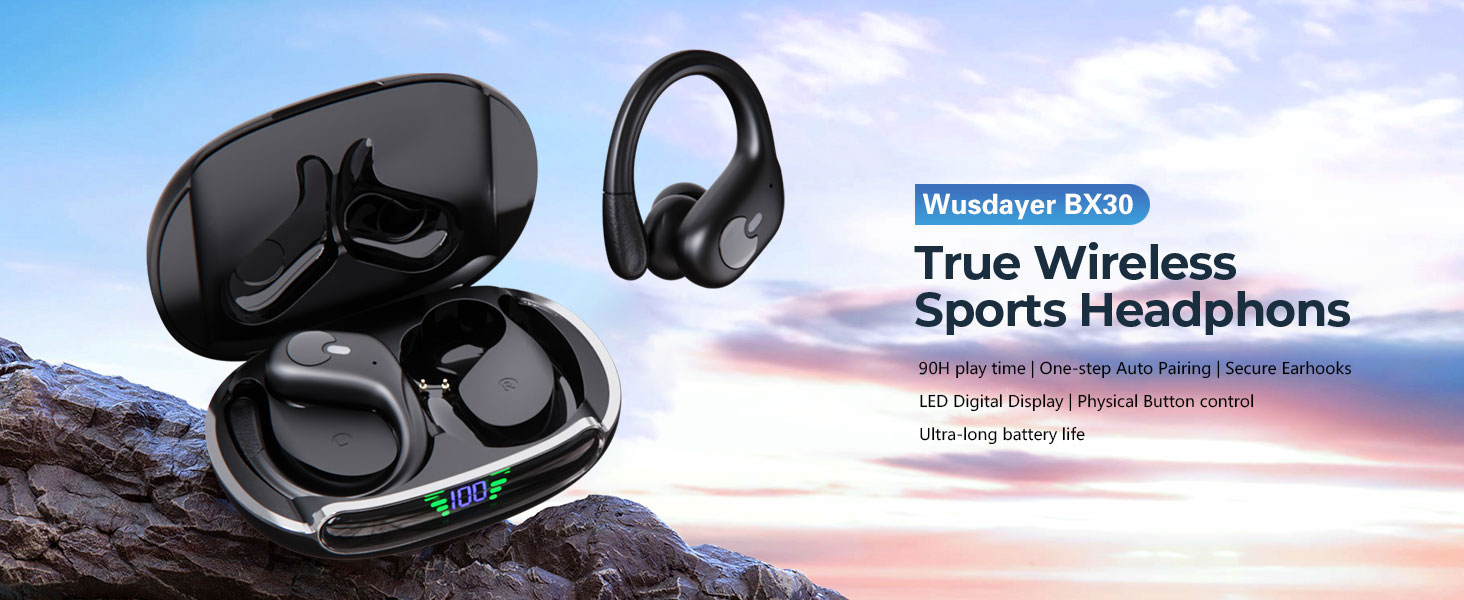
Image: A visual representation of the package contents, including the earbuds, charging case, various sized eartips, a user manual, and a USB-C charging cable.
3. Setup
3.1 Charging the Earbuds and Case
- Place the earbuds into the charging case. Ensure they are correctly seated.
- Connect the USB-C charging cable to the charging port on the case and to a power source.
- The outer LED display on the case will indicate the charging status and battery level.
- A full charge provides up to 12 hours of listening time per earbud, with the charging case extending total playtime to 90 hours.
3.2 Pairing with Your Device
- Open the charging case. The earbuds will automatically power on and enter pairing mode.
- On your device (smartphone, tablet, computer), enable Bluetooth.
- Search for available Bluetooth devices and select "BX30" from the list.
- Once connected, the earbuds will automatically pair with your device for future use when taken out of the case.
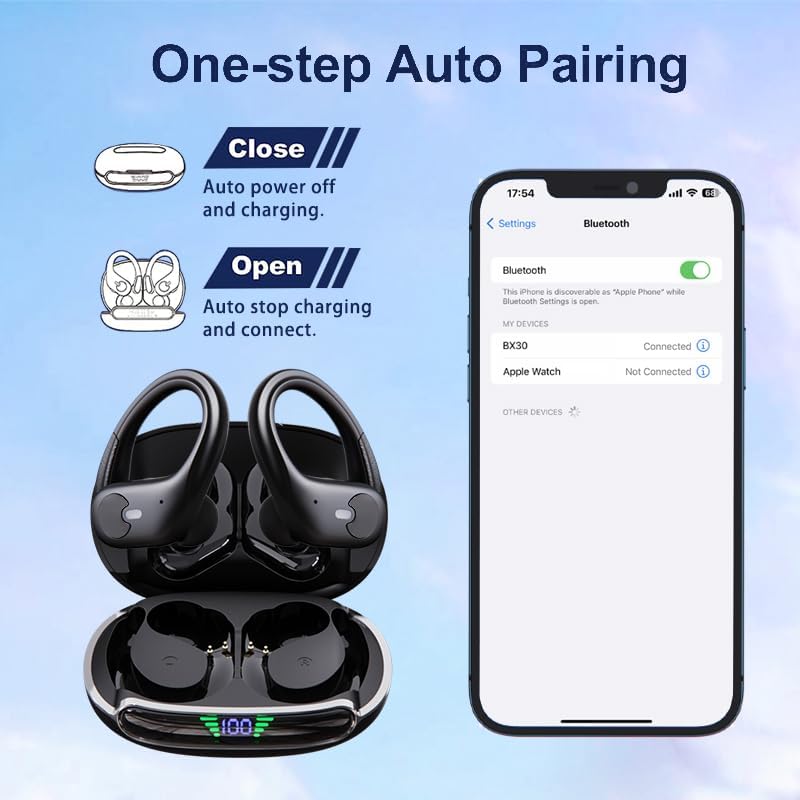
Image: Illustration of the one-step auto-pairing process. Opening the case initiates connection, and closing it powers off and charges the earbuds. A smartphone screen shows 'BX30' connected in Bluetooth settings.
3.3 Fitting the Earbuds
- Select the appropriate eartip size (S, M, L) for a comfortable and secure fit.
- Position the earbud with the ear hook over your ear, ensuring the eartip is gently inserted into your ear canal.
- Adjust the ear hook for a snug fit, especially during physical activities.

Image: A visual guide to the ergonomic design, highlighting three-point support, soft ear hooks, and the inclusion of small, medium, and large eartips for a customized fit.
4. Operation
4.1 Button Controls
The BX30 earbuds feature physical buttons for various functions:
| Action | Left Earbud (L) | Right Earbud (R) |
|---|---|---|
| Play/Pause | 1x Press | 1x Press |
| Next Track | 2x Press | |
| Previous Track | 2x Press | |
| Volume Down | Hold | |
| Volume Up | Hold | |
| Answer/End Call | 1x Press | 1x Press |
| Reject Call | Hold 2s | Hold 2s |
| Activate Voice Assistant | 3x Press | 3x Press |
| Power On/Off | Hold 5s | Hold 5s |

Image: A detailed illustration of the left and right earbuds, indicating the location of the physical button and a legend for various control functions like play/pause, track skipping, volume adjustment, call management, and voice assistant activation.
4.2 Audio Quality
The BX30 earbuds are engineered with a 14.5mm dual-chamber speaker driver unit, providing crisp sound with deep bass for an immersive audio experience.
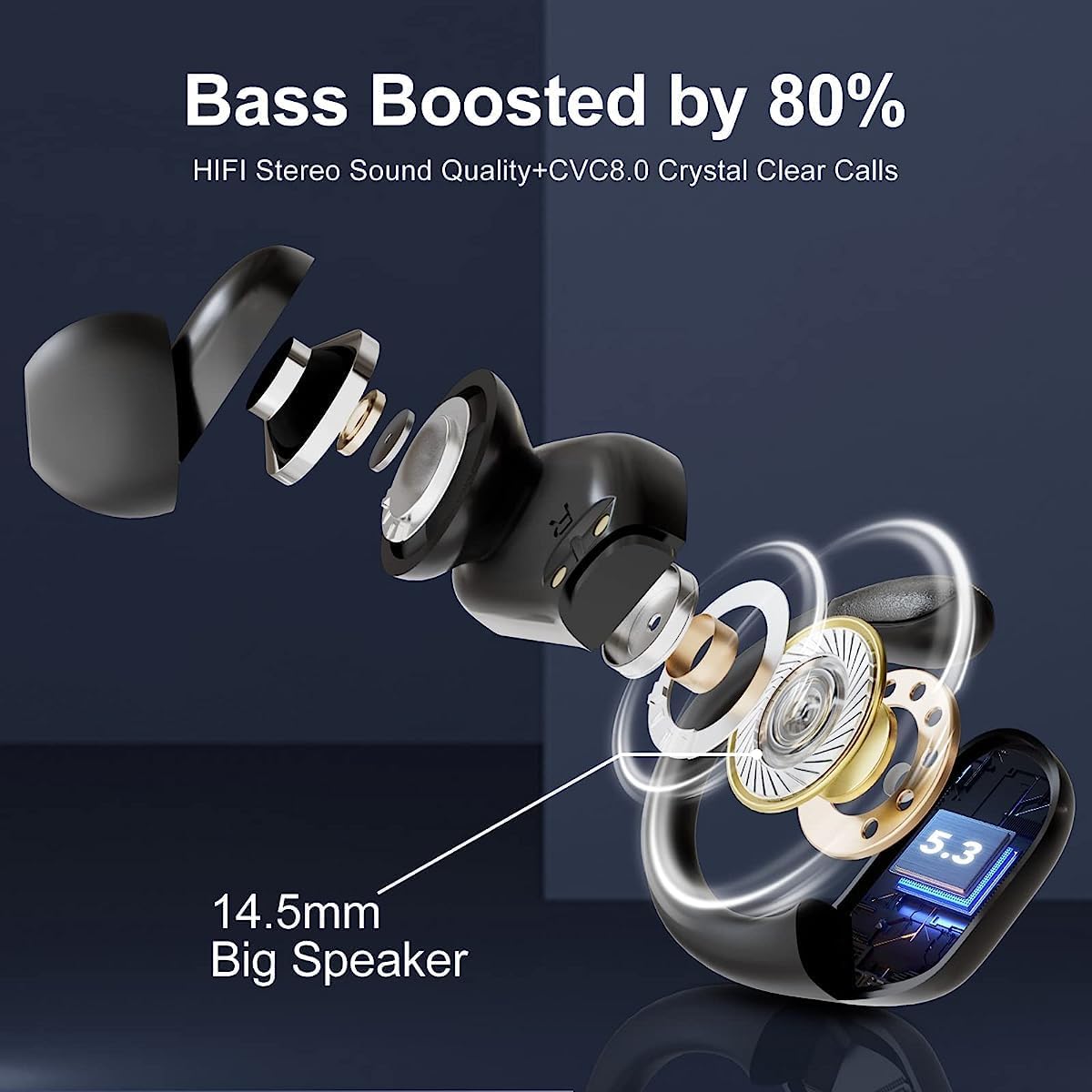
Image: An exploded diagram of an earbud, showcasing the 14.5mm speaker and internal structure responsible for delivering boosted bass and Hi-Fi stereo sound.
4.3 Call Functionality
Two built-in microphones enhance call performance, ensuring clear and loud sound during phone conversations. Answer or reject calls using the button controls as described above.
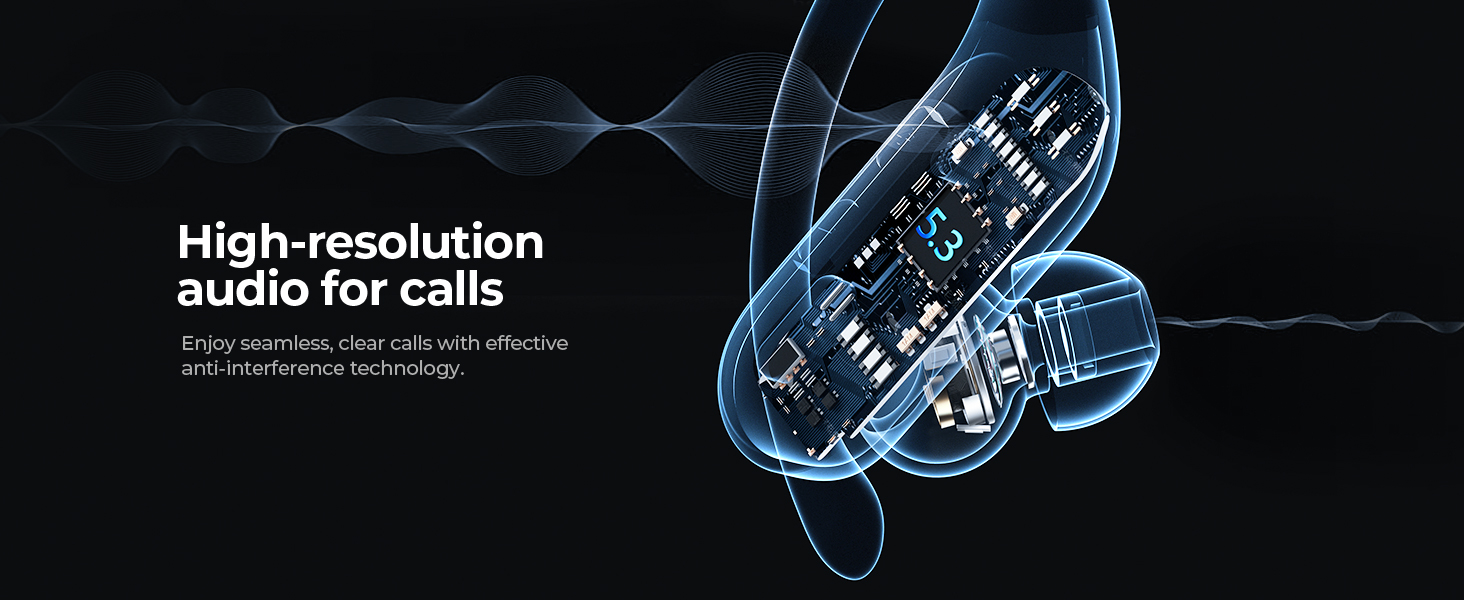
Image: A stylized depiction of an earbud with sound waves, illustrating high-resolution audio for seamless, clear calls with effective anti-interference technology.
4.4 Single/Dual Modes
Use both earbuds simultaneously for a stereo experience, or use either earbud independently while the other charges in the case.
4.5 Compatibility
The earbuds are compatible with iOS/Android smartphones, TV, computers, laptops, smartwatches, and other Bluetooth-enabled devices. Some devices may require a Bluetooth adapter.
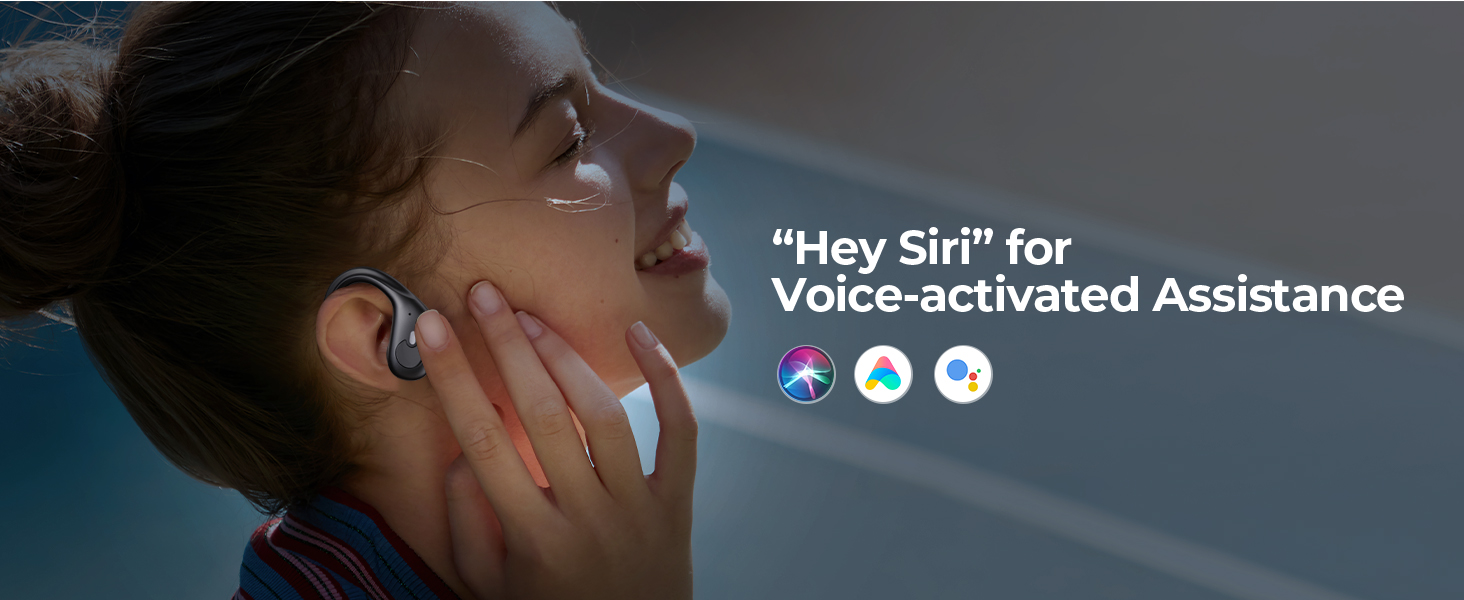
Image: A graphic illustrating the wide compatibility of the earbuds with a central image of the charging case surrounded by icons for mobile phones, smartwatches, TVs, computers, laptops, and tablet PCs.
5. Maintenance
5.1 Cleaning
Regularly clean the earbuds and charging case with a soft, dry cloth. For eartips, remove them and clean with mild soap and water, then dry thoroughly before reattaching. Avoid using harsh chemicals or abrasive materials.
5.2 Storage
When not in use, store the earbuds in their charging case to protect them and ensure they remain charged. Store in a cool, dry place away from extreme temperatures and direct sunlight.
6. Troubleshooting
| Issue | Possible Solution |
|---|---|
| Earbuds not pairing | Ensure earbuds are charged. Turn off and on your device's Bluetooth. Forget "BX30" from your device's Bluetooth list and re-pair. |
| Only one earbud working | Place both earbuds back in the case, close it, then open again. Ensure both are charged. |
| No sound or low volume | Check device volume and earbud volume. Ensure earbuds are correctly seated in your ears. Try different eartip sizes. |
| Charging case not charging | Verify the USB-C cable is properly connected to both the case and power source. Try a different cable or power adapter. |
| Earbuds falling out during activity | Ensure you are using the correct eartip size and that the ear hooks are securely positioned over your ears. |
7. Specifications
| Feature | Detail |
|---|---|
| Model Name | BX30 |
| Connectivity Technology | Wireless (Bluetooth 5.3) |
| Battery Life (Earbuds) | Up to 12 hours (single charge) |
| Total Playtime (with Case) | Up to 90 hours |
| Water Resistance | IPX7 Waterproof |
| Audio Driver Size | 14.5 mm |
| Control Type | Button Control |
| Earpiece Shape | Over Ear Hook |
| Bluetooth Range | 20 Meters |
| Charging Case Dimensions | 84 x 60 x 34.99 mm |
| Charging Case Weight | 64 Grams |
| Material | Plastic |
8. Warranty & Support
For warranty information and customer support, please refer to the contact details provided on the product packaging or the official Wusdayer website. Keep your purchase receipt as proof of purchase.