
1. Introduction
Thank you for choosing the coldSky F03 Handheld Fan. This manual provides essential information for the safe and efficient use of your new fan. Please read it thoroughly before operation and retain it for future reference.
Package Contents
- 1 x coldSky F03 Handheld Fan
- 1 x Wireless Charging Base
- 1 x Type-C USB Charging Cable
- 1 x Lanyard
- 1 x User Manual (this document)

Image 1.1: coldSky F03 Handheld Fan with its wireless charging base and lanyard.

Image 1.2: Visual representation of all items included in the package: handheld fan, lanyard, USB cable, and instruction manual.
2. Safety Instructions
- Do not insert fingers or any objects into the fan grille.
- Keep the fan away from water and moisture.
- Do not disassemble, repair, or modify the fan. Contact customer support if service is required.
- Keep out of reach of children.
- Use only the provided charging cable and base.
- Avoid exposing the fan to extreme temperatures or direct sunlight for extended periods.
3. Product Overview
The coldSky F03 Handheld Fan is designed for personal cooling, offering both handheld and desk fan functionalities with a convenient wireless charging base and a digital display.
Key Features
- Wireless Charging Base: For easy and convenient charging.
- 3 Adjustable Speeds: Customize airflow to your preference.
- Digital Display: Shows battery level and current speed setting.
- 2-in-1 Design: Functions as both a handheld and a desk fan.
- Low Noise Operation: Engineered for quiet performance.
- Portable: Lightweight and compact for easy carrying.

Image 3.1: The digital display on the fan shows the remaining battery percentage and the current wind speed setting.
4. Setup
Initial Charging
- Connect the Type-C USB charging cable to the wireless charging base.
- Plug the other end of the USB cable into a compatible power source (e.g., USB wall adapter, computer USB port, power bank).
- Place the handheld fan onto the wireless charging base. Ensure the fan is properly seated for charging to begin. The digital display will indicate charging status.
- For optimal performance, fully charge the fan before first use.
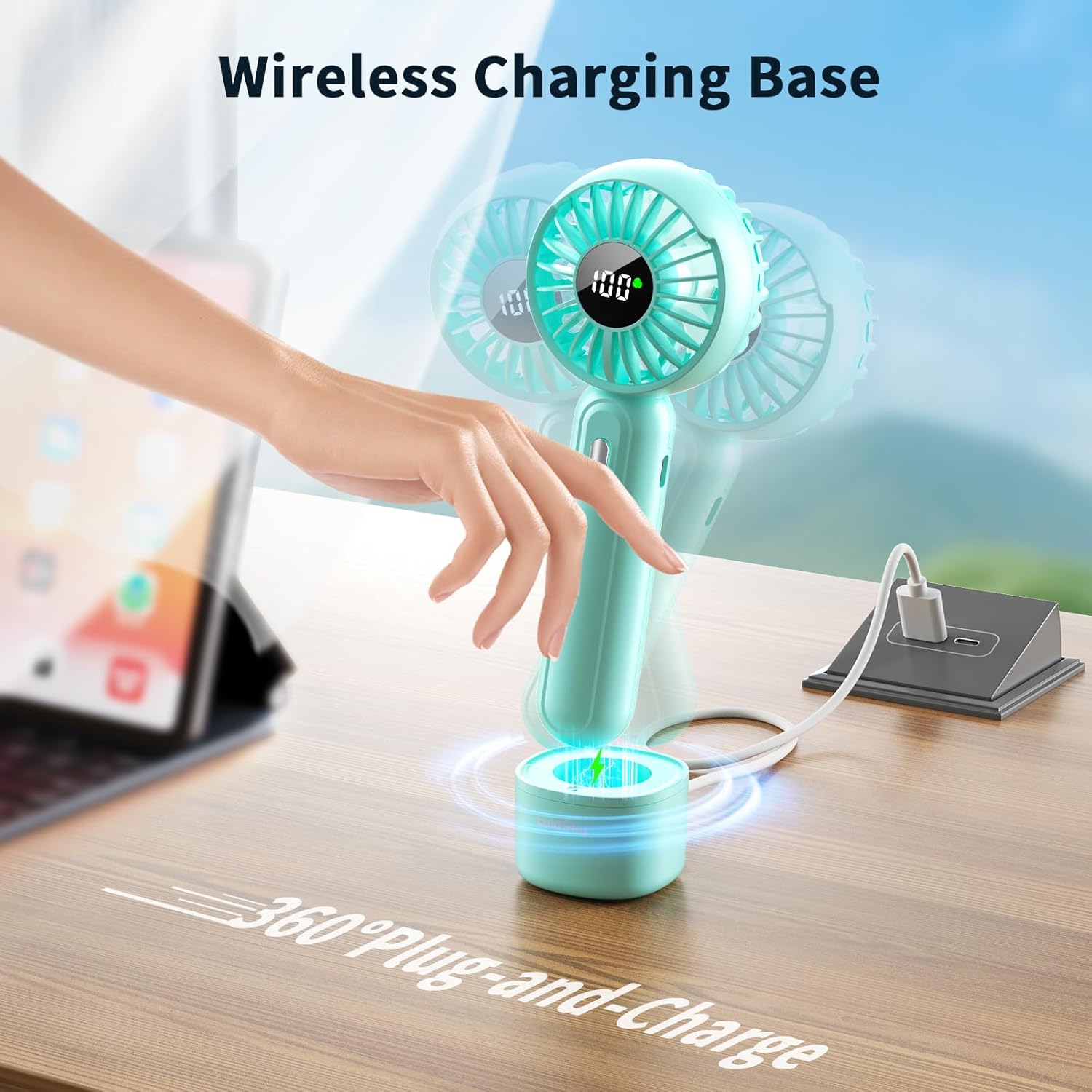
Image 4.1: The handheld fan placed on its wireless charging base, connected to a power source.
Attaching the Lanyard
Locate the lanyard hole on the fan handle. Thread the thin loop of the lanyard through the hole and then pass the larger part of the lanyard through the loop to secure it. This allows for convenient carrying or hanging.

Image 4.2: The handheld fan shown with its flexible lanyard attached, ready for portable use.
5. Operation
Power On/Off and Speed Adjustment
- To turn on the fan, press the power button located on the handle. The fan will start at Speed 1.
- Press the power button again to cycle through the speeds: Speed 1 → Speed 2 → Speed 3.
- To turn off the fan, press the power button after Speed 3, or press and hold the power button for 2 seconds at any speed.

Image 5.1: The fan provides three distinct wind speeds for varied cooling needs.
Digital Display
The integrated LED digital display shows two key pieces of information:
- Battery Level: Indicates the remaining battery percentage (0-100%).
- Wind Speed: Displays the current fan speed (1, 2, or 3).
During charging, the display will show the increasing battery percentage.
Handheld and Desk Fan Modes
- Handheld Mode: Hold the fan by its handle for portable cooling. The attached lanyard can be used for added security.
- Desk Fan Mode: Place the fan into its wireless charging base on a flat surface. The base provides stability, allowing the fan to operate as a stationary desk fan.
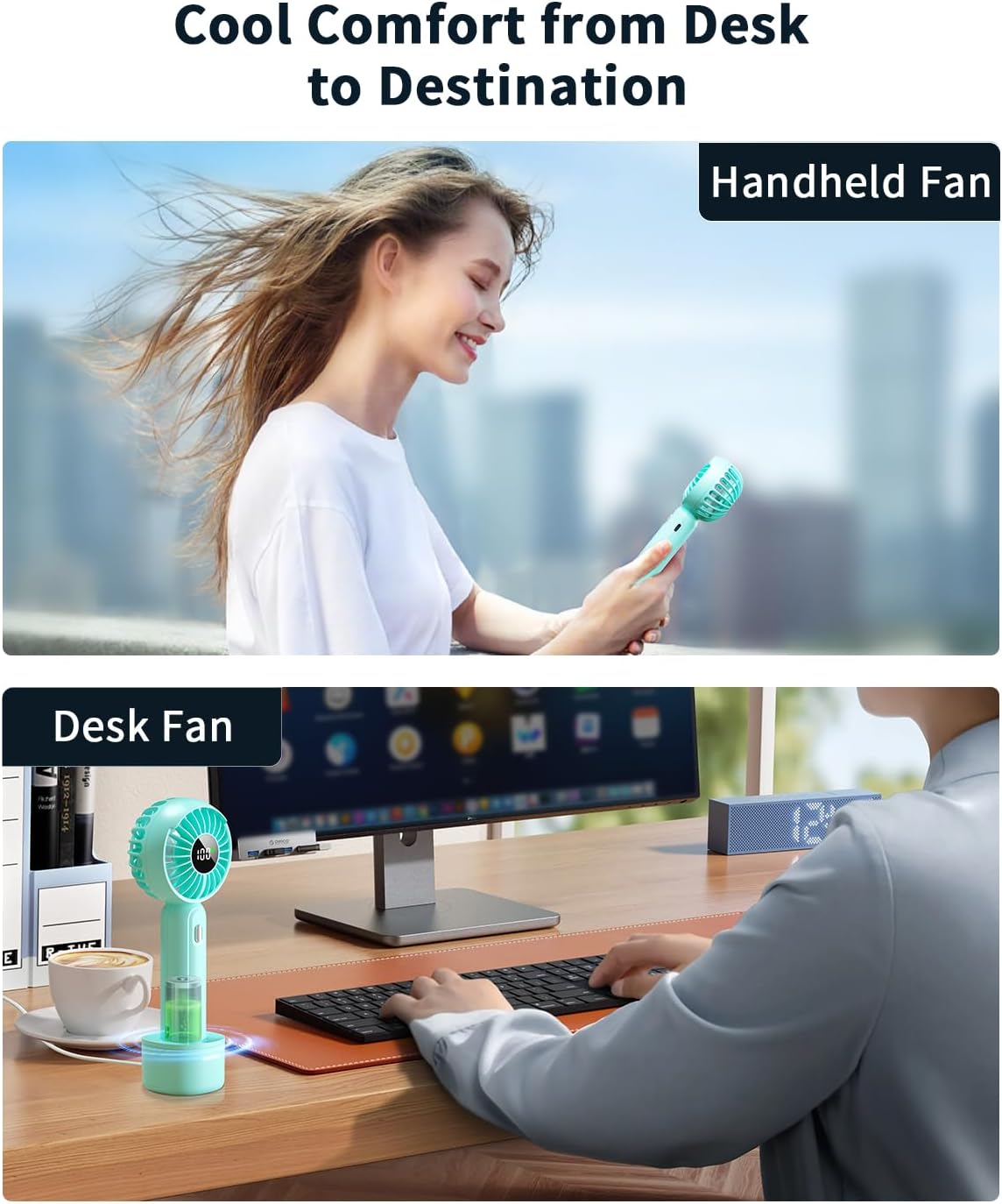
Image 5.2: The fan can be used as a portable handheld device or placed in its base for desk use.

Image 5.3: The fan can also be utilized as a makeup fan for quick drying.
6. Charging
The coldSky F03 fan offers two charging methods:
- Wireless Charging: Place the fan directly onto the wireless charging base. The base must be connected to a power source via the Type-C USB cable.
- Direct Type-C Charging: Connect the Type-C USB cable directly to the charging port on the fan handle.
The digital display will show a charging animation and the current battery percentage while charging. A full charge typically takes approximately 2-3 hours.

Image 6.1: The fan can be recharged using the included Type-C USB cable from various power sources like laptops, power banks, or wall adapters.
7. Maintenance
Cleaning
- Ensure the fan is turned off and unplugged before cleaning.
- Wipe the exterior of the fan with a soft, dry cloth.
- For stubborn dirt, lightly dampen the cloth with water and mild soap, then wipe dry immediately.
- Do not use abrasive cleaners, solvents, or immerse the fan in water.
Storage
When not in use for extended periods, store the fan in a cool, dry place, away from direct sunlight and extreme temperatures. It is recommended to charge the fan every 3 months to maintain battery health.
8. Troubleshooting
| Problem | Possible Cause | Solution |
|---|---|---|
| Fan does not turn on | Low battery Power button not pressed correctly | Charge the fan Press the power button firmly |
| Fan does not charge | Cable or adapter issue Fan not seated correctly on base Charging port obstruction | Try a different cable/adapter Ensure fan is properly aligned on the base Check charging port for debris |
| Weak airflow | Low battery Fan speed set too low | Charge the fan Increase the fan speed setting |
| Unusual noise during operation | Obstruction in fan blades Internal issue | Turn off and carefully check for obstructions (e.g., hair, dust). If noise persists, discontinue use and contact support. |
9. Specifications
| Feature | Detail |
|---|---|
| Brand | coldSky |
| Model Name | F03 |
| Color | Blue |
| Power Source | Battery Powered |
| Battery Type | 1 Lithium Ion battery (included) |
| Battery Capacity | 2000mAh |
| Number of Power Levels | 3 |
| Control Method | Touch |
| Voltage | 5 Volts |
| Product Dimensions | 2.6"D x 1.9"W x 7"H |
| Item Weight | 0.19 Kilograms (6.7 ounces) |
| Special Features | LED Screen, Lightweight, Portable |
| Indoor/Outdoor Usage | Indoor |

Image 9.1: The coldSky F03 fan operates at approximately 30 dB, comparable to a quiet environment.
10. Warranty and Support
coldSky products are manufactured to high-quality standards. For warranty information or technical support, please refer to the contact details provided with your purchase or visit the official coldSky website. Please have your model number (F03) and purchase date available when contacting support.