
FUTURAWAVE EWEADN-G305-Moonlight_White-PK of 3
Eweadn G305 Rechargeable Wireless Gaming Mouse User Manual
Model: EWEADN-G305-Moonlight_White-PK of 3 | Brand: FUTURAWAVE
1. Introduction
Thank you for choosing the Eweadn G305 Rechargeable Wireless Gaming Mouse. This manual provides detailed instructions for setting up, operating, maintaining, and troubleshooting your new gaming mouse. Please read this manual carefully before use to ensure optimal performance and longevity of your device.
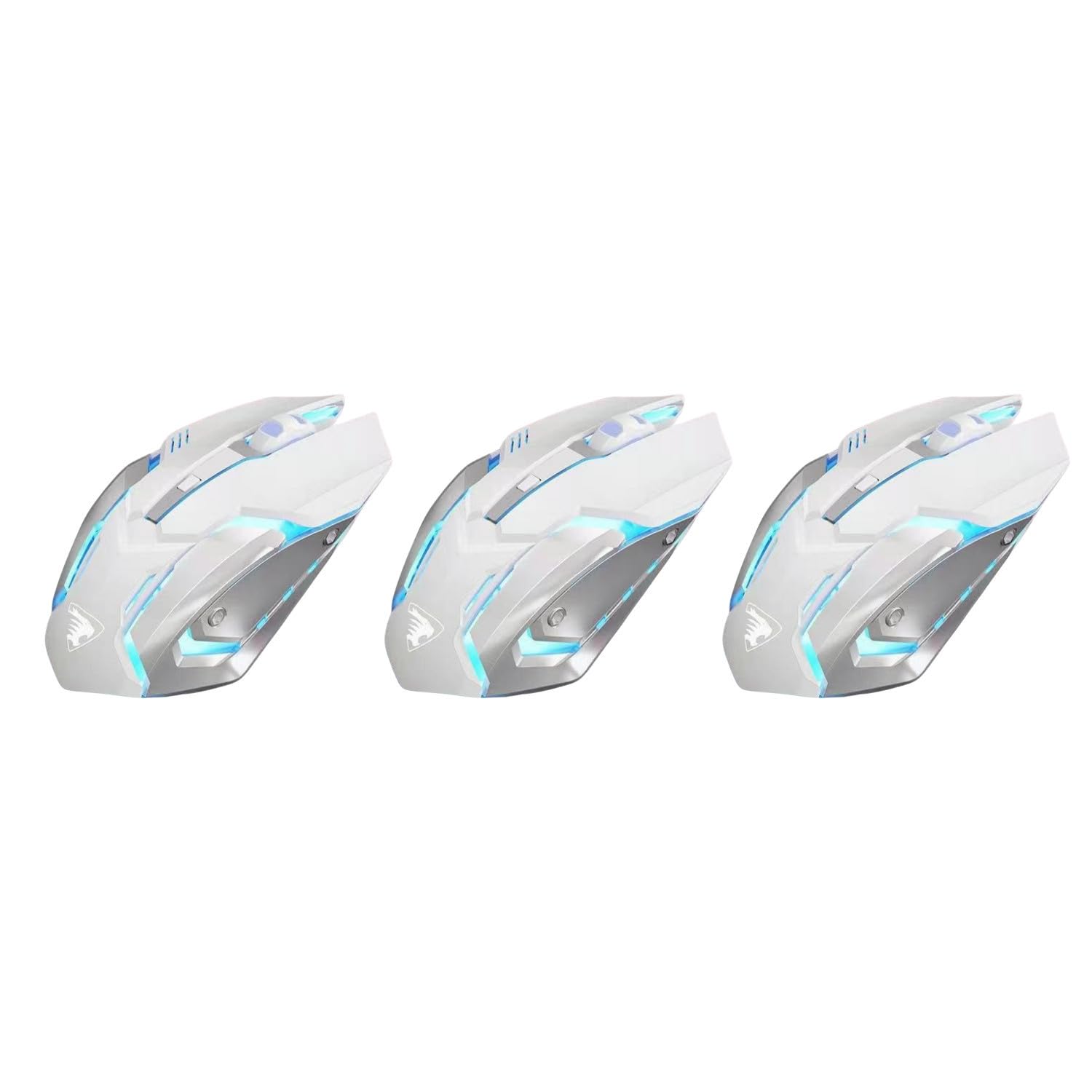
Image: Three Eweadn G305 wireless gaming mice in Moonlight White, showcasing the product's design and color.
2. Package Contents
Please check the package for the following items:
- Eweadn G305 Rechargeable Wireless Gaming Mouse
- USB Receiver (2.4 GHz)
- USB Charging Cable
- User Manual
3. Setup Guide
3.1 Charging the Mouse
The Eweadn G305 mouse features a built-in rechargeable Li-ion battery. Before first use, it is recommended to fully charge the mouse.
- Connect the small end of the USB charging cable to the charging port on the front of the mouse.
- Connect the standard USB end of the cable to a USB port on your computer or a USB wall adapter.
- The mouse's indicator light will show charging status. Once fully charged, the light may change or turn off.
- You can continue to use the mouse in wired mode while it is charging.
A full charge provides up to 90 days of battery life, depending on usage.
3.2 Connecting the Wireless Receiver
The mouse connects wirelessly via a 2.4 GHz USB receiver.
- Locate the USB receiver, usually stored in a compartment on the underside of the mouse.
- Plug the USB receiver into an available USB port on your computer (PC, Laptop, Mac).
- Turn on the mouse using the power switch located on its underside.
- The mouse should automatically connect to your computer. No additional drivers are typically required for basic functionality.
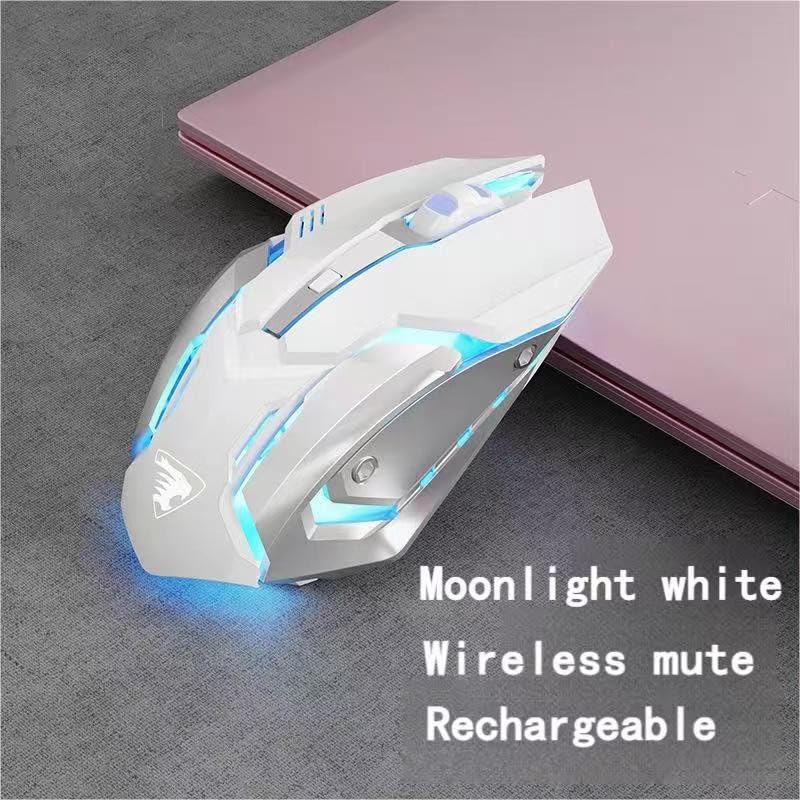
Image: A single Eweadn G305 wireless gaming mouse in Moonlight White, illustrating its wireless capability and sleek design.
4. Operating Instructions
4.1 Button Functions
The Eweadn G305 mouse features 7D buttons, providing versatile control for various tasks and gaming genres.
- Left Click Button: Standard primary click function.
- Right Click Button: Standard secondary click function.
- Scroll Wheel: Scrolls up/down, and acts as a middle click button.
- DPI Adjustment Button: Cycles through DPI settings (see 4.2).
- Forward Button: Navigates forward in web browsers or file explorers.
- Backward Button: Navigates backward in web browsers or file explorers.
- Additional Programmable Button: (Specific function may vary or be customizable via software, if available).
4.2 Adjusting DPI Sensitivity
The mouse offers three adjustable DPI (Dots Per Inch) sensitivity levels to suit different activities, from casual use to competitive gaming.
- 1200 DPI: Ideal for casual use and precise tasks.
- 1600 DPI: Suitable for general working and graphic design.
- 2400 DPI: Recommended for competitive gaming requiring fast cursor movement.
Press the DPI adjustment button (usually located behind the scroll wheel) to cycle through these sensitivity settings.
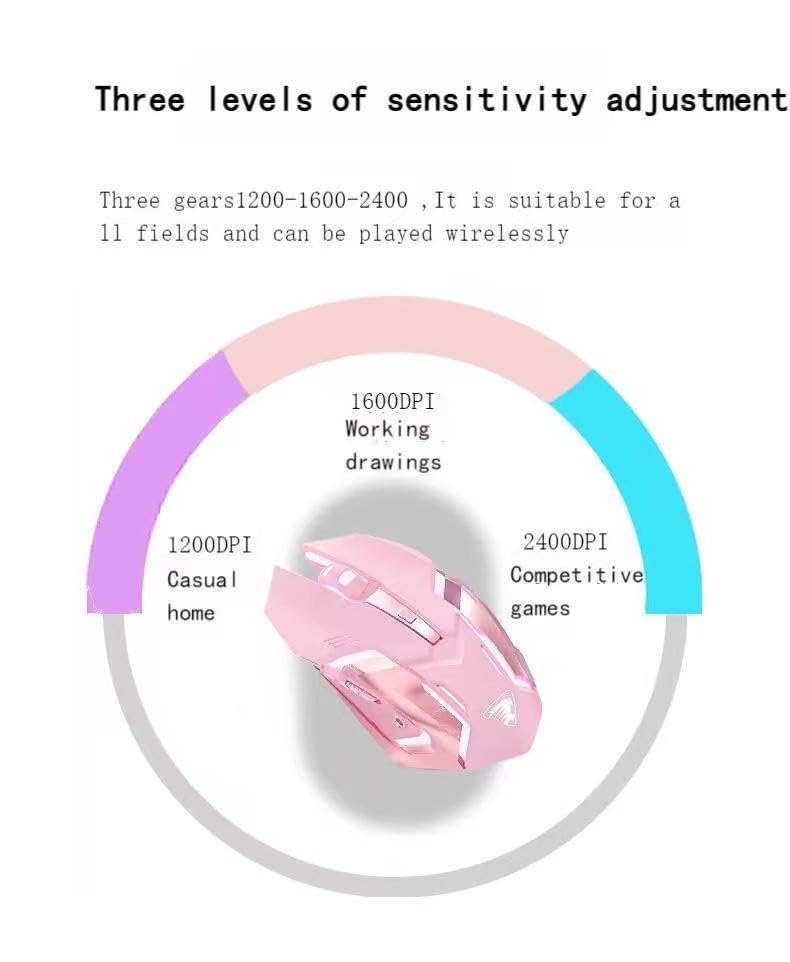
Image: A diagram illustrating the three adjustable DPI levels (1200, 1600, 2400) of the Eweadn G305 mouse, with a pink mouse at the center.
4.3 Auto-Sleep Feature
To conserve battery life, the Eweadn G305 mouse is equipped with an integrated time-sensing technology that automatically places the mouse into sleep mode if it is left idle for a period. To wake the mouse, simply move it or click any button.
4.4 Breathing Lights
The mouse features dynamic 7-color breathing lights, enhancing its aesthetic appeal. These lights activate when the mouse is in use and contribute to the gaming ambiance.

Image: A pink Eweadn G305 wireless gaming mouse with text detailing its key features, including 2.4 GHz connectivity, 6 buttons, adjustable DPI, silent click, and ergonomic design.
5. Maintenance and Care
Proper care will ensure the longevity and performance of your Eweadn G305 mouse.
- Cleaning: Use a soft, dry cloth to wipe the surface of the mouse. For stubborn dirt, a slightly damp cloth can be used, but ensure no moisture enters the internal components. Avoid harsh chemicals or abrasive cleaners.
- Storage: When not in use, store the mouse in a clean, dry place away from direct sunlight and extreme temperatures. The lightweight and portable design allows for easy storage and transport.
- Battery Care: Avoid fully discharging the battery frequently. Charge the mouse when the battery is low to maintain optimal battery health.

Image: A pink Eweadn G305 wireless gaming mouse on a dark surface, emphasizing its silent click and anti-fingerprint finish for maximum comfort during use.
6. Troubleshooting Common Issues
If you encounter any issues with your Eweadn G305 mouse, please refer to the following table for common problems and solutions.
| Problem | Possible Cause | Solution |
|---|---|---|
| Mouse not responding | Low battery; USB receiver disconnected; Mouse power off; Driver issue. | Charge the mouse; Re-insert USB receiver; Turn on mouse power switch; Try a different USB port; Restart computer. |
| Lag or intermittent connection | Interference; Distance from receiver; Low battery. | Move closer to receiver (within 10m); Ensure no large metal objects between mouse and receiver; Charge the mouse. |
| DPI adjustment not working | Button malfunction; Software conflict. | Ensure mouse is powered on and connected; Try restarting the mouse/computer. |
| Breathing lights not working | Mouse is in sleep mode; Power issue. | Move or click the mouse to wake it; Ensure mouse is charged and powered on. |
7. Product Specifications
| Feature | Detail |
|---|---|
| Model Name | EWEADN-G305-Moonlight_White-PK of 3 |
| Connectivity | 2.4 GHz Wireless (USB Receiver) |
| Buttons | 7D Buttons (including DPI, Forward/Backward) |
| DPI Levels | 1200 / 1600 / 2400 DPI (Adjustable) |
| Battery Type | Rechargeable Li-ion (500mAh) |
| Battery Life | Up to 90 days (average use) |
| Special Features | Silent Click, Ergonomic Design, Auto-Sleep, 7-Color Breathing Lights, Anti-fingerprint finish |
| Movement Detection | Optical |
| Compatible Devices | Personal Computer, Laptop, Mac |
| Operating System | Windows XP and above (compatible with modern OS) |
| Product Dimensions | 12.5 x 7.7 x 4 cm |
| Country of Origin | India |
8. Warranty and Customer Support
8.1 Warranty Information
Specific warranty details for the Eweadn G305 Rechargeable Wireless Gaming Mouse are typically provided at the point of purchase or on the product packaging. Please retain your proof of purchase for any warranty claims. For detailed warranty terms and conditions, please refer to the official FUTURAWAVE website or contact your retailer.
8.2 Customer Support
If you have any questions, require technical assistance, or encounter issues not covered in this manual, please contact FUTURAWAVE customer support. Contact information can usually be found on the product packaging, the brand's official website, or through your retailer.