
Introduction
This manual provides detailed instructions for the proper use and care of your Nautica Men's Black Wheat PU Fiber Strap Watch, Model NAPNOS4S4. Please read this manual thoroughly to ensure optimal performance and longevity of your timepiece.
The Nautica One Eco watch features a 43mm Eco-ceramic case and dial, complemented by a comfortable Wheat PU Fiber strap. It includes a chronograph movement with a date display and luminous hands for enhanced visibility.
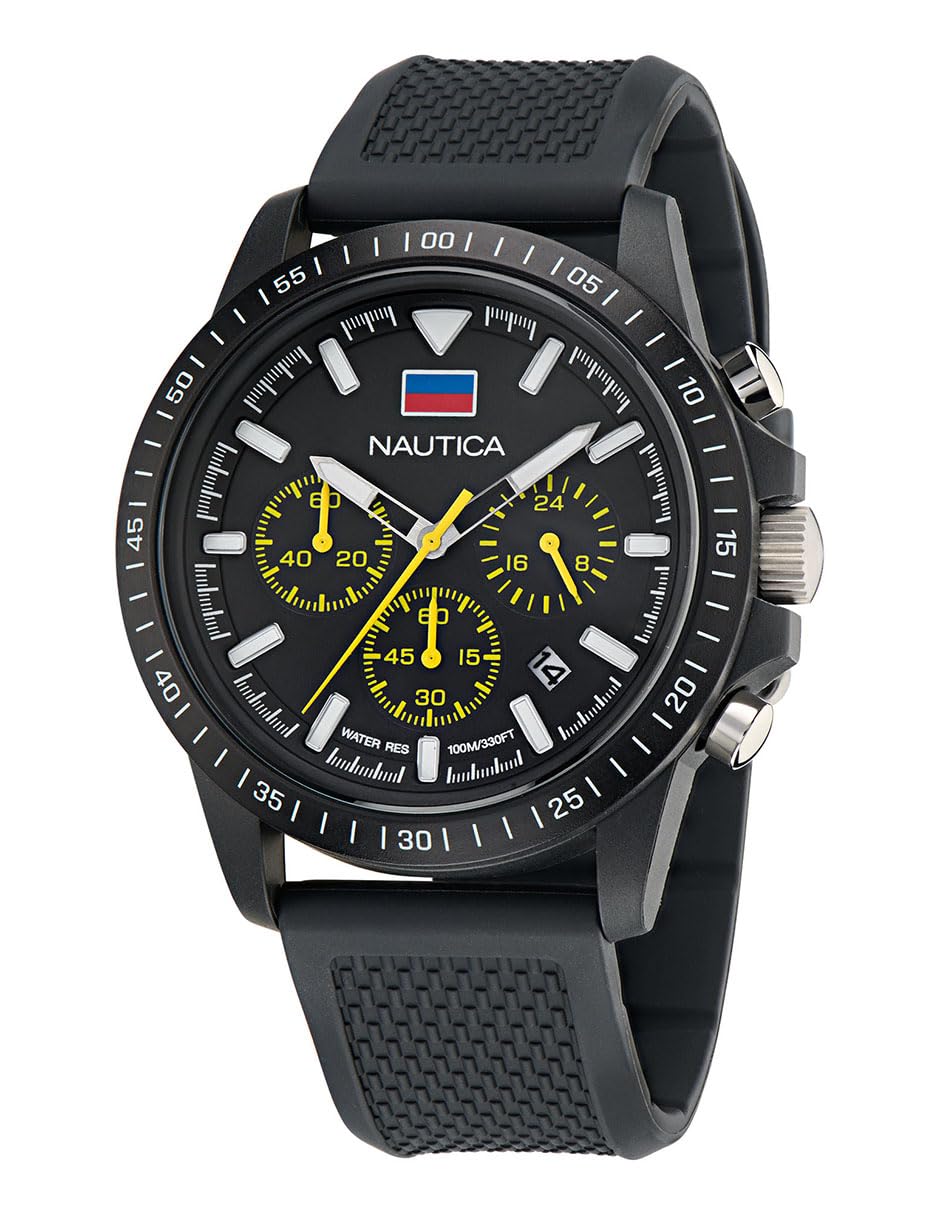
Image: Front view of the Nautica NAPNOS4S4 watch, showcasing the black dial, chronograph subdials, and wheat PU fiber strap.
Setup
Setting the Time and Date
- Pull out the crown: Gently pull the crown (the knob on the side of the watch) to position 2 for setting the date, or to position 3 for setting the time.
- Set the date: If in position 2, turn the crown clockwise or counter-clockwise to adjust the date.
- Set the time: If in position 3, turn the crown to move the hour and minute hands. Ensure to set the correct AM/PM by observing if the date changes when passing midnight.
- Push in the crown: Once the time and date are set, push the crown back into position 1 (normal operating position) to start the watch and ensure water resistance.
Adjusting the Strap
The wheat PU fiber strap is adjustable. If the strap is too loose or too tight, you can adjust the buckle to a comfortable fit. For significant adjustments or replacement, consult a professional watch technician.
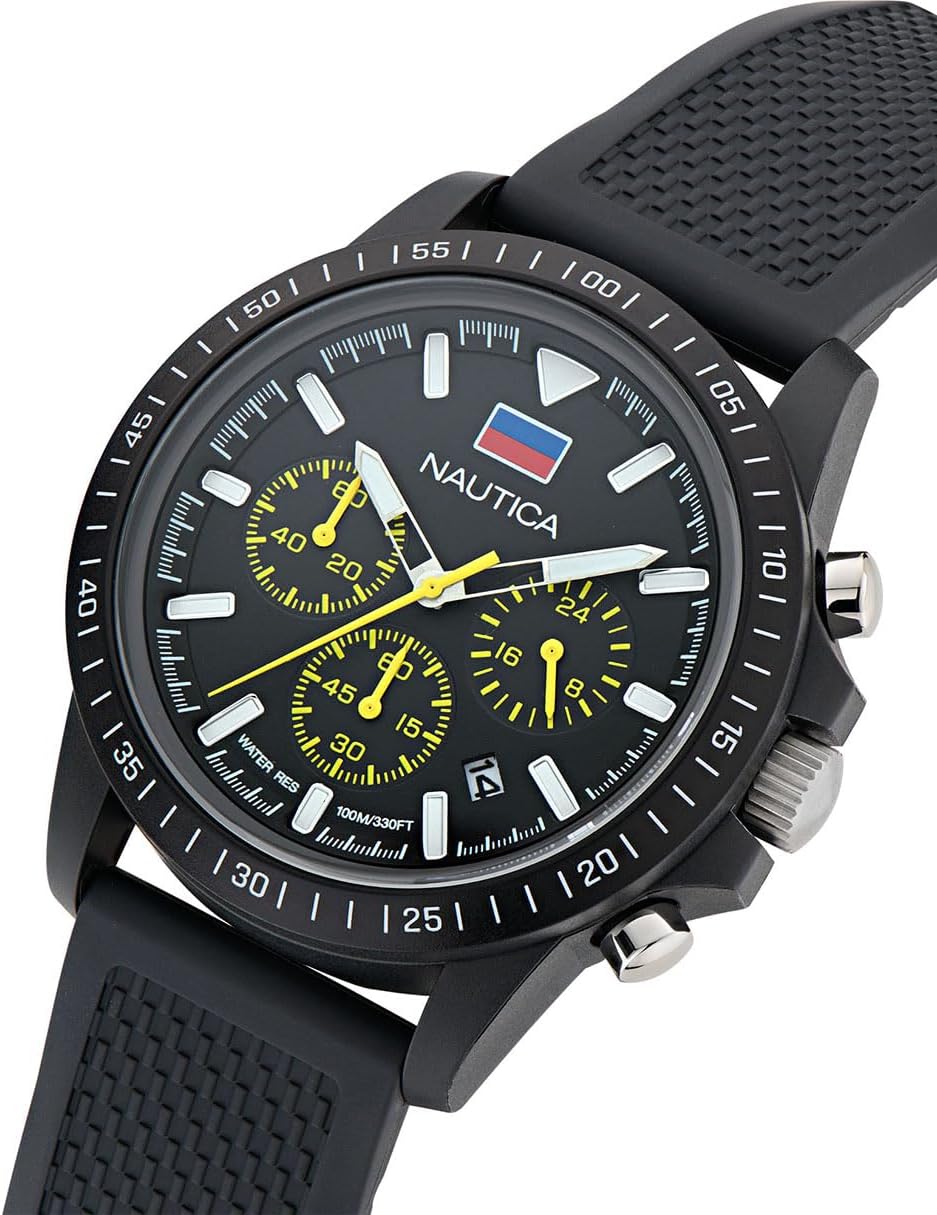
Image: Side view of the watch, highlighting the crown and chronograph pushers used for setting time and operating functions.
Operating the Watch
Basic Timekeeping
Your Nautica watch displays time using hour, minute, and second hands. The luminous infill on the hands allows for readability in low-light conditions.
Chronograph Function
This watch features a chronograph (stopwatch) function. The subdials on the watch face measure elapsed time.
- Start: Press the top pusher (button) to start the chronograph. The chronograph second hand will begin to move.
- Stop: Press the top pusher again to stop the chronograph. The elapsed time will be indicated by the chronograph hands.
- Reset: Press the bottom pusher to reset the chronograph hands to their zero positions.
Water Resistance
The watch is water-resistant to 100 meters (330 feet). This rating makes it suitable for swimming and snorkeling, but not for scuba diving. Ensure the crown is fully pushed in before any contact with water. Do not operate the crown or pushers while the watch is wet or submerged.
Maintenance
Cleaning Your Watch
To clean your watch, wipe the case and strap with a soft, damp cloth. For the strap, avoid harsh chemicals that may damage the PU fiber. For the watch case, a mild soap solution can be used, followed by rinsing with clean water and drying thoroughly. Ensure the crown is fully closed before cleaning.
Battery Replacement
The watch is powered by a quartz movement, which requires a battery. When the watch stops or the second hand begins to skip, it indicates a low battery. Battery replacement should be performed by a qualified watch technician to ensure the watch's water resistance is maintained.
Storage
When not wearing your watch, store it in a cool, dry place away from direct sunlight and extreme temperatures. Avoid storing it near magnetic fields, which can affect the accuracy of the quartz movement.
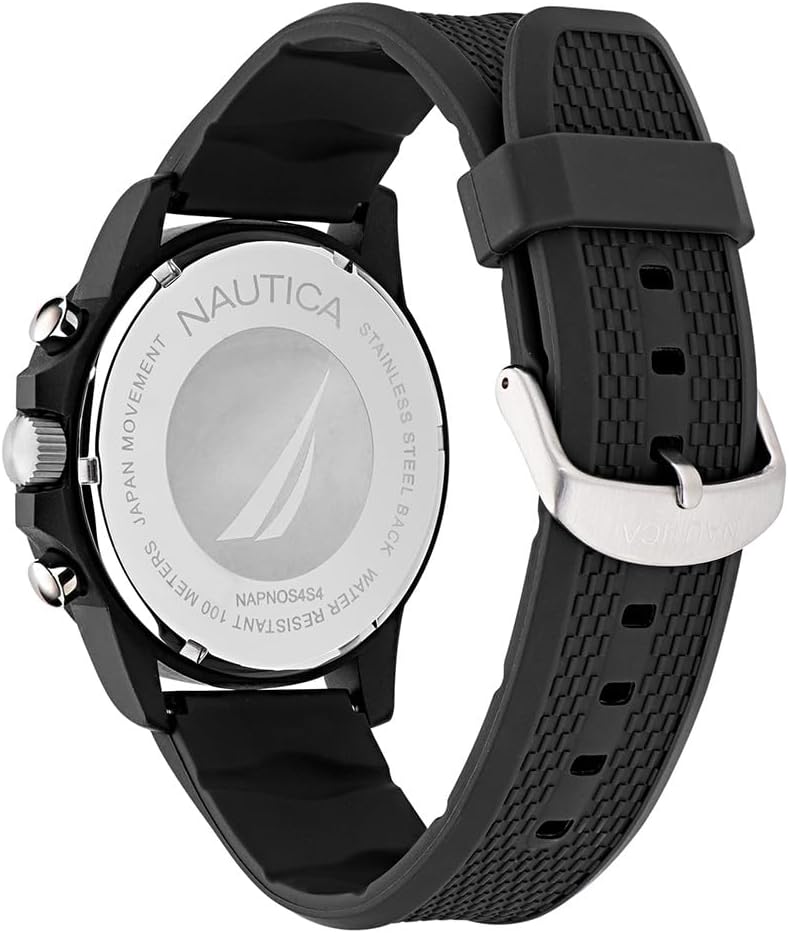
Image: Back view of the watch, showing the screw-down case back with water resistance and model information.
Troubleshooting
- Watch not running: Check if the crown is fully pushed in. If it is, the battery may need replacement.
- Incorrect time/date: Refer to the 'Setting the Time and Date' section to re-adjust.
- Chronograph hands not resetting to zero: This may require a specific reset procedure or professional adjustment. Consult a watch technician.
- Condensation under crystal: This indicates a breach in water resistance. Have the watch inspected by a professional immediately to prevent further damage.
Specifications
| Model Number | NAPNOS4S4 |
| Case Material | Eco Ceramic |
| Case Diameter | 43mm (44 Millimeters) |
| Case Thickness | 13.4 Millimeters |
| Crystal | Mineral Glass |
| Band Material | Wheat PU Fiber |
| Band Width | 22 Millimeters |
| Movement Type | Quartz Chronograph |
| Water Resistance Depth | 100 Meters (330 Feet) |
| Display Type | Analog |
| Features | Chronograph, Date Display, Luminous Hands |
| Weight | 60 Grams |
Warranty Information
Your Nautica watch is covered by a Limited Warranty. The terms and conditions of this warranty typically cover manufacturing defects. For specific details regarding the duration and coverage of your warranty, please refer to the warranty card included with your purchase or visit the official Nautica website.
Keep your proof of purchase for warranty claims.
Customer Support
For further assistance, service, or inquiries not covered in this manual, please visit the official Nautica website or contact their customer service department. You can often find contact information and FAQs on the brand's official support pages.
Official Nautica Website: www.nautica.com