
1. Introduction to the Guide
The SAMSUNG GALAXY S24 ULTRA USER GUIDE is designed to help users, from beginners to seniors, understand and master their Samsung Galaxy S24 Ultra smartphone. This book aims to simplify complex features and provide clear, step-by-step instructions.
The guide covers a wide array of topics, ensuring you can quickly become proficient with your phone's new features, functions, and settings without extensive prior experience.
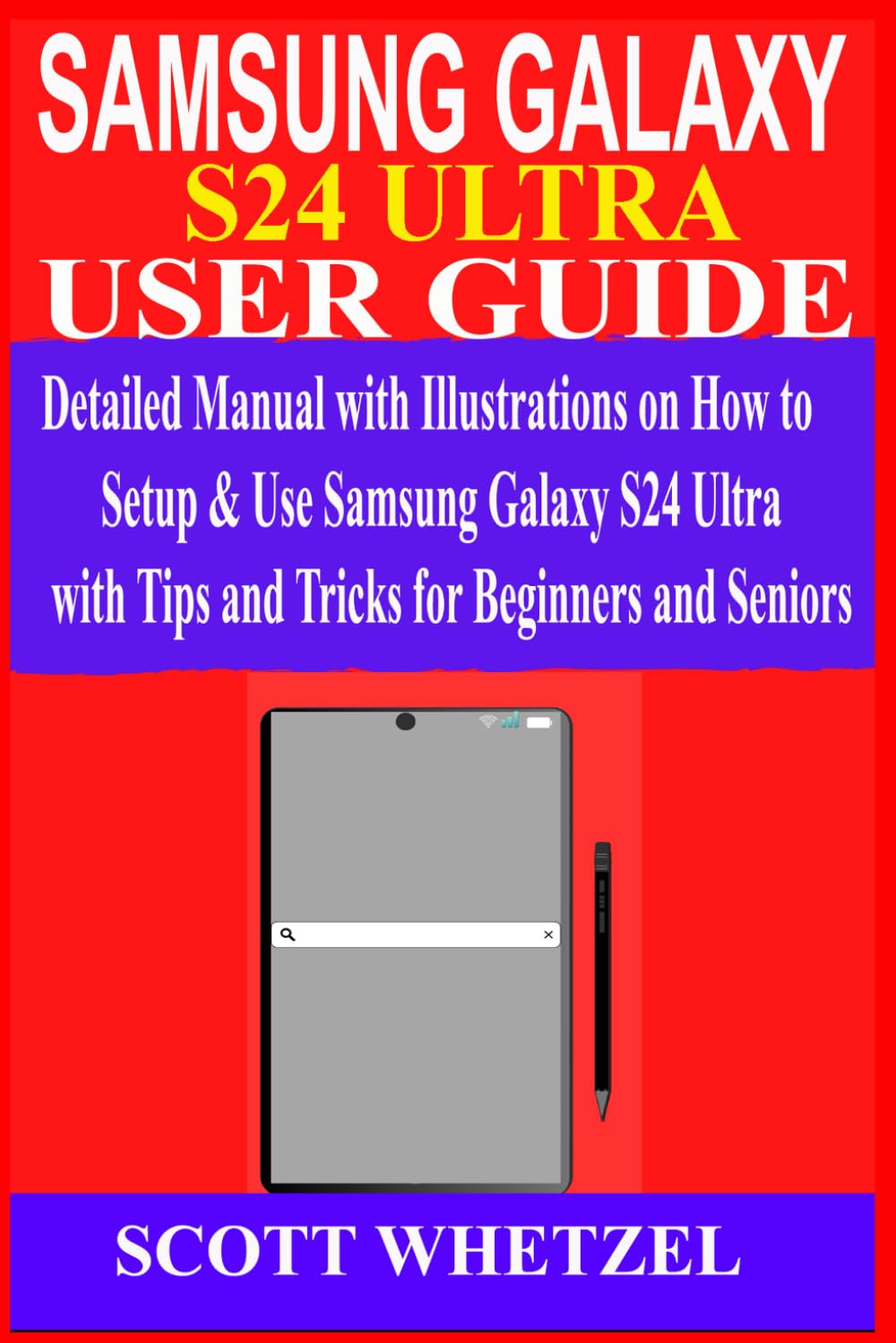
Image 1.1: Front cover of the SAMSUNG GALAXY S24 ULTRA USER GUIDE. This image displays the front cover of the user guide, featuring the title 'SAMSUNG GALAXY S24 ULTRA USER GUIDE' and an illustration of a smartphone with an S Pen, indicating the primary subject of the book.
2. Guide Structure and Navigation
This user guide is organized into logical sections, each focusing on a specific aspect of the Samsung Galaxy S24 Ultra. To effectively navigate the book:
- Scan Headings: Each chapter and major section begins with a clear heading, allowing you to quickly identify the topic being discussed.
- Review Bullet Points: Key information and step-by-step instructions are often presented in bulleted or numbered lists for easy readability.
- Utilize Illustrations: The guide includes illustrations to visually aid understanding of various features and procedures. Refer to these images as you read the accompanying text.
3. Key Content Sections
The book covers a comprehensive range of topics related to the Samsung Galaxy S24 Ultra. Below are the main areas you will find detailed information on:
3.1. Setup and Initial Configuration
- Charging and Power Management (On/Off/Restart, Wireless Power-sharing)
- SIM Card and eSIM Setup (Insertion, QR code scanning)
- Network and Wi-Fi Connections
- Samsung Account Setup and Management
- Biometric Security (Fingerprint Recognition, Face Recognition)
- Screen Lock Settings
3.2. Core Device Operations
- Calling and Contacts Management
- Customizing the Home Screen and Organizing Applications
- Using Multi-window and Split Screen
- Picture-in-Picture Mode
- Dark Mode and Flight Mode
- Digital Wellbeing Features (Focus Mode, Do Not Disturb)
- NFC for Contactless Payments
- Gaming Features
- Printing from Your Device
- Samsung Pass and Autofill
- Samsung Wallet
- Find My Mobile
3.3. Advanced Features and Galaxy AI
- Using the S Pen (Smart Select, Intelligent Capture, Handwritten Mode, Text Conversion)
- Galaxy AI Live Translation (Phone Calls, Chat)
- Galaxy AI Writing Assistance for Texts
- Circle to Search Functionality
3.4. Camera and Photography
- Camera Assistant Features
- Video Recording (Adjusting Speed, Screen Recorder, Super Steady)
- Night Mode (Selfies, Portraits, Video)
- High-resolution and Expert RAW Images
- Live and Real-time Focus Video
- Single Take Mode
- Applying Filters
- Zoom Functionality
- Scanning QR Codes
- Using the Gallery App
3.5. Data Management
- Managing Smart Switches for Data Transfer
- Data Backup and Restoration Procedures
3.6. Digital Wellbeing and Health Features
- Parental Control and Samsung Kids
- Samsung Health (Account Setup, Workout Programs, TV Mirror View, Stress Tracking)
4. Troubleshooting
The guide includes a troubleshooting section to address common issues you might encounter with your Samsung Galaxy S24 Ultra. Refer to this section for solutions to frequently asked questions and problems.
5. Specifications of the Guide
This section provides details about the physical attributes and publication information of the SAMSUNG GALAXY S24 ULTRA USER GUIDE book.
| Attribute | Detail |
|---|---|
| Author | SCOTT WHETZEL |
| Publisher | Independently published |
| Publication Date | January 23, 2024 |
| Language | English |
| Print Length | 241 pages |
| ISBN-13 | 979-8877098534 |
| Item Weight | 15 ounces |
| Dimensions | 6 x 0.55 x 9 inches |
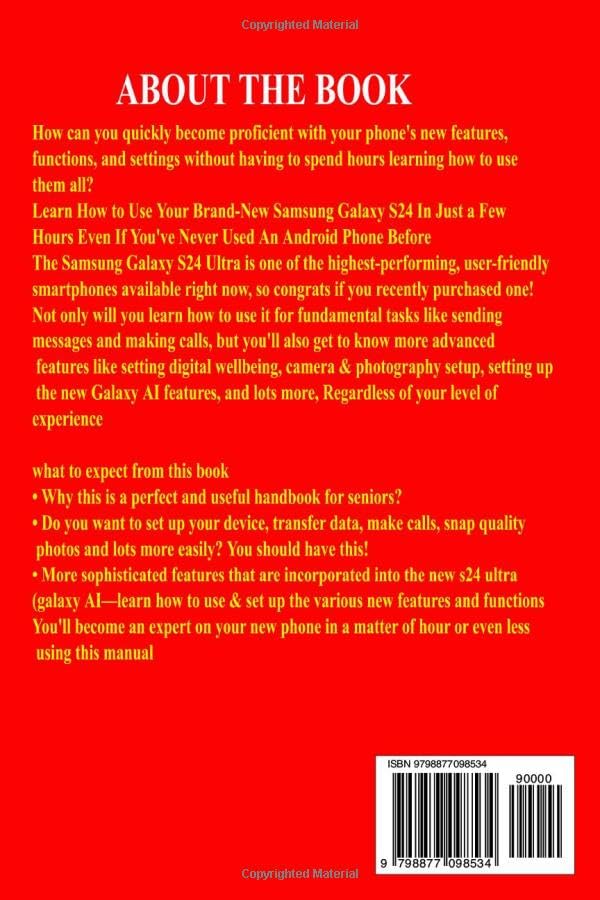
Image 5.1: Back cover of the SAMSUNG GALAXY S24 ULTRA USER GUIDE. This image shows the back cover of the user guide, which includes a brief description of the book's content and its ISBN barcode: 979-8877098534.
6. Warranty and Support
For inquiries regarding the content of this user guide, please refer to the publisher's or author's contact information if provided within the book. For support related to the Samsung Galaxy S24 Ultra device itself, please consult Samsung's official documentation or customer support channels.