
IDAKODU T78
IDAKODU Bluetooth Headset DD97181-White-YC-150
User Manual
Introduction
The IDAKODU T78 Wireless Bluetooth 5.0 Earbuds are designed to provide a superior audio experience with advanced features such as fast transmission speed, stable connectivity, and high-quality sound. This manual provides detailed instructions on how to set up, operate, and maintain your new earbuds.
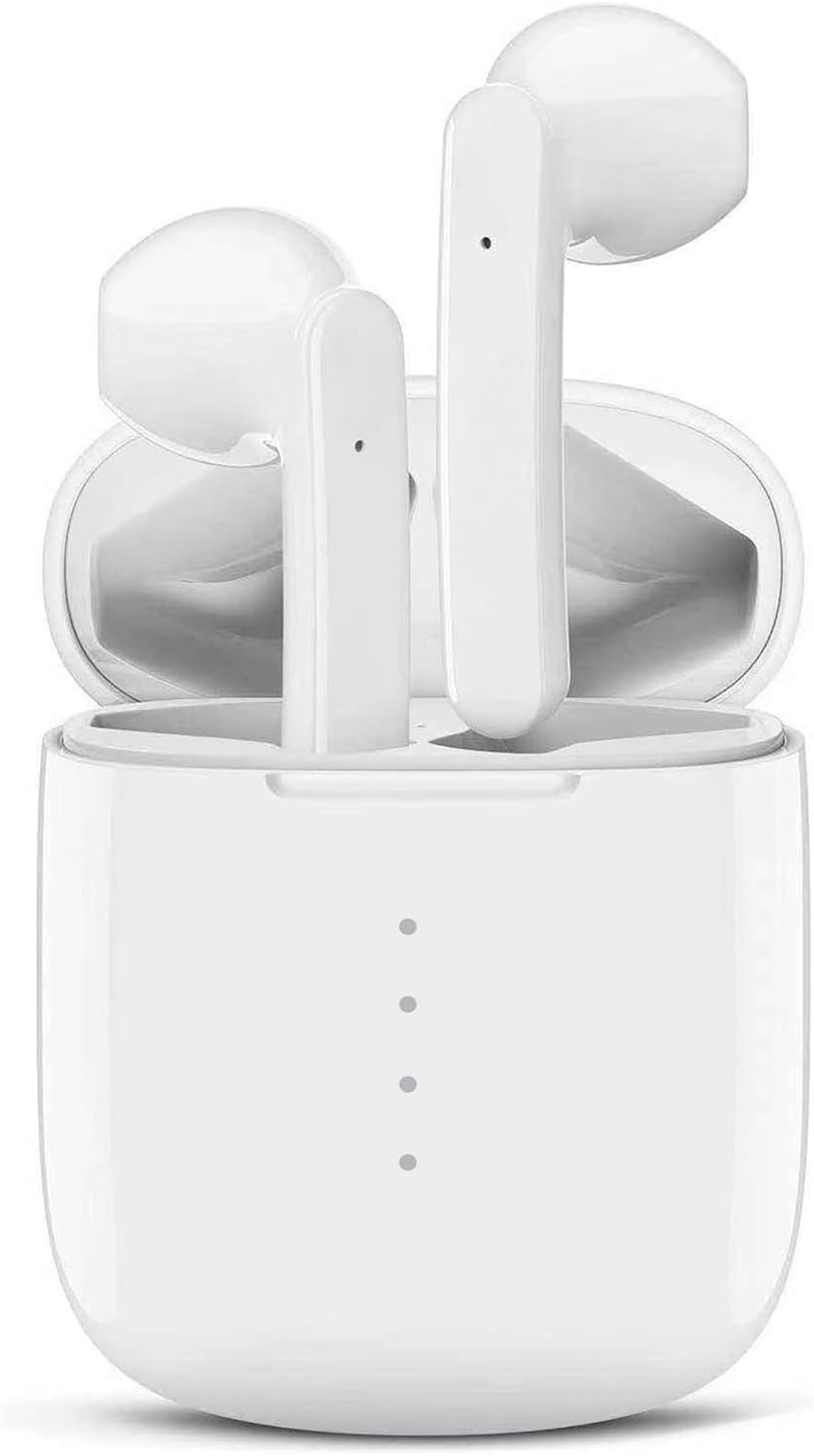
Image: The IDAKODU T78 Bluetooth Earbuds are shown resting inside their open white charging case, highlighting their compact and sleek design.
Package Contents
Please check the package carefully to ensure all items are present:
- Wireless Earbud × 2 (Left and Right)
- Charging Case × 1
- USB Type C Data Cable × 1
- User Manual × 1
Specifications
| Product Number | T78 |
| Bluetooth Version | V5.0 + EDR |
| Wireless Range | 15m (50ft) |
| Charging Case Battery Capacity | 350mAh |
| Earbud Battery Capacity | 30mAh |
| Working Time | 5 hours (single charge) |
| Total Playtime (with charging case) | 30 hours |
| Charging Time (Earbuds) | 1 hour |
| Fast Charging | 15 minutes charge for 2 hours use |
| Material | Plastic |
| Waterproof Rating | IPX8 |
Setup and Pairing
The IDAKODU T78 earbuds feature an automatic pairing system for a hassle-free experience.
- Initial Pairing: Open the charging case. The earbuds will automatically power on and enter pairing mode.
- On your mobile phone or Bluetooth-enabled device, go to the Bluetooth settings.
- Look for "T78" in the list of available devices and select it to connect.
- Once connected, the light on the left earbud will stop flashing, indicating a successful connection.
- Automatic Reconnection: After the initial pairing, the earbuds will automatically connect to the last paired device when you open the charging case.

Image: This illustration demonstrates the simple one-step pairing process: take the earbuds out of the case to pair, and put them back to charge. A smartphone screen shows "T78" connected in Bluetooth settings.
Operating and Controls
The IDAKODU T78 earbuds feature intuitive touch controls on each earbud, allowing you to manage music playback, calls, and voice assistants.
Touch Control Functions:
- Single Click:
- Play/Pause Music: Click either earbud.
- Answer Call: Click either earbud.
- Hang Up Call: Click either earbud.
- Activate Siri (iOS only): Click either earbud.
- 2-Second Press:
- Next Song: Press and hold the Right earbud for 2 seconds.
- Previous Song: Press and hold the Left earbud for 2 seconds.
- Reject Call: Press and hold either earbud for 2 seconds.
- Switch Call (between phone and earbuds): Press and hold either earbud for 2 seconds during a call.
- Power On/Off: Press and hold either earbud for 2 seconds.
- Volume Control:
- Increase Volume: Double-click the Right earbud.
- Decrease Volume: Double-click the Left earbud.
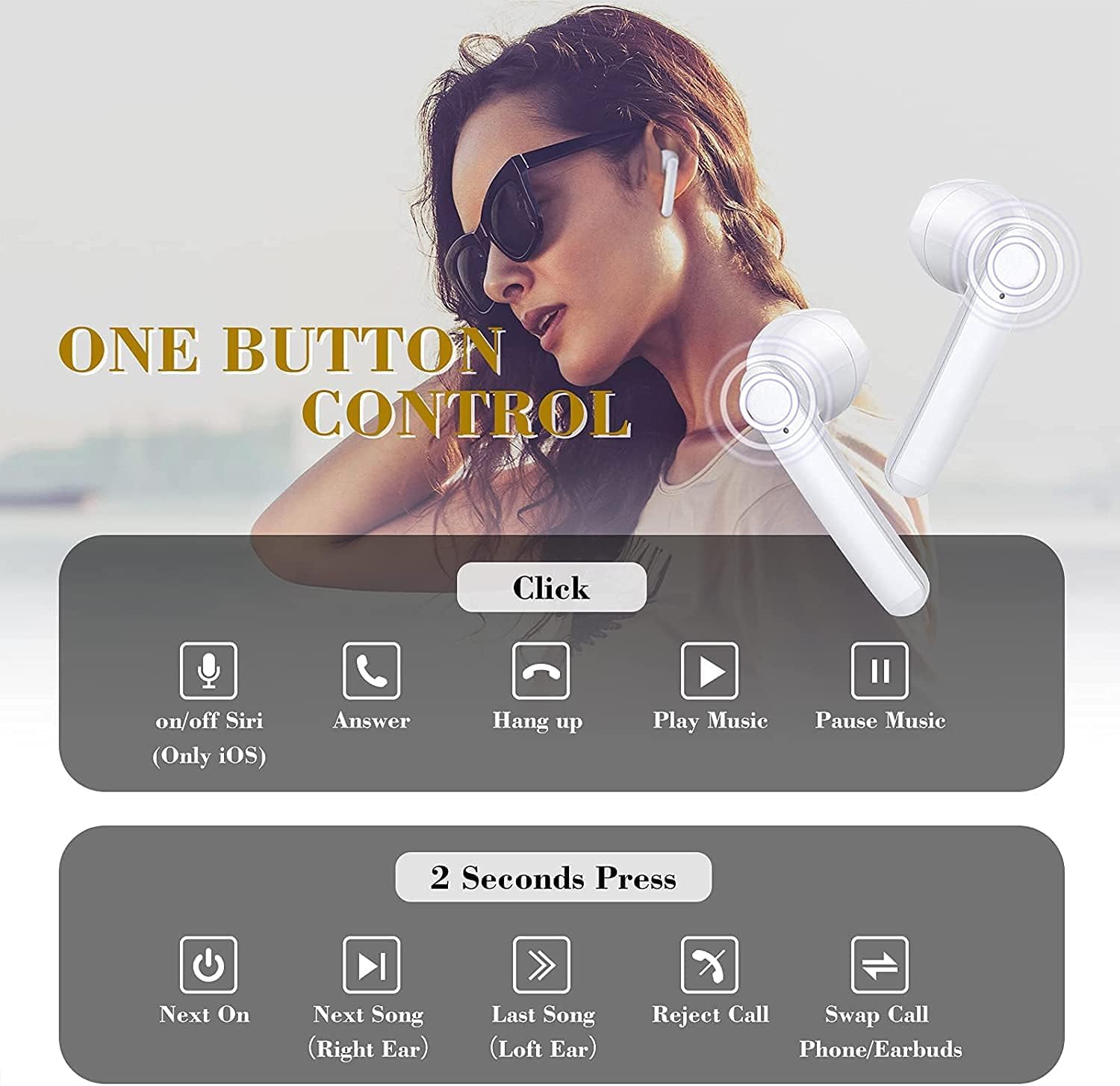
Image: This graphic illustrates the various touch control functions of the IDAKODU T78 earbuds, including single clicks for play/pause, answer/hang up calls, and Siri activation, and 2-second presses for next/previous song, rejecting calls, and power on/off.
Sound Quality and Compatibility
The IDAKODU T78 earbuds are engineered for superior audio performance and broad device compatibility.
Superior Sound Quality:
Equipped with a built-in microphone, aptX audio coding, and CVC8.0 Noise Cancelling technology, these earbuds deliver crystal clear music with deep bass and clear definition. This technology also minimizes sound skipping and interruptions during calls, ensuring a high-quality audio experience.

Image: An exploded view of an earbud's internal components, highlighting the speaker driver and sound technology responsible for crystal clear audio. Text overlays indicate 5 hours continuous playtime, 4 times full charge by charging case, and 25 hours extra long playtime.
Wide Compatibility:
Thanks to Qualcomm Wireless Bluetooth 5.0, the T78 earbuds offer 2x faster transmission speed and a stable connection up to 50 feet (15 meters). They are widely compatible with various Bluetooth-enabled devices, including iPhones, Android phones, Samsung devices, iPads, tablets, laptops, and desktops.
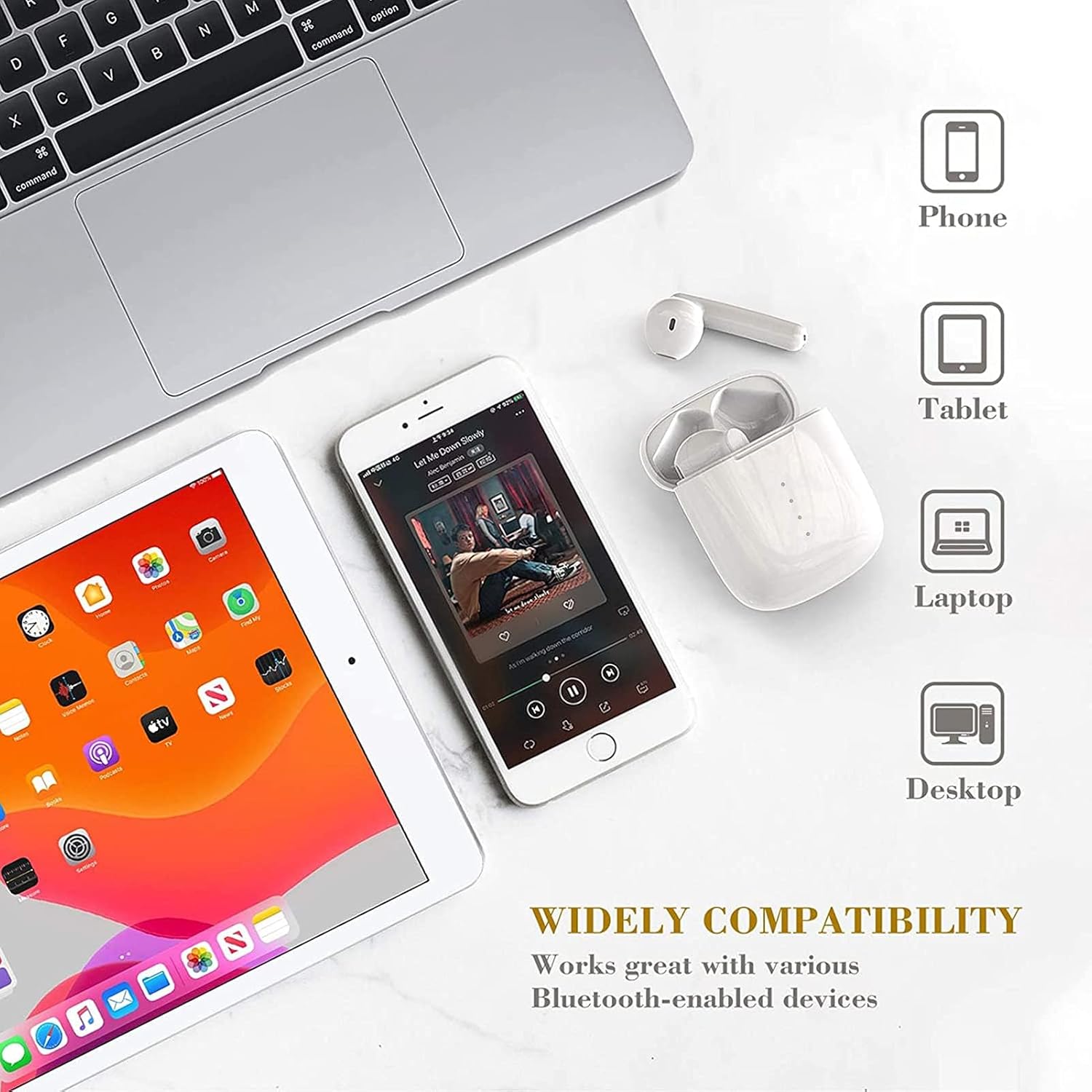
Image: This image showcases the wide compatibility of the IDAKODU T78 earbuds, depicting them alongside a smartphone, tablet, laptop, and desktop computer, indicating their ability to connect with various devices.
Battery and Charging
The IDAKODU T78 earbuds offer extended playtime and convenient charging options.
- Playtime: Enjoy up to 5 hours of continuous use on a single charge. The charging case provides an additional 25 hours of playtime, totaling 30 hours.
- Charging: The earbuds fully charge in approximately 1 hour. The charging case can be fully charged via the fast charge USB-C cable in about 1 hour.
- Fast Charging: A quick 15-minute charge provides up to 2 hours of listening time.
Durability and Design
The IDAKODU T78 earbuds are built for comfort and resilience.
Ergonomic Design:
Designed for ultra-comfortable wearing, these earbuds reduce pressure on the ear, ensuring they remain comfortable even during long periods of use. They are suitable for various modes of use, including single ear, binaural, and share mode.
IPX8 Waterproof Effect:
With an IPX8 waterproof rating, the earbuds offer strong resistance against sweat and water. This makes them an ideal partner for gym workouts, outdoor sports, and other activities where exposure to moisture is possible.

Image: This image highlights the ergonomic and IPX8 waterproof design of the IDAKODU T78 earbuds. It shows the earbuds being used in single ear, binaural, and share modes, and depicts them submerged in water to illustrate their waterproof capability. Compatibility with iOS, macOS, Android, and Windows is also indicated.
Maintenance
Proper maintenance ensures the longevity and optimal performance of your earbuds.
- Cleaning: Regularly wipe the earbuds and charging case with a soft, dry, lint-free cloth. Do not use abrasive cleaners or solvents.
- Storage: When not in use, store the earbuds in their charging case to protect them from dust and damage. Store in a cool, dry place away from extreme temperatures.
- Charging: Always use the provided USB Type C cable for charging. Avoid using damaged cables or chargers.
- Water Exposure: While IPX8 rated, avoid prolonged submersion or exposure to saltwater or other corrosive liquids. Ensure earbuds are dry before placing them back in the charging case.
Troubleshooting
If you encounter any issues with your IDAKODU T78 earbuds, refer to the following common solutions:
- Earbuds not pairing:
- Ensure both earbuds are charged.
- Place both earbuds back into the charging case, close the lid, wait a few seconds, then open the lid again.
- Turn off and on your device's Bluetooth.
- Forget "T78" from your device's Bluetooth list and try pairing again.
- Only one earbud working:
- Ensure both earbuds are charged.
- Place both earbuds back into the charging case, close the lid, and then open it again. This often re-syncs them.
- If the issue persists, try resetting the earbuds (refer to the full user manual if a specific reset procedure is available, otherwise, a full re-pairing might be needed).
- No sound or low volume:
- Check the volume level on both your device and the earbuds.
- Ensure the earbuds are properly connected to your device.
- Clean any debris from the earbud speakers.
- Charging issues:
- Ensure the charging cable is securely connected to both the case and the power source.
- Try a different USB-C cable or power adapter.
- Clean the charging contacts on both the earbuds and inside the case.
Warranty and Support
IDAKODU products are manufactured to high quality standards. For information regarding warranty coverage, technical support, or service inquiries, please refer to the warranty card included in your package or visit the official IDAKODU website. Please retain your proof of purchase for warranty claims.
Ask a question about this manual
Ask about setup, troubleshooting, compatibility, parts, safety, or missing instructions. Manuals+ will review the question and use this page’s manual context to help answer it.