
1. Introduction
This manual provides essential information for the safe and effective use of CPANCELL SR621SW 1.5V Alkaline Button Cell Batteries. These batteries are designed for various small electronic devices requiring compact, reliable power.
Compatibility: These batteries are interchangeable with models 164, 364, 531, 602, 280-34, 364A, CX60, D364, G1, GP364, LR60, LR621, LR621W, SB-AG/DG, SP364, SR60, SR60L, SR621, SR621SW, T, TR621, TR621SW, and V364.

Figure 1: CPANCELL SR621SW Alkaline Button Cell Batteries, showing a blister pack of 10 batteries and a single battery.
2. Safety Information
WARNING: Keep out of reach of children and pets. Swallowing can lead to chemical burns, perforation of soft tissue, and death. Severe burns can occur within 2 hours of ingestion. Seek medical attention immediately.
- Do not recharge, disassemble, heat, or dispose of in fire.
- Do not mix old and new batteries, or different types of batteries.
- Ensure correct polarity (+/-) when installing.
- Store batteries in their original packaging until ready for use.
- If a battery leaks, avoid contact with skin and eyes. If contact occurs, rinse immediately with water and seek medical attention.

Figure 2: Packaging displaying important safety warnings, including symbols for keeping away from children and proper disposal.
3. Specifications
| Feature | Detail |
|---|---|
| Battery Type | Alkaline Button Cell |
| Model Number | SR621SW (Equivalent to AG1, 364, 164, LR621) |
| Nominal Voltage | 1.55 Volts |
| Unit Count | 10 Count |
| Shelf Life | Up to 3 years |
| Composition | Mercury-Free |
| Key Features | Leakage-free design, stable voltage, high density technology for long-lasting power. |
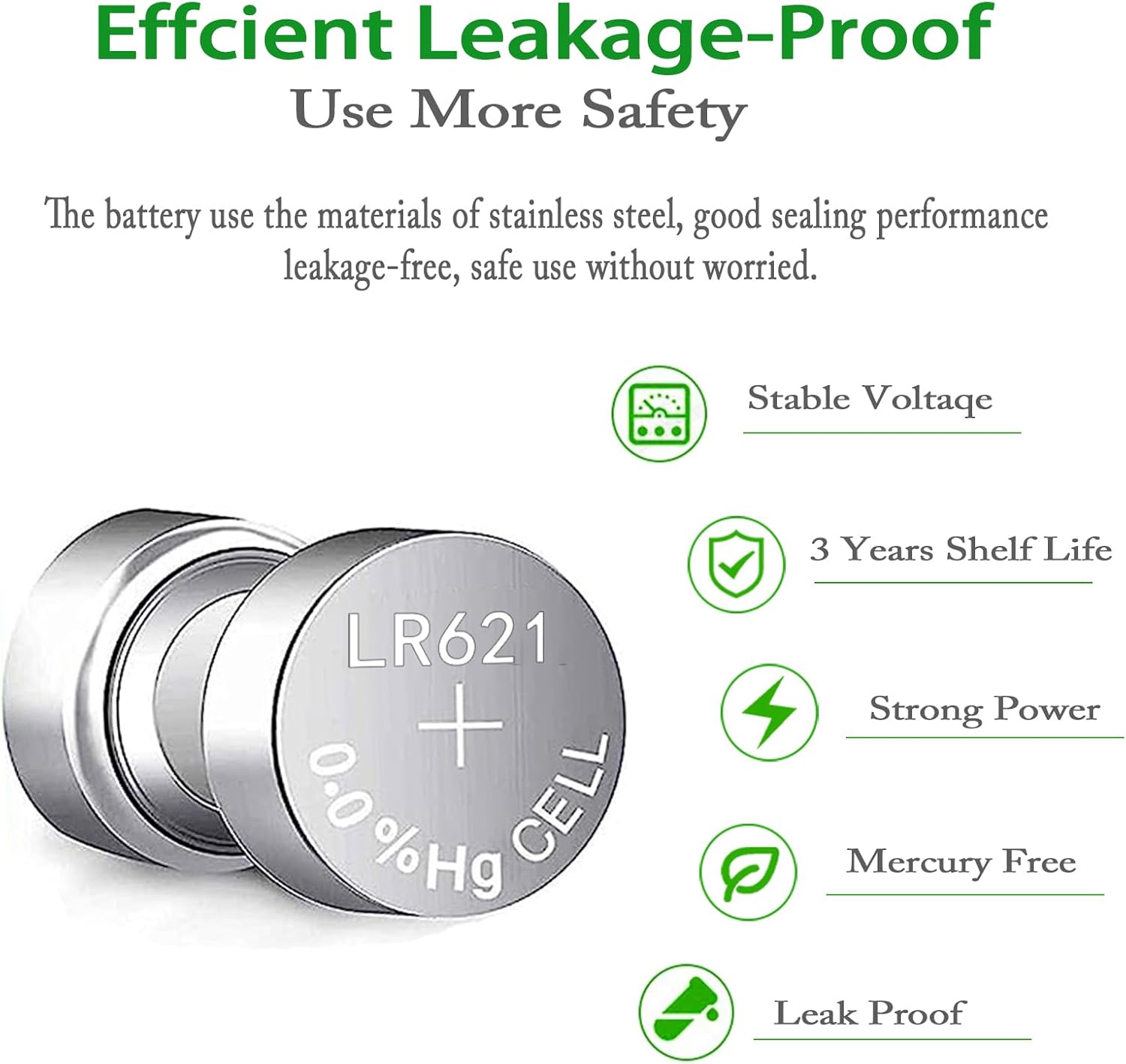
Figure 3: Visual representation of key battery features, including stable voltage and leak-proof design.
4. Installation and Setup
These batteries are designed for use in small electronic devices. The installation process will vary depending on the specific device.
- Identify Battery Compartment: Locate the battery compartment on your device. This is often secured with a small screw or latch.
- Remove Old Battery (if applicable): Carefully remove any existing battery, noting its orientation.
- Insert New Battery: Insert the CPANCELL SR621SW battery, ensuring the positive (+) and negative (-) terminals align correctly with the markings in the compartment. The positive side is typically marked with a plus sign and the battery model number.
- Secure Compartment: Close the battery compartment securely.
- Test Device: Power on your device to confirm proper battery installation.
Common Applications:
- Watches
- Calculators
- Small Children's Toys
- Stopwatches
- Remote Controls
- Electronic Calendars
- Car Security Alarms
- Keyless Car Remotes

Figure 4: Examples of devices compatible with SR621SW button cell batteries.
5. Operating Guidelines
Once installed, the battery will provide power to your device. No specific operational steps are required for the battery itself.
- The battery delivers a stable 1.55 volts, ensuring consistent performance for compatible devices.
- High-density technology provides extended power duration.
- The leak-free design protects your electronic devices from potential damage.

Figure 5: Conceptual image representing the durable and powerful energy provided by CPANCELL batteries.
6. Maintenance and Storage
- Storage: Store unused batteries in a cool, dry place at room temperature, away from direct sunlight and extreme temperatures. Keep them in their original packaging to prevent short-circuiting.
- Handling: Avoid touching the battery terminals with bare hands, as oils from your skin can affect conductivity.
- Shelf Life: These batteries have a shelf life of up to 3 years when stored correctly.

Figure 6: Voltage comparison showing CPANCELL batteries maintaining higher voltage after one and two years of storage compared to ordinary batteries.
7. Troubleshooting
If your device is not functioning after battery installation, consider the following:
- Incorrect Polarity: Ensure the battery is inserted with the correct positive (+) and negative (-) orientation.
- Poor Contact: Check that the battery is seated firmly in the compartment and that the terminals are clean and free of debris.
- Depleted Battery: Although new, a battery might be faulty. Try a different battery from the pack.
- Device Issue: If multiple new batteries do not resolve the issue, the problem may lie with the device itself.
8. Disposal Information
Do not dispose of used batteries in household waste. Button cell batteries contain materials that can be harmful to the environment if not disposed of properly. Please recycle them at designated collection points or return them to a retailer that accepts used batteries.
9. Warranty and Support
For any questions or support regarding CPANCELL products, please refer to the manufacturer's official website or contact their customer service. Information regarding specific warranty terms may be available through your point of purchase or the manufacturer's documentation.
Manufacturer: CPANCELL
Brand Store: Visit the CPANCELL Store on Amazon