
Yoidesu Yoidesusrpf718ym5-11
BL02 Language Translator Earbuds User Manual
Model: Yoidesusrpf718ym5-11 | Brand: Yoidesu
Introduction
The Yoidesu BL02 Language Translator Earbuds are designed to facilitate seamless communication across language barriers. Featuring Bluetooth 5.3 connectivity, intelligent noise reduction, and support for over 144 languages, these earbuds offer a versatile solution for real-time translation. This manual provides detailed instructions for setup, operation, maintenance, and troubleshooting to ensure optimal performance of your device.

Image: The BL02 Language Translator Earbuds, showing one earbud removed from its open charging case, alongside a single earbud. The earbuds and case are black.
Setup
1. Charging the Earbuds and Case
Before first use, ensure both the earbuds and the charging case are fully charged. The headphones have a built-in 30mAh*2 Li-ion battery, and the charging compartment has a built-in 250mAh Li-ion battery. A full charge takes approximately 1.5 hours. The charging case provides up to 48 hours of additional battery life for the earbuds, with a standby time of 90 days.

Image: The BL02 Earbuds in their charging case, illustrating the "Long Service Time" with icons for 1.5H Fast Charging, 48H Life With Charging Pods, and 90 Days Standby Time With Charging Pod.
2. App Download and Installation
To utilize the translation features, you must download the dedicated application. Refer to the accompanying manual or packaging for the QR code or direct link to download the app. The earbuds are fully compatible with Android, iOS, and Windows devices.
3. Bluetooth Pairing
Once the app is installed, open the charging case and ensure the earbuds are powered on. Enable Bluetooth on your smartphone or device and search for "BL02" or a similar device name. Select it to pair. The earbuds use Bluetooth 5.3 for stable transmission with latency as low as 50ms.

Image: A pair of BL02 Earbuds next to a smartphone, with a Bluetooth V5.3 icon indicating high performance and stable transmission.
Operating Instructions
1. Language Selection
Within the app, select your native language and the target language for translation. The device supports over 144 languages for online translation.
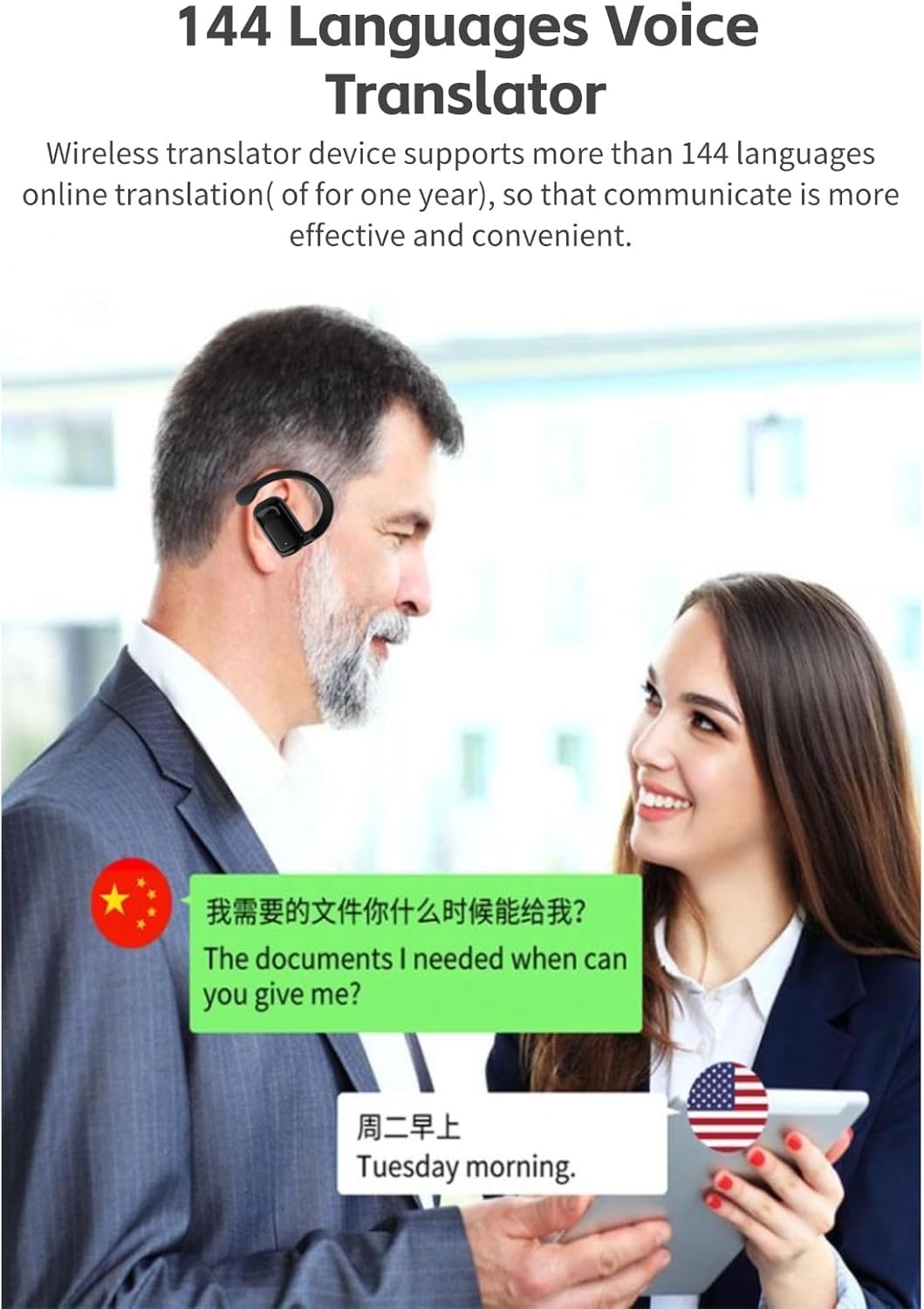
Image: Two individuals conversing, one wearing a BL02 earbud, with a smartphone displaying a translated conversation from Chinese to English, demonstrating the 144 Languages Voice Translator capability.
2. Translation Modes
The BL02 earbuds offer three distinct translation modes:
- Touch Mode: Two people each wear a headset. Click or double-click the earbud to initiate real-time translation. This mode is suitable for close acquaintances.
- External Mode: One person wears a headset, and the other person holds the cell phone. This mode is ideal for interactions with strangers where sharing an earbud is not convenient.
- Free Talk Mode: Both individuals wear a headset, allowing for continuous real-time translation without manual input, freeing your hands.

Image: A visual representation of the three translation functions: Touch Mode, External Mode, and Free Talk Mode, with descriptions for each.
3. Binaural Fingerprint Control
The earbuds feature touch controls for various functions. A simple touch on the headset allows you to manage calls, control music playback (e.g., cutting songs), and activate translation features. This eliminates the need for physical buttons, providing a seamless user experience.
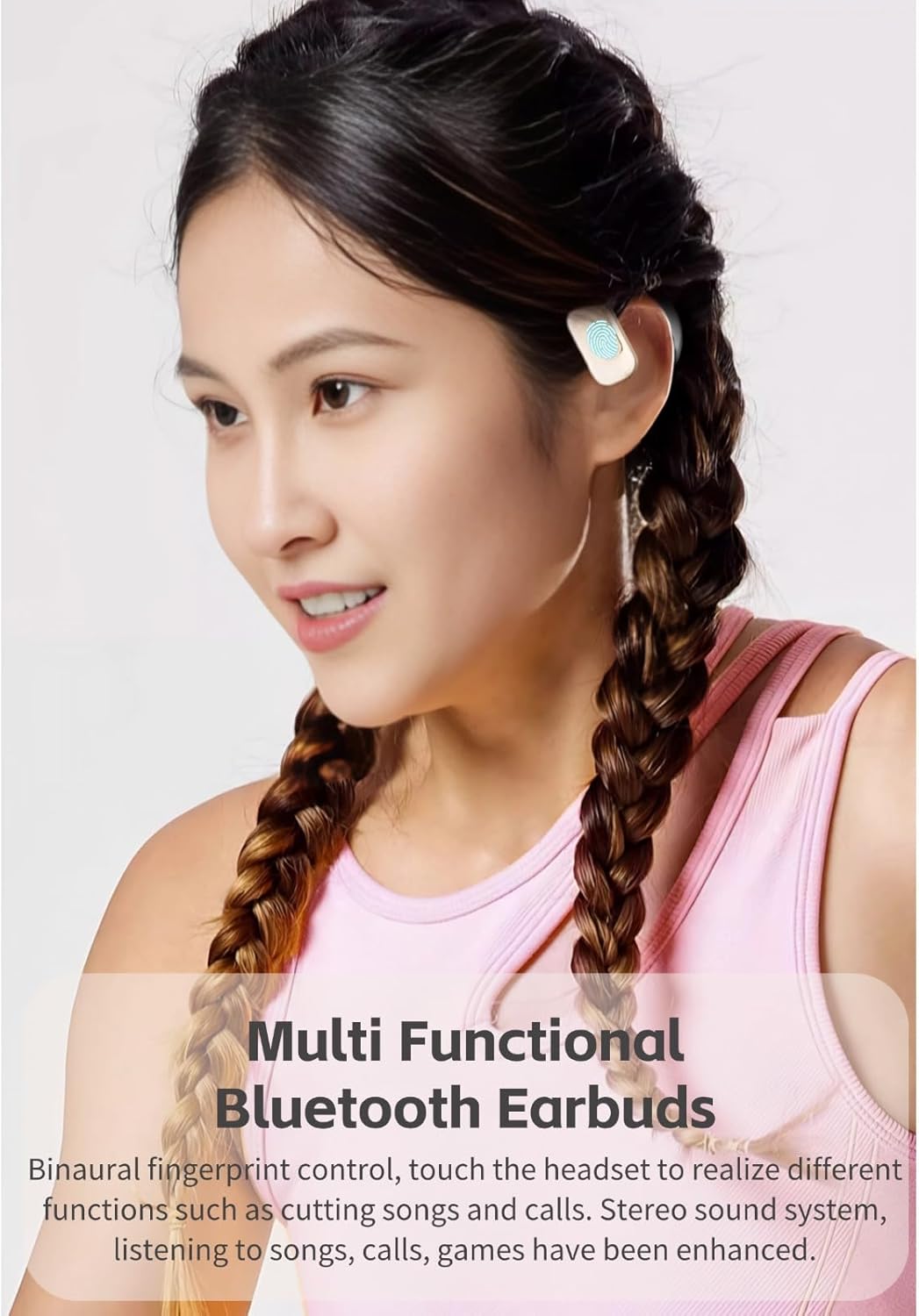
Image: A woman wearing a BL02 earbud, illustrating the "Multi Functional Bluetooth Earbuds" feature with binaural fingerprint control for managing songs and calls.
Maintenance
To ensure the longevity and optimal performance of your BL02 Language Translator Earbuds, follow these maintenance guidelines:
- Cleaning: Regularly wipe the earbuds and charging case with a soft, dry, lint-free cloth. Avoid using abrasive materials or harsh chemicals.
- Storage: When not in use, store the earbuds in their charging case to protect them from dust and damage. Keep them in a cool, dry place away from direct sunlight and extreme temperatures.
- Charging: Use only the provided charging cable or a certified equivalent. Avoid overcharging or completely draining the battery frequently, as this can reduce battery lifespan.
- Water Exposure: The earbuds are not waterproof. Avoid exposure to water, sweat, or high humidity.
Troubleshooting
If you encounter issues with your BL02 Language Translator Earbuds, refer to the following common troubleshooting steps:
- Earbuds Not Pairing:
- Ensure both earbuds are charged.
- Turn off and on Bluetooth on your device.
- Forget the device in your Bluetooth settings and try pairing again.
- Restart your smartphone/device.
- App Performance Issues (Slow/Unresponsive):
- Ensure your app is updated to the latest version.
- Check your internet connection, as online translation requires a stable connection.
- Clear the app's cache or reinstall the app if issues persist.
- Poor Sound Quality / Microphone Issues:
- Ensure earbuds are properly seated in your ears.
- Clean any debris from the earbud speakers or microphone ports.
- Check the audio settings on your connected device.
- Ensure there is no interference from other Bluetooth devices.
- Translation Inaccuracies:
- Speak clearly and at a moderate pace.
- Ensure the correct source and target languages are selected in the app.
- Check your internet connection quality.
If these steps do not resolve the issue, please contact customer support.
Specifications
| Feature | Detail |
|---|---|
| Model Number | Yoidesusrpf718ym5-11 |
| Bluetooth Version | 5.3 |
| Supported Languages | Over 144 (online translation) |
| Translation Speed | 0.2 seconds |
| Earbud Battery Capacity | 30mAh * 2 (Li-ion) |
| Charging Case Battery Capacity | 250mAh (Li-ion) |
| Charging Time | Approx. 1.5 hours |
| Total Battery Life (with case) | Up to 48 hours |
| Standby Time (with case) | Up to 90 days |
| Item Weight | 3.53 ounces |
| Package Dimensions | 5.12 x 3.15 x 1.57 inches |
| Compatibility | Android, iOS, Windows |

Image: An exploded view diagram of the earbud's internal components, highlighting the Graphene Diaphragm and High Quality Voice Coil, illustrating the "Holographic Surround Sound" feature.
Warranty and Support
For warranty information and customer support, please refer to the documentation included with your product or contact the manufacturer, Yoidesu, directly through their official website or the seller from whom you purchased the product. Keep your proof of purchase for warranty claims.
Related Documents - Yoidesusrpf718ym5-11
 |
Yoidesu MINI Keyboard VO2.1.1 Programmable Macro Keypad User Manual User manual for the Yoidesu MINI Keyboard VO2.1.1, a programmable macro mechanical keypad with USB-C and Bluetooth connectivity. Learn about its features, custom key configuration, and usage. |
Ask a question about this manual
Ask about setup, troubleshooting, compatibility, parts, safety, or missing instructions. Manuals+ will review the question and use this page’s manual context to help answer it.