
1. Introduction
This manual provides essential instructions for the safe and efficient operation of your Generic TC-800 Up/Down Power Transformer. The TC-800 is designed to convert electrical voltage, allowing you to use appliances designed for one voltage standard in regions with a different standard. Please read this manual thoroughly before using the device and retain it for future reference.
2. Safety Information
WARNING: Failure to follow these safety instructions may result in electric shock, fire, or serious injury.
- Read all instructions before use.
- This device is for indoor use only. Do not expose to rain or moisture.
- Ensure the transformer is placed on a stable, flat, and well-ventilated surface.
- Do not overload the transformer. The total wattage of connected appliances must not exceed the transformer's rated capacity (100W).
- Always ensure the correct input voltage is selected (if applicable) and matches your power supply. The depicted model is primarily for 110V input to 220V output.
- Keep out of reach of children.
- Do not open the transformer casing. There are no user-serviceable parts inside.
- If the transformer emits smoke, unusual odors, or makes abnormal noises, immediately unplug it from the power outlet and discontinue use.
- Always unplug the transformer from the wall outlet when not in use or before cleaning.
3. Product Overview
The Generic TC-800 is a compact power transformer designed for voltage conversion. It features a robust construction suitable for various applications requiring voltage step-up or step-down. The specific model shown is configured for 110V AC input to 220V AC output.
3.1 Components
- Input Plug: Connects to the wall power outlet.
- Output Socket: Connects to your appliance.
- Power Indicator Light: Illuminates when the unit is powered on.
- Carrying Handle: For easy portability.
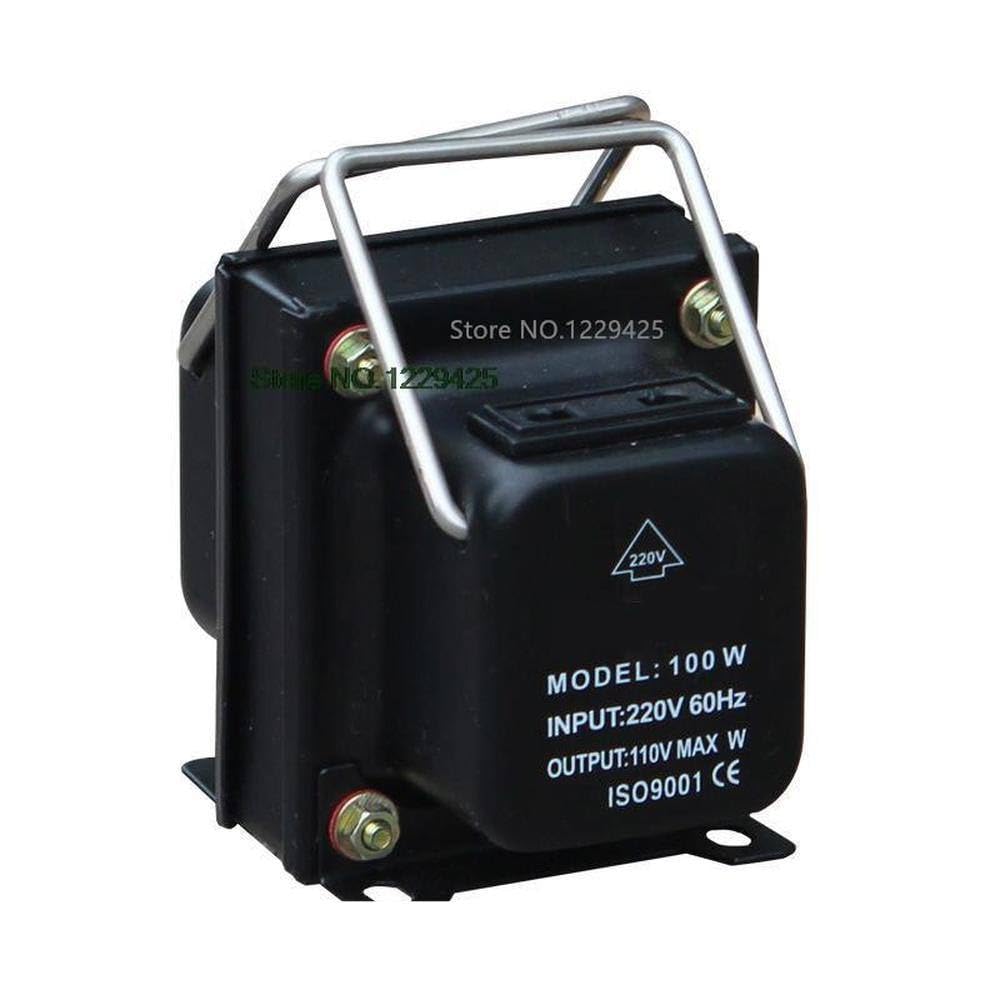
Figure 1: Front view of the TC-800 Power Transformer. This image displays the main body, the carrying handle, and labels indicating "MODEL: 100 W", "INPUT: 110V 60Hz", and "OUTPUT: 220V MAX W".
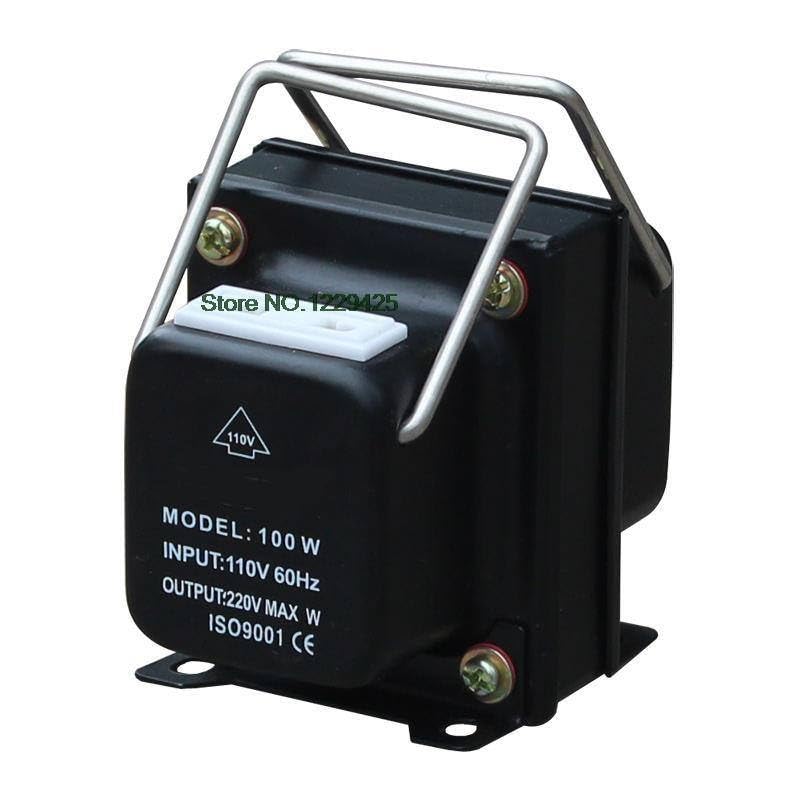
Figure 2: Side view of the TC-800 Power Transformer. This image provides a perspective of the transformer's side, revealing its internal coil and wiring connections.
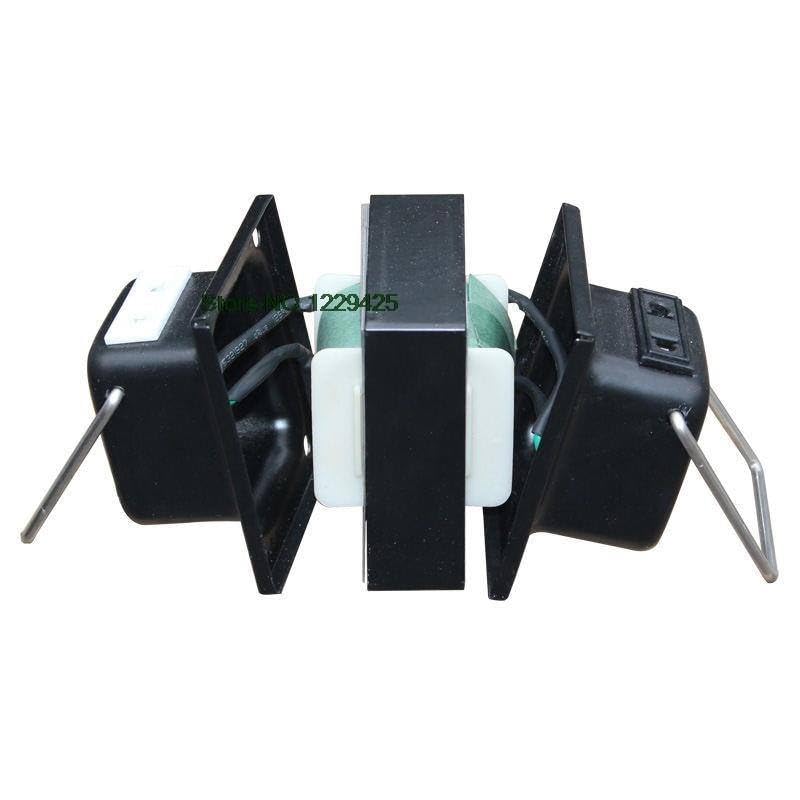
Figure 3: Opposite side view of the TC-800 Power Transformer. This image shows the other side of the transformer, detailing its structural components and connections.
4. Setup
- Unpack: Carefully remove the transformer from its packaging. Inspect for any signs of damage.
- Placement: Place the transformer on a dry, stable, and well-ventilated surface. Ensure there is adequate space around the unit for heat dissipation.
- Connect Input Power: For the depicted model, ensure your wall outlet provides 110V AC power. Plug the transformer's input plug into a grounded 110V AC wall outlet.
- Connect Appliance: Plug your 220V AC appliance into the output socket of the transformer. Ensure the appliance's wattage does not exceed 100W.
Important: Always connect the transformer to the wall outlet first, then connect your appliance to the transformer. When disconnecting, unplug the appliance from the transformer first, then unplug the transformer from the wall outlet.
5. Operating Instructions
- After completing the setup steps, ensure all connections are secure.
- If your model has a power switch, turn it to the "ON" position. The power indicator light should illuminate.
- Operate your connected appliance as usual.
- To turn off, switch the transformer to the "OFF" position (if applicable), then unplug your appliance, and finally unplug the transformer from the wall outlet.
Note: The TC-800 is designed for continuous operation within its rated capacity. However, for optimal lifespan, avoid prolonged use at maximum load.
6. Maintenance
- Cleaning: Disconnect the transformer from all power sources before cleaning. Use a soft, dry cloth to wipe the exterior. Do not use liquid cleaners or solvents.
- Storage: Store the transformer in a cool, dry place away from direct sunlight and moisture when not in use.
- No User-Serviceable Parts: Do not attempt to open or repair the transformer. Refer all servicing to qualified personnel.
7. Troubleshooting
| Problem | Possible Cause | Solution |
|---|---|---|
| No power indicator light |
|
|
| Connected appliance not working |
|
|
| Transformer is unusually hot |
|
|
8. Specifications
| Model: | TC-800 |
| Type: | Up/Down Power Transformer (depicted model: Step-Up) |
| Input Voltage: | 110V AC, 60Hz (for depicted model) |
| Output Voltage: | 220V AC (for depicted model) |
| Rated Power: | 100W |
| Apparent Power: | 800VA |
| Manufacturer: | Generic |
9. Warranty and Support
This product is covered by a standard manufacturer's warranty. For warranty claims, technical support, or service inquiries, please contact your retailer or the manufacturer directly. Please have your model number (TC-800) and purchase information ready when contacting support.
For further assistance, please visit the retailer's website or refer to your purchase documentation for contact details.


